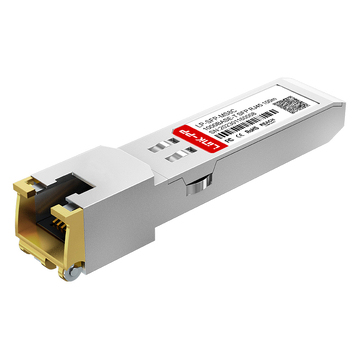
Choosing the right transceiver module is a critical step in building a high-performance network, yet the subtle distinctions between different form factors often lead to confusion. Among the most common hardware choices, understanding what is the difference between SFP and SFP+ is essential for ensuring both equipment compatibility and long-term scalability. While these two modules may look identical in size and shape, their internal capabilities—particularly in data throughput and protocol support—are vastly different.
In the evolving landscape of Optical Transceiver Solutions, selecting the wrong module can lead to costly downtime or hardware mismatches. By reading this guide, you will gain a clear understanding of the speed specifications, physical SFP and SFP+ compatibility rules, and practical application scenarios. Whether you are upgrading an existing server or designing a new data center, this comparison will provide the technical clarity needed to make an informed investment.
? Introduction to SFP and SFP+
Before diving into the technical specifications, it is important to understand that while SFP and SFP+ share the same physical dimensions, they belong to different generations of networking technology.
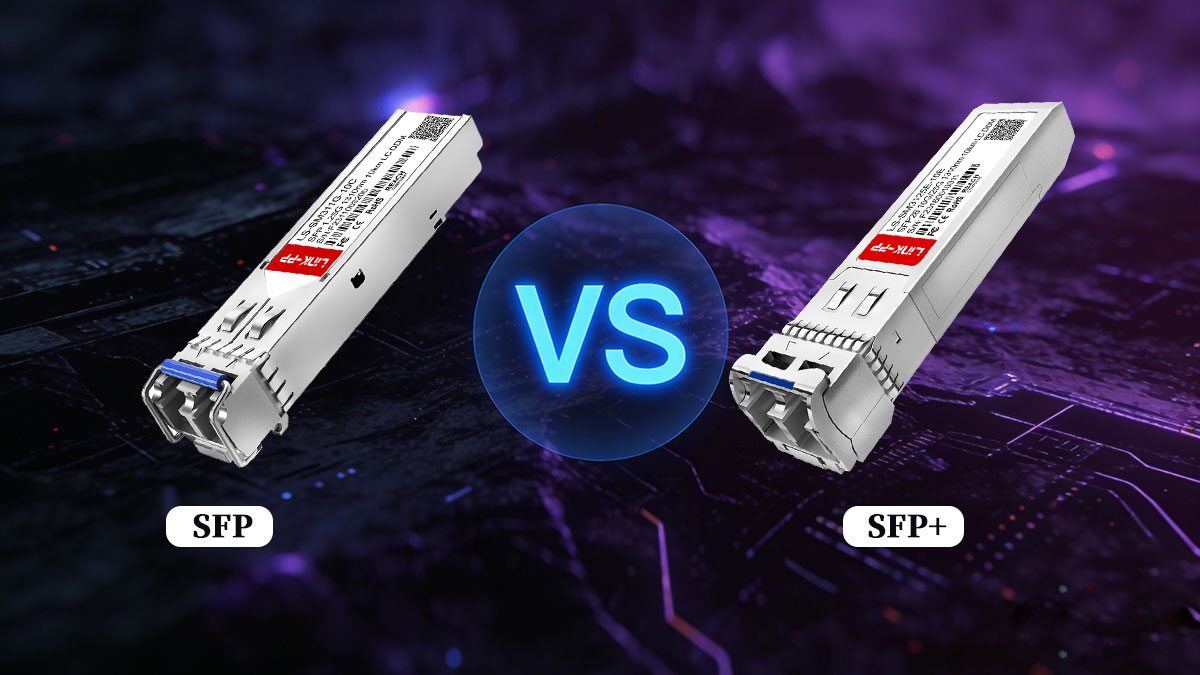
What Is an SFP Transceiver?
The SFP (Small Form-factor Pluggable) module was a revolutionary step in networking, providing a modular way to interface a network device's motherboard to a fiber optic or copper networking cable.
Key Technical Specifications of SFP
-
Industry Standards (MSA): SFP modules are governed by the SFF-8472 Multi-Source Agreement. This ensures that all SFP modules are interchangeable across different brands of networking hardware, such as Cisco, Ubiquiti, and Mikrotik.
-
Media Types & Wavelengths: SFP supports both Single-mode Fiber (SMF) and Multi-mode Fiber (MMF). Common designations include:
-
Hot-Swappable Design: One of the biggest advantages of SFP is that it can be plugged in or removed without powering down the switch, minimizing network downtime during maintenance.
-
What is the SFP full form? SFP stands for Small Form-factor Pluggable. It was designed to support various communication standards such as Gigabit Ethernet, Fibre Channel, and SONET.
-
What is the typical SFP data rate? Standard SFP modules typically support a data rate of 1Gbps (1 Gigabit per second). While some older versions support 100Mbps, the industry standard for SFP is 1G.
-
What are common SFP applications? SFP modules are widely used in enterprise switches, routers, and network interface cards (NICs) to provide copper or fiber optic connectivity over distances ranging from 100 meters to 120 kilometers.
What Is an SFP+ Transceiver? (The 10G Standard)
As data-intensive applications like 4K video streaming and cloud computing grew, the 1Gbps limit of SFP became a bottleneck. This led to the development of SFP+, which is essentially the 10-Gigabit version of the SFP form factor.
Why SFP+ Replaced Older Standards (XFP)
Before SFP+, the industry used the XFP module for 10G connections. However, SFP+ quickly became the market leader because it is significantly smaller, allowing for higher port density on enterprise switches.
Advanced Features of SFP+
-
Protocol Flexibility: SFP+ is not limited to Ethernet; it also supports 8G/16G Fibre Channel (Storage Area Networks) and OTU2 (Optical Transport Networking).
-
Direct Attach Copper (DAC) & AOC: A major cost-saving feature of SFP+ is the ability to use SFP+ DAC Cables. These are twina
-
xial copper cables with SFP+ connectors pre-attached, perfect for short-range (1m–7m) connections within a server rack.
-
Power Efficiency: Compared to the 10GBASE-T (RJ45) standard, SFP+ modules consume significantly less power and generate less heat, which is a critical factor for large-scale Data Center Energy Efficiency.
-
Signal Integrity: Because it operates at 10.3 Gbps, SFP+ uses the SFF-8431 standard, which defines stricter electrical characteristics to prevent data corruption over high-speed links.
? Key Differences Between SFP and SFP+
While both fiber modules share the same mechanical dimensions, the electrical and optical architecture inside the housing is significantly different. Below is a detailed breakdown of these core distinctions.
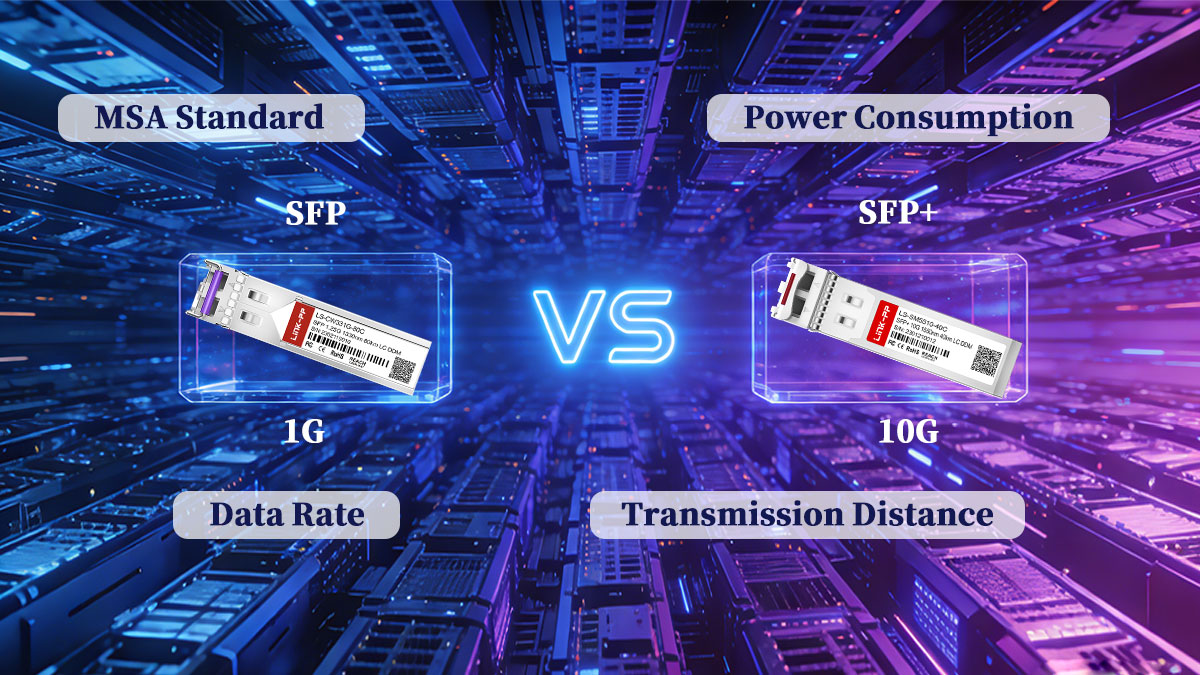
1. Data Throughput and Encoding Standards
The leap from 1G to 10G isn't just about speed; it's about the efficiency of how data is packaged.
-
SFP (8b/10b Encoding): Standard SFP modules use 8b/10b encoding, meaning for every 8 bits of data, 10 bits are transmitted. This results in a 20% overhead, which is fine for 1Gbps but inefficient for higher speeds.
-
SFP+ (64b/66b Encoding): To achieve 10Gbps without massive overhead, SFP+ utilizes 64b/66b encoding. This reduces overhead to just about 3%, allowing for much higher effective throughput within the same physical footprint.
-
Protocol Support: SFP+ is more versatile, supporting 10G Ethernet, 8G/16G Fibre Channel, and OTU2, whereas standard SFP is largely restricted to 1G Ethernet and 1G/2G/4G Fibre Channel.
2. Transmission Distance and Optical Grades
The "reach" of a module depends on its laser type and the quality of the fiber optic cable.
-
Multi-mode Fiber (MMF) Limits: * SFP typically uses LED or VCSEL lasers for 550m reach.
-
SFP+ requires high-performance VCSELs. On OM3 cable, it reaches 300m; on OM4/OM5, it can hit 400m.
-
-
Single-mode Fiber (SMF) & Wavelengths:
-
SFP (1310nm/1550nm): Can reach Up to 160km (ZX / DWDM variants, with amplification) because 1G signals are less susceptible to dispersion.
-
SFP+ (1310nm/1550nm): Due to the higher frequency of 10G signals, standard SFP+ ER / SFP+ ZR modules are generally capped at 80km to 100km to maintain signal integrity without expensive amplification.
-
3. Power Consumption and Thermal Management
As data rates increase, so does the heat generated by the internal Digital Diagnostics Monitoring (DDM) circuitry.
-
Thermal Efficiency: SFP modules are "cool" operators, usually drawing < 1.0W.
-
The SFP+ Heat Challenge: SFP+ modules operate at 1.2W to 1.5W. However, the 10GBASE-T SFP+ Copper module is a known "heat generator," often drawing up to 2.5W.
-
Tip: If you are designing a high-density switch layout, you must account for the Total Thermal Budget of SFP+ to prevent port flapping or hardware failure.
4. Signal Integrity and MSA Standards
The Multi-Source Agreement (MSA) defines the "rules" for these modules to ensure they work across different brands.
-
SFF-8472 (SFP): This standard focuses on the management interface and DDM (Digital Diagnostic Monitoring).
-
SFF-8431 (SFP+): This is a much stricter standard. Since SFP+ operates at high frequencies, it requires better EMI (Electromagnetic Interference) shielding and more precise electrical impedance to prevent data corruption. This is why a cheap SFP module cannot simply be "overclocked" to SFP+ speeds.
SFP vs. SFP+ Comparison Table
To help you make a quick decision, we have summarized the technical specifications, standards, and typical costs in the table below:
| Feature | SFP (Small Form-factor Pluggable) | SFP+ (Enhanced SFP) |
| Standard Speed | 1 Gbps (Gigabit Ethernet) | 10 Gbps (10G Ethernet) |
| Max Speed | Up to 4.25 Gbps (Fibre Channel) | Up to 16 Gbps (Fibre Channel) |
| MSA Standard | SFF-8472 | SFF-8431 / SFF-8432 |
| Max Distance (MMF) | ~550m (OM2) | 300m (OM3) / 400m (OM4) |
| Max Distance (SMF) | Up to 160km | Up to 80km - 120km |
| Power Usage | < 1.0W | 1.2W - 1.5W (Fiber) / up to 2.5W (Copper) |
| Typical Cost | Lowest (Budget-friendly) | Medium (High Performance/Value) |
| Typical Application | Enterprise LAN / Campus | Data Centers / Core Aggregation |
? SFP and SFP+ Compatibility: Can They Work Together?
In the networking world, physical size can be deceiving. While SFP and SFP+ modules share identical dimensions, their electrical compatibility is governed by complex rules. Understanding these rules is the difference between a seamless upgrade and a costly network failure.
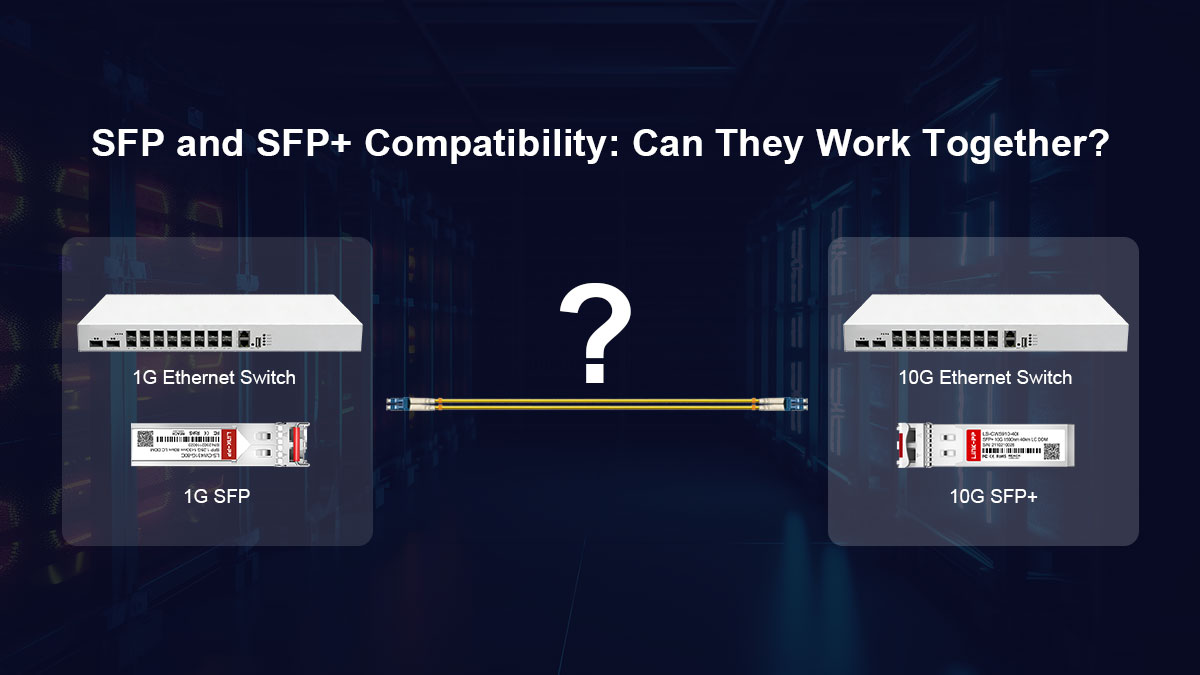
▶ Can I Use SFP Modules in SFP+ Ports? (Backward Compatibility)
The answer is generally yes. Most modern 10G SFP+ ports are designed to be "backward compatible" with 1G SFP modules.
-
The Speed Detection or Port Mode Switching (Vendor Implementation) Logic: When you plug a 1G SFP module into a 10G SFP+ port, the switch recognizes the module's capability. In most Managed Switches, the port will automatically throttle its speed down to 1Gbps.
-
Manual Configuration: In some high-density enterprise environments, auto-negotiation may fail. You might need to manually set the port speed to 1000Mbps in the switch console to establish a link.
-
The Advantage: This allows for a Phased Network Upgrade, where you upgrade your core switches to 10G but keep your legacy 1G servers.
▶ Can I Use SFP+ Modules in SFP Ports? (The Speed Barrier)
The answer is almost always no.
-
Hardware Limitation: An SFP port is hard-wired for a maximum clock speed of 1.25Gbps. It lacks the internal circuitry (SerDes) required to process the 10.3Gbps high-frequency signal of an SFP+ module.
-
The Link Failure: If you insert a 10G SFP+ module into a 1G SFP slot, the link will remain "Down." The module cannot "force" itself to run slower because its internal laser and encoding (64b/66b) are not designed for 1G standards.
▶ The "Firmware" Trap: Vendor Locking and EEPROM Coding
Even if the speeds are compatible, your module may still fail due to Vendor Locking.
-
Proprietary Coding: Brands like Cisco, HP, and Juniper often program their hardware to only accept "Official" modules. They check the EEPROM chip inside the transceiver for a specific vendor code.
-
The Solution: To avoid this "Compatibility Pitfall," always verify that you are using Vendor-Compatible Transceivers that have been correctly coded to match your switch brand.
▶ The "Hybrid" Solution: Dual-Rate 1G/10G SFP+
If your network is in transition, Dual-Rate SFP+ modules are the most versatile choice. Availability and compatibility depend on switch chipset and vendor firmware support.
-
These specialized modules can operate at both 1Gbps and 10Gbps.
-
They provide the ultimate flexibility, allowing you to use them in 1G equipment today and toggle them to 10G performance once the rest of your infrastructure is upgraded.
▶ The "Thermal" Risk: Power Consumption Compatibility
A hidden compatibility factor is the Power Budget of your switch.
-
Optical vs. Copper: SFP+ optical module consumes ~1.5W, but 10GBASE-T Copper SFP+ RJ45 module can draw up to 2.5W.
-
The Overload Trap: Some switches cannot handle the heat or power draw if every port is filled with high-power copper modules. Before installation, always check your switch's Thermal Capacity Datasheet.
▶ Quick Compatibility Checklist
| Scenario | Result | Key Action |
| SFP in SFP+ Port | Supported | May require manual speed setting to 1G. |
| SFP+ in SFP Port | Not Supported | Hardware cannot process 10G signals. |
| Third-Party Module | Conditional | Must be coded for specific vendor (Cisco, etc.). |
| 10GBASE-T Copper | Conditional | Check switch power/thermal budget. |
? Cost Analysis: SFP vs SFP+ Price Comparison
When planning a network infrastructure, the budget often dictates the technology choice. While SFP+ is the modern standard, the initial investment and long-term operational costs differ significantly from legacy 1G SFP setups.
Is SFP+ Significantly More Expensive than SFP?
The short answer is: The gap is closing. While SFP+ was once a premium technology, it has become highly commoditized.
-
Unit Price Comparison: On average, a standard 10Gbase SR SFP+ module is only 1.5x to 2x the price of a 1G SFP SX module. For most enterprise budgets, this price difference is negligible compared to the 10x increase in bandwidth.
-
The "Switch" Factor: The real cost difference lies in the Active Equipment. A switch with 48 10G SFP+ ports typically costs significantly more than a standard Gigabit switch. You are paying for the high-speed switching fabric, not just the module slots.
Total Cost of Ownership (TCO) Factors
To get an accurate price comparison, you must look beyond the module’s sticker price.
1. Cabling Infrastructure Costs
-
SFP (1G): Runs perfectly on older Cat5e or OM2 fiber.
-
SFP+ (10G): Requires Cat6a/Cat7 for copper or OM3/OM4 for multi-mode fiber to reach its full distance. If you have to re-pull cable throughout a building, your Network Infrastructure Cost will skyrocket.
2. Power and Cooling Expenses
-
Energy Efficiency: As mentioned in our technical comparison, SFP+ modules draw more wattage. In a data center with thousands of ports, the increased power consumption and the resulting need for Precision Cooling add a hidden layer to the monthly utility bill.
3. The DAC Advantage (Cost-Saving Tip)
If your equipment is within the same rack (1m to 7m), you can bypass the cost of modules entirely by using Direct Attach Copper (DAC) cables. An SFP+ DAC Cable is often cheaper than buying two separate SFP modules and a fiber patch cord.
SFP vs SFP+ Estimated Pricing Table (2024 Market Average)
| Module Type | Typical Price (Third-Party) | Typical Price (OEM/Brand) | Best Value Use Case |
| 1G SFP SX (MMF) | $6 - $15 | $50 - $100 | Budget IP Cameras / IoT |
| 1G SFP LX (SMF) | $10 - $25 | $150 - $300 | Long-range Campus Links |
| 10G SFP+ SR (MMF) | $15 - $35 | $200 - $500 | Enterprise Server Uplinks |
| 10G SFP+ LR (SMF) | $25 - $60 | $400 - $900 | Core Data Center Backbone |
| 10G SFP+ DAC (3m) | $15 - $30 | $100 - $250 | Intra-rack Connections |
Note: Prices are estimates for third-party compatible modules versus original equipment manufacturer (OEM) brands. For bulk orders, please Request a Custom Quote.
? SFP vs SFP+ Application Scenarios: Where to Use Each?
The decision between SFP and SFP+ is rarely just about technical specs—it’s about the specific demands of your networking environment. While 10G is becoming the modern baseline, 1G SFP still holds a strategic place in many infrastructures.
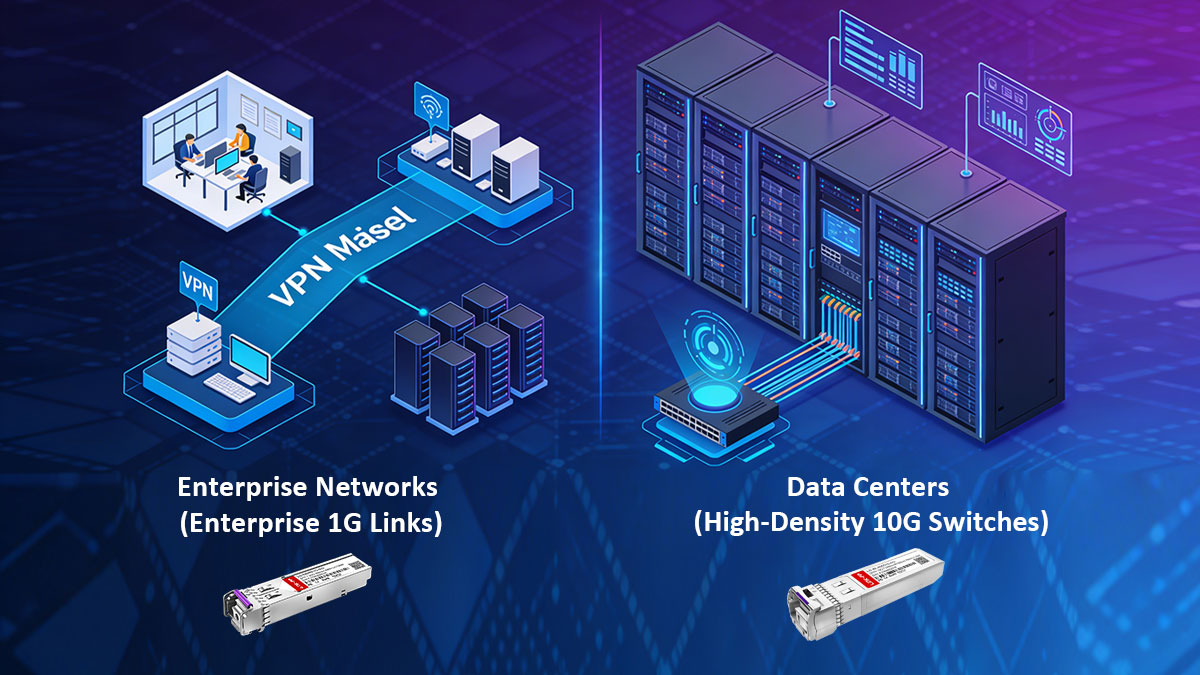
♦ Enterprise Networks (Enterprise 1G Links)
In typical corporate or campus environments, the priority is often stability and cost-efficiency over raw speed.
-
Edge Switch Connectivity: Most desktop computers, VoIP phones, and wireless access points do not require more than 1Gbps. Using standard 1G SFP modules to connect edge switches to the distribution layer is a budget-friendly solution.
-
IP Surveillance Systems: Security cameras typically transmit compressed video streams that rarely exceed 100Mbps. SFP modules are the ideal choice for connecting remote cameras over fiber to a central NVR, especially across large industrial parks.
-
Legacy Infrastructure Support: Many older Managed Switches only feature SFP slots. For these systems, SFP is the only compatible option for fiber-to-the-desk (FTTD) or building-to-building links.
♦ Data Centers (High-Density 10G Switches)
Modern data centers are the primary domain of SFP+ technology. With the rise of virtualization and cloud computing, 1G links have become a significant bottleneck.
-
Top-of-Rack (ToR) Switching: In a high-density data center, servers are connected to a ToR switch. Using 10G SFP+ DAC cables for these short distances (under 7m) provides ultra-low latency and is much more cost-effective than traditional fiber optics.
-
Storage Area Networks (SAN): High-speed storage arrays (All-Flash Arrays) require the 10Gbps (or even 16G Fibre Channel) throughput that SFP+ provides to ensure that data backups and database queries don't lag.
-
Virtualization & Hypervisors: Modern servers running VMware or Hyper-V host multiple virtual machines (VMs) on a single physical port. A 10G SFP+ link ensures that the aggregated traffic from dozens of VMs can flow without congestion.
-
Core Aggregation: When connecting multiple distribution switches to the core of the network, the high bandwidth of 10G SFP+ Optical Transceiver prevents data collisions and maintains high-speed internet access for the entire organization.
Summary: Application Comparison at a Glance
| Scenario | Recommended Module | Primary Reason |
| Standard Office PC / VoIP | SFP (1G) | Cost-effective; bandwidth sufficient. |
| Outdoor IP Camera | SFP (1G) | Long-distance fiber support at low cost. |
| Data Center Server Uplink | SFP+ (10G) | High throughput for virtualization/cloud. |
| Backbone Aggregation | SFP+ (10G) | Minimizes latency and congestion. |
| Short-range Rack Wiring | SFP+ DAC | Lowest cost and power for 10G. |
? SFP vs. SFP+: Which One Should You Choose?
Selecting between SFP and SFP+ isn’t just a matter of "faster is better." It is a strategic decision that balances your current performance needs with your future growth and budget. To help you make the right call, follow our professional decision-making framework.
How to Choose the Right Optical Modules for Your Network
Before you add a fiber transceiver to your cart, ask yourself these four critical questions:
1. What is Your Bandwidth Requirement?
-
Choose SFP if your network handles standard office traffic, such as emails, web browsing, or basic IP telephony. 1Gbps is more than sufficient for these tasks.
-
Choose SFP+ if you are running bandwidth-intensive applications. This includes 4K video streaming, high-frequency trading, large database backups, or virtualization (VMware/Hyper-V) where multiple users share a single physical link.
2. What Does Your Hardware Support?
This is the most common technical hurdle.
-
Check your switch or router's datasheet. If the port is labeled SFP, you are restricted to 1G modules.
-
If the port is SFP+, we highly recommend investing in SFP+ Transceivers to take full advantage of the hardware's capacity, even if you only need 1G speeds today (thanks to backward compatibility).
3. What is the Total Distance of the Link?
-
For Short-Range (<7m): If you are connecting a server to a switch in the same rack, SFP+ DAC cables are the undisputed winner for cost and power efficiency.
-
For Long-Range (>10km): If you are connecting two buildings, you will likely need Single-mode SFP or SFP+ modules. Keep in mind that 10G signals are more sensitive to fiber quality over long distances than 1G signals.
4. Are You Planning for "Future-Proofing"?
Network upgrades are labor-intensive.
-
If you are installing new cabling today (OM3/OM4 or Cat6a), it is much more cost-effective to deploy SFP+ now.
-
Buying 1G hardware in 2026 often leads to "buyer's remorse" within 12–24 months as data demands inevitably grow. As the price gap between 1G and 10G continues to shrink, SFP+ offers a significantly better Return on Investment (ROI).
Decision Summary Table
| If your priority is... | Then choose... | Why? |
| Lowest Initial Cost | SFP (1G) | Cheaper modules and cheaper switches. |
| Future Growth | SFP+ (10G) | 10x more bandwidth for a small price premium. |
| Low Latency (Data Center) | SFP+ DAC | Direct copper connection reduces processing delay. |
| Legacy Compatibility | SFP (1G) | Works in older hardware that lacks SFP+ slots. |
? Common FAQs about SFP and SFP+
To help you troubleshoot and plan your network, we have compiled the most frequently asked questions from network engineers and IT procurement teams.
Q1: Can I plug a 10G SFP+ module into a 1G SFP port?
Answer: No. An SFP port is hardware-limited to 1.25 Gbps. It lacks the internal SerDes (Serializer/Deserializer) capability to process a 10 Gbps signal. If you insert an SFP+ module into a standard SFP slot, the link will remain "Down" because the clock rates do not match.
Q2: Will an SFP+ port support 1G SFP modules?
Answer: In 90% of cases, Yes. Most SFP+ slots are backward compatible and can throttle down to 1 Gbps. However, you may need to manually configure the port speed to 1000 Mbps in your switch settings (e.g., Cisco IOS or UniFi Controller) as some devices fail to "Auto-Negotiate" between 1G and 10G.
Q3: What is the difference between SFP+ and XFP?
Answer: Both support 10 Gbps, but the SFP+ is much smaller than the older XFP module. The compact size of SFP+ allows for higher port density on switches. Today, SFP+ has almost entirely replaced XFP in modern data center deployments.
Q4: Can I use SFP+ DAC cables for 1G connections?
Answer: Generally, no. Most Direct Attach Copper (DAC) cables are hard-coded for 10G. If you need a 1G copper connection, it is better to use two 1G RJ45 SFP modules and a standard Cat6 cable. However, some specialized Dual-Rate DACs are available for specific hardware environments.
Q5: Does SFP+ work with Cat6 cables?
Answer: Only if you use a 10GBASE-T SFP+ Copper Transceiver. Standard SFP+ ports are designed for fiber or DAC. If you want to use existing Cat6 or Cat6a copper cabling for 10G speeds, you must purchase an SFP+ to RJ45 module, which typically has a distance limit of 30m to 80m.
Q6: Why is my SFP+ link not coming up even though the modules match?
Answer: This is often due to "Vendor Locking." Brands like Cisco, Aruba, and Juniper require modules to have specific firmware codes. Ensure your Third-Party SFP+ Modules are "Vendor Compatible" and that you have enabled the "allow unsupported transceiver" command if required by your switch OS.
? Conclusion: How to Choose the Right Solution for Your Network?
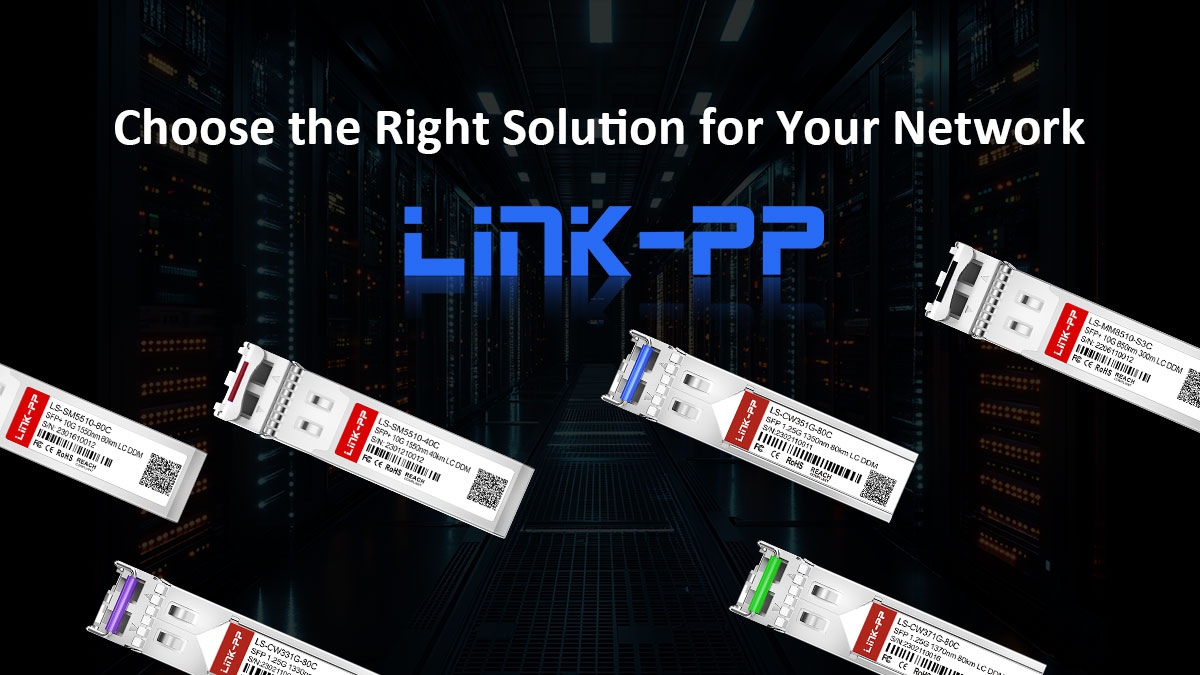
Deciding between SFP vs SFP+ is essentially a strategic balance between your immediate budget and future-proofing your infrastructure.
-
Choose SFP (1G): Best for environments with lower bandwidth demands, such as basic office internet, standard IP surveillance, or cost-sensitive IoT connections.
-
Choose SFP+ (10G): The ideal choice for modern data centers, virtualization environments, and any high-performance network handling 4K video or massive file transfers. From a long-term perspective, 10G offers a significantly better Return on Investment (ROI), preventing costly hardware replacements as data demands grow over the next 2-3 years.
? Actionable Next Steps
Unsure if your current switch supports a specific SFP+ module? Our technical experts are ready to help you avoid compatibility pitfalls with a free analysis.
-
? [Contact LINK-PP Technical Support] for a free compatibility consultation.
-
? [Visit LINK-PP Official Store] to browse our full range of 1G/10G/40G/100G solutions.
About LINK-PP
LINK-PP is a global leader in optical communication solutions, specializing in the R&D and supply of high-quality optical transceivers, high-speed cables (DAC/AOC), and network components. Backed by over 10 years of expertise in photoelectric conversion technology, our products undergo rigorous laboratory testing to ensure 100% brand compatibility and carrier-grade reliability.
Expert Insight: This guide was authored by the LINK-PP Senior Engineering Team, dedicated to simplifying complex networking for professionals worldwide.
Copyright Notice
© 2026 [LINK-PP]. This content is protected by international copyright laws. Unauthorized reproduction, distribution, or commercial use without prior written permission is strictly prohibited.