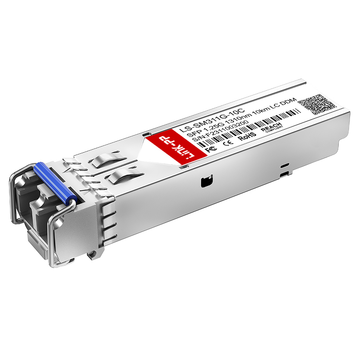
Are you tired of dealing with frozen video calls, slow cloud applications, and constant network bottlenecks at your remote branch office? What if a single, small-sized component could instantly bridge the gap between your remote site and the main corporate network? That is exactly what the MA-SFP-1GB-LX10 Cisco Meraki compatible transceiver is designed to do by bringing high-speed, reliable fiber connectivity directly to your branch hardware.
But why exactly does your remote office need to transition to fiber internet, and how does this small module make such a massive difference? While traditional copper cables often fail over long distances and suffer from electrical interference, this optical transceiver uses light to maintain blazing-fast gigabit speeds up to 10 kilometers away. Let’s dive into how this simple, plug-and-play hardware can completely transform your branch office infrastructure and eliminate network downtime for good.
🔅 What Is the MA-SFP-1GB-LX10 and Why Does Your Branch Office Need It?
A fast and reliable internet connection is the backbone of any successful modern business, especially for remote locations. Branch offices often struggle with slow data speeds and weak network connections due to outdated hardware. Investing in the right network components ensures your daily business operations run smoothly without unexpected interruptions.
The Basics of Fiber Internet for Remote and Branch Offices
Fiber internet uses tiny strands of glass to transmit data as pulses of light instead of traditional electrical signals. This advanced technology allows information to travel at the speed of light, providing incredibly fast download and upload speeds.
For remote and branch offices, transitioning to fiber internet is the best way to handle heavy data traffic. It ensures that everyone in the office can access cloud tools, transfer large files, and collaborate online at the same time without facing annoying lags.
Understanding the MA-SFP-1GB-LX10 Module in Simple Terms
The MA-SFP-1GB-LX10 is a compact, hot-swappable 1000BASE-LX optical transceiver module designed to fit into the network slots of your switches or firewalls. It acts as a smart translator that converts the electrical data from your office router into light signals that can travel through fiber optic cables.
Think of this Meraki-compatible module as a powerful bridge for your network infrastructure. By adding the MA-SFP-1GB-LX10 transceiver to your setup, you can easily upgrade your standard network hardware to support high-performance fiber optic connections.
Why Good Network Hardware Matters for Business Internet Speed
Even if you pay for the fastest fiber internet plan from your service provider, cheap or outdated hardware can create a massive bottleneck. High-quality network hardware ensures that data flows freely and efficiently into your building.
Choosing reliable optical components like the MA-SFP-1GB-LX10 module helps your business maximize its internet bandwidth. Investing in enterprise-grade hardware prevents random drops in speed, keeps your team productive, and protects your business from costly network downtime.
How This Small Module Connects Your Office to the Main Corporate Network
The MA-SFP-1GB-LX10 transceiver plays a crucial role in linking your branch office directly to your main corporate data center. It plugs seamlessly into your Meraki security firewall or switch, creating a secure and direct path for your corporate data.
Once connected via long-distance fiber, this small module allows your remote employees to access central corporate servers as if they were sitting in the main headquarters. This creates a unified, reliable Wide Area Network (WAN) that keeps your entire company securely interconnected.
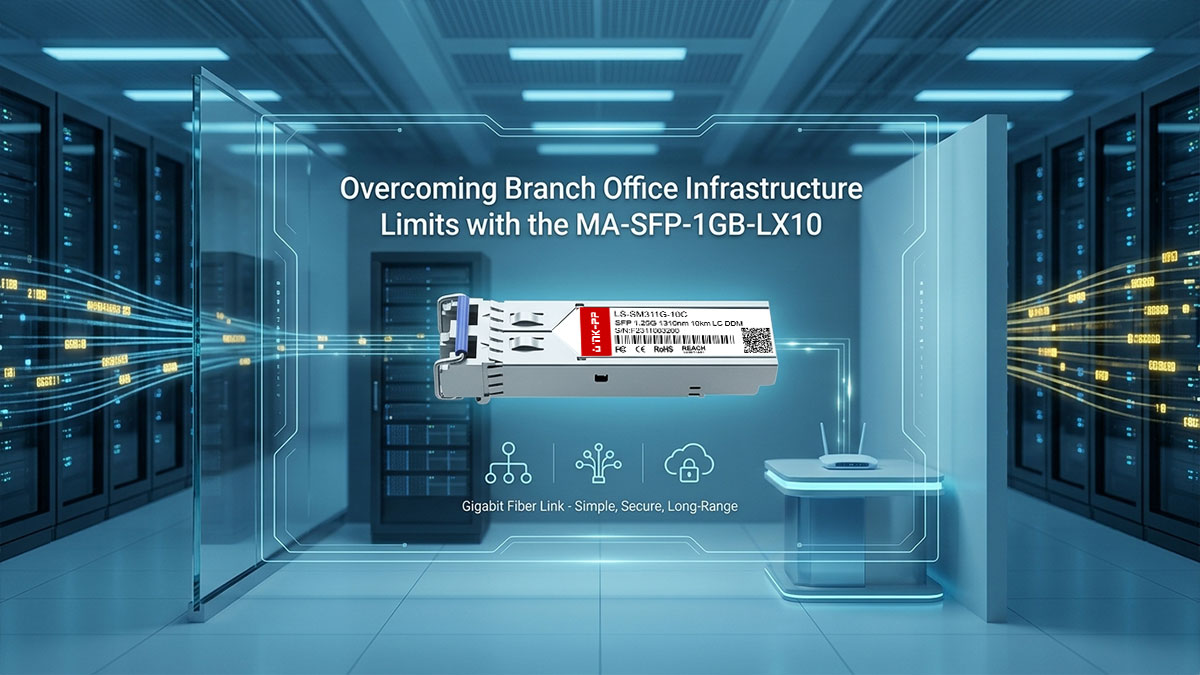
🔅 Overcoming Branch Office Infrastructure Limits with the MA-SFP-1GB-LX10
Remote branch offices frequently hit a wall when it comes to local network infrastructure limitations, leading to sluggish performance and frustrated employees. Upgrading your physical cabling and hardware is the most effective way to break through these hidden barriers. Deploying the right technology allows your business to bypass local infrastructure limits and achieve true enterprise-grade connectivity.
Fixing Common Internet Bottlenecks at Remote Office Sites
Many remote office sites suffer from network congestion because their existing hardware cannot handle modern data demands. This leads to frustrating bottlenecks where multiple users try to access cloud applications or download large files at the exact same time.
By integrating the MA-SFP-1GB-LX10 transceiver into your branch network, you can instantly eliminate these severe performance choke points. This module expands your bandwidth capacity, allowing heavy data traffic to flow freely and efficiently without slowing down your daily business operations.
Fiber vs. Copper Cables: Which One Is Better for Your Business
Choosing the right cabling infrastructure is a critical decision that directly impacts your daily business network performance. While traditional copper cables (like Cat5) are common, they suffer from severe signal loss over long distances and are highly susceptible to outside electrical interference. On the other hand, fiber optic cables use light to transmit data, offering virtually limitless bandwidth and complete immunity to electrical noise.
When looking at fiber options, businesses can choose between multi-mode fiber for short distances within a building or single-mode fiber for long-distance connectivity. The MA-SFP-1GB-LX10 module is specifically designed to leverage single-mode fiber, giving your branch office the ultimate edge in distance and speed.
To help you understand the core differences between these infrastructure choices, here is a quick comparison table:
| Feature | Copper Cable | Multi-Mode Fiber | Single-Mode Fiber |
| Data Medium | Electrical Signals | Light (Multiple Paths) | Light (Single Path) |
| Max Distance | Up to 100m | Up to 550m | Up to 10km |
| Interference | Vulnerable to EMI | Completely Immune | Completely Immune |
| Best Used For | Short desktop connections | Short-range data centers | Long-distance branch WAN connections |
How Single-Mode Fiber Stops Dropped Calls and Video Freezes
Dropped VoIP calls and frozen video frames during critical business meetings are caused by packet loss and jitter, which happen when a network medium cannot handle real-time data traffic smoothly. Traditional copper cables often struggle with signal degradation and electrical noise, forcing the network to retransmit lost data packets and causing noticeable communication lag.
Single-mode fiber completely eliminates these performance issues by utilizing a single, direct path of laser light to transmit data through a tiny glass core. When paired with the MA-SFP-1GB-LX10 transceiver, this technology ensures that time-sensitive data packets—like live voice and video streams — arrive in perfect sequence with near-zero latency. By removing the physical interference that causes packet delays, this hardware setup keeps your video conferences fluid and your voice calls crystal clear.
Getting Reliable Internet over Long Distances up to 10km
One of the biggest challenges for remote offices is their physical distance from the primary service provider hub or the corporate data center. Standard internet cables lose signal strength after just 100m, making them entirely impractical for establishing reliable Wide Area Network (WAN) connections across a city or large industrial park.
The MA-SFP-1GB-LX10 transceiver is engineered specifically to conquer these vast distances by pushing high-speed data signals up to 10km (6.2 miles) over single-mode fiber without any degradation. This long-range capability ensures your remote branch office maintains a rock-solid, high-performance WAN connection to the corporate backbone, no matter how geographically isolated it is.
🔅 Key Technical Specs of the MA-SFP-1GB-LX10 Explained Simply
Understanding the technical jargon behind network hardware can feel overwhelming, but knowing these details helps you make the best choices for your business. The specifications of a transceiver determine exactly how much data it can handle and how far that data can travel. Breaking down the core technical specifications of the MA-SFP-1GB-LX10 module reveals what makes it a powerhouse for branch offices.
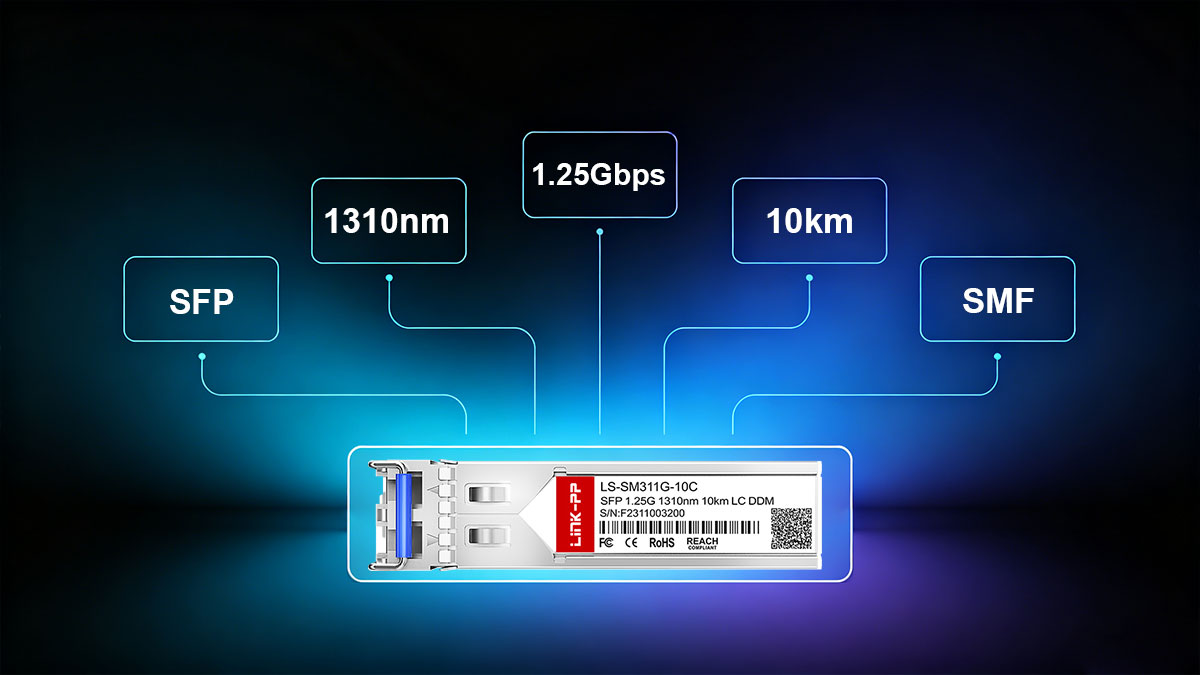
Speed and Distance: What 1Gbps and 10km Mean for Your Setup
The two most critical metrics for any fiber transceiver are its data transmission speed and its maximum physical reach. These numbers define the performance boundaries and capabilities of your branch office network connection.
Understanding these metrics highlights how they optimize your everyday business operations:
- 1Gbps speed delivers symmetric gigabit bandwidth for seamless uploads and downloads.
- High-speed throughput eliminates internal network congestion during peak business hours.
- 10km distance rating allows the signal to span across massive distances without fading.
- Long-range capability removes the need for installing expensive mid-way signal repeaters.
The 1310nm Wavelength: Why Light Colors Matter in Fiber Cables
Fiber optic cables don't use visible light; instead, they rely on specific invisible infrared wavelengths measured in nanometers. The MA-SFP-1GB-LX10 transceiver operates specifically at a 1310nm wavelength to send and receive data smoothly.
Operating at this precise frequency offers several distinct technical advantages for your network infrastructure:
- 1310nm wavelength experiences incredibly low light absorption and signal loss in glass.
- Low attenuation allows the light beam to travel miles without losing its intensity.
- The precise laser beam ensures cleaner data transmission with fewer data errors.
- Standardized frequency matches perfectly with mainstream ISP fiber infrastructure for instant compatibility.
Plug-and-Play Design: How Hot-Swappable Hardware Saves Time
Network maintenance used to require shutting down entire systems just to replace or install a single component. The MA-SFP-1GB-LX10 module solves this headache by featuring a smart, hot-swappable architecture.
This advanced plug-and-play capability provides significant practical benefits for busy IT environments:
- Hot-swappable hardware allows installation or replacement without powering down switches.
- Zero-downtime upgrades mean your office stays completely online during routine maintenance.
- The clip-lock mechanism prevents accidental disconnections from cable tugs.
- Instant hardware recognition slashes configuration times down to mere seconds.
Working with Standard Fiber Cables: LC Duplex Connectors Made Easy
Physical compatibility matters just as much as internal software specifications when setting up network hardware. The MA-SFP-1GB-LX10 transceiver utilizes industry-standard LC duplex connectors to link up with your fiber patch cords.
Utilizing this specific connector standard ensures high reliability and ease of use across your network layout:
- LC duplex connectors feature a compact, snap-in design ideal for crowded port panels.
- The dual-fiber setup uses one dedicated strand for sending data and one for receiving.
- Separate traffic channels prevent internal data collisions for true full-duplex performance.
- Standardized sizing means it fits perfectly with existing enterprise fiber patch cables worldwide.
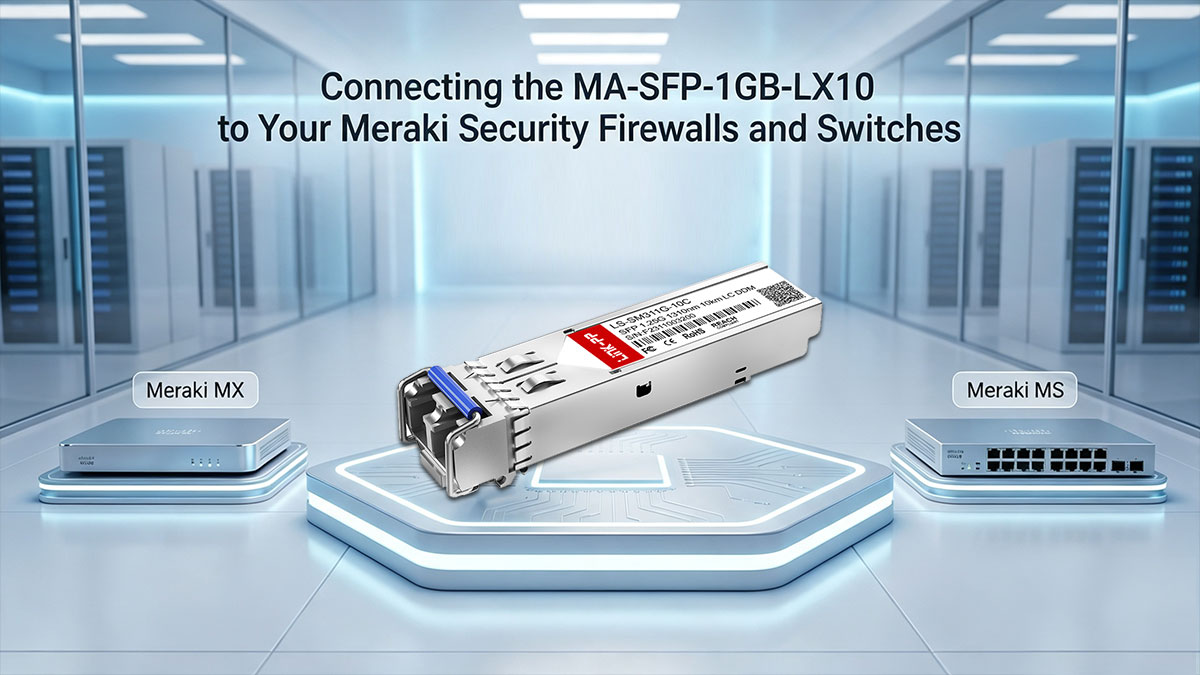
🔅 Connecting the MA-SFP-1GB-LX10 to Your Meraki Security Firewalls and Switches
Integrating optical transceivers into your existing hardware deployment is the definitive step toward building a high-performance network backbone. Cisco Meraki ecosystems are natively designed to leverage these modules to bridge local area networks with wide-reaching enterprise networks. Proper physical connection and port assignment ensure your branch hardware runs efficiently without configuration conflicts.
How to Plug the SFP Module into Meraki MX Firewalls for Better WAN Speed
Deploying the MA-SFP-1GB-LX10 transceiver into a Meraki MX Security Appliance converts a standard security gateway into a high-speed fiber WAN edge. This hardware configuration allows your firewall to terminate fiber connections directly from the service provider, bypassing weak intermediate media converters.
Pay close attention to these critical installation and architectural requirements:
- Verify port configuration as some MX models require changing the port from LAN to WAN via the Meraki Dashboard under the Security & SD-WAN > Configure > Firewall settings.
- Firmly seat the module into the designated slot until you hear an audible click.
- Avoid micro-bends in the attached fiber patch cable to prevent signal attenuation at the firewall interface.
- Check the MX model limits to ensure your specific firewall chassis supports gigabit optical interfaces.
Connecting Meraki MS Switches to Your WAN Gateway for Maximum Speed
When connecting your core Meraki MS switches to the WAN gateway, utilizing the MA-SFP-1GB-LX10 module creates a high-bandwidth uplink. This setup effectively aggregates all downstream branch traffic and funnels it cleanly toward your main corporate network.
Keep these deep technical details in mind to ensure optimal switch deployment:
- Use dedicated uplink ports on the MS switch rather than standard downstream access ports.
- Configure proper VLAN tagging on the uplink port to maintain separation of business-critical traffic channels.
- Beware of spanning tree loops if creating redundant fiber pathways between multiple interconnected switches.
- If plugged into an SFP+ slot, you must manually configure the port speed to 1Gbps in the Dashboard; otherwise, the port locked at 10G will fail to establish a link.
Finding the Right SFP Slots on Your Meraki MX and MS Hardware
Meraki hardware panels house a variety of ports, and plugging your MA-SFP-1GB-LX10 module into the wrong slot can cause physical damage or software confusion. Hardware ports are carefully mapped based on their speed capabilities and underlying circuit routing.
Follow these strict mapping guidelines during your physical rollout:
- Identify the SFP icon or bracket lines printed directly on the physical metal chassis.
- Distinguish between SFP and SFP+ ports because 10G SFP+ slots may require manual speed scaling to accept 1G modules.
- Never force a module into a slot backward, as the electrical pins align in only one specific direction.
- Leave protective dust caps on until the exact second you plug in the LC duplex fiber connectors.
How the Meraki Dashboard Automatically Detects and Sets Up Your SFP Ports
The beauty of the cloud-managed Meraki ecosystem lies in its centralized automation engine. Once the MA-SFP-1GB-LX10 transceiver is locked into place, the cloud controller instantly takes over the provisioning process.
The automated cloud setup process follows a specific workflow that you should watch for:
- Real-time asset inventory detection lists the exact transceiver model details in your digital dashboard.
- Automatic port speed matching configures the slot to 1Gbps full-duplex; while standard SFP slots auto-negotiate, SFP+ slots require manual speed downshift configuration.
- Virtual topology mapping draws the new link instantly on your centralized network visibility chart.
- Alert notifications activate automatically to warn your IT team via email if the optical link drops unexpectedly.
🔅 Making Your Internet Faster and More Reliable with MA-SFP-1GB-LX10 Modules
Maximizing productivity in a remote office requires an internet connection that is both blazing fast and incredibly stable. Standard broadband lines often fall short, dropping under heavy enterprise workloads and causing costly disruptions. Upgrading your infrastructure with specialized optical modules is the most effective way to secure high-performance, business-grade connectivity.
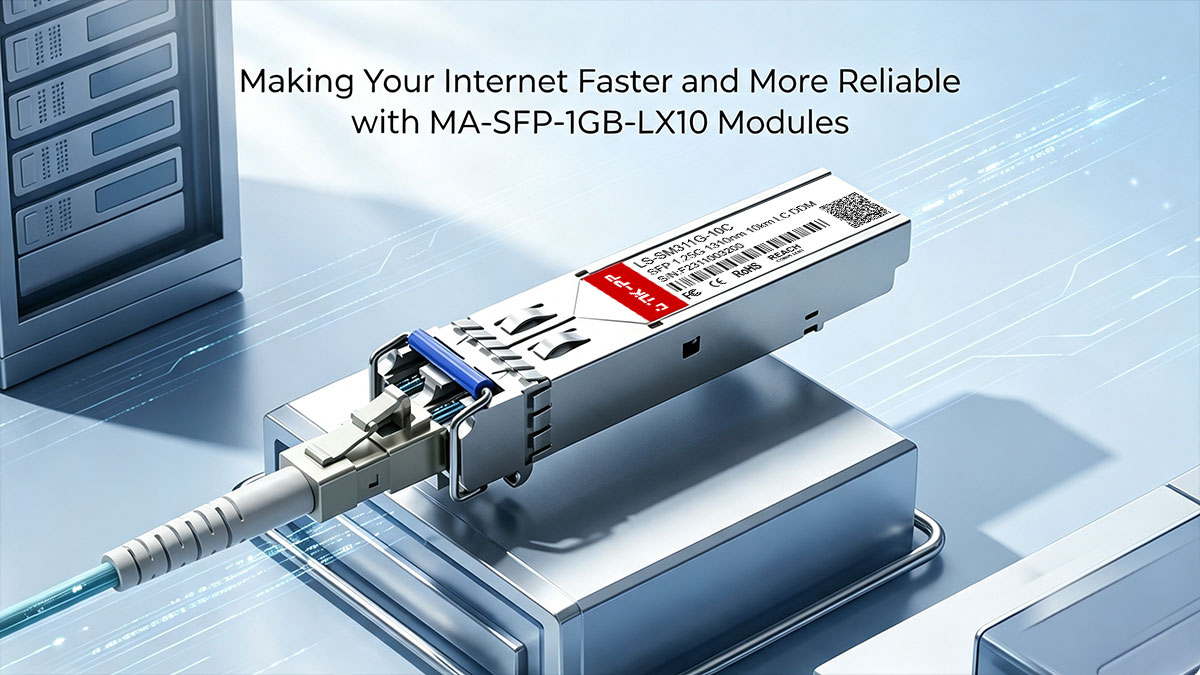
Keeping Your Video Calls Smooth with Steady Fiber Connections
Unstable internet connections frequently cause choppy video and pixelated screens during critical client presentations. Traditional broadband pathways suffer from inconsistent packet delivery, especially when multiple users share the same network.
Deploying the MA-SFP-1GB-LX10 optical transceiver helps establish a dedicated, jitter-free data stream over single-mode fiber infrastructure. This solid connection keeps packet transmission steady, ensuring that your Zoom or Microsoft Teams video conferences remain perfectly fluid.
Setting Up Smart Backup Internet Lines So Your Office Never Goes Offline
A sudden network outage can bring your entire branch office's operations to a grinding halt. To safeguard your business, it is vital to build redundancy into your network topology by combining different connection types.
The MA-SFP-1GB-LX10 module can serve as your high-speed primary fiber link while a secondary copper or cellular connection acts as a safety net. If one line encounters an ISP fault, your Meraki gateway can automatically route traffic through the secondary path to ensure your office never goes offline.
Stopping Outside Electrical Interference from Slowing Down Your Network
Copper internet cables act like antennas, absorbing electromagnetic interference (EMI) from nearby elevator motors, fluorescent lights, and heavy machinery. This invisible noise corrupts data packets, forcing frequent retransmissions and noticeably slowing down your network.
Because the MA-SFP-1GB-LX10 transceiver transmits data using laser light rather than electricity, it is entirely immune to EMI. This means you can run your fiber optic cables through busy warehouse environments or tight electrical closets without risking data corruption.
Giving Important Office Apps (Like Zoom or ERP) the Best Bandwidth
Not all office internet traffic carries the same level of urgency for your daily operations. While background file backups can wait, real-time enterprise resource planning (ERP) software and VoIP systems require immediate network priority.
When your network features the consistent, high-speed throughput of the MA-SFP-1GB-LX10 module, traffic management becomes much more effective. Your Meraki system can cleanly allocate guaranteed bandwidth to your most critical business apps, ensuring they always perform at their best.
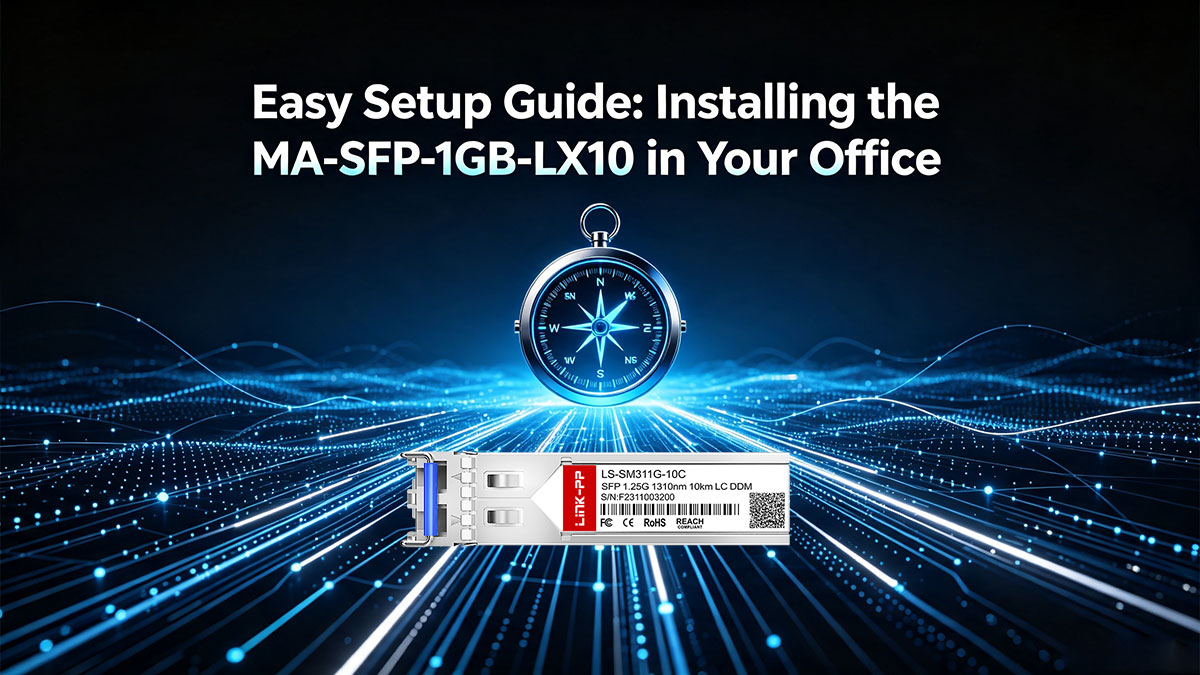
🔅 Easy Setup Guide: Installing the MA-SFP-1GB-LX10 in Your Office
Deploying a new fiber optic transceiver module does not require an advanced engineering degree if you follow the correct sequence of steps. Handling optical components with care protects sensitive laser paths from accidental contamination or physical strain. Taking a systematic approach ensures your hardware integration goes smoothly and performs at its absolute best from day one.
What You Need to Check Before Plugging in Your Fiber Hardware
Before you insert any optical hardware into a live production switch, you must verify that your surrounding physical environment and cable types are correct. A mismatched cable type or a dusty work area can instantly degrade your signal or even prevent a link from establishing entirely.
Make sure to cross-check these essential pre-installation variables:
- Verify cable type to ensure you are using single-mode fiber patch cords rather than multi-mode ones.
- Inspect the fiber tips using an optical scope to confirm they are completely free of microscopic dust particles.
- Confirm the port speed on your target Meraki switch or firewall slot is configured to match 1Gbps parameters.
- Wear an ESD wrist strap to eliminate electrostatic discharge risks that could damage internal transceiver circuits.
How to Safely Plug In the SFP Module without Damaging the Parts
The physical installation of optical transceivers requires a gentle touch and precise alignment to protect the delicate pins inside the host slot. Forcing a module into place can warp the outer grounding tabs or misalign the internal optical interface.
Follow this careful mechanical process to ensure a flawless hardware seating:
- Align the transceiver with the guide rails inside the open Meraki hardware port.
- Slide the module firmly until you feel the integrated bale clasp lock into place with a subtle click.
- Remove the rubber dust cap only right before you are ready to insert your LC duplex patch cable.
- Push the cable connector straight and clean until the plastic latch clicks tightly into the transceiver interface.
Activating and Viewing Your New Connection in the Meraki Dashboard
Once the physical hardware integration is complete, you need to transition to the cloud interface to verify that the link is fully functional. The Meraki cloud engine will automatically scan the port to read the diagnostic chip embedded inside your transceiver.
You can verify and monitor the live hardware registration by following these digital milestones:
- Navigate to the switch ports page under the Switch menu on your central cloud management profile.
- Look for a green port icon which confirms that a physical light link has been successfully established.
- Hover over the active port to view real-time diagnostic details including manufacturer data and module part numbers.
- Check the WAN status tab if you installed the MA-SFP-1GB-LX10 transceiver inside an MX firewall to verify public IP routing.
Simple Tests to Confirm Your Internet Is Running at Full Speed
Just because a link light turns green does not automatically guarantee that data packets are flowing efficiently without underlying errors. Running a few targeted network diagnostic tests helps confirm that your newly deployed hardware is performing at true gigabit capacity.
Execute these standard testing procedures to audit your branch office connection stability:
- Run a localized ping test to your gateway IP to ensure latency stays under single-digit milliseconds.
- Perform a sustained speed test to verify both upload and download speeds reach close to your 1Gbps target.
- Monitor the port error counters in your dashboard to ensure CRC errors or dropped packets remain at absolute zero.
- Initiate a live video stream test to confirm that real-time packet delivery remains steady without jitter spikes.
🔅 Monitoring Your MA-SFP-1GB-LX10 Health from the Meraki Cloud
Keeping a close eye on the physical health of your network hardware is essential for preventing unexpected downtime. The cloud-managed nature of modern enterprise systems allows administrators to keep track of hardware performance metrics from anywhere in the world. By leveraging centralized cloud oversight, you can continuously analyze performance trends and maintain rock-solid network stability at your remote sites.
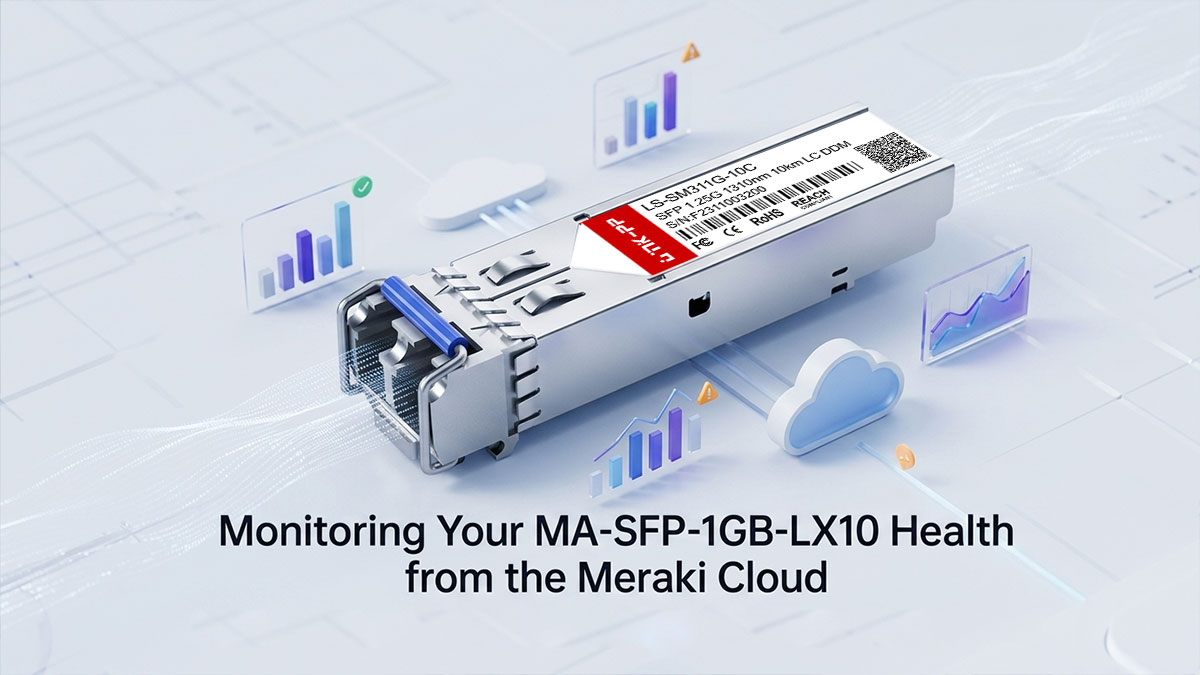
How to Check Your SFP Connection Status Remotely without Visiting the Office
Managing remote branch locations often becomes expensive and time-consuming when IT teams must travel to a site just to check a physical port. The Meraki cloud ecosystem completely eliminates this operational headache by feeding live telemetry from your network interfaces straight to your centralized management console.
By pulling up your remote portal, you can immediately check the status of your deployed MA-SFP-1GB-LX10 transceiver without stepping foot inside the branch office building. The cloud panel provides complete visibility into port configuration, link speeds, and link status, allowing your central IT team to confirm that remote hardware is functional at a single glance.
Reading Your Signal Strength: How to Tell if Your Fiber Cable Is Dirty or Damaged
Optical links rely on highly precise laser levels to maintain stable gigabit speeds, and even microscopic dust on a cable tip can degrade performance. The MA-SFP-1GB-LX10 module features Digital Optical Monitoring (DOM) capabilities, which continuously measure the exact laser power sent and received over the single-mode fiber line.
When you review these metrics in the cloud portal, look closely at the optical receive (Rx) and transmit (Tx) power values measured in decibel-milliwatts (dBm). If the Rx power level drops below the standard operational threshold, it acts as an early warning that your fiber cable is either dirty, improperly bent, or physically compromised.
Spotting Small Hardware Issues Before They Turn Into a Total Internet Outage
Waiting for a network connection to completely fail before taking action hurts business productivity and disrupts daily operations. A much smarter approach is to use your cloud platform's historical graphing to spot gradual hardware degradation before a severe bottleneck occurs.
By tracking anomalous spikes in CRC error counters or noticing a steady decline in laser intensity for the MA-SFP-1GB-LX10 transceiver, you can catch failing infrastructure early. This proactive visibility allows your IT staff to schedule a clean-up or arrange a quick cable swap during off-peak hours, successfully preventing an unexpected, total office internet outage.
🔅 Simple Troubleshooting: Fixing Common MA-SFP-1GB-LX10 Issues
Even the most reliable network components can occasionally encounter performance hiccups or connectivity faults due to environmental changes or configuration oversights. Knowing how to methodically isolate and resolve these issues prevents minor hardware miscommunications from escalating into extended office downtime. Armed with a few basic troubleshooting techniques, you can quickly restore your high-speed fiber link to peak operational efficiency.
What to Do If the Meraki Dashboard Says "SFP Not Recognized"
When your management console flags an "SFP Not Recognized" alert, it typically indicates a physical seating issue or an undownshifted port configuration rather than a faulty module. If you are plugging the MA-SFP-1GB-LX10 transceiver into a high-speed 10G SFP+ slot, the host switch may fail to recognize the hardware because it expects a 10Gbps link by default.
To fix this, you should first navigate to your cloud portal and verify that the port speed is manually locked at 1Gbps to match the module parameters. If the error persists, safely unlatch the transceiver from the slot, inspect the gold pins on the back for any dust, and firmly re-seat the module until the physical chassis grounding tabs snap securely into place.
How to Clean Fiber Tips to Fix Slow Speeds and Red Lights
Slow internet throughput and amber error lights on your network switch are classic symptoms of optical insertion loss caused by contamination. Microscopic skin oils, dust, and lint can easily collect on the tiny glass core of your LC duplex connectors, blocking the 1310nm laser light path and forcing severe packet retransmissions.
To resolve this issue properly, use a dedicated fiber optic cleaning tool, such as a one-click cleaning pen or an alcohol-free cassette cleaner for the cable tips. For the internal optical bores of the MA-SFP-1GB-LX10 transceiver itself, always use specialized, lint-free optical port cleaning swabs rather than blowing compressed air, which can introduce moisture, oils, or static electricity that permanently ruins the delicate internal ceramic sleeves.
Fixing "Too Much Light" Issues on Short Fiber Cable Runs
The MA-SFP-1GB-LX10 transceiver is highly optimized for long-distance communication, meaning its integrated laser transmitter is built to push data up to 10 kilometers. However, if you use this high-power module on an exceptionally short fiber run — such as a 2-meter patch cable inside a single server rack — the laser light can blind the receiving optical sensor.
This problem, known as receiver saturation, can permanently degrade the sensitive internal photodiode components over time if left uncorrected. To protect your equipment and stabilize the connection, you must install an inline LC single-mode optical attenuator (typically 5dB or 10dB) to absorb the excess light energy and bring the signal strength down to a safe operational level.
Quick Steps to Determine If the Problem Is Your Hardware or the ISP
When a remote branch office loses its network link entirely, it can be frustrating to pinpoint whether the fault lies with your internal hardware or the internet service provider's (ISP) external fiber circuit. Making a wrong assumption can lead to hours of wasted troubleshooting or unnecessary hardware replacements.
To safely isolate the root cause, you should use an optical power meter to measure the live incoming signal strength directly from the ISP's fiber patch cable. Disconnect the incoming fiber line from your MA-SFP-1GB-LX10 transceiver and plug it into the power meter to measure the incoming optical power; if the meter reads absolute zero or falls significantly below the module's rated receiver sensitivity, you have definitive proof that the issue is an external ISP fiber cut or central office outage rather than a failure of your local hardware.
🔅 Final Thoughts on Deploying the MA-SFP-1GB-LX10 for Better WAN Performance
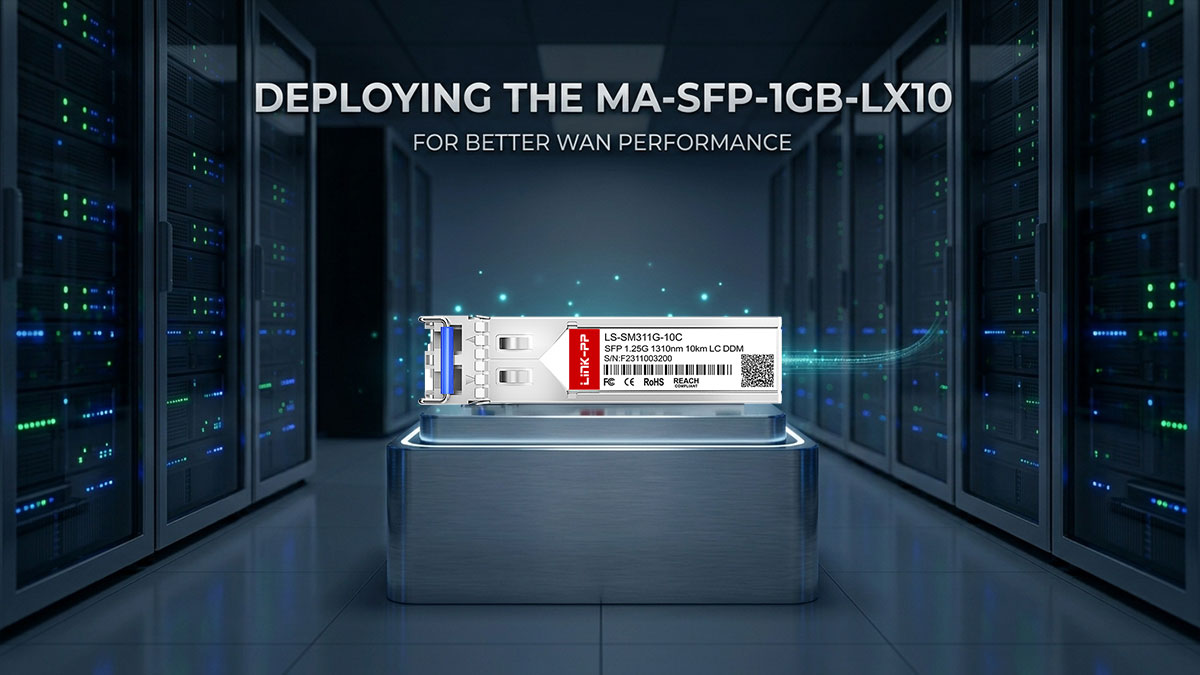
Upgrading your branch office infrastructure to support single-mode fiber is one of the most effective ways to eliminate network bottlenecks and secure business continuity. By deploying a reliable optical transceiver, you successfully bridge the geographical gap between your remote sites and the core corporate network with blistering speed. Investing in high-quality hardware ensures your team enjoys low-latency video calls, smooth cloud application performance, and rock-solid uptime.
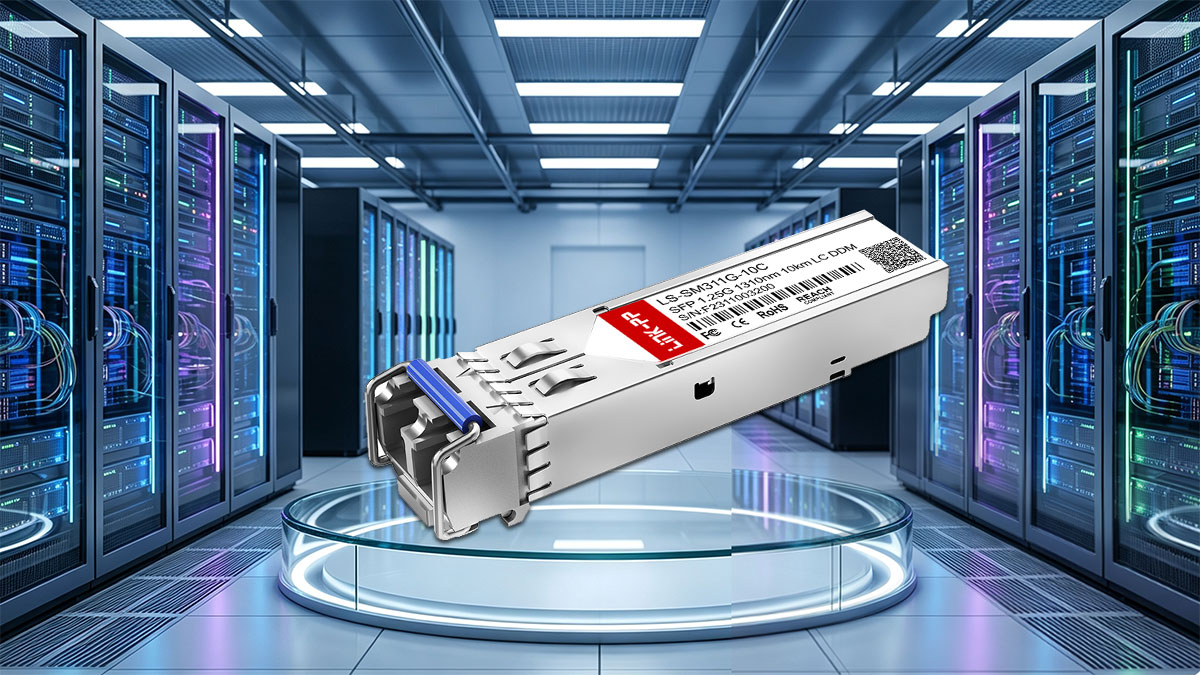
If you are looking to optimize your Meraki MX firewalls or MS switches without breaking your IT budget, choosing premium, fully compatible components is a smart strategy. The LINK-PP LS-SM311G-10C 1000BASE-LX module is a highly trusted, 100% compatible alternative to the standard MA-SFP-1GB-LX10 module, built to deliver identical gigabit performance up to 10 kilometers. Head over to the LINK-PP Official Store today to discover cost-effective, enterprise-grade optical solutions tailored to upgrade your branch office network.