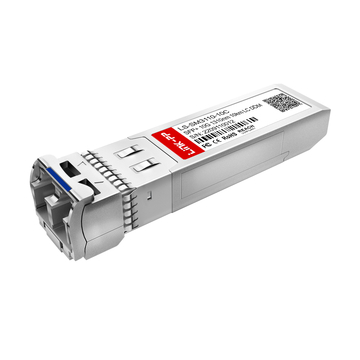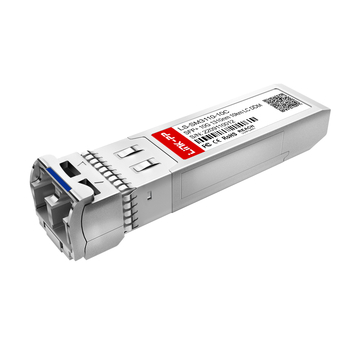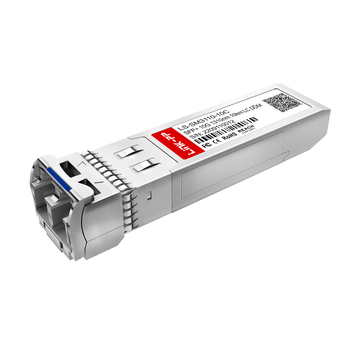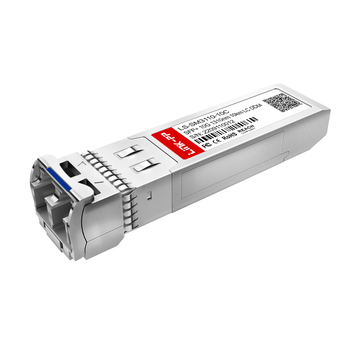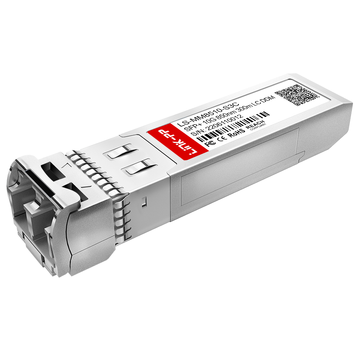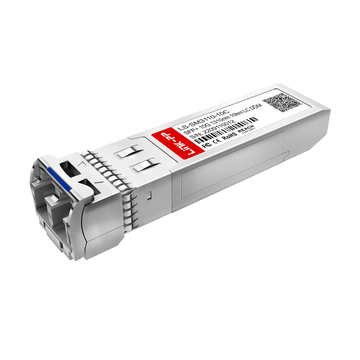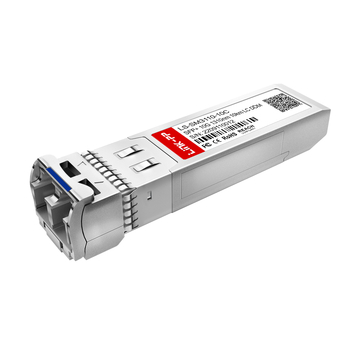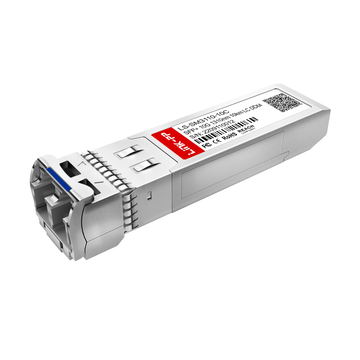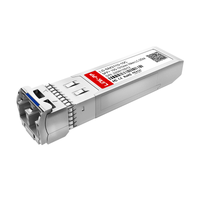
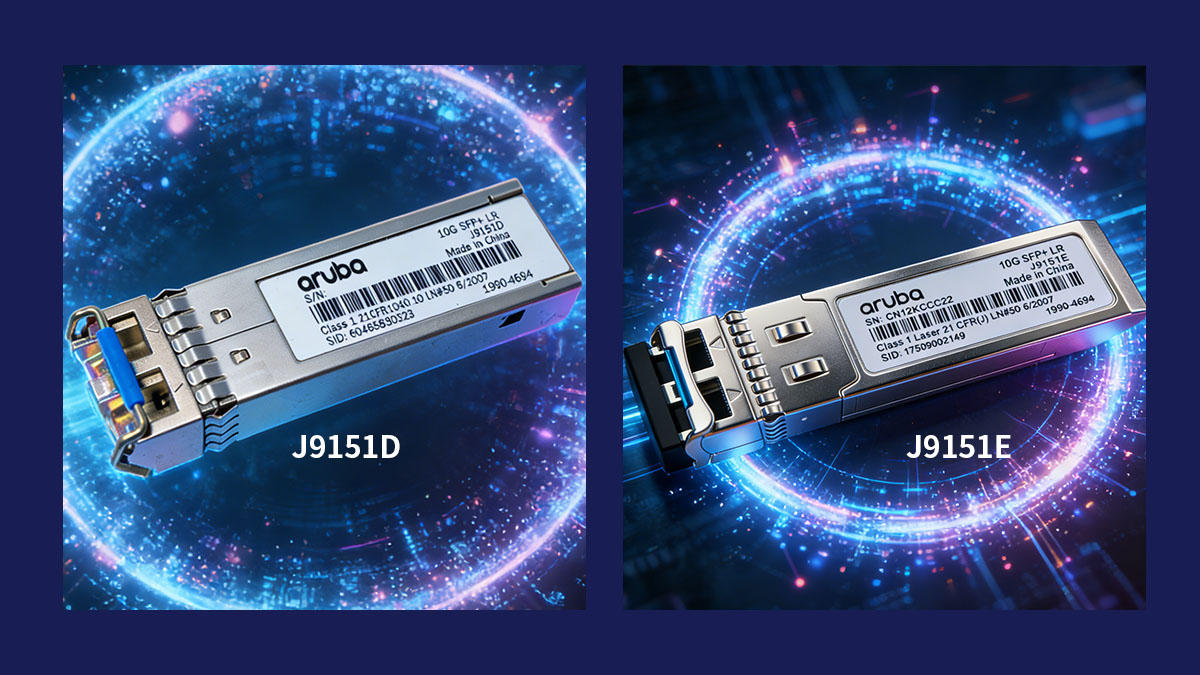
✅ J9151D vs J9151E: Key Specifications
J9151D and J9151E share nearly identical optical and transmission specifications because both are designed to support the 10GBASE-LR standard for 10Gbps Ethernet over single-mode fiber. In most networking environments, the two modules deliver the same link performance, transmission distance, and interface type.
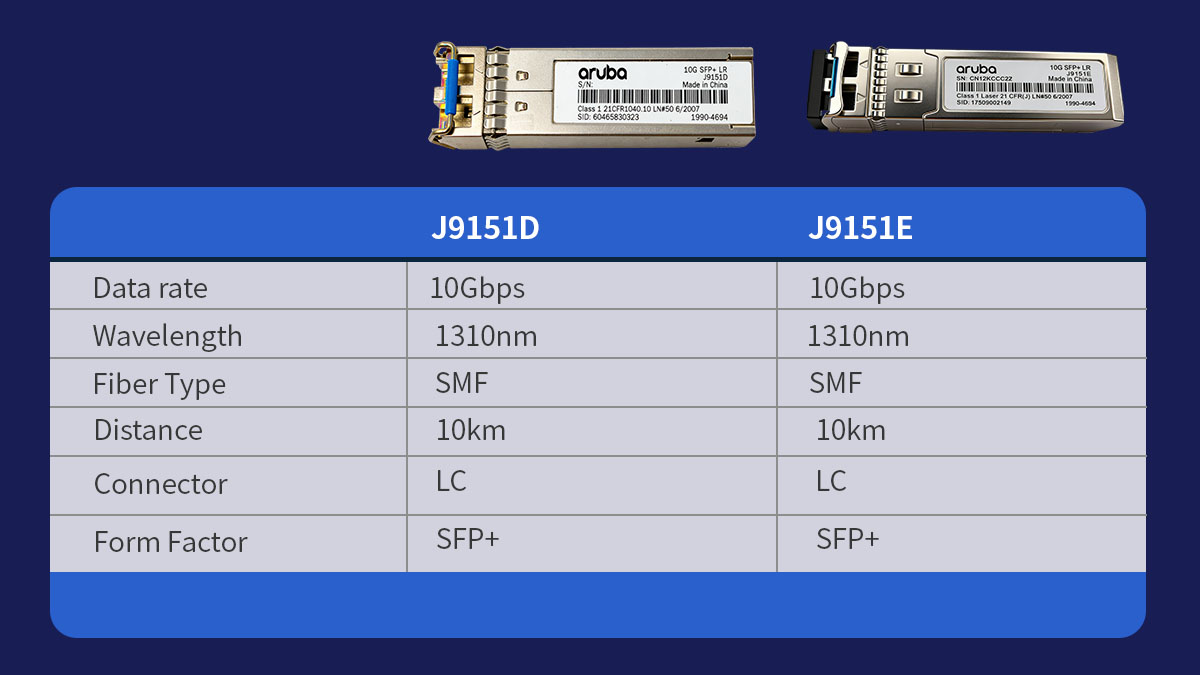
Understanding their core specifications helps clarify why these modules are often considered interchangeable in Aruba switch deployments.
Core Technical Specifications
Both modules are designed to meet the requirements of 10GbE long-range optical transmission. They use the same wavelength, fiber type, and connector format, allowing them to operate in similar network environments.
| Parameter | J9151D | J9151E |
|---|---|---|
| Data Rate | 10Gbps | 10Gbps |
| Wavelength | 1310nm | 1310nm |
| Fiber Type | Single-mode fiber (SMF) | Single-mode fiber (SMF) |
| Maximum Distance | 10km | 10km |
Because these technical parameters are the same, both modules support long-distance optical links commonly found in enterprise campus networks and data center interconnects. The 1310nm wavelength used by 10GBASE-LR optics is optimized for transmission over single-mode fiber, enabling stable communication across several kilometers without significant signal loss.
In addition to these core optical characteristics, both modules typically include:
-
SFP+ form factor compatible with 10GbE switch ports
-
LC duplex optical interface
-
hot-swappable installation capability
-
digital optical monitoring support for link diagnostics
These shared characteristics explain why network administrators often treat J9151D and J9151E as functionally equivalent when planning fiber uplinks or replacing existing modules.
Specification Comparison Table
From a practical deployment perspective, there are very few specification differences between J9151D and J9151E. The table below summarizes their key attributes side by side.
| Feature | J9151D | J9151E |
|---|---|---|
| Ethernet Standard | 10GBASE-LR | 10GBASE-LR |
| Form Factor | SFP+ | SFP+ |
| Optical Connector | LC duplex | LC duplex |
| Transmission Distance | 10km over SMF | 10km over SMF |
| Diagnostic Monitoring | Supported | Supported |
Since the specification profile is nearly identical, both modules can support the same fiber type infrastructure and network topology. This includes switch uplinks, aggregation layer connections, and long-distance fiber runs between buildings or data center racks.
However, even though the optical specifications are the same, the two modules can still differ in areas such as hardware revision, lifecycle status, and compatibility with certain firmware versions. These distinctions become important during procurement or network upgrades and will be explored in the next section.
✅ Key Differences Between J9151D and J9151E
Although J9151D and J9151E share the same 10GBASE-LR optical specifications, they are not identical products. The main differences relate to hardware revision, lifecycle status, and availability within Aruba's product lineup rather than transmission performance.
Understanding these distinctions helps network administrators decide which module is more appropriate when upgrading networks, replacing failed optics, or planning long-term infrastructure deployments.
Hardware Revision and Manufacturing Updates
J9151E is generally regarded as a newer revision compared with J9151D. While both modules deliver the same optical performance, newer revisions often include updates in internal components or manufacturing processes.
The following table highlights the typical revision relationship between the two modules.
| Attribute | J9151D | J9151E |
|---|---|---|
| Product Generation | Earlier revision | Newer revision |
| Optical Standard | 10GBASE-LR | 10GBASE-LR |
| Transmission Distance | 10km | 10km |
| Form Factor | SFP+ | SFP+ |
These revision updates usually do not affect network performance or interoperability. Instead, they may reflect improvements in chipset design, production efficiency, or component sourcing. As a result, both modules can generally operate in the same environments without configuration differences.
For most deployments, the practical impact of the revision change is minimal, but it may influence purchasing decisions when organizations prefer newer hardware versions.
Switch Compatibility Differences
In most cases, J9151D and J9151E are compatible with the same Aruba switch platforms. However, compatibility can sometimes vary depending on switch firmware versions or product lifecycle support.
Typical compatibility considerations include:
-
both modules support many Aruba enterprise switch series
-
firmware updates may introduce support for newer hardware revisions
-
certain switch models may recommend specific module versions in compatibility lists
For example, network administrators often verify compatibility when deploying modules in switches such as:
-
Aruba 2930F Series
-
Aruba 3810 Series
-
Aruba 5400R Series
-
Aruba 8320 and 8400 Series
Because firmware validation may evolve over time, checking the official Aruba transceiver compatibility matrix is considered a best practice before large-scale procurement.
Lifecycle and Market Availability
One of the more noticeable differences between J9151D and J9151E is their lifecycle stage and availability in the market. Over time, vendors often introduce updated product identifiers as part of hardware refresh cycles.
A simplified comparison of lifecycle characteristics is shown below.
| Lifecycle Aspect | J9151D | J9151E |
|---|---|---|
| Product Status | Earlier SKU | Newer SKU |
| Market Availability | May vary by region | Typically broader availability |
| Replacement Role | Existing deployments | Newer procurement option |
As networks expand or hardware inventory evolves, organizations may encounter situations where one module is easier to source than the other. In such cases, choosing the newer SKU can help ensure longer-term supply continuity.
Despite these lifecycle differences, both modules remain functionally similar from a network design perspective. The choice between them often depends on procurement strategy, existing infrastructure, and module availability rather than technical capability alone.
✅ Compatibility With Aruba Switches
Both J9151D and J9151E are designed for Aruba networking equipment and support the same 10GBASE-LR optical standard. In most cases, the two modules can be used interchangeably across many Aruba switch platforms, provided the switch firmware supports standard SFP+ LR transceiver.
However, compatibility in enterprise networks depends on several factors, including the switch model, firmware version, and whether the module is officially recognized by the device.
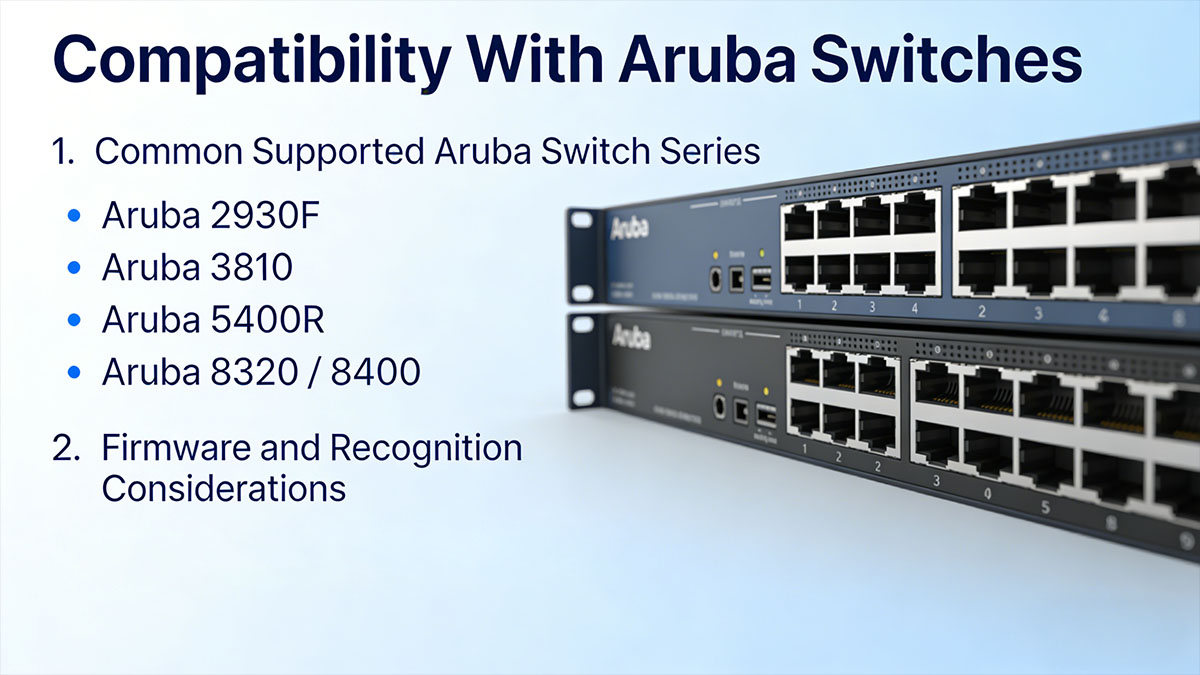
Common Supported Aruba Switch Series
J9151D and J9151E are commonly deployed across a wide range of Aruba enterprise switch families that provide 10GbE SFP+ uplink ports. These switches are frequently used in campus networks, aggregation layers, and data center environments.
The table below summarizes several Aruba switch series that typically support these modules.
| Switch Series | Typical Role | Supported Module Type |
|---|---|---|
| Aruba 2930F | Access layer switch | 10G SFP+ |
| Aruba 3810 Series | Aggregation switch | 10G SFP+ |
| Aruba 5400R Series | Modular core switch | 10G SFP+ |
| Aruba 8320 / 8400 | Data center switch | 10G SFP+ |
These switches commonly use J9151D or J9151E modules to establish long-distance uplinks between network layers. For example, access switches may connect to aggregation switches through single-mode fiber links using 10G LR optics.
Because the optical characteristics are identical, both modules support the same network scenarios, including:
-
switch-to-switch uplinks
-
core to aggregation connectivity
-
data center rack interconnects
-
campus fiber backbone links
Firmware and Recognition Considerations
Even when optical specifications match, switch firmware plays an important role in recognizing and validating SFP+ modules. Aruba switches often maintain a compatibility database that verifies whether an inserted module is supported.
When deploying J9151D or J9151E modules, administrators typically consider the following factors:
-
switch firmware should be updated to a stable release
-
the module identifier must be recognized by the switch operating system
-
digital optical monitoring should be supported for diagnostics
-
compatibility matrices should be checked before large deployments
In practice, most Aruba switches that support 10GBASE-LR optics will recognize both modules without issues. However, firmware updates sometimes introduce support for newer hardware revisions, which may affect how quickly a switch identifies newer transceiver models.
For organizations managing large Aruba infrastructures, validating compatibility through official documentation or testing modules in a staging environment helps ensure stable deployment and avoids unexpected link issues.
✅ Typical Deployment Scenarios
J9151D and J9151E are typically deployed in networks that require stable 10Gbps connectivity over longer fiber distances. Because both modules support the 10GBASE-LR standard and operate over single-mode fiber up to 10km, they are commonly used for backbone links, switch uplinks, and long-distance network connections.
Their ability to deliver reliable optical transmission across several kilometers makes them suitable for enterprise campuses, data centers, and multi-building environments.
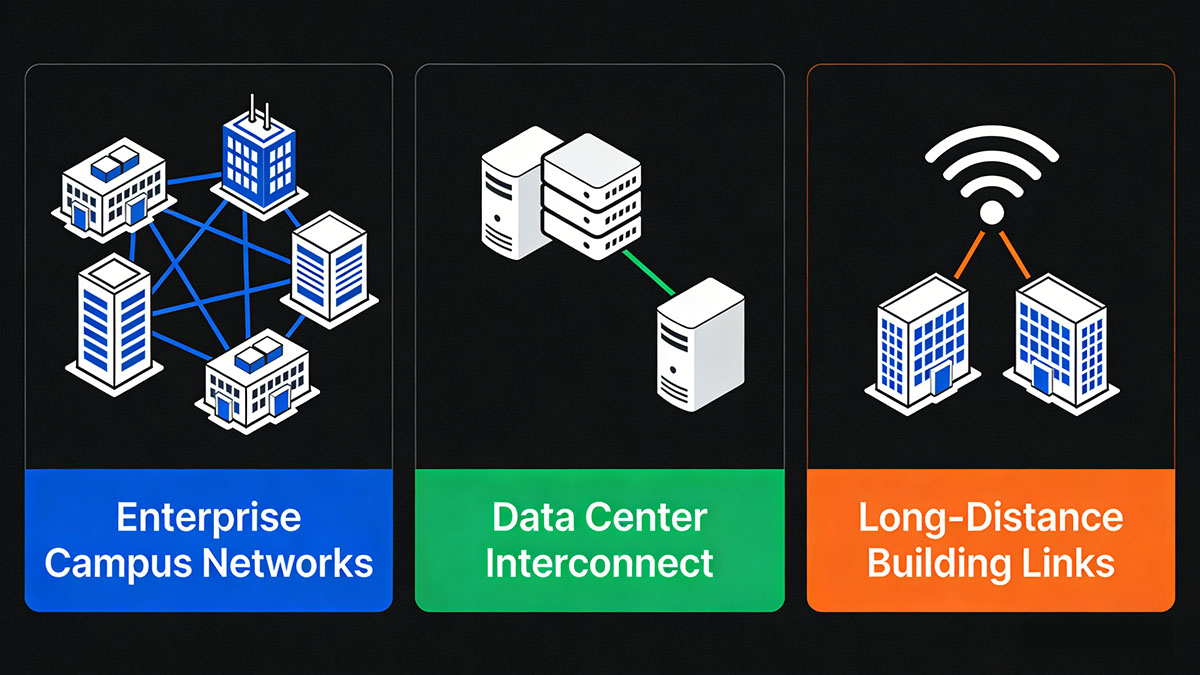
Enterprise Campus Networks
In campus networks, J9151D and J9151E modules are frequently used to connect access layer switches to aggregation or core switches. These links often span multiple floors or buildings, making single-mode fiber an efficient solution for maintaining high bandwidth and low latency.
Typical campus deployment scenarios include:
-
uplinks between access switches and aggregation switches
-
fiber connections between buildings in large office campuses
-
high-bandwidth backbone links within enterprise networks
-
connectivity between wiring closets and central switching infrastructure
Because the modules support distances up to 10km, they can easily cover most campus environments without requiring additional signal amplification.
Data Center Interconnect
Within data centers, J9151D and J9151E modules are often used to provide 10GbE connectivity between racks, rows, or aggregation layers. While short-range optics such as SR transceiver is common for intra-rack connections, LR modules are useful when longer fiber runs are required.
Typical data center use cases include:
-
top-of-rack switches connecting to aggregation or spine switches
-
links between different data center rooms or zones
-
interconnections between network and storage infrastructure
-
long fiber runs inside large data center facilities
In these environments, the use of single-mode fiber allows organizations to maintain consistent infrastructure that can also support future upgrades to higher-speed optics.
Long-Distance Building Links
One of the most common uses for 10GBASE-LR optics like J9151D and J9151E is connecting network equipment located in separate buildings. Many organizations rely on fiber infrastructure to link offices, laboratories, or production facilities within the same campus or industrial site.
Typical long-distance connection scenarios include:
-
linking headquarters and nearby office buildings
-
connecting warehouses or manufacturing facilities to central networks
-
providing high-speed fiber links between distributed IT rooms
-
supporting campus-wide backbone connectivity
The table below illustrates typical deployment environments where these modules are commonly used.
| Deployment Environment | Connection Type | Typical Distance |
|---|---|---|
| Enterprise campus | Access to aggregation switch | 1–5km |
| Data center | Rack to aggregation switch | 100m–2km |
| Multi-building campus | Building-to-building fiber link | 1–10km |
| Industrial network | Remote facility connection | up to 10km |
Because both modules support the same optical standard and transmission distance, the choice between J9151D and J9151E usually does not affect deployment architecture. Instead, network designers focus on fiber infrastructure, switch compatibility, and long-term scalability when selecting these transceivers.
✅ How to Choose Between J9151D and J9151E
For most networks, choosing between J9151D and J9151E does not significantly affect optical performance because both modules support the same 10GBASE-LR standard, transmission distance, and fiber type. The decision usually depends on factors such as existing infrastructure, module lifecycle status, and procurement availability rather than technical capability.
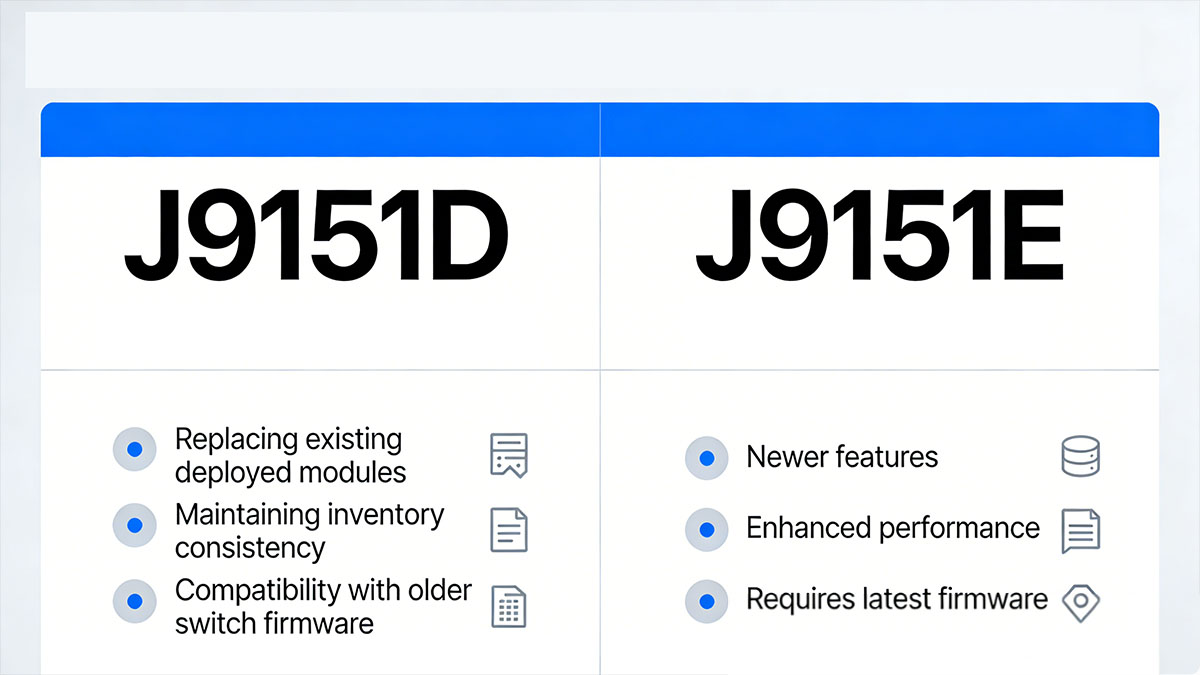
Understanding when each module makes more sense can help network administrators maintain compatibility while optimizing procurement and long-term network maintenance.
When J9151D Is the Right Choice
J9151D is often selected when organizations need to maintain consistency with existing deployments. In networks where this module is already widely installed, continuing to use the same model can simplify inventory management and reduce compatibility concerns.
Common situations where J9151D may be the preferred option include:
-
replacing failed modules in existing networks that already use J9151D
-
maintaining identical hardware across large switch deployments
-
ensuring compatibility with older switch firmware versions
-
using spare modules already stored in inventory
In these scenarios, using the same module type helps maintain operational consistency and simplifies troubleshooting because all links use identical optics.
When J9151E May Be a Better Option
J9151E is often considered the more practical choice for new deployments because it represents a newer product revision. While the performance is the same, newer module identifiers may offer longer lifecycle support and better availability in the supply chain.
Typical cases where J9151E may be the better option include:
-
deploying new Aruba switch infrastructure
-
purchasing optics for network expansion projects
-
planning long-term inventory standardization
-
selecting modules with more stable market availability
For organizations building new network environments, adopting the newer revision can help ensure that replacement modules remain easier to source in the future.
Key Factors to Consider Before Choosing
Before choosing between J9151D and J9151E, it is helpful to evaluate several practical factors related to compatibility, deployment requirements, and procurement strategy.
| Selection Factor | What to Check | Why It Matters |
|---|---|---|
| Switch Compatibility | Aruba switch model support | Ensures the module is recognized |
| Fiber Infrastructure | Single-mode fiber availability | Required for 10GBASE-LR operation |
| Network Distance | Link length up to 10km | Determines whether LR optics are appropriate |
| Supply Availability | Market availability of modules | Affects procurement and future replacements |
In most environments, either module will function correctly as long as the switch supports 10GBASE-LR SFP+ transceivers. As a result, the decision often comes down to lifecycle planning and sourcing considerations rather than differences in optical performance.
✅ Cost Considerations and Compatible Alternatives
When comparing J9151D and J9151E, the purchase cost is often an important factor for IT teams and procurement departments. Although both modules provide the same 10GBASE-LR functionality, pricing can vary depending on whether organizations purchase original vendor optics or third-party compatible alternatives.
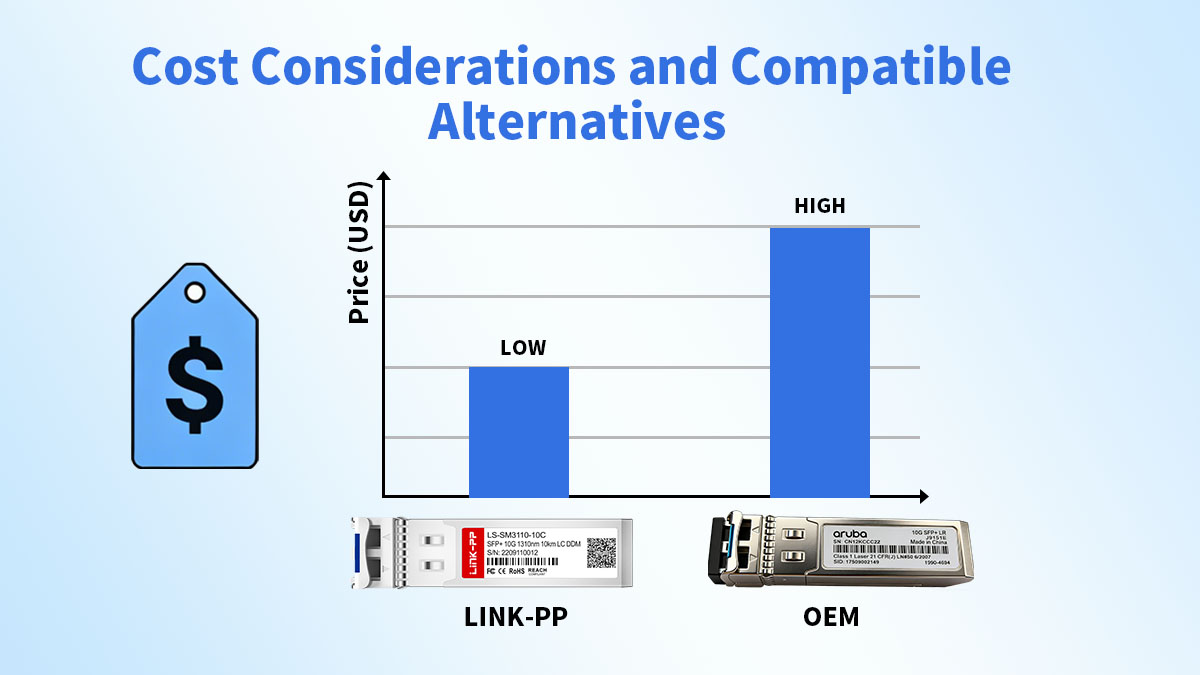
Understanding these cost differences helps organizations plan network upgrades while maintaining performance and reliability.
OEM Module Pricing
Original equipment manufacturer (OEM) optical transceivers are produced and sold directly by the network vendor. Modules such as J9151D and J9151E are typically designed to integrate seamlessly with Aruba switches and are validated through the vendor's compatibility testing.
However, OEM optics are generally associated with higher procurement costs. This is mainly due to factors such as brand pricing, official support services, and vendor supply channels.
A simplified comparison of typical characteristics is shown below.
| Aspect | OEM Modules | Compatible Modules |
|---|---|---|
| Purchase Cost | Higher | Lower |
| Vendor Branding | Official Aruba branding | Third-party branding |
| Hardware Standard | 10GBASE-LR | 10GBASE-LR |
| Switch Compatibility | Vendor validated | Requires proper coding |
Because of these cost differences, organizations deploying large numbers of optical modules—such as in campus networks or data centers—often evaluate alternatives that can provide the same functionality at a lower price.
Third-Party Compatible Transceivers
Third party transceivers are produced by independent manufacturers and programmed to operate with specific switch platforms. When properly coded for Aruba switches, these modules can deliver the same transmission standards and interoperability as OEM optics.
In practical deployments, compatible J9151D or J9151E equivalents typically support:
-
the 10GBASE-LR optical standard
-
transmission distances up to 10km over single-mode fiber
-
SFP+ form factor for hot-swappable installation
-
digital optical monitoring for link diagnostics
Many enterprises consider compatible optics for several reasons:
-
reducing network infrastructure costs
-
enabling larger-scale optical deployments within fixed budgets
-
maintaining spare inventory for faster hardware replacement
-
simplifying multi-vendor infrastructure environments
When selecting compatible modules, organizations usually evaluate supplier reliability, quality testing procedures, and switch compatibility verification. Ensuring that modules are properly programmed for Aruba platforms helps avoid issues such as port recognition errors or unsupported transceiver warnings.
By balancing cost efficiency with compatibility and reliability requirements, organizations can select optical modules that align with both technical and budget considerations.
✅ Installation and Deployment Best Practices
Proper installation and deployment practices help ensure stable operation of J9151D and J9151E optical modules. Although these SFP+ transceivers are designed for simple hot-swappable installation, factors such as fiber selection, connector cleanliness, and link verification can significantly affect network reliability.
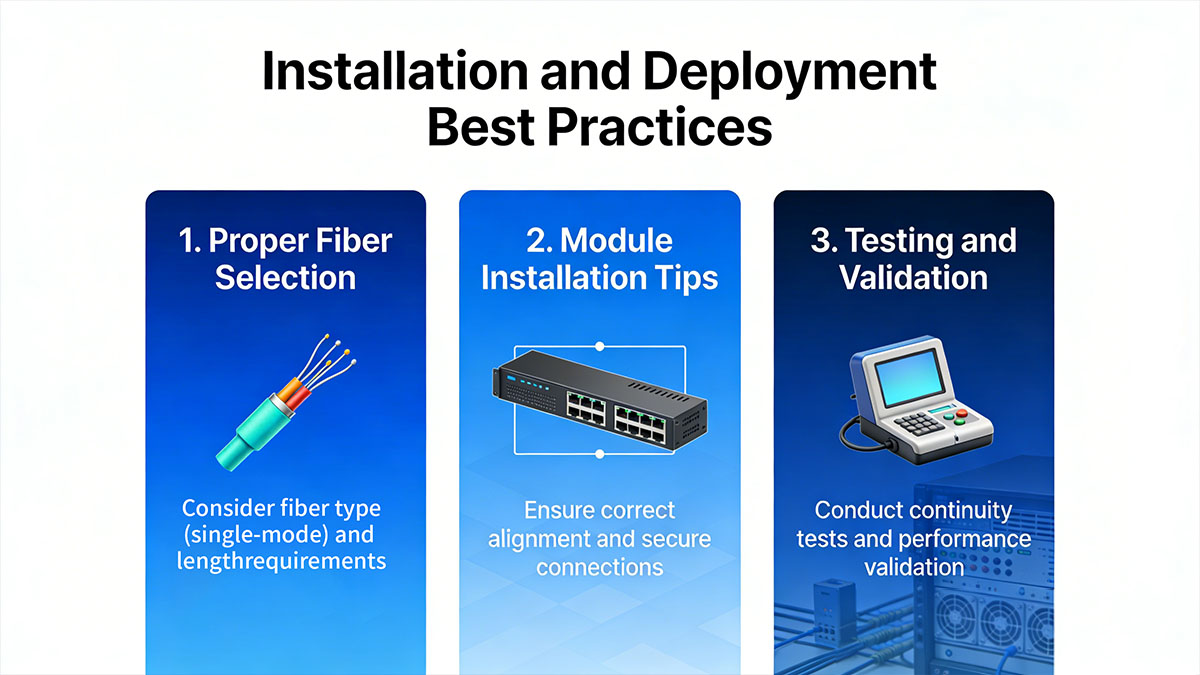
Following established deployment practices helps reduce optical signal loss, prevent hardware damage, and maintain consistent 10Gbps connectivity.
Proper Fiber Selection
J9151D and J9151E operate according to the 10GBASE-LR standard, which requires single-mode fiber for long-distance transmission. Using the correct fiber type ensures the optical signal maintains sufficient strength over longer links.
The table below summarizes the typical fiber requirements.
| Parameter | Requirement | Notes |
|---|---|---|
| Fiber Type | Single-mode fiber (SMF) | Required for LR optics |
| Connector Type | LC duplex | Standard SFP+ interface |
| Operating Wavelength | 1310nm | Optimized for SMF |
| Maximum Distance | Up to 10km | Depends on fiber quality |
Single-mode fiber allows the optical signal to travel longer distances with minimal dispersion compared with multimode fiber. When planning new installations, organizations often use OS2 fiber to support both current 10Gbps links and future higher-speed upgrades.
Module Installation Tips
SFP+ modules such as J9151D and J9151E support hot-swappable installation, meaning they can be inserted or removed without powering down the switch. However, careful handling during installation helps prevent port damage and connection issues.
Recommended installation steps include:
-
Inspect the module and ensure the protective dust caps are intact before installation.
-
Insert the SFP+ module gently into the switch port until the latch mechanism clicks into place.
-
Remove dust caps from both the module and the fiber connectors before connecting the cable.
-
Connect the LC duplex fiber cable while ensuring correct transmit and receive alignment.
-
Verify that the module latch is securely locked to prevent accidental removal.
Avoid forcing modules into ports or bending fiber cables excessively, as this may damage connectors or affect optical performance.
Testing and Validation
After installation, verifying link status and optical performance helps ensure the module operates correctly within the network.
Administrators typically perform several checks after deployment:
-
confirm the switch detects the SFP+ module
-
verify the link status shows an active 10Gbps connection
-
review digital optical monitoring data such as transmit and receive power
-
check for system log messages related to unsupported or unrecognized transceivers
Monitoring optical parameters can help identify potential issues such as excessive signal loss, dirty connectors, or fiber misalignment.
By following proper installation procedures and validating link performance, network administrators can ensure that J9151D and J9151E modules deliver stable and reliable 10Gbps fiber connectivity across enterprise and data center environments.
✅ FAQs About J9151D vs J9151E
Are J9151D and J9151E interchangeable in Aruba switches?
In most cases, yes. Both modules support the 10GBASE-LR standard and can operate in the same SFP+ ports on Aruba switches, provided the switch firmware recognizes the module.
What is the wavelength used by J9151D and J9151E?
Both modules operate at a wavelength of 1310nm, which is standard for 10GBASE-LR optical transmission over single-mode fiber.
Do J9151D and J9151E require single-mode fiber?
Yes. These modules are designed for single-mode fiber connections and typically support transmission distances of up to 10km.
Do these modules support hot swapping?
Yes. J9151D and J9151E follow the SFP+ specification and can be installed or removed without powering down the switch.
Can J9151D or J9151E be used for short fiber links?
Yes. Although they support distances up to 10km, they can also operate over shorter single-mode fiber links without issues.
How can you check if the module is working properly?
Network administrators can verify module status through the switch interface by checking link status, interface speed, and digital optical monitoring information such as transmit and receive power.
✅ Conclusion
J9151D and J9151E are both 10GBASE-LR SFP+ optical transceivers designed for reliable 10Gbps connectivity over single-mode fiber up to 10km. Their core specifications—such as wavelength, transmission distance, and interface type—are nearly identical, which means they can typically be used in the same network environments without affecting performance. The primary differences are related to hardware revision, product lifecycle, and market availability rather than optical capability.
For most organizations, selecting between J9151D and J9151E depends on factors such as existing infrastructure, switch compatibility, and procurement strategy. Networks that already deploy J9151D may prefer maintaining consistency with the same module, while new deployments often choose J9151E due to its newer revision and broader availability.
When planning large-scale network deployments or optical module replacements, it is also important to consider reliable sourcing and quality assurance. Businesses looking for cost-effective and fully tested Aruba-compatible optical modules can explore solutions available through the LINK-PP Official Store, where compatible J9151D and J9151E transceivers are designed to deliver stable performance and seamless interoperability with Aruba networking equipment.