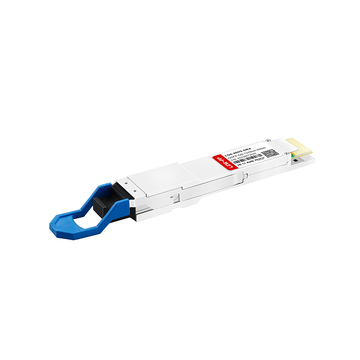
Is your enterprise network still relying on older data center hardware that requires Juniper XFP 10G transceivers for high-speed connectivity? As data demands skyrocket, maintaining compatibility with these heritage modules while planning for future upgrades can feel like a daunting balancing act. How can network administrators smoothly transition away from these legacy ports without risking unexpected system downtime?
The answer lies in understanding the complex hardware constraints, optical specifications, and Junos OS configurations that govern these older systems. Migrating to newer, energy-efficient form factors like SFP+ requires careful auditing of link interoperability and cabling infrastructure. Are you ready to optimize your legacy Juniper infrastructure and ensure a seamless, zero-downtime migration to modern network standards?
🔛 Defining Juniper XFP 10G Compatibility Roles in Legacy Networks
Legacy enterprise networks heavily depend on older optical standards to maintain reliable, high-speed backbone connections. Understanding how these vintage modules interact with existing systems is the first crucial step toward a successful hardware modernization. Mapping out these specific compatibility roles ensures that older infrastructure continues to perform optimally until the migration is complete.
Hardware Architecture of Legacy Juniper XFP Form Factors
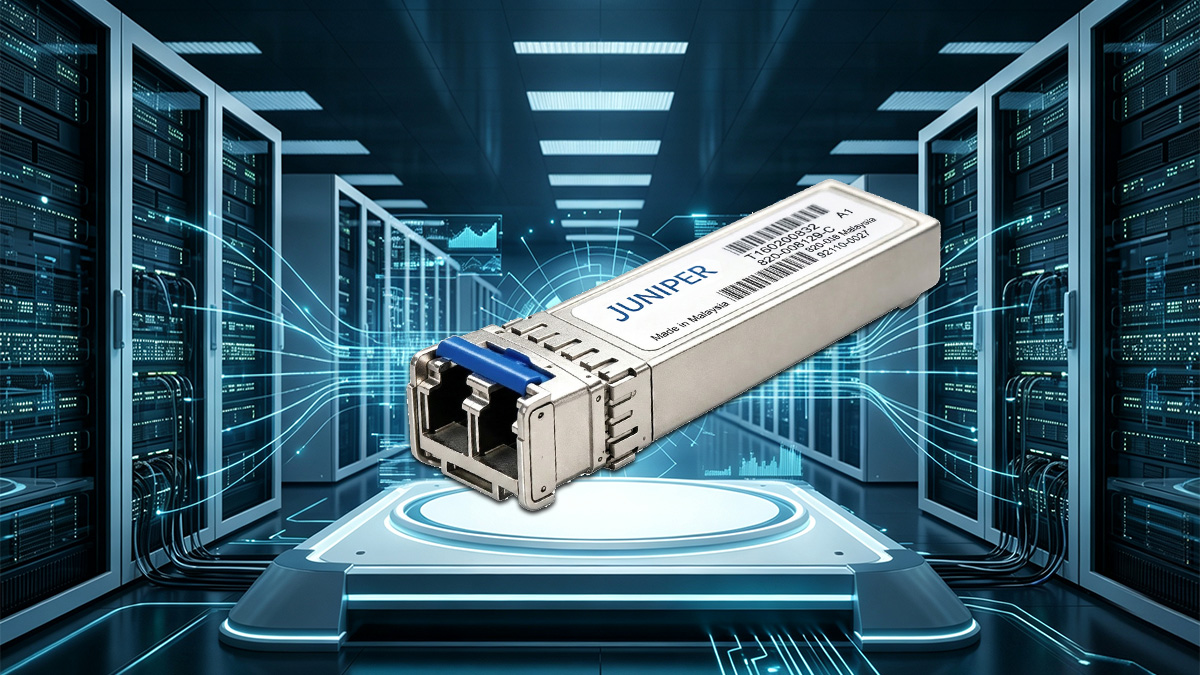
The physical design of heritage transceivers features a larger footprint compared to modern optical modules. These units utilize a 30-pin hot-pluggable interface and rely on an internal clock and data recovery (CDR) chip to manage signal integrity.
Because of this self-contained design, a Juniper XFP 10G module generates significantly more heat and consumes more electricity than newer alternatives. This specific electrical and thermal profile requires legacy host devices to allocate more power and cooling to slots hosting these transceivers.
Supported Junos OS Versions for Heritage XFP Modules
Operating system stability is vital when maintaining older optical hardware across a large enterprise footprint. Juniper XFP 10G optics are tightly bound to specific, mature software baselines that guarantee proper driver initialization and hardware diagnostic monitoring.
Running these older modules typically requires extended-support or legacy versions of Junos OS. Upgrading the network operating system too far can sometimes trigger unexpected errors or remove native support for these older physical interfaces entirely.
Identifying Core Juniper Switches and Routers Dependent on XFP
Several classic hardware platforms still serve as the structural backbone for many long-standing data centers. Core routing platforms like the Juniper M-Series and T-Series, along with vintage EX-series switches, frequently rely on these modules for their primary 10GbE uplinks.
Identifying which specific line cards and chassis slots require Juniper XFP 10G connectivity prevents accidental link disruption. Keeping a precise inventory of these dependent nodes allows engineering teams to accurately scope out the scale of their upcoming port migration.
🔛 Hardware Requirements for Juniper XFP 10G Port Migration
Successfully moving away from older hardware requires a deep understanding of the physical and mechanical limitations of your existing network equipment. Evaluating physical chassis limitations ensures that new modules will properly interface with legacy hardware structures. Addressing these physical demands up front prevents unexpected hardware conflicts during the upgrade process.
Assessing Line Card and Slot Constraints in Legacy Platforms
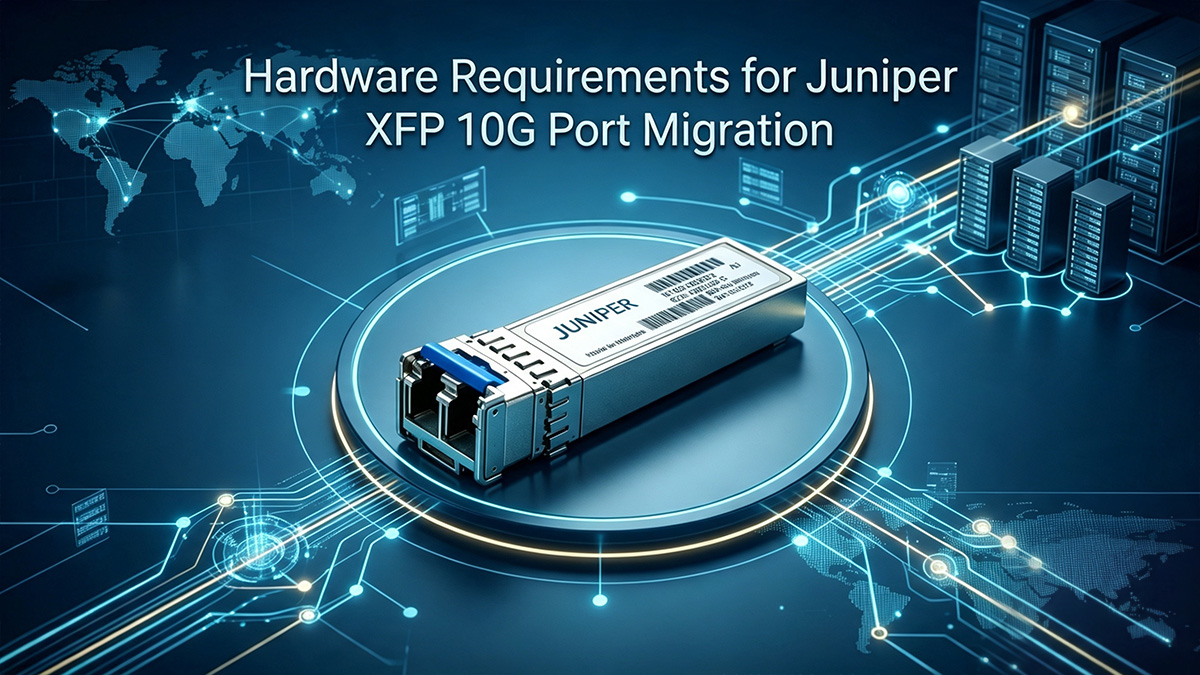
Legacy Juniper routers and switches are built around fixed modular chassis architectures designed years ago. Many of these older line cards are physically wired to only accept the bulkier layout of traditional optical transceivers.
Attempting a direct upgrade often reveals that new high-density cards are incompatible with older backplanes. Therefore, engineers must verify that the existing chassis slots can support the power routing and bandwidth requirements of modern replacement modules.
Transitioning From Power-Hungry XFP to Energy-Efficient SFP+
Upgrading your network optics offers a great opportunity to drastically cut down on power consumption and data center heat generation. The older Juniper XFP 10G modules contain internal processing chips that draw significantly more wattage per port than modern alternatives.
Moving to 10G SFP+ optics allows data centers to reclaim valuable thermal overhead and lower utility expenses. The following table highlights the core physical and electrical differences between these two generations of 10G optical technology.
| Feature | 10G XFP | 10G SFP+ |
| Average Power Draw | ~1.5W to 3.5W per module | ~0.5W to 1.5W per module |
| Signal Processing | Internal CDR (Clock & Data Recovery) | Relies on Host Device Electronic Dispersion Compensation |
| Size / Footprint | Larger, bulkier design | Compact, high-density design |
| Hot-Pluggable Interface | 30-Pin | 20-Pin |
By replacing the energy-heavy Juniper XFP 10G modules, enterprise networks can drastically increase port density without overloading their existing cooling infrastructure. This transition ultimately extends the operational lifespan of the entire host chassis.
Managing Physical Form Factor Transformations in the Rack
Because a standard SFP+ module is physically smaller than a Juniper XFP 10G optic, it cannot be inserted into the same physical slot spaces. This structural variance means that transitioning the rack requires a shift toward higher-density line cards designed for the smaller form factor. Network teams must carefully map out the space requirements inside the chassis to handle these denser port arrangements.
Properly organizing these physical transformations ensures that newer high-density cables do not block crucial airflow pathways around the remaining legacy gear. Maintaining clean cable management lines within the rack prevents localized heat buildup. This careful environmental monitoring ultimately helps preserve the performance of nearby heritage equipment that still relies on Juniper XFP 10G interfaces.
🔛 Maintaining Juniper XFP 10G Compatibility Across Mixed Form Factors
Running a network with different generations of hardware requires careful planning to keep data flowing smoothly between old and new systems. Ensuring that older hardware interfaces can talk to modern equipment prevents the network from splitting into isolated pockets. Focus must be placed on aligning both physical link settings and optical properties to keep everything communicating perfectly.
Establishing Link Interoperability Between XFP and SFP+ Ports
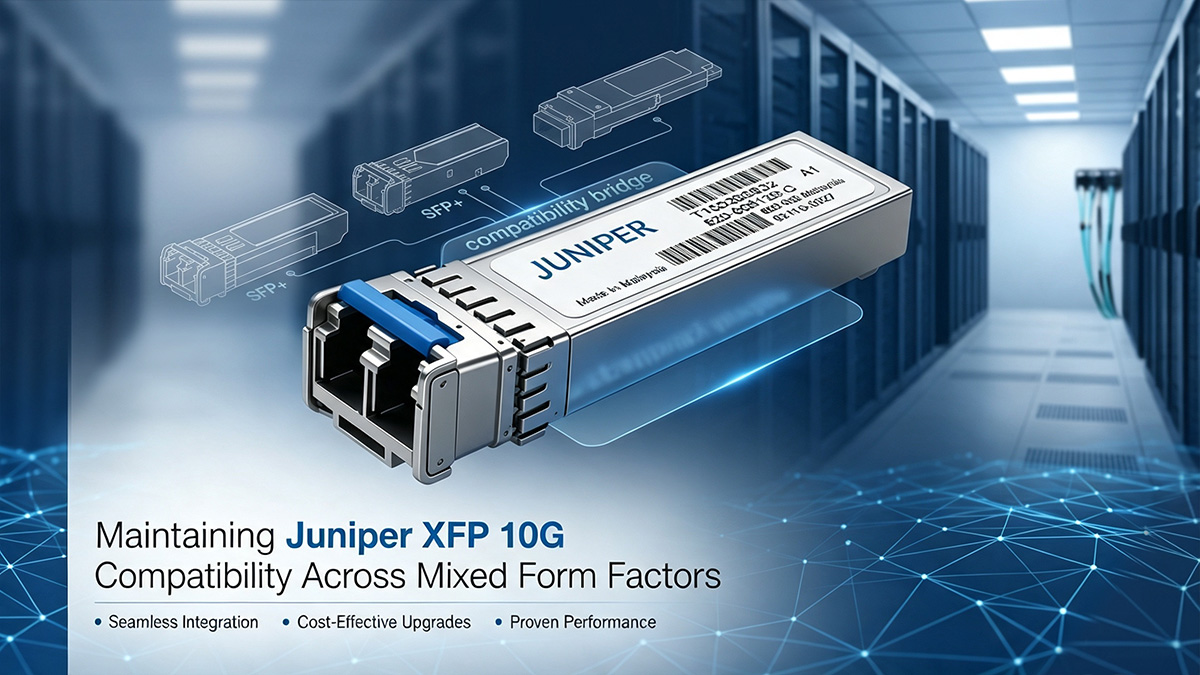
Connecting an older optical interface to a newer, modern port is highly effective as long as they share the same line speed and operating wavelengths. However, a stable connection isn't just about matching the 10Gbps rate; the transmitter power (Tx) on one end must also fall cleanly within the receiver sensitivity (Rx) range of the other to avoid receiver saturation (overload) or insufficient link margin.
Furthermore, network engineers should disable auto-negotiation and keep both sides configured in forced 10G full-duplex mode to ensure clean interoperability. Unlike higher-speed 25G or 100G paths, standard Juniper XFP 10G optical interfaces do not rely on link-level FEC negotiation, as signal integrity is handled by the XFP's internal CDR and the host's electronic dispersion compensation.
Optical Specification Matching (SR, LR, and ER Wavelengths)
Even if the transmission speeds match perfectly, a network link will fail if the optical wavelengths on each end are different. A Juniper XFP 10G transceiver must connect to an interface that uses the exact same optical standards, whether that is Short Reach, Long Reach, or Extended Reach.
Mismatched wavelengths will prevent the light signals from being read correctly, which leads to total packet loss. The table below outlines the core optical standards that must match perfectly across mixed form factors to ensure clean data transmission.
| Optical Standard | Fiber Type | Wavelength | Maximum Transmission Distance |
| SR (Short Reach) | Multi-mode | 850nm | Up to 300m |
| LR (Long Reach) | Single-mode | 1310nm | Up to 10km |
| ER (Extended Reach) | Single-mode | 1550nm | Up to 40km |
Matching these specifications ensures that the light emitted by an older Juniper XFP 10G module is perfectly compatible with the receiver on a modern SFP+ port. This strict alignment prevents hardware damage caused by over-shining or weak signals.
Configuration Continuity in Junos During Port Upgrades
When you swap out hardware ports, the underlying Junos OS needs to understand that a physical change has occurred without losing its software settings. Older interfaces are usually designated as xe-x/x/x in the command-line interface, and this naming scheme must map correctly to the replacement ports.
Network teams should prepare configuration scripts ahead of time to copy over existing firewall filters, routing policies, and VLAN assignments. Keeping this software continuity intact protects your operational settings as you move traffic away from old Juniper XFP 10G links.
🔛 Alternative Transceiver Sourcing for Juniper XFP 10G Infrastructure
Finding high-quality replacement optics becomes increasingly difficult as network hardware moves further into its lifecycle. Because original equipment manufacturers often phase out production for heritage lines, operators must look to alternative channels to keep their hardware running. Evaluating third-party sourcing options ensures your network remains stable without breaking your IT budget.
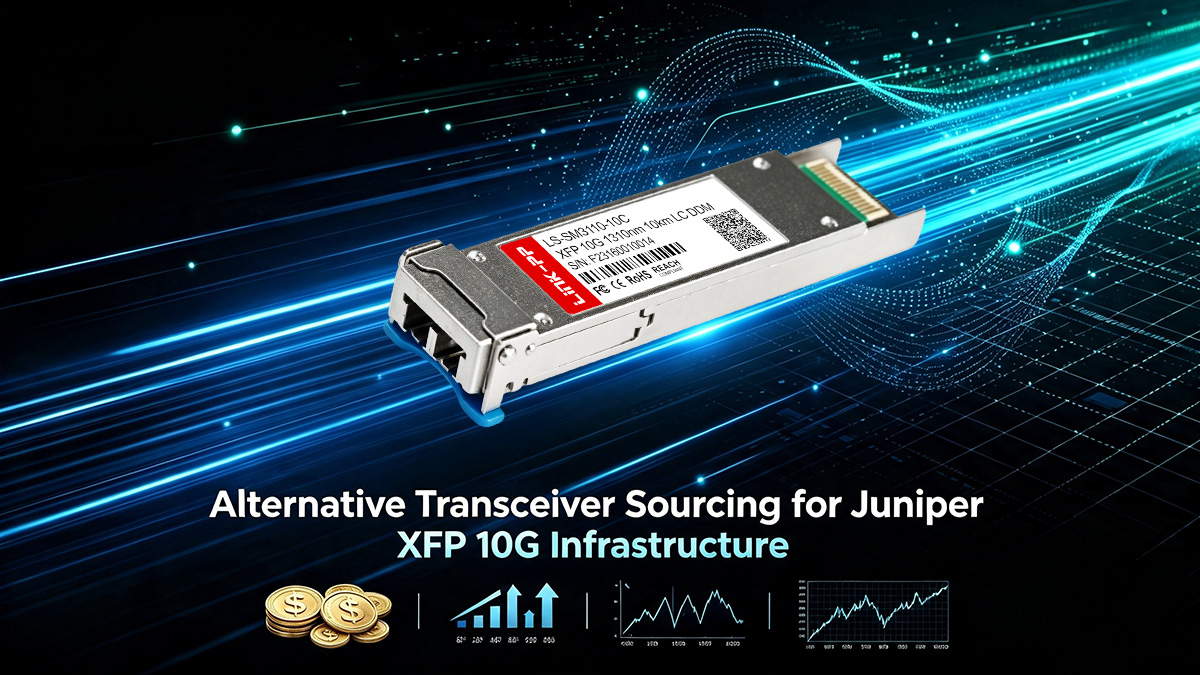
Cost and Lifecycle Analysis: OEM vs. Third-Party Compatible Optics
Purchasing original equipment manufacturer (OEM) components for older setups often carries a high price tag that is hard to justify. Third-party compatible modules offer an affordable alternative, providing identical optical performance at a fraction of the cost.
Choosing third-party Juniper XFP 10G compatible transceiver modules allows companies to extend the operational lifespan of their existing chassis. This smart sourcing strategy frees up valuable budget space that can be redirected toward major future hardware upgrades.
Resolving EEPROM Coding Verification Problems in Junos
The primary challenge when installing third-party optics is making sure the host device recognizes the new hardware. Juniper switches and routers check the module's internal EEPROM chip for specific vendor codes during bootup.
If the coding does not perfectly match OEM profiles, Junos OS may throw an error and disable the port completely. Sourcing high-quality Juniper XFP 10G components that are programmed with precise compatible firmware bypasses these software verification issues.
Ensuring Secure Vendor Sourcing for Legacy Network Continuity
Maintaining long-term network reliability requires partnering with dependable suppliers who thoroughly test their products. Working with a trusted manufacturer like LINK-PP ensures you receive optics built to exact industry standards.
LINK-PP provides premium, fully compatible Juniper XFP 10G modules that seamlessly integrate into legacy environments. Securing a reliable supply chain prevents unexpected network downtime and keeps your legacy ports functioning smoothly until final migration.
🔛 Troubleshooting Juniper XFP 10G Compatibility and Link Failures
Legacy hardware environments frequently experience unexpected connectivity issues during port modification or module replacement. Identifying the root cause of these optical failures requires systematic diagnostic procedures and a deep knowledge of legacy system behaviors. Quick resolution of these errors ensures minimal disruption to your daily network operations.
Overcoming "Unsupported Transceiver" Error Commands
When plugging a non-OEM module into a legacy host, Junos OS may immediately log a fault and shut down the physical interface. This built-in security safeguard is designed to prevent poorly coded transceivers from damaging sensitive line card electronics.
To bypass this roadblock, administrators can apply specific configuration overrides within the Junos CLI to allow third-party hardware. Successfully activating these commands restores normal port functionality to your Juniper XFP 10G infrastructure without requiring costly OEM replacements.
Analyzing Optical Power Budgets and Signal Loss During Migration
Signal degradation is a primary culprit behind intermittent link drops when integrating newer optics with older platforms. Network teams must measure the precise decibel loss across the fiber path using digital optical monitoring tools.
If the light levels from an older Juniper XFP 10G transceiver drop below acceptable receiver thresholds, packet errors will spike. Ensuring your optical power budgets are carefully balanced prevents data corruption across these transitional paths.
Port Flap Suppression and Link Stabilization Strategies
Unstable fiber links can cause a port to cycle rapidly between up and down states, which degrades overall network performance. This rapid bouncing triggers constant routing recalculations and puts unnecessary strain on the core system processor.
To mitigate this behavior and keep your links steady, apply the following stabilization techniques in Junos OS:
- Configure hold-time timers to delay interface transition alerts.
- Apply damping settings to suppress repeatedly flapping interfaces.
- Set the interface speed and duplex parameters manually to force 10G.
- Clean all physical fiber bulkheads and optics with lint-free wipes.
Implementing these configuration safeguards helps protect your aging Juniper XFP 10G links from sudden signal drops. Maintaining this structural stability gives your engineering team the necessary time to safely execute the final migration.
🔛 Cabling Infrastructure Readiness for Juniper XFP 10G Upgrades
A successful port migration depends heavily on the physical health of the underlying data center cable plant. Upgrading active network connections without auditing the physical glass pathways can lead to unexpected packet loss and link failures. Ensuring your fiber infrastructure is fully prepared allows older optical interfaces to communicate efficiently with modern hardware endpoints.
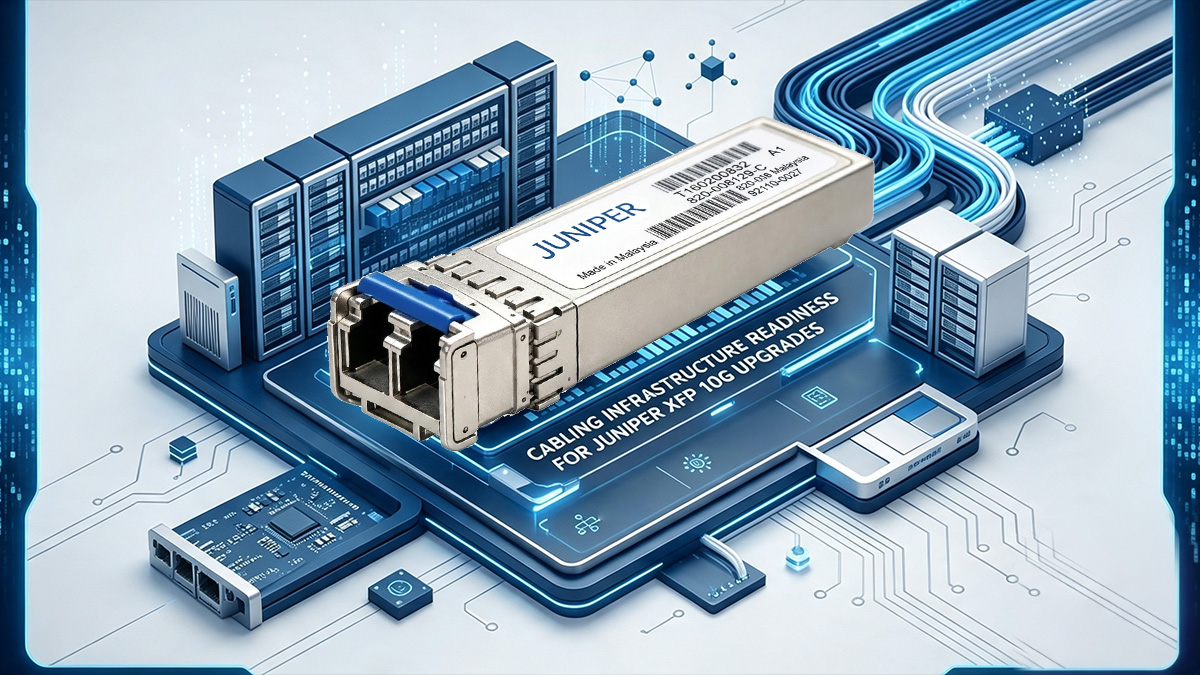
Reusing Existing OM3/OM4 Multi-mode and Single-mode Fiber Runs
Many enterprise data centers feature extensive layouts of existing OM3 and OM4 multi-mode fiber runs that are expensive to replace. Fortunately, these physical cable structures can easily support high-speed transfers when migrating from older systems. Evaluating the condition and exact lengths of these pre-installed lines allows network teams to save significant deployment costs during an upgrade.
To safely reuse your existing fiber infrastructure with a Juniper XFP 10G system, adhere to these operational guidelines:
- Verify the total distance and attenuation profiles of your current fiber runs.
- Keep OM3 multi-mode fiber runs within 300m for optimal link stability.
- Limit OM4 runs to 400m while maintaining an adequate power margin.
- Deploy single-mode fiber runs for long-distance building-to-building links.
- Test all legacy dark fiber strands before moving active production traffic.
LC-to-LC Patch Cord Integrity and Connector Maintenance
Physical contamination on optical connectors is a leading cause of intermittent signal degradation in legacy network environments. Dust particles, skin oils, and microscopic debris can easily block the narrow light pathways required by high-speed optics. Maintaining pristine connection points is essential when interfacing older transceivers with modern patch panels.
To maintain perfect structural integrity across all your LC-to-LC patch cords, implement these physical cleaning steps:
- Inspect every fiber connector using a digital fiber inspection scope.
- Clean all cable tips using specialized lint-free optical wipes.
- Use click cleaners on the internal transceiver bulkheads.
- Keep protective dust caps on all unused Juniper XFP 10G ports.
Mitigating Modal Dispersion in Heritage Optical Fiber Pathways
Older multi-mode glass often suffers from modal dispersion, a phenomenon where light rays travel at slightly different speeds inside the fiber core. This timing difference spreads out the light pulses over long distances, causing the receiver to misread incoming data bits. Managing this distortion is critical when connecting heritage network hardware to modern high-density nodes.
To actively reduce modal dispersion across your legacy Juniper XFP 10G pathways, focus on these critical adjustments:
- Install mode-conditioning patch cords on legacy single-mode to multi-mode links.
- Avoid tight bends or sharp kinks along the entire cable tray.
- Keep physical cable tension well within standard industrial limits.
- Replace damaged patch cables immediately to keep signals crisp.
🔛 Executing a Zero-Downtime Juniper XFP 10G Migration Strategy
Swapping out critical network core interfaces without affecting daily operations requires a highly structured execution plan. Legacy infrastructure environments are particularly sensitive to abrupt configuration adjustments or sudden physical state changes. Following a meticulous, step-by-step methodology ensures continuous traffic flow while modernizing your physical port pathways.
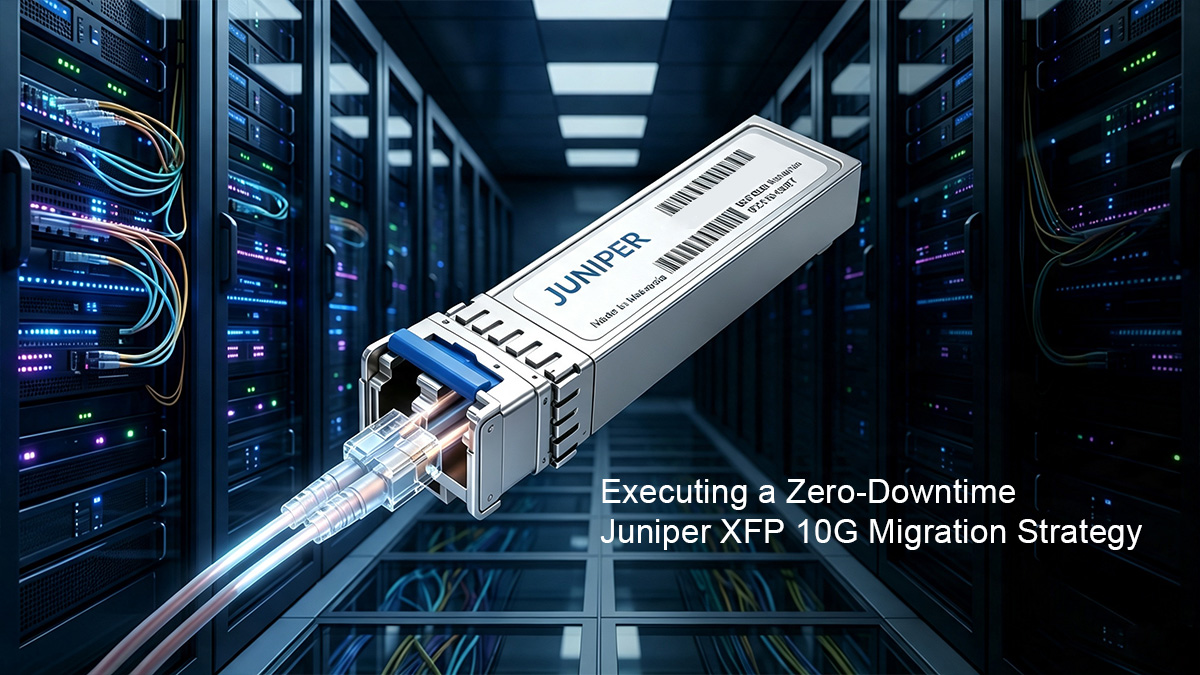
Pre-Migration Auditing of Active Legacy Optical Links
Before altering any physical hardware, engineers must completely map out the existing topology to avoid unexpected dependencies. Gathering real-time operational diagnostics from the command line helps establish a reliable performance baseline. This essential preparation phase ensures that every old link is fully documented before the transition begins.
To conduct a thorough operational assessment of your active Juniper XFP 10G links, execute these diagnostic tasks:
- Run the show interfaces diagnostics optics command in Junos.
- Record current Tx and Rx power levels for every port.
- Document existing VLAN assignments and active trunk configurations.
- Identify redundant paths that can carry temporary traffic loads.
- Verify the physical labeling on all connected fiber patch cables.
Step-by-Step Traffic Rerouting and Failover Verification
To maintain continuous data flow, active network traffic must be gracefully shifted away from the target ports before physical removal. Leveraging dynamic routing protocols allows for a seamless detour around the specific line cards scheduled for maintenance. This proactive routing shift guarantees that user sessions remain completely uninterrupted during the physical hardware swap.
To safely isolate and reroute live traffic away from an active Juniper XFP 10G interface, follow this operational sequence:
- Increase the routing metric on the target port to divert traffic.
- Verify that data shifts smoothly to the designated backup paths.
- Monitor core processor utilization to ensure the backup links handle the load.
- Deactivate the interface using the set interfaces disable command.
- Confirm that zero production traffic is crossing the isolated link.
Post-Migration Telemetry and Performance Validation in Junos
Once the hardware transformation is complete, the newly established links must be rigorously monitored to confirm structural stability. Utilizing the built-in telemetry tools within Junos OS helps detect microscopic errors or configuration anomalies immediately. This final verification stage ensures the new deployment matches or exceeds the reliability standards of the original infrastructure.
To validate the stability and performance of your upgraded Juniper XFP 10G network connections, monitor these indicators:
- Check the interface status to ensure it remains constantly up.
- Monitor the input and output error counters for any packet loss.
- Verify that the optical transceiver power levels fall within safe margins.
- Confirm that dynamic routing protocols form stable neighbor relationships.
- Analyze system log messages for any hidden physical port flapping issues.
🔛 Key Takeaways for Seamless Juniper XFP 10G Legacy Infrastructure Upgrades
Modernizing heritage network pathways requires a balance of physical auditing, strict optical matching, and structured software configurations. Upgrading your legacy systems does not have to result in network instability or costly downtime. By following a systematic engineering approach, your enterprise can successfully bridge the gap between vintage hardware limitations and modern data requirements.
As you plan and execute your network transition, keep these essential lessons in mind:
- Map all legacy chassis and slot dependencies early.
- Enforce forced 10G full-duplex mode to prevent link issues.
- Match optical wavelengths and power budgets precisely across ports.
- Deploy configuration overrides in Junos OS for compatible optical transceiver.
- Clean all physical fiber connections to prevent signal dropouts.
- Gracefully reroute active production traffic to avoid network downtime.
Maintaining network continuity through this migration requires access to dependable, highly compatible hardware components. If you need reliable, premium-grade replacement optics that integrate perfectly with your existing equipment, consider choosing trusted industry solutions. Visit the LINK-PP Official Store today to explore our extensive catalog of fully programmed, high-performance transceivers designed to keep your legacy infrastructure running smoothly.