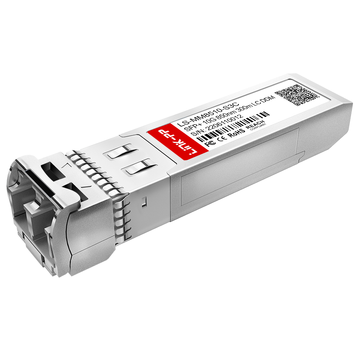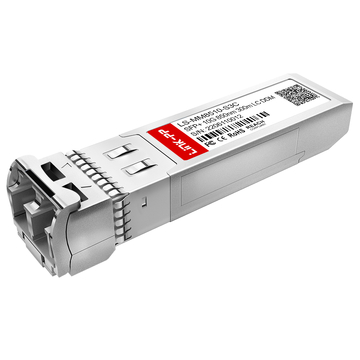
Sourcing the HPE Aruba R9D18A 10GBASE-SR SFP+ transceiver requires aligning hardware budgets with specific physical infrastructure constraints. This procurement guide outlines the R9D18A's exact technical specifications, IEEE 802.3ae compliance, OM3/OM4 multimode fiber requirements, and strict compatibility boundaries within the Aruba Instant On ecosystem. It provides enterprise purchasing agents with the data necessary to optimize capital expenditures while mitigating network downtime risks.
Enterprise network scaling demands higher bandwidth at the edge without a corresponding spike in operational overhead. Sourcing optical components, however, remains a persistent bottleneck for enterprise IT and purchasing teams. A single mismatched part number or a misunderstanding of a physical layer restriction can lead to delayed deployments, hardware validation errors, or unexpected network downtime.
This guide serves as a technical blueprint for the Aruba R9D18A transceiver. By examining its physical parameters, ecosystem compatibility, and real-world deployment scenarios, engineering and procurement teams can make informed, data-backed purchasing decisions.
✅ What Is the R9D18A Aruba 10GBASE-SR Transceiver?
The R9D18A Aruba 10GBASE-SR Transceiver is a high-performance, Small Form-factor Pluggable Plus (SFP+) optical module officially engineered by HPE for the Aruba Instant On network ecosystem. Designed to meet strict IEEE 802.3ae standards, it serves as a critical hardware component for Small and Medium-sized Businesses (SMBs) looking to scale their IT infrastructure.

Its Role in 10GbE Networking
As network traffic grows due to cloud computing, Wi-Fi 6/7 access points, and high-definition video streaming, 1G connections frequently become bottlenecks. The R9D18A plays a pivotal role in 10GbE (10 Gigabit Ethernet) networking by acting as the physical conversion point. It translates electrical data signals from your Aruba Instant On switch (such as the 1960 or 1930 series) into optical light signals, enabling blazing-fast, 10-Gigabit throughput across your network backbone.
Why It Is Selected for Short-Range Fiber Uplinks
When network engineers design topology, the R9D18A is overwhelmingly chosen for short-range fiber uplinks for three key reasons:
The "SR" (Short Reach) Standard: Utilizing a cost-effective 850nm VCSEL laser, the module is specifically optimized for short distances.
Distance Capabilities: When paired with standard LC duplex Multimode Fiber (MMF), it reliably transmits 10G data up to 300 meters over OM3 or OM4 cables, which perfectly covers the distance needs of 95% of standard office buildings.
Cost-Effectiveness: Compared to "LR" (Long Reach) single-mode transceivers, SR modules are significantly more affordable to manufacture and deploy. This makes the R9D18A the most budget-friendly choice for interconnecting server racks, linking edge switches to core switches, or bridging Network Attached Storage (NAS) within the same data closet.
✅ R9D18A Aruba Specifications and Key Procurement Factors
When purchasing optical transceivers for Small and Medium-sized Business (SMB) networks, evaluating the exact technical parameters is crucial to ensure hardware compatibility and prevent costly deployment delays. The R9D18A is engineered to precise Multi-Source Agreement (MSA) and HPE Aruba standards. Below is a comprehensive breakdown of its specifications and the critical factors IT buyers must evaluate before finalizing their procurement.
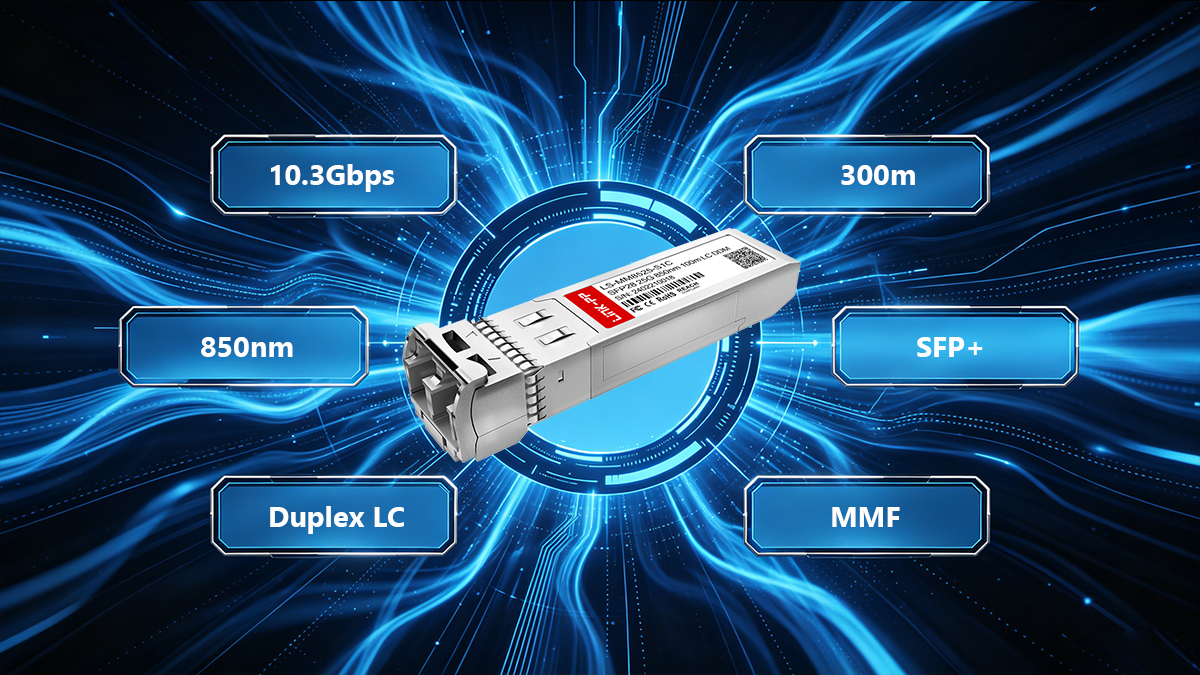
Core Hardware Specifications
For quick decision-making, here is the verified technical datasheet for the R9D18A module:
| Specification | R9D18A Details |
|---|---|
| Form Factor | SFP+ (Small Form-factor Pluggable Plus) |
| Max Data Rate | 10.3125 Gbps (10 Gigabit Ethernet) |
| Wavelength | 850nm (VCSEL Laser) |
| Maximum Distance | Up to 300 meters (on OM3/OM4) |
| Cable Medium | Multimode Fiber (MMF) |
| Connector Type | Duplex LC |
| DDM/DOM Support | Yes |
Detailed Procurement Factors
Understanding how these specifications translate into real-world networking is essential for making informed purchasing decisions.
1. Speed and Throughput Alignment
The module supports a 10 Gigabit Ethernet data rate. For procurement teams, this means the R9D18A is exclusively designed for 10G SFP+ slots. It is highly important to verify your switch port capabilities, as inserting a 10G module into an older 1G SFP port will result in a failure to link.
2. Wavelength and Distance Capabilities
Operating at an 850nm wavelength, this transceiver is strictly designed for Multimode Fiber (MMF). It can push data up to 300 meters when paired with OM3 or OM4 laser-optimized cables. If your facility requires connections exceeding 300 meters, or if you are connecting two separate buildings, you will need to procure single-mode transceivers (such as 10GBASE-LR) and single-mode cabling instead.
3. Connector Type and Physical Dimensions
The R9D18A features a standard Duplex LC connector. Buyers must ensure their patch cables terminate with LC connectors, rather than older SC or ST formats. Physically, the module follows industry-standard SFP+ MSA dimensions. This ensures a flush, secure fit in high-density Aruba Instant On switches, allowing you to fully populate adjacent ports without physical obstruction or overheating issues.
4. Digital Diagnostics Monitoring (DDM) Support
A critical feature for proactive network management is DDM (also referred to as DOM). The R9D18A fully supports this functionality, allowing network administrators to monitor real-time operating parameters such as optical output power, receiver input power, temperature, and laser bias current directly from the switch interface. Procuring DDM-enabled modules is a best practice, as it significantly reduces troubleshooting time during potential network degradations.
✅ Which Fiber Type and Cable Standard Does R9D18A Require?
A common pitfall in network procurement is purchasing the correct optical transceiver but pairing it with the wrong cabling infrastructure. Because the R9D18A is a 10GBASE-SR (Short Reach) module, it operates on a very specific set of optical standards. To ensure your network achieves its full 10Gbps potential, you must match this module with the appropriate fiber type and connector.
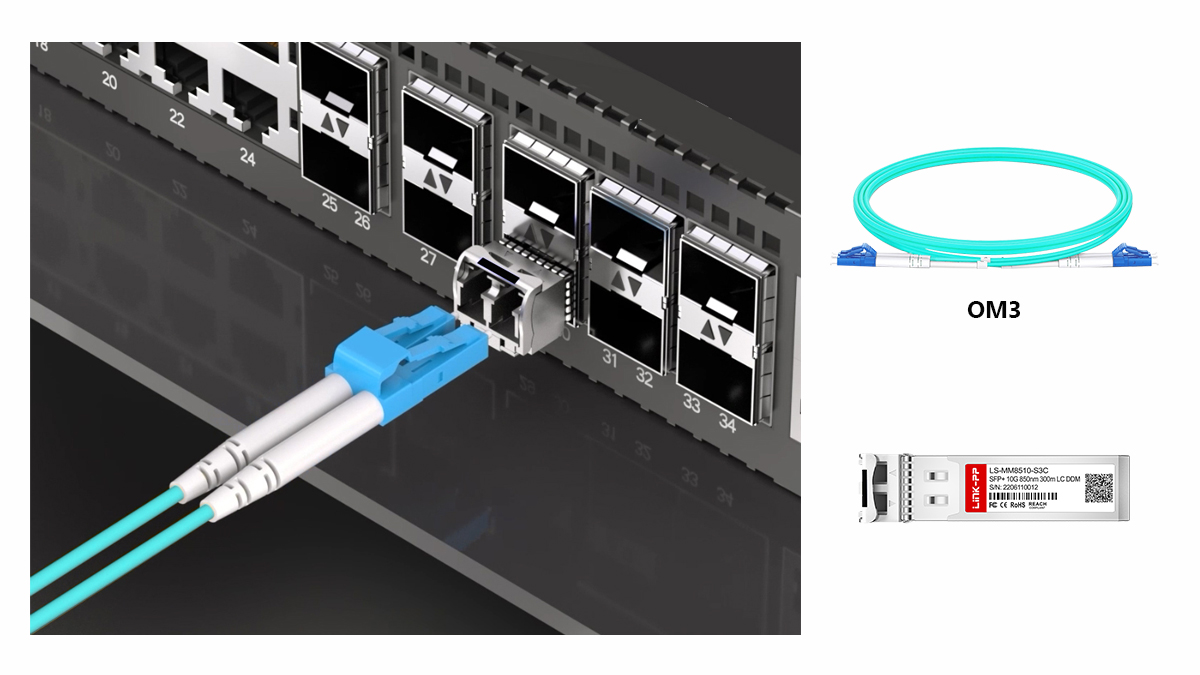
Multimode Fiber (MMF) and the OM3 Standard
The R9D18A utilizes an 850nm wavelength laser, which dictates that it must be connected using Multimode Fiber (MMF). In modern networking, multimode fiber is categorized by optical categories (OM). For this specific Aruba module, OM3 or OM4 laser-optimized multimode cables are the required standards.
When using OM3 fiber (typically identified by an aqua-colored cable jacket), the R9D18A can reliably transmit data up to 300 meters. OM4 fiber (often magenta or aqua) provides the same 300-meter support for 10G speeds but offers better signal clarity and future-proofing for higher bandwidths. It is critical to note that legacy OM1 or OM2 fiber cables should be avoided in modern deployments, as they will severely bottleneck the 10G signal, dropping the maximum distance to a mere 33 meters.
LC Duplex Connectivity Explained
The physical port on the front of the R9D18A transceiver utilizes an LC Duplex connector. The LC (Lucent Connector) is a small form-factor fiber connector perfectly sized to fit the high-density layout of SFP+ switches. The term duplex means the cable consists of two fiber strands side-by-side: one dedicated to transmitting data (TX) and the other for receiving data (RX).
When purchasing patch cords for this module, your procurement list must explicitly state LC to LC Duplex MMF. Attempting to use older, bulkier SC or ST connectors will make it physically impossible to plug the cable into the transceiver.
Matching the R9D18A with Real-World Cabling Plans
As you map out your physical IT infrastructure, here is how to align the R9D18A with real-world cabling scenarios.
Auditing Existing Infrastructure
If you are upgrading an older server room from 1G to 10G, first audit your cable trays. Check the outer jacket of your existing fiber runs. If the cables are orange (typically OM1 or OM2), you will need to budget for new cable pulls. If they are aqua, verify the print on the jacket says OM3 or OM4 before deploying the R9D18A.
New Server Room Deployments
For brand new installations, standardizing on OM4 LC-duplex patch cables is the industry best practice. When connecting access switches (like the Aruba Instant On 1930) back to a core switch within the same building, network engineers often use pre-terminated OM4 trunk cables. You can then use short 1-meter or 3-meter OM4 LC-duplex patch cords to connect the trunk panels directly to the R9D18A modules sitting in your switches.
✅ Aruba R9D18A Compatibility for Procurement Teams
One of the most critical steps in IT procurement is verifying hardware compatibility. Purchasing an optical transceiver that does not align with your existing network switches can lead to deployment delays, unsupported hardware errors, and wasted budget. For buyers evaluating the R9D18A, understanding its specific placement within the HPE network ecosystem is essential to ensure a smooth purchasing process.
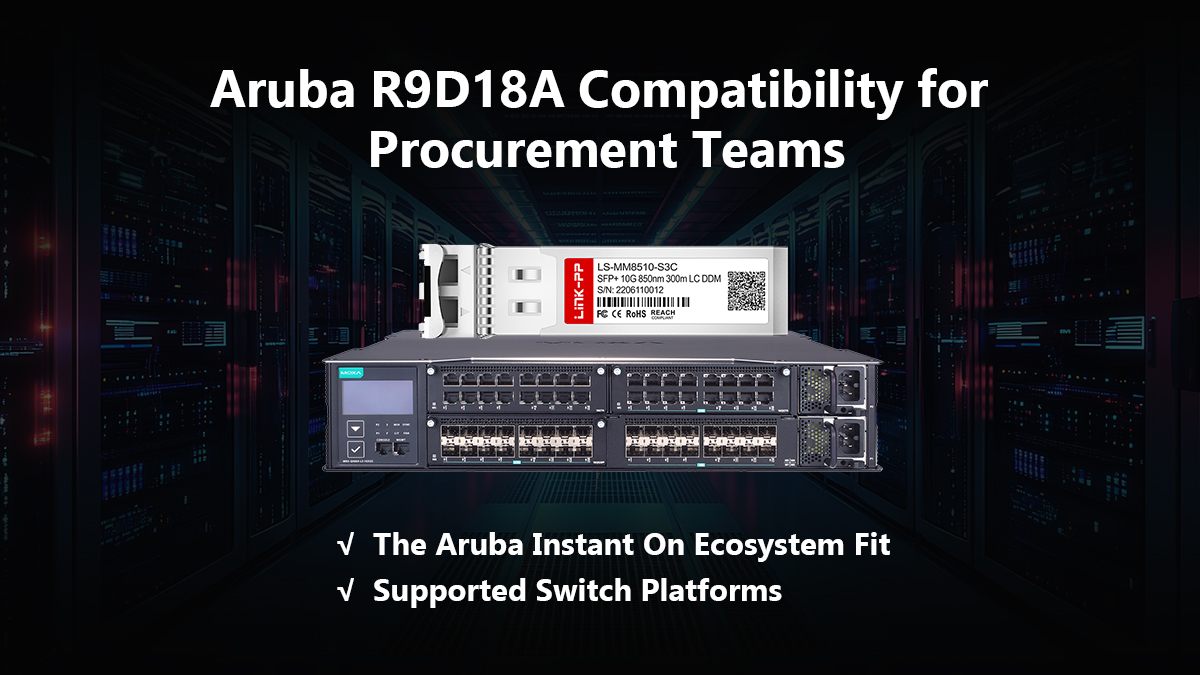
The Aruba Instant On Ecosystem Fit
HPE categorizes its networking equipment into distinct product lines to serve different market scales. The R9D18A is firmware-coded specifically for the Aruba Instant On portfolio, which is tailored for Small and Medium-sized Businesses (SMBs). This is a vital distinction for procurement teams. If your facility operates enterprise-level Aruba CX switches, your engineers would typically request the J9150D module. However, for seamless, cloud-managed integration within an SMB environment, the R9D18A is the exact SKU required to maintain native support, optimal performance, and warranty compliance.
Supported Switch Platforms
To ensure a successful network upgrade, this 10GBASE-SR transceiver must be installed in a device equipped with SFP+ uplink ports. The R9D18A is officially supported in the Aruba Instant On 1960 Series switches and the Aruba Instant On 1930 Series switches. Plugging this module into these specific models guarantees plug-and-play functionality without the need for complex command-line configurations or bypass commands.
Key Questions Should Ask Before Approving Purchase Orders
Before a procurement manager signs off on a Purchase Order (PO) for optical modules, they must validate a few technical details with their network engineering team to avoid costly returns.
1. Is the target switch port 10G SFP+ or standard 1G SFP?
Form factor compatibility is a common source of confusion in IT purchasing. While an SFP+ module shares the exact physical dimensions as a standard SFP module, a 10G R9D18A transceiver will not function if plugged into a legacy 1G SFP port. Buyers must verify with their IT staff that the target switch possesses dedicated 10G SFP+ slots before ordering.
2. Are we connecting to a different brand of switch?
When creating a fiber link, the transceiver on one end must communicate with the transceiver on the other. Fortunately, the 10GBASE-SR protocol is an IEEE universal standard. As long as the R9D18A is installed in the Aruba switch, the remote switch on the other end of the fiber cable (whether it is manufactured by Cisco, Juniper, or Netgear) simply needs its own compatible 10GBASE-SR module to establish a successful connection.
3. Do we need OEM genuine or third-party compatible optics?
Procurement teams must balance budget constraints with network criticality. OEM genuine R9D18A modules offer guaranteed firmware support from HPE and streamline troubleshooting during support tickets. However, for budget-restricted IT projects, high-quality MSA-compliant third-party modules programmed specifically for Aruba Instant On can offer significant cost savings. If choosing compatibles, buyers should ensure the vendor provides a lifetime warranty and guarantees that the module will not trigger unsupported transceiver warnings.
✅ R9D18A Aruba vs. Third-Party 10GBASE-SR Modules
When drafting an IT network budget, one of the most common debates among procurement teams is whether to purchase Original Equipment Manufacturer (OEM) transceivers or opt for third-party compatible alternatives. Both options serve the exact same technical function in a 10GbE network, but they carry vastly different implications for cost, risk management, and supply chain logistics.
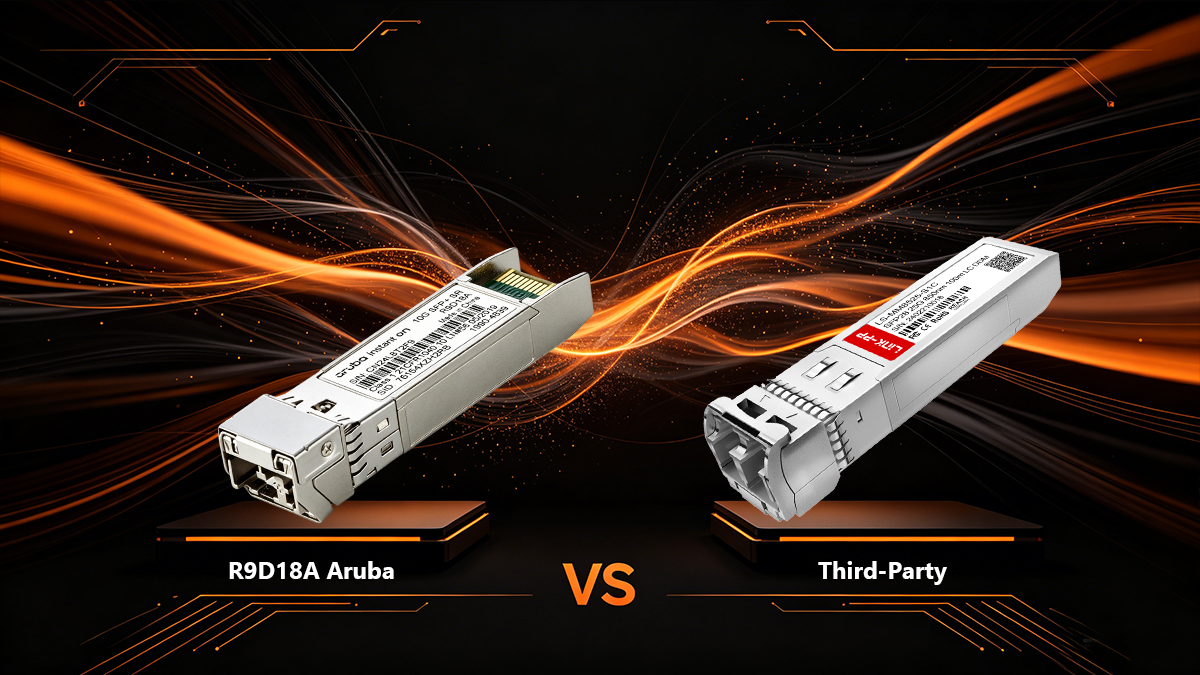
Concise Comparison
To assist in the decision-making process, the following table breaks down the primary differences between purchasing the official HPE R9D18A and a reputable third-party MSA-compatible module.
| Procurement Factor | OEM Genuine R9D18A | Third-Party Compatible |
|---|---|---|
| Initial Capital Cost | Premium pricing | Highly cost-effective (significant savings) |
| HPE Support Risk | Zero risk, fully supported by TAC | Potential for vendor finger-pointing |
| Firmware Compatibility | Native integration with Instant On | Requires vendor to guarantee specific coding |
| Supply Chain Availability | Subject to global OEM lead times | Usually available for immediate shipping |
Pricing and Budget Impact
OEM modules carry a premium price tag, which reflects the brand's research, development, and guaranteed ecosystem integration. For IT departments outfitting multiple switches, purchasing exclusively OEM optics can quickly consume capital expenditure. Third-party compatible modules, on the other hand, can reduce optical procurement costs dramatically. This cost reduction allows buyers to comfortably purchase cold spares for emergency replacements or reallocate funds to other critical IT infrastructure upgrades.
Support Risk and Network Reliability
The primary reason organizations invest in OEM R9D18A modules is risk mitigation. Using official HPE parts ensures absolute plug-and-play reliability and eliminates the risk of support complications during a technical outage. If the network experiences downtime, having an all-HPE environment streamlines the troubleshooting process with the manufacturer's technical assistance center.
While third-party optics are built to the exact same Multi-Source Agreement (MSA) hardware standards, they introduce a slight support risk. If a switch issue arises, the manufacturer may request that you replicate the problem using an OEM optic before they escalate the support ticket. For this reason, many procurement teams adopt a hybrid strategy: purchasing OEM R9D18A modules for mission-critical core uplinks, while deploying high-quality compatible modules for edge connections or redundant links.
Deployment Flexibility and Supply Chain
Global supply chain fluctuations can sometimes impact the availability of OEM hardware through traditional distribution channels, potentially leading to extended lead times. Third-party optic vendors frequently maintain massive, ready-to-ship inventories, offering exceptional deployment flexibility when IT project deadlines are extremely tight. Furthermore, reputable third-party suppliers test and code their modules in-house, ensuring you can quickly source the exact Aruba Instant On compatibility you need without waiting on OEM backorders.
✅ Deployment Scenarios for R9D18A in SMB and Enterprise Networks
Understanding the technical specifications of an optical transceiver is only half the equation for a procurement team. The other half is visualizing exactly where this hardware will be deployed within the network topology. While the R9D18A is purpose-built for the Aruba Instant On ecosystem—traditionally an SMB platform—it is frequently utilized in enterprise branch offices, retail chains, and campus edge environments. Here is a look at the most common deployment scenarios for this 10GBASE-SR module.
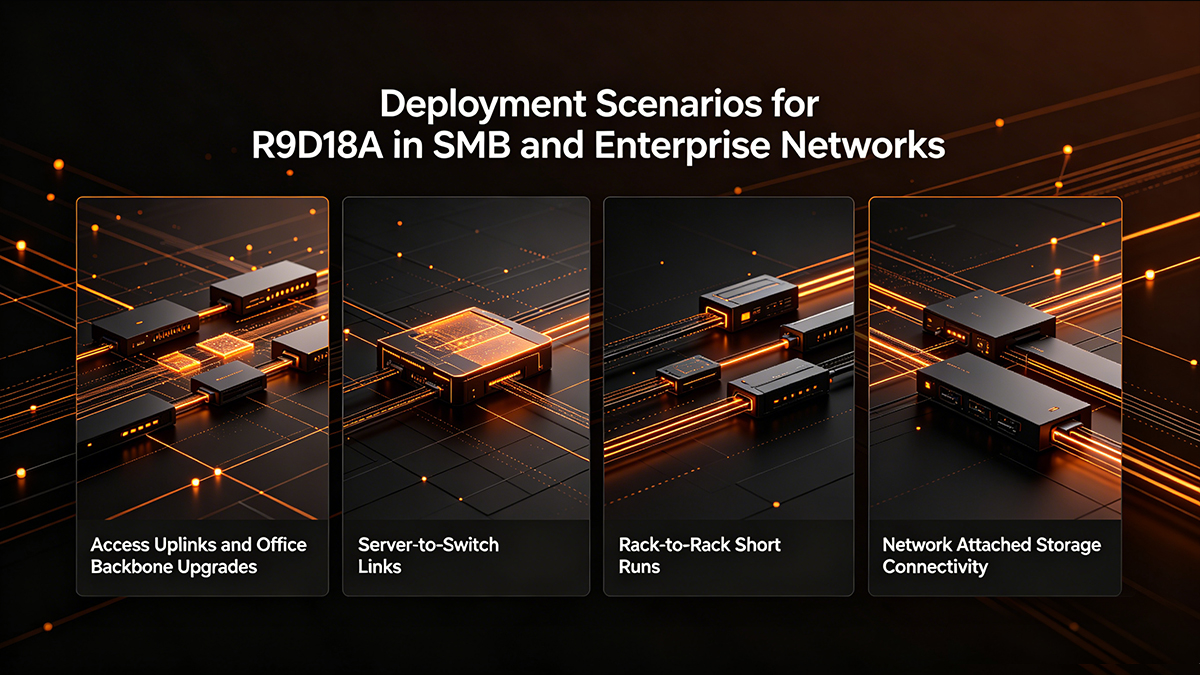
Access Uplinks and Office Backbone Upgrades
The most frequent use case for the R9D18A is upgrading a building's network backbone from 1G to 10G. As offices deploy high-density Wi-Fi access points and cloud-based applications, standard Gigabit uplinks quickly become congested. Network engineers use the R9D18A to create high-capacity uplinks, connecting access switches located in wiring closets across the building back to a central aggregation switch. Because it can transmit data up to 300 meters over OM4 fiber, it easily covers the vertical drops between floors in a standard office building.
Server-to-Switch Links
In environments that rely on heavy local data processing—such as architectural firms, video production studios, or medical clinics—servers require massive bandwidth. The R9D18A is the perfect optical link to connect high-performance servers equipped with 10G SFP+ Network Interface Cards (NICs) directly into an Aruba Instant On switch. This completely eliminates network bottlenecks during peak usage hours, ensuring smooth access to local databases and virtual machines.
Rack-to-Rack Short Runs
Within a local server room or data closet, network equipment is often distributed across multiple standard 19-inch racks. For these short-distance connections, standard copper Ethernet cables can be bulky and prone to electromagnetic interference. Using the R9D18A combined with a short LC-duplex multimode patch cable provides a clean, secure, and lightning-fast connection between a Top-of-Rack (ToR) switch and the primary core switch situated a few cabinets away.
Network Attached Storage (NAS) Connectivity
Data backup and file sharing are critical for business continuity. Modern enterprise-grade NAS devices increasingly feature 10G SFP+ ports to handle rapid data replication and large file transfers. Deploying an R9D18A module in your storage appliance and another in your Instant On switch creates a dedicated, high-speed storage fabric. This ensures that automated network backups run swiftly overnight without degrading overall network performance during business hours.
✅ Common Installation Mistakes and Troubleshooting Tips
Even though the R9D18A is designed for seamless plug-and-play integration within the Aruba Instant On ecosystem, physical installation errors can still trigger network downtime. By understanding the most common deployment mistakes, IT teams can resolve connectivity issues immediately on-site before they escalate into formal support tickets.
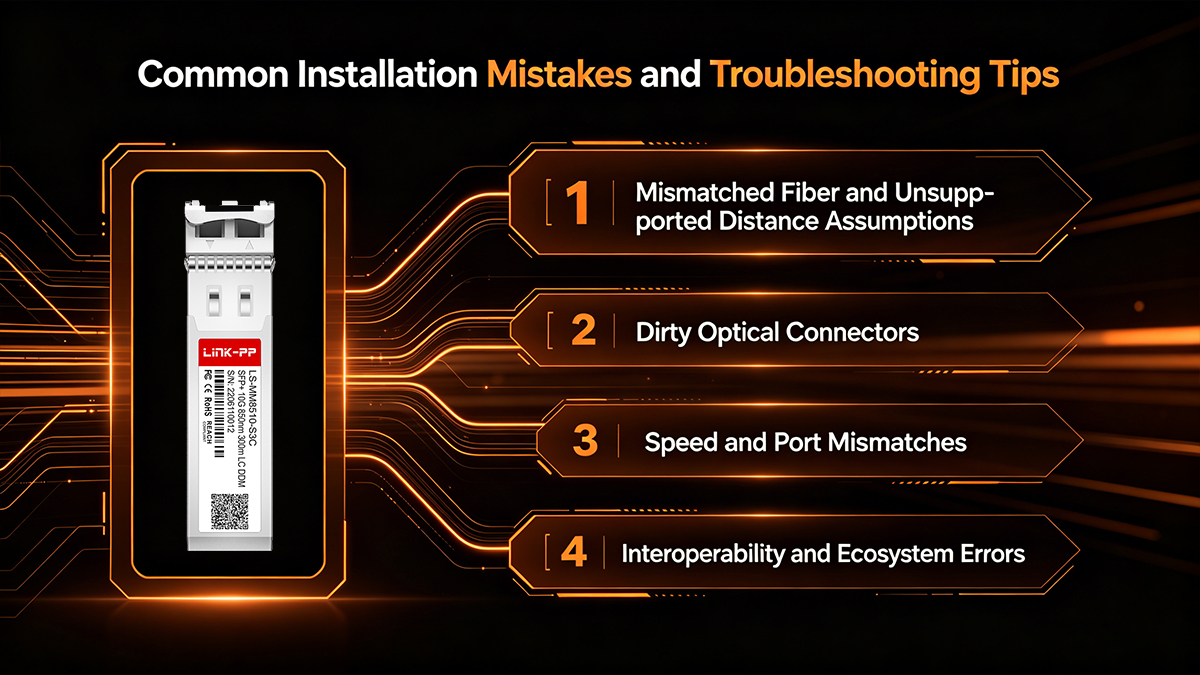
Mismatched Fiber and Unsupported Distance Assumptions
One of the most frequent mistakes in network deployment is assuming all fiber optic cables are created equal. The R9D18A is a 10GBASE-SR module, which means it strictly requires Multimode Fiber (MMF). If a technician accidentally patches this module into a Single-Mode Fiber (SMF) cable, the optical link will fail to establish.
Furthermore, distance assumptions often lead to dropped packets or total link failure. While the module supports a maximum distance of 300 meters, this metric is only achievable on laser-optimized OM3 or OM4 multimode cables. Attempting to run a 10G signal over legacy OM1 or OM2 fiber for distances exceeding 33 meters will result in severe signal degradation.
Dirty Optical Connectors
Microscopic dust, lint, and skin oils are the leading causes of optical transceiver failures in server rooms. Because the R9D18A relies on a highly precise 850nm laser, even a single speck of dust on the LC connector or inside the transceiver bore can scatter the light signal. Installers should never remove the protective dust caps from the transceiver or the fiber patch cable until the exact moment of insertion. If a newly installed link is underperforming, the first troubleshooting step should always be to clean both the module and the cable ends using a specialized one-click fiber optic cleaning pen.
Speed and Port Mismatches
Physical fit does not guarantee operational compatibility. The R9D18A shares the exact same physical footprint as a standard 1G SFP module, meaning it will smoothly slide into older Gigabit switch slots. However, this is a 10G module; it will not power up or negotiate a link in a standard 1G-only SFP port. Deployment teams must ensure the target hardware, such as the Aruba Instant On 1930 or 1960 series, features dedicated 10G SFP+ uplink ports.
Interoperability and Ecosystem Errors
If the transceiver is properly installed in an SFP+ port, the fiber is clean, and the link still will not come up, interoperability is the next factor to check. If you are connecting the Aruba switch to a different brand of hardware (like a router or a storage server), verify that the transceiver on the remote end is also a 10GBASE-SR module. Mismatching an SR (Short Reach) module on one end with an LR (Long Reach) module on the other will make communication impossible.
Finally, if the Instant On switch dashboard displays an unsupported hardware error, double-check the module SKU. Accidentally purchasing and installing a J9150D module (which is coded for Aruba enterprise CX switches) instead of the R9D18A can trigger firmware recognition issues within the Instant On ecosystem. Keeping the switch firmware updated to the latest release also helps prevent false hardware flags.
✅ Is R9D18A Aruba the Right Choice for Your Project?
Making the final call on optical transceivers requires aligning your technical requirements with strict budget constraints. While the R9D18A is a highly capable module, it is not a universal solution for every 10G network. Before finalizing your Bill of Materials (BOM) and issuing a purchase order, review this procurement checklist to ensure this is the exact hardware you need.
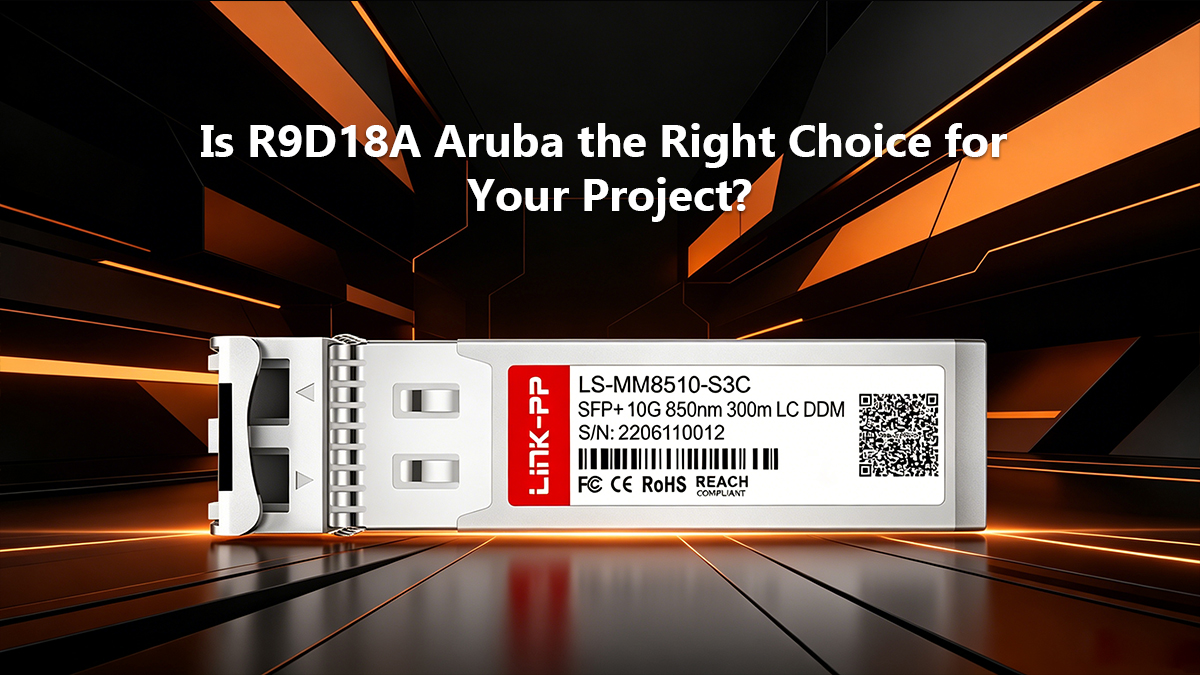
The 10GBASE-SR Procurement Checklist
Run your upcoming network project through these three critical questions to determine whether you should buy the official R9D18A, seek a third-party compatible, or pivot to a different class of optic entirely.
1. Are you deploying within the Aruba Instant On ecosystem?
The R9D18A is specifically firmware-coded for HPE Aruba's Small and Medium-sized Business (SMB) line, primarily the Instant On 1930 and 1960 series switches. If your project utilizes enterprise-grade Aruba CX switches, you should adjust your procurement list to specify the J9150D module instead. If you are deploying hardware from a completely different manufacturer, you will need to source transceivers coded for that specific brand to avoid software lockouts.
2. Does your fiber run stay under 300 meters?
Because the R9D18A is a Short Reach (SR) module, it only operates over Multimode Fiber (MMF). If your building is wired with OM3 or OM4 aqua/magenta cables and the distance between your racks is under 300 meters, this is the perfect optic. However, if you are connecting two separate buildings across a large campus, or if your infrastructure relies on yellow Single-Mode Fiber (SMF), you must abandon the R9D18A and procure a 10GBASE-LR (Long Reach) optic.
3. Should you buy OEM Genuine or a Compatible Alternative?
This decision comes down to risk tolerance versus capital expenditure. If you are deploying a mission-critical core network where maximum vendor support is required, purchasing the genuine HPE R9D18A is the safest route to ensure rapid troubleshooting via official support channels. Conversely, if you are upgrading a network with a heavily restricted budget, or outfitting redundant edge access links, sourcing a high-quality, MSA-compatible third-party module will free up significant capital for other hardware investments without sacrificing speed.
Final Verdict for Network Planners
The R9D18A remains an undisputed workhorse for upgrading local area networks to 10GbE speeds. By verifying your switch platform, auditing your multimode fiber infrastructure, and matching your budget strategy to your network uptime requirements, you can confidently approve your purchase orders and execute a flawless, high-speed network upgrade.
✅ Procurement Summary and Deployment Recommendation
Upgrading to a 10-Gigabit infrastructure is a vital step for scaling network performance, and the R9D18A Aruba 10GBASE-SR transceiver simplifies this transition for Small and Medium-sized Businesses. By converting standard SFP+ slots into ultra-fast optical links, this module serves as the reliable cornerstone for modern, high-bandwidth local area networks.
Matching the Product to Common Profiles
To summarize our procurement guide, here is how the R9D18A aligns with the most common IT purchasing profiles:
The SMB Network Administrator
If you manage an environment built strictly around the Aruba Instant On ecosystem, this transceiver is your primary choice. It offers guaranteed plug-and-play compatibility with your 1930 and 1960 series switches, eliminating configuration headaches and ensuring seamless software integration.
The Infrastructure Upgrade Technician
For technicians tasked with eliminating network bottlenecks within a single building, this module is highly recommended. As long as your cable trays are equipped with OM3 or OM4 multimode fiber, the R9D18A will reliably push 10Gbps speeds across server rooms and vertical floor drops up to 300 meters.
The Budget-Conscious Procurement Officer
For buyers managing strict IT budgets, the decision between OEM and compatible optics is crucial. While genuine modules offer maximum warranty security, high-quality MSA-compliant alternatives provide identical optical performance at a fraction of the cost, freeing up capital for other vital hardware investments.
Final Deployment Recommendation
We recommend standardizing on the R9D18A for all short-range, indoor 10GbE uplinks within your Aruba Instant On network. Ensuring you have the right hardware on hand is the key to minimizing deployment delays. Whether you are looking to purchase genuine OEM modules for mission-critical core switches or seeking fully tested, cost-effective compatible transceivers to maximize your IT budget, sourcing from a trusted vendor is paramount. To secure reliable optical solutions, check real-time stock availability, and optimize your procurement strategy, explore the comprehensive inventory at the LINK-PP Official Store for your next network deployment.