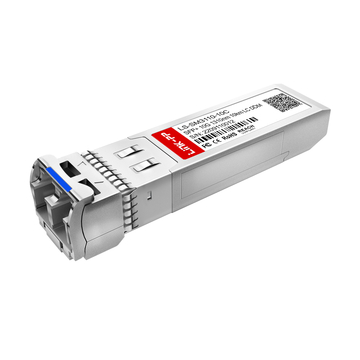
Fiber optic networks rely on precise light transmission, which means even microscopic contamination can disrupt performance. In real-world deployments, a large percentage of link failures are not caused by hardware defects, but by dirty connector end faces. For this reason, understanding how to clean fiber optic connectors properly is a foundational skill for anyone working with optical infrastructure.
Clean fiber optic connectors (like SFP or QSFP connectors) ensure low insertion loss, stable signal integrity, and long-term reliability. However, contaminants such as dust, oil, and residue are almost unavoidable during installation, patching, or maintenance. Without proper cleaning practices, these particles can block the fiber core, increase back reflection, or even cause permanent scratches when connectors are mated.
This guide focuses on practical, standards-aligned methods to clean fiber optic connectors effectively. It explains why cleaning is critical, what tools to use, and how to follow a step-by-step process that minimizes risk while maximizing network performance. Whether in data centers, enterprise networks, or industrial environments, consistent cleaning and inspection are key to maintaining high-quality optical links.
⛵Why It Is Essential to Clean Fiber Optic Connectors
Keeping fiber end faces clean is critical because contamination is one of the primary causes of optical link failure. Even particles smaller than the fiber core can obstruct or distort light transmission, leading to measurable performance degradation. Regular cleaning directly improves signal quality, prevents physical damage, and reduces unnecessary troubleshooting.
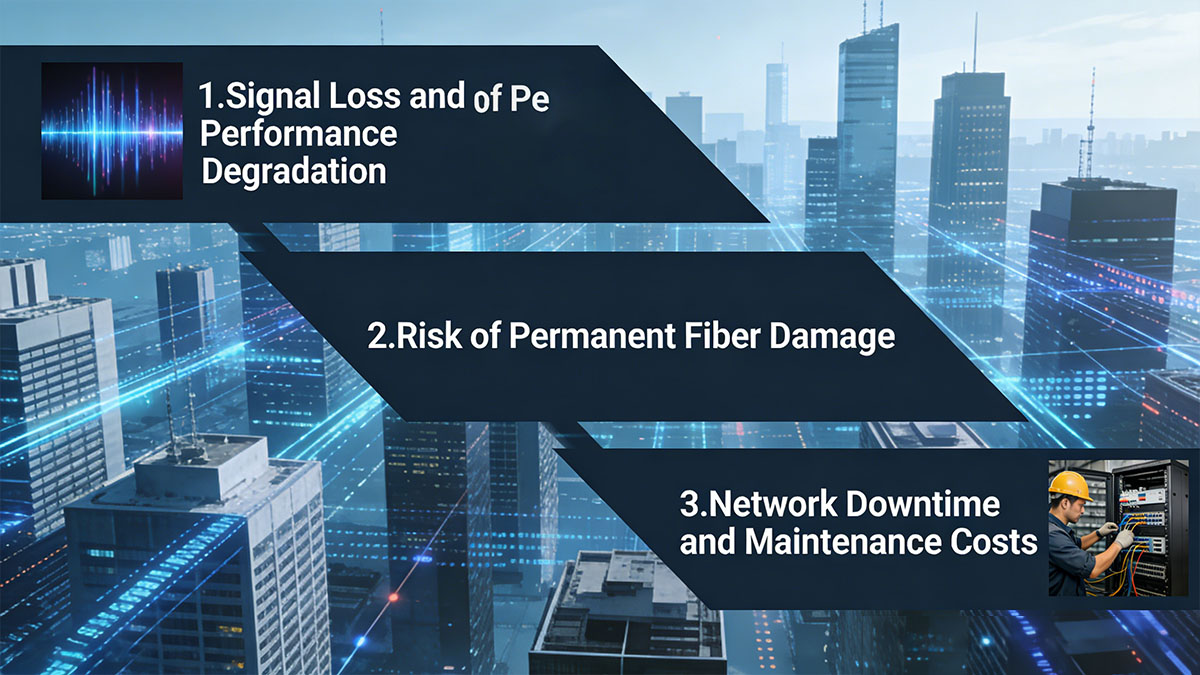
Signal Loss and Performance Degradation
Contaminated connectors introduce immediate and measurable signal issues, especially in high-speed transceivers optical networks.
-
Dust or debris partially blocks the fiber core, reducing transmitted light
-
Residue changes the optical interface, increasing insertion loss
-
Back reflection rises due to uneven or dirty surfaces
-
High-speed links (10Gbps and above) are more sensitive to small imperfections
The relationship between contamination and signal performance can be summarized as follows:
| Condition | Impact on Signal | Network Effect |
|---|---|---|
| Clean end face | Minimal loss | Stable, reliable link |
| Light contamination | Moderate loss | Reduced margin |
| Heavy contamination | High loss/reflection | Link instability or failure |
Even “light contamination” that is not visible without inspection can significantly reduce performance margins, particularly in dense or long-distance links.
Risk of Permanent Fiber Damage
Cleaning is not only about performance—it also prevents irreversible damage to connectors.
-
Hard particles (e.g., dust, sand) can scratch the fiber when connectors are mated
-
Scratches create permanent defects that cannot be removed by cleaning
-
Damaged connectors may degrade the performance of other connectors they contact
Once physical damage occurs, the only solution is replacement, which increases both cost and downtime.
Network Downtime and Maintenance Costs
Dirty connectors often lead to avoidable operational issues that impact overall network efficiency.
-
Intermittent faults caused by contamination are difficult to diagnose
-
Engineers may replace transceiver or cable unnecessarily
-
Repeated troubleshooting increases labor and operational costs
In many cases, cleaning the connector is the simplest and most effective first step in resolving optical link issues. Establishing consistent cleaning practices helps reduce downtime, improve reliability, and maintain predictable network performance across all environments.
⛵Common Types of Contaminants on Fiber Connectors
Understanding what contaminates fiber connectors is the first step toward effective cleaning. Different types of contaminants affect optical performance in different ways, but all can interfere with light transmission and increase the risk of damage. Most contamination is microscopic and cannot be detected without proper inspection tools.
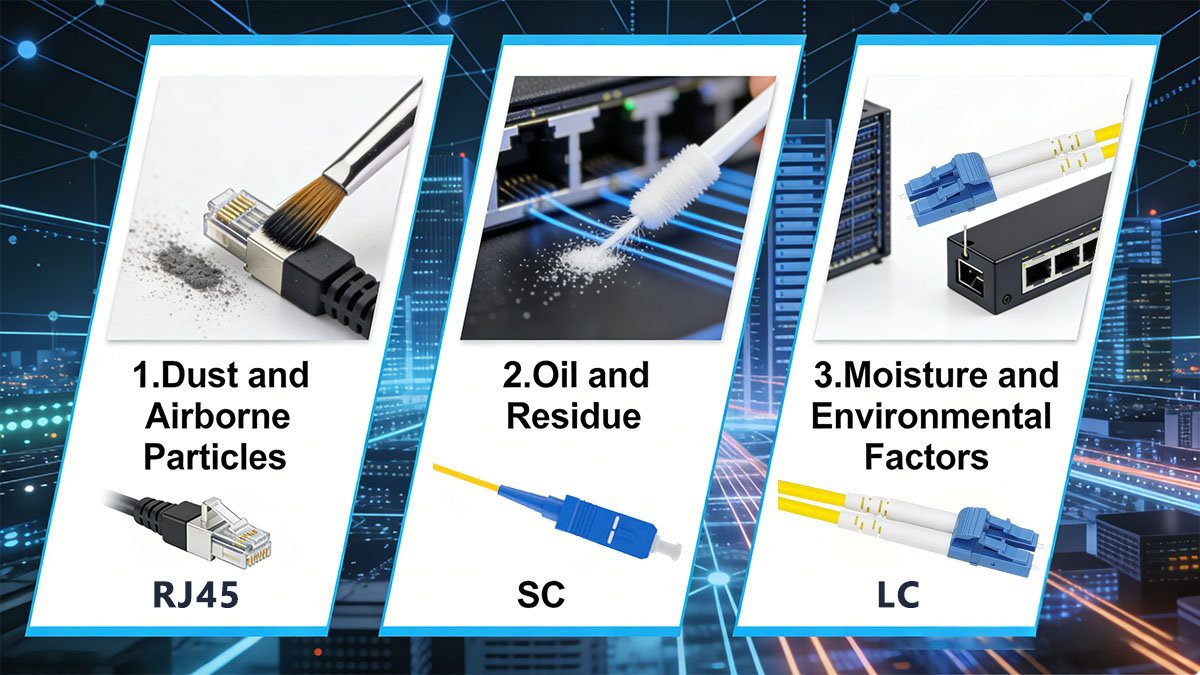
Dust and Airborne Particles
Dust is the most common and widespread contaminant in fiber optic environments.
-
Airborne particles easily settle on exposed connector end faces
-
Even particles smaller than 10 microns can block the fiber core (typically ~9 microns in single-mode fiber)
-
Dust can be transferred from clothing, packaging, or the surrounding environment
The impact of dust contamination depends on particle size and location:
| Particle Location | Effect on Transmission | Typical Outcome |
|---|---|---|
| Core region | Significant blockage | High insertion loss |
| Cladding area | Minor interference | Slight performance impact |
| Ferrule surface | Potential transfer | Risk of cross-contamination |
Because dust is nearly unavoidable, proper handling and immediate cleaning before connection are essential.
Oil and Residue
Oil-based contamination typically comes from human contact or improper cleaning methods.
-
Fingerprints leave thin oil films that are difficult to remove with dry cleaning alone
-
Residue from cleaning fluids can remain if not properly dried
-
Oils spread easily across the end face during connector mating
Unlike dust, oil does not simply block light—it alters the optical interface, which can increase reflection and distort signal transmission. Wet-to-dry cleaning methods are often required to fully remove this type of contamination.
Moisture and Environmental Factors
Moisture-related contamination is common in outdoor, industrial, or high-humidity environments.
-
Water droplets can form a thin film over the fiber surface
-
Moisture can attract and bind dust particles, creating more complex contamination
-
In extreme cases, condensation may lead to corrosion or long-term degradation
Environmental exposure significantly increases contamination risk, especially when connectors are left uncapped. Proper storage, controlled environments, and protective caps are critical to minimizing these effects.
By recognizing these common contaminant types, technicians can select the appropriate cleaning method and reduce the likelihood of persistent or recurring issues.
⛵Tools Required to Clean Fiber Optic Connectors
Using the correct tools is essential to effectively clean fiber optic connectors without causing damage. Improper materials or techniques can introduce new contamination or scratch the fiber end face. Professional cleaning tools are specifically designed to remove microscopic particles while preserving the integrity of the connector surface.
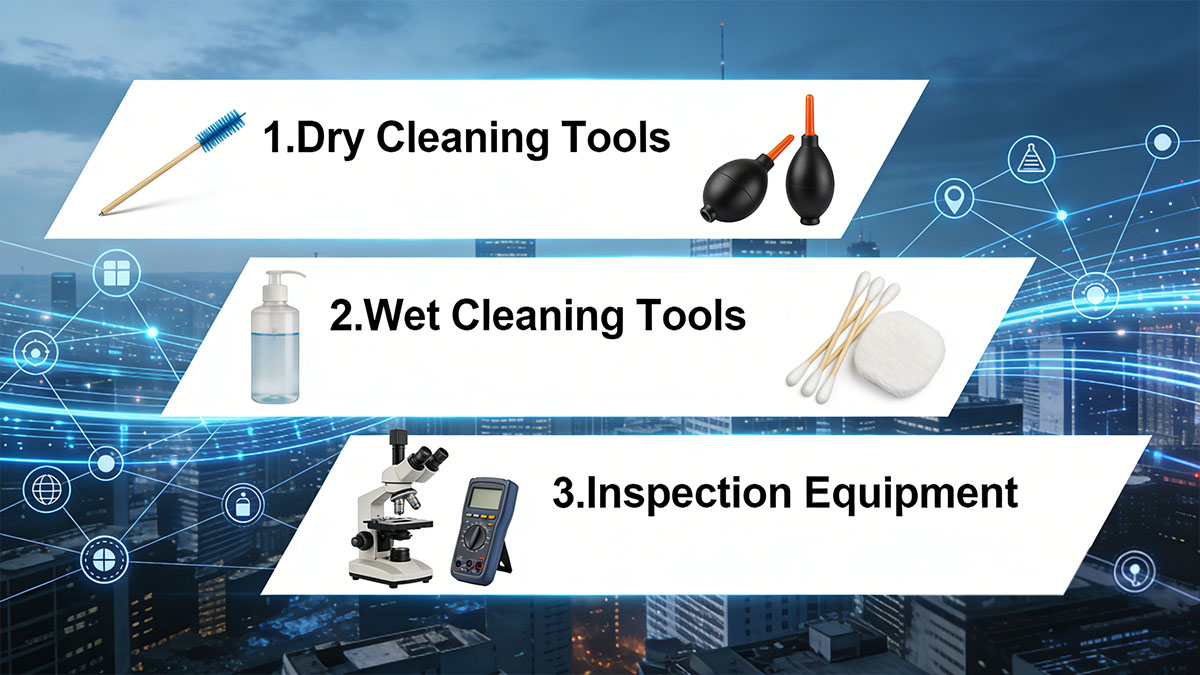
Dry Cleaning Tools
Dry cleaning is the first and most commonly used method for removing loose contaminants such as dust and particles.
-
Lint-free wipes designed for optical surfaces
-
Cleaning sticks (swabs) for ports and adapters
-
Cassette-style cleaners for consistent wiping motion
-
One-click cleaners for quick and repeatable cleaning
These tools work by physically lifting and removing particles without introducing liquids. They are suitable for routine cleaning and initial attempts before using wet methods.
| Tool Type | Primary Use | Key Advantage |
|---|---|---|
| Lint-free wipes | Connector end faces | Low residue, cost-effective |
| Cleaning sticks | Inside ports/adapters | Precise access |
| Cassette cleaners | Patch cord connectors | Controlled cleaning surface |
| One-click cleaners | Field applications | Fast and easy operation |
Dry cleaning is generally preferred because it minimizes the risk of residue, but it may not fully remove oils or stubborn contaminants.
Wet Cleaning Tools
Wet cleaning is used when dry methods are insufficient, especially for oil or residue contamination.
-
Isopropyl alcohol (IPA), typically ≥99% purity
-
Specialized fiber optic cleaning fluids
-
Combination of wipes or swabs with cleaning solution
The recommended approach is the wet-to-dry method:
-
Apply a small amount of cleaning fluid to a wipe
-
Gently clean the connector end face
-
Immediately follow with a dry wipe to remove residue
Excessive liquid should be avoided, as it can leave residue or spread contaminants.
Inspection Equipment
Inspection is a critical part of the cleaning process, ensuring that connectors meet cleanliness standards before use.
-
Fiber inspection microscopes (handheld or probe-based)
-
Video inspection systems for real-time analysis
-
Compliance with IEC cleanliness standards
Inspection should always be performed both before and after cleaning:
-
Before cleaning: identify contamination type and severity
-
After cleaning: verify that the connector is free of defects
Without inspection, it is impossible to confirm whether cleaning has been effective. Combining proper tools with consistent inspection practices ensures reliable and repeatable results in fiber optic maintenance.
⛵Step-by-Step Guide: How to Clean Fiber Optic Connectors
A correct cleaning process ensures that contaminants are fully removed without introducing new damage. The most effective approach follows a structured sequence: inspect, clean with the appropriate method, and verify the result. Skipping or misordering these steps can lead to persistent contamination or even permanent defects.
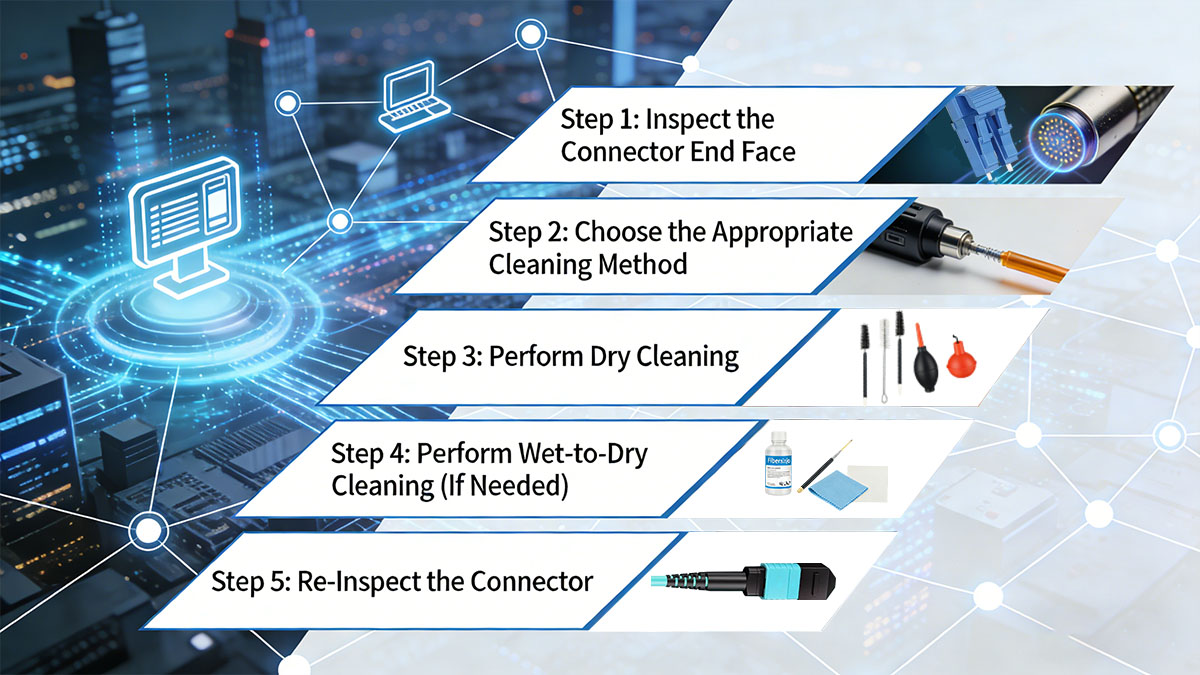
Step 1: Inspect the Connector End Face
Always begin by inspecting the connector to determine whether cleaning is required and what type of contamination is present.
-
Use a fiber inspection microscope or probe
-
Check for dust, oil, residue, scratches, or pits
-
Focus on the fiber core region, where contamination has the greatest impact
Inspection helps avoid unnecessary cleaning and ensures the correct method is selected. It also establishes a baseline for comparison after cleaning.
| Inspection Result | Recommended Action | Risk Level |
|---|---|---|
| Clean surface | No cleaning required | Low |
| Light dust | Dry cleaning | Moderate |
| Oil/residue | Wet-to-dry cleaning | High |
| Scratches/damage | Replace connector | Critical |
If inspection is skipped, contaminants may go unnoticed or be improperly handled.
Step 2: Choose the Appropriate Cleaning Method
Select the cleaning technique based on the contamination type identified during inspection.
-
Use dry cleaning for loose particles such as dust
-
Use wet-to-dry cleaning for oils, films, or stubborn residue
-
Avoid over-cleaning, which can increase wear or introduce new contaminants
Choosing the correct method improves cleaning efficiency and reduces the risk of residue or damage.
Step 3: Perform Dry Cleaning
Dry cleaning is the first-line method and should be performed carefully to avoid recontamination.
-
Use a lint-free wipe or cassette cleaner
-
Gently wipe the connector end face in a straight line
-
Avoid circular motions, which can redistribute contaminants
-
Do not reuse the same section of the wipe
For one-click cleaners:
-
Insert the connector into the cleaner
-
Activate the cleaning mechanism
-
Remove and avoid touching the end face
Proper technique ensures that particles are removed rather than spread across the surface.
Step 4: Perform Wet-to-Dry Cleaning (If Needed)
If dry cleaning does not fully remove contamination, proceed with a controlled wet cleaning process.
-
Apply a small amount of high-purity cleaning fluid to a lint-free wipe
-
Lightly wipe the connector end face once
-
Immediately follow with a dry section of the wipe
Key precautions:
-
Do not oversaturate the wipe
-
Never apply liquid directly to the connector
-
Ensure the surface is completely dry before use
The wet-to-dry method is particularly effective for removing oils and residues that cannot be lifted by dry cleaning alone.
Step 5: Re-Inspect the Connector
After cleaning, re-inspection is required to confirm that the connector meets cleanliness standards.
-
Verify that no particles, streaks, or residue remain
-
Check for any scratches or defects revealed after cleaning
-
Repeat the cleaning process if contamination persists
A clean connector should show a clear, defect-free end face under inspection. If repeated cleaning does not resolve the issue, the connector may be permanently damaged and require replacement.
Following this step-by-step process ensures consistent and reliable results. By combining proper inspection, method selection, and careful execution, technicians can effectively clean fiber optic connectors while minimizing risk to both performance and hardware.
⛵Best Practices for Cleaning Fiber Optic Connectors
Consistently following best practices ensures that fiber optic connectors remain clean, reducing downtime and maintaining optimal network performance. Proper habits in handling, cleaning, and storage are as important as the cleaning process itself.
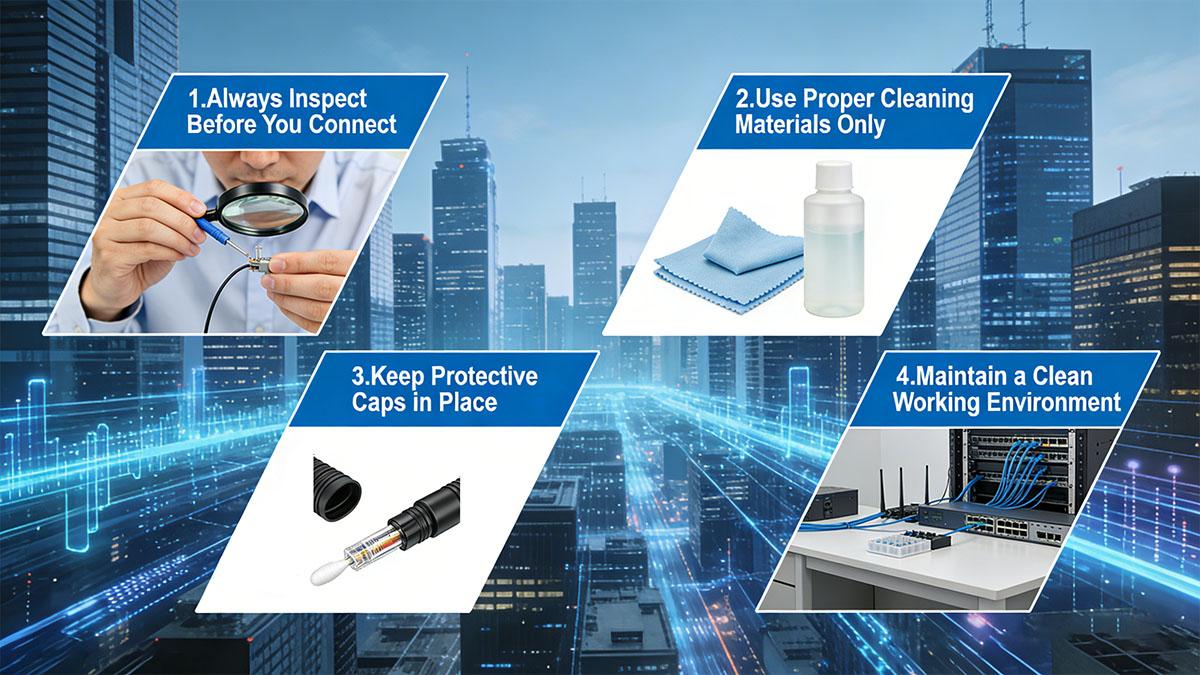
Always Inspect Before You Connect
Inspecting connectors before mating prevents transferring contamination from one connector to another.
-
Use a fiber inspection microscope for all connectors prior to installation
-
Focus on the fiber core and surrounding ferrule surfaces
-
Only connect if the end face is free of visible particles or residue
Pre-connection inspection minimizes the risk of network issues caused by invisible contaminants.
Use Proper Cleaning Materials Only
Avoid makeshift or household cleaning tools, which can introduce additional debris or scratches.
-
Lint-free wipes, cleaning sticks, and one-click cleaners are recommended
-
High-purity isopropyl alcohol (≥99%) or specialized cleaning fluids for wet cleaning
-
Avoid tissues, paper towels, compressed air, or abrasive materials
Using appropriate materials ensures effective removal of contaminants without leaving residue.
Keep Protective Caps in Place
Connector end faces should be protected whenever not in use.
-
Use dust caps on connectors and adapters
-
Remove caps only immediately before connecting
-
Replace caps promptly after disconnection
Caps prevent airborne dust and particles from settling on exposed surfaces, maintaining long-term cleanliness.
Maintain a Clean Working Environment
The surrounding environment greatly influences connector cleanliness.
-
Work in a dust-free or low-dust area whenever possible
-
Store fiber cables and tools in clean, enclosed containers
-
Avoid touching connector end faces with bare hands
Environmental control reduces the frequency of cleaning and lowers the risk of introducing new contaminants during maintenance.
Document and Standardize Cleaning Procedures
Consistency across teams ensures uniform quality.
-
Establish standard operating procedures (SOPs) for cleaning and inspection
-
Train personnel on proper techniques and tool use
-
Record cleaning activities, especially in high-density or mission-critical networks
Following standardized procedures ensures predictable performance and minimizes errors, particularly in large-scale deployments.
By adhering to these best practices, technicians can maintain clean fiber optic connectors, preserve network reliability, and prevent unnecessary maintenance costs over the long term.
⛵Common Mistakes to Avoid When Cleaning Fiber Connectors
Even with the right tools and knowledge, improper practices can introduce new contamination or damage connectors. Recognizing common mistakes helps prevent recurring network issues and prolongs the lifespan of fiber optic components.
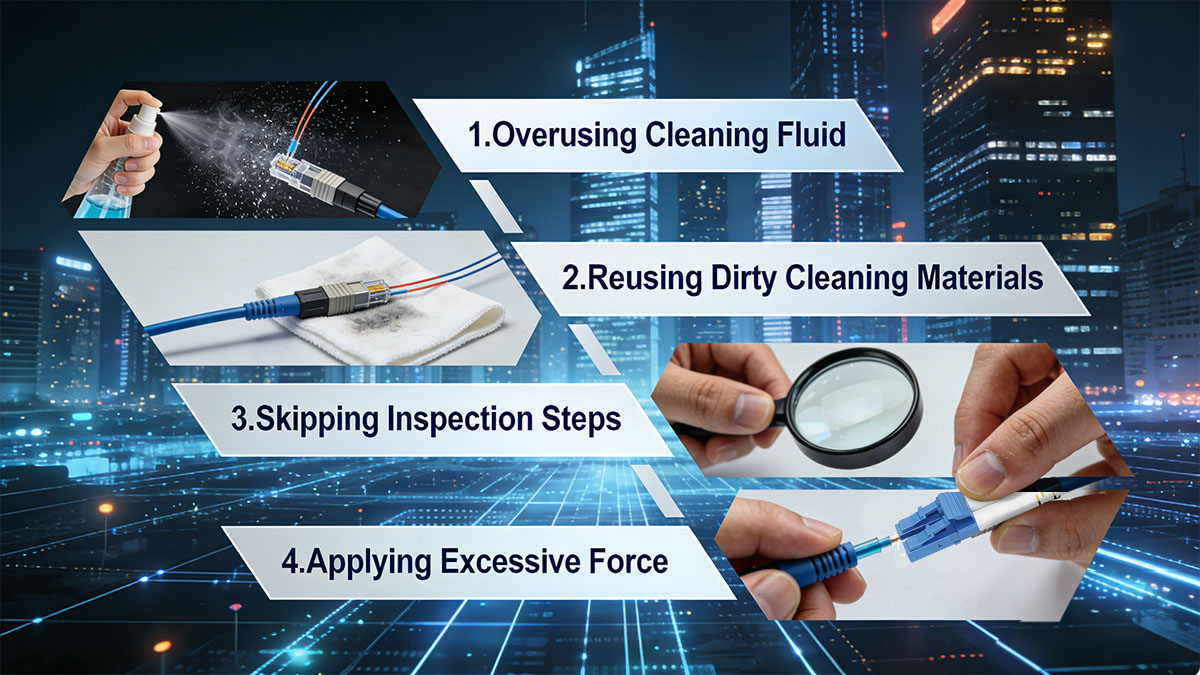
Overusing Cleaning Fluid
Excessive cleaning fluid can leave residue and create streaks that interfere with light transmission.
-
Only use the minimum amount required for wet cleaning
-
Always follow with a dry wipe to remove any remaining liquid
-
Avoid directly applying fluid to the connector end face
Proper fluid management ensures complete residue removal without introducing new contaminants.
Reusing Dirty Cleaning Materials
Using wipes, sticks, or swabs multiple times spreads contaminants rather than removing them.
-
Always use a fresh, clean section of a wipe for each connector
-
Replace disposable cleaning sticks after one or two uses
-
Avoid sharing contaminated materials between connectors
Single-use or carefully sectioned cleaning materials maintain effectiveness and prevent cross-contamination.
Skipping Inspection Steps
Not inspecting before or after cleaning increases the risk of undetected contamination.
-
Dust or residue can remain invisible to the naked eye
-
Connectors may appear clean but still have microscopic particles affecting performance
-
Inspection ensures that cleaning was effective and the connector meets standards
Skipping this step often leads to troubleshooting unnecessary network issues.
Applying Excessive Force
Pressing too hard during cleaning can scratch or chip the fiber end face.
-
Apply gentle, controlled pressure when using wipes or cleaning tools
-
Avoid circular motions that can redistribute contaminants across the surface
-
Never force connectors into cleaning devices or adapters
Correct handling preserves the integrity of the fiber surface and prevents permanent damage.
By avoiding these mistakes, technicians can achieve consistent cleaning results, protect equipment, and maintain reliable optical modules network performance.
⛵Cleaning Frequency and Maintenance Recommendations
Regular cleaning and scheduled maintenance are essential to ensure that fiber optic connectors remain free of contaminants. The frequency of cleaning depends on usage, environment, and network speed, but proactive practices prevent performance degradation and reduce troubleshooting time.

When Should You Clean Fiber Optic Connectors?
Cleaning should be performed based on connector exposure and handling, not just when problems appear.
-
Before every connection: even a momentary exposure can introduce dust or oils
-
After exposure to open environments, maintenance, or testing
-
When inspection indicates visible contamination, residue, or moisture
Routine cleaning before connection minimizes the risk of transferring contaminants and reduces insertion loss.
Maintenance Schedules for Different Environments
Connector maintenance schedules should account for environmental conditions and network criticality.
| Environment | Recommended Cleaning Frequency | Notes |
|---|---|---|
| Data center (controlled) | Before every connection | Low dust, standard operating conditions |
| Industrial/Factory floor | Weekly or before connection | High dust and vibration exposure |
| Outdoor/Harsh climates | Before every connection | Exposure to humidity, moisture, and debris |
High-speed networks and high-density deployments benefit from stricter cleaning schedules because even minor contamination can cause significant signal degradation.
Implementing consistent maintenance routines, combined with proper cleaning and inspection, ensures reliable fiber performance, reduces downtime, and protects costly optical infrastructure from preventable damage.
⛵Advanced Tips for High-Density and High-Speed Networks
High-density and high-speed networks, such as 100GBASE, 400GBASE, or multi-fiber MPO/MTP links, are more sensitive to contamination. Even minimal dust, residue, or moisture can cause significant signal loss or intermittent failures. Specialized techniques and tools are required to maintain optimal performance in these environments.

Cleaning MPO/MTP Connectors
Multi-fiber connectors present unique challenges due to multiple fibers within a single ferrule.
-
Use dedicated MPO/MTP cleaning tools to reach all fiber channels simultaneously
-
Inspect each fiber end with a video or handheld microscope to detect localized contamination
-
Avoid twisting or forcing the connector during cleaning, which can damage fibers
For routine maintenance, dry cleaning is often sufficient, but wet-to-dry cleaning may be necessary if oil or residue is present.
Ensuring Performance in 100G/400G Networks
At higher data rates, the tolerance for contamination is extremely low.
-
Even a single contaminated fiber can degrade an entire link
-
Regular inspection and cleaning before connection are mandatory
-
Use high-quality, low-residue cleaning materials to prevent reflection or scattering
| Network Type | Cleaning Considerations | Tools/Methods Recommended |
|---|---|---|
| 100G/400G | High sensitivity to contamination | One-click MPO cleaners, microscope inspection |
| High-density patch | Multiple connectors in close proximity | Cassette cleaners, precision swabs |
| Long-distance links | Signal loss more critical | Wet-to-dry cleaning for oils and residue |
High-speed networks demand stricter adherence to cleaning standards because even minor imperfections on a single fiber can compromise overall link integrity. Consistent inspection, careful cleaning, and proper handling are essential to maintain the performance and reliability of these advanced network architectures.
⛵Troubleshooting Connectivity Issues Related to Dirty Connectors
Dirty fiber optic connectors are a leading cause of network connectivity problems. Recognizing contamination-related symptoms and addressing them promptly can prevent unnecessary equipment replacement and minimize downtime.
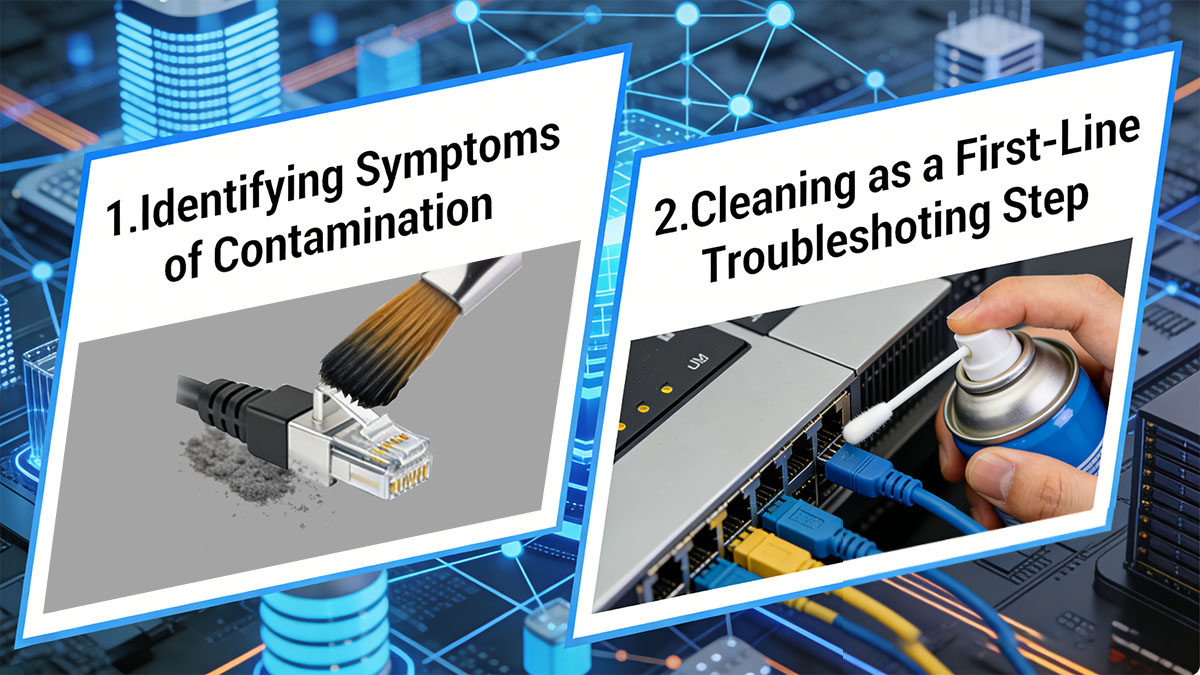
Identifying Symptoms of Contamination
Connector contamination often presents with specific, measurable effects on the optical link:
-
High insertion loss or unexpected attenuation
-
Intermittent or unstable link performance
-
Error messages or dropped packets in high-speed networks
-
Visible particles, residue, or streaks under inspection
These symptoms are often misdiagnosed as hardware failure. Inspection is the first step in confirming whether contamination is the underlying cause.
Cleaning as a First-Line Troubleshooting Step
Before replacing optical transceiver, cable, or patch panel, cleaning should be the first corrective action:
-
Inspect connectors at both ends of the link using a fiber microscope
-
Clean using appropriate dry or wet-to-dry methods
-
Re-inspect after cleaning to confirm the connector meets cleanliness standards
| Issue Observed | Likely Cause | Recommended Action |
|---|---|---|
| High insertion loss | Dust or particles | Dry clean, then re-inspect |
| Persistent reflection errors | Oil or residue | Wet-to-dry cleaning, then re-inspect |
| Intermittent connectivity | Mixed contamination or moisture | Full cleaning sequence and environmental check |
By addressing contamination early, technicians can quickly restore link performance without unnecessary replacements. Proper inspection and cleaning routines reduce recurring issues and ensure stable network operation, particularly in environments where uptime is critical.
⛵Conclusion
Maintaining clean fiber optic connectors is essential for reliable network performance, minimal signal loss, and long-term equipment longevity. Proper cleaning—combined with inspection, correct tool selection, and adherence to best practices—prevents common issues such as high insertion loss, intermittent connectivity, and permanent end-face damage. Regular maintenance, careful handling, and standardized procedures are especially critical in high-speed and high-density networks where even minor contamination can significantly impact performance.
By implementing consistent cleaning routines and following the step-by-step methods outlined in this guide, network technicians can ensure optimal signal integrity and reduce unnecessary downtime. For high-quality fiber optic cleaning tools and accessories, visit the LINK-PP Official Store to explore a full range of professional solutions designed to maintain clean, high-performance optical networks.