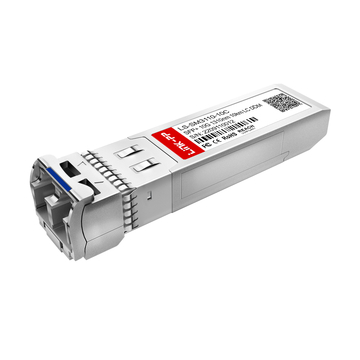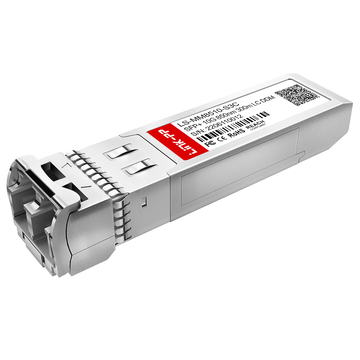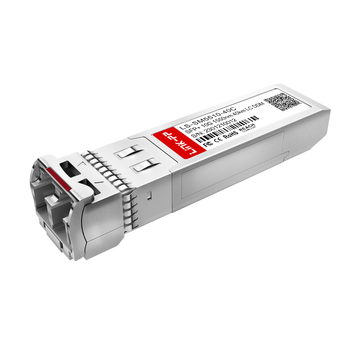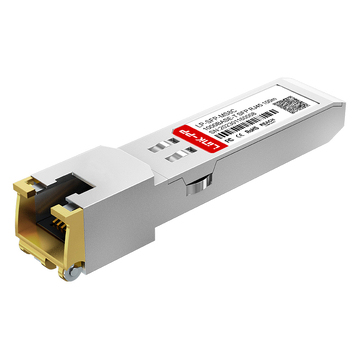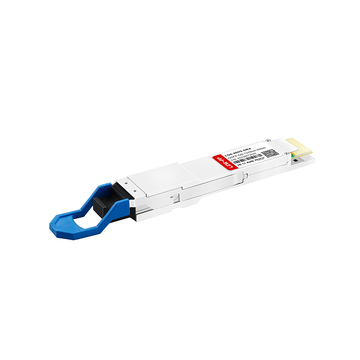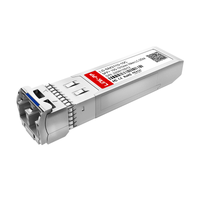
If you are asking “Are SFP modules universal?”, the short answer is: not completely. While many SFP and SFP+ modules share the same physical form factor, true compatibility depends on several technical factors—including port speed, wavelength, fiber type, transmission distance, and whether the switch or router accepts third-party optics.
This is where many network deployments run into problems. An SFP transceiver may physically fit into a switch port, yet still fail to establish a link because the speed does not match, the wavelength is incorrect, or the device firmware rejects unsupported vendor coding. The confusion is understandable because the word “universal” is often used too loosely in networking discussions. In reality, SFP compatibility is governed by a combination of hardware standards and vendor-specific implementation rules. Some switches are highly flexible and support third-party transceivers without issue, while others enforce strict compatibility validation through EEPROM coding and firmware checks.
Understanding these compatibility rules is essential before purchasing optical transceivers for:
- Enterprise networks
- Data centers
- Industrial Ethernet systems
- Telecom infrastructure
- AI cluster networking environments
- Home lab and MikroTik/Cisco/Ubiquiti deployments
In this guide, you will learn exactly what determines SFP compatibility, when mixed-brand optics work successfully, why some SFP+ 10G and SFP 1G modules cannot communicate, and how to identify whether an fiber optic SFP module is designed for single-mode or multimode fiber. We will also explain the most common compatibility mistakes that lead to failed optical links and unnecessary hardware costs.
By the end of this article, you will be able to confidently choose compatible SFP modules for switches, routers, NICs, and fiber infrastructure—without relying on guesswork or misleading marketing claims.
🚩 What “Universal” Means for SFP Modules
The term “universal” is one of the most misunderstood concepts in optical networking. Many buyers assume that if two SFP modules share the same connector shape, they should automatically work together in any switch, router, or network card. In practice, SFP compatibility is far more complex.
Modern SFP, SFP+, and even other high-speed transceivers are built around standardized form factors, but the actual communication process depends on multiple layers of compatibility. Two modules may physically connect to the same port while still failing to establish a stable optical link.
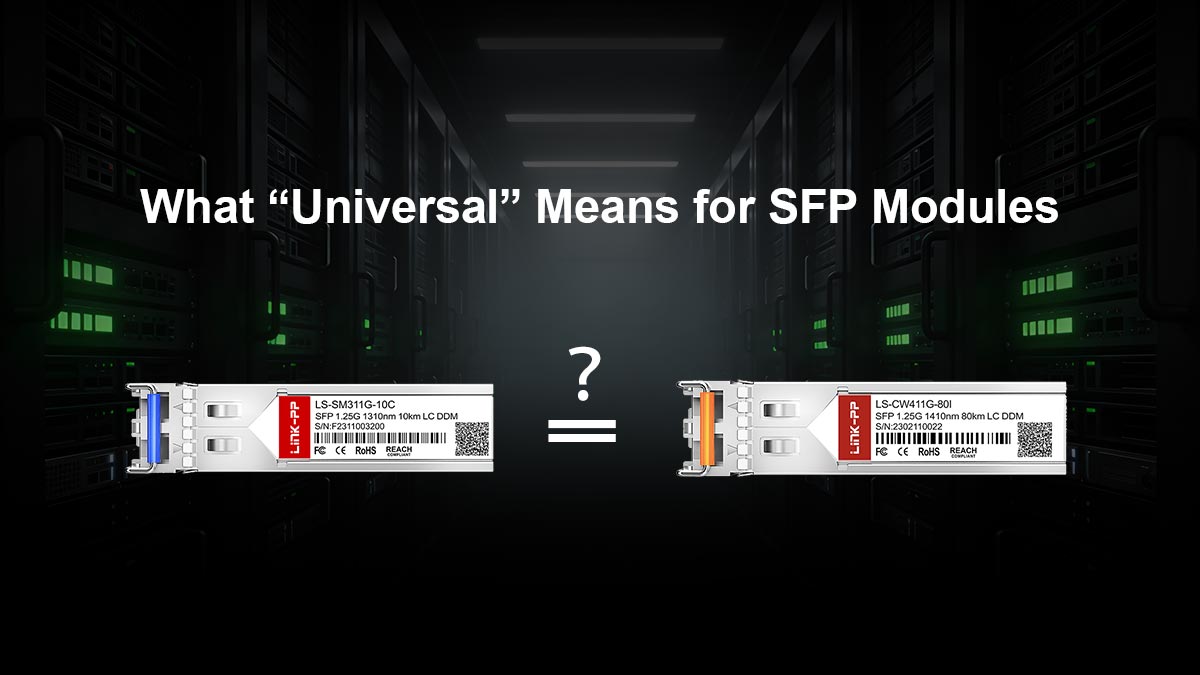
Understanding the difference between “physical compatibility” and “operational compatibility” is the key to avoiding deployment failures, unnecessary troubleshooting, and expensive hardware replacement.
Why the Term Causes Confusion
The confusion mainly comes from the fact that the networking industry uses the word “SFP” to describe both a physical standard and a broad ecosystem of optical modules.
From a hardware perspective, many modules follow the same Small Form-factor Pluggable (SFP) mechanical design:
- Similar size
- Similar port shape
- Hot-swappable operation
- Standardized electrical interfaces
Because of this, users often assume:
“If it fits into the port, it should work.”
However, optical networking does not operate like USB devices or consumer accessories. Compatibility depends on whether both sides of the link support the same communication parameters.
For example, two SFP modules may look nearly identical but differ in:
- Ethernet speed
- Wavelength
- Fiber type
- Transmission distance
- Digital diagnostics support
- Vendor EEPROM coding
- Protocol compatibility
This becomes even more confusing because some manufacturers intentionally restrict third-party optics through firmware validation. In these cases, a technically compatible module may still be rejected by the switch operating system.
The rise of third-party compatible optics has added another layer of complexity. Many network engineers successfully deploy non-OEM SFP modules in Cisco, MikroTik, Ubiquiti, HPE, Dell, and Juniper equipment. Others encounter compatibility warnings, unsupported-transceiver errors, or unstable links depending on firmware versions and hardware platforms.
As a result, when people ask:
- “Are SFP modules universal?”
- “Can I mix and match SFPs?”
- “Will this optic work in my switch?”
They are usually asking about operational reliability rather than physical insertion.
The Difference Between Physical Fit and Real Compatibility
One of the most important concepts in fiber networking is that physical fit does not guarantee link compatibility.
An SFP module may successfully insert into a port while still failing at the network layer. This happens because optical communication requires both the hardware and transmission characteristics to match correctly.
Real SFP compatibility typically depends on five major factors:
Speed
| Compatibility Factor | Why It Matters |
|---|---|
| 1G SFP, 10G SFP+, 25G SFP28, and higher-speed modules are not always backward compatible | |
| Wavelength | Both ends of the fiber link must transmit and receive compatible optical wavelengths |
| Fiber Type | Single-mode and multimode fiber require different optics |
| Port Support | Some SFP+ ports support 1G modules, while others do not |
| Vendor Coding | Certain switches only accept approved or coded transceivers |
For example:
- A 10G SFP+ module usually cannot operate inside a 1G-only SFP port
- A single-mode LR optic will not properly communicate with a multimode SR optic
- Some enterprise switches reject unsupported third-party EEPROM coding even when the optics themselves are technically compatible
This is why experienced network engineers rarely ask only:
“Does it fit?”
Instead, they ask:
- Does the switch support this module speed?
- Is the wavelength correct?
- Is the fiber single-mode or multimode?
- Does the firmware allow third-party optics?
- Is the module coded for the target platform?
In professional environments such as enterprise networking, AI cluster networking, telecom infrastructure, and data center deployments, these compatibility checks are essential because even a small mismatch can cause:
- Link failures
- CRC errors
- Auto-negotiation problems
- Packet loss
- Unstable connections
- Unsupported transceiver alarms
The good news is that once you understand the core compatibility rules, selecting the correct SFP module becomes much easier and more predictable.
🚩 The 4 Compatibility Factors That Must Match
When evaluating whether two SFP modules are compatible, the most important rule is simple:
Both sides of the optical link must support the same transmission characteristics.
Many SFP compatibility issues happen because users focus only on the connector type or module shape while overlooking the actual optical and electrical requirements. Even if two transceivers physically fit into the ports, the link may still fail if one critical parameter does not match.

In most Ethernet and fiber-optic deployments, there are four core compatibility factors you must verify before purchasing or installing SFP modules:
- Speed
- Wavelength
- Fiber type
- Reach distance
Understanding these four areas will help prevent the majority of SFP-related deployment problems.
1. Speed
SFP modules are designed for specific data rates such as 1G, 10G, or 25G. A higher-speed module does not always support lower-speed operation.
For example:
- A 10G SFP+ module usually requires a 10G-capable SFP+ port
- Some SFP+ ports support both 1G and 10G, while others support only 10G
Always verify the switch or NIC supports the optic’s speed before deployment.
2. Wavelength
Optical transceivers communicate using specific wavelengths measured in nanometers (nm).
Common Ethernet wavelengths include:
| Module Type | Typical Wavelength |
|---|---|
| SR (Short Range) | 850 nm |
| LR (Long Range) | 1310 nm |
| ER (Extended Range) | 1550 nm |
Both ends of the fiber link must use compatible wavelengths. Even modules with identical LC connectors may fail if their wavelengths do not match.
3. Fiber Type: Single-Mode vs. Multimode
SFP modules are designed for either:
- Single-mode fiber (SMF)
- Multimode fiber (MMF)
Single-mode optics are typically used for long-distance transmission, while multimode optics are used for shorter data center and LAN connections.
Common naming conventions:
- SR/SX = Multimode
- LR/LX/ER = Single-mode
Mixing SM and MM optics or cables often causes link failures or unstable performance.
4. Reach and Cable Distance
Every SFP module supports a specific transmission distance.
Examples:
- SFP 10G SR: short-range applications
- SFP 10G LR: up to 10 km
- SFP 10G ER: longer-distance links
Using the wrong reach class can lead to signal loss or unreliable connections. Always match the optic to the actual fiber distance and network design requirements.
🚩 Can You Mix and Match SFP Modules?
In many cases, yes—you can mix and match SFP modules from different brands. However, compatibility depends on more than the logo printed on the transceiver.
As long as the key technical parameters match, mixed-brand optics often work successfully in enterprise networks, data centers, telecom systems, and homelab environments. At the same time, some switches and routers enforce vendor restrictions that can prevent otherwise compatible modules from operating correctly.

Understanding how vendor compatibility works is essential before purchasing optical transceivers.
When Mixed-Brand Optics Work
Mixed-brand SFP deployments are extremely common in modern networking.
For example, a network may successfully operate with:
- A Cisco-compatible optic on one side
- A MikroTik-compatible optic on the other side
- Third-party coded modules in both switches
This usually works when both transceivers match in:
- Speed
- Wavelength
- Fiber type
- Ethernet standard
- Connector type
Optical communication itself is based on industry standards, not brand names. If both modules support the same transmission characteristics, the fiber link can often establish normally.
This is why many data centers and enterprise IT teams use third-party compatible optics to reduce hardware costs without sacrificing performance.
Mixed-brand optics are especially common in:
- Multi-vendor enterprise networks
- Data center interconnects
- ISP infrastructure
- AI cluster networking
- Lab and test environments
When Vendor Coding Blocks Them
Although the optical standards are open, some equipment vendors implement firmware checks that validate the SFP module’s EEPROM coding.
In these systems, the switch may:
- Display unsupported transceiver warnings
- Disable the port entirely
- Block monitoring features
- Refuse link initialization
This is commonly referred to as:
- Vendor lock-in
- Vendor-coded optics
- Transceiver validation
Some enterprise platforms are more restrictive than others. A module that works perfectly in one switch may be rejected in another because of firmware policies rather than technical incompatibility.
Typical symptoms include:
- “Unsupported transceiver” errors
- No link light
- Interface shutdown
- Diagnostic monitoring failures
In some cases, firmware updates can also change compatibility behavior.
Before purchasing third-party optics, always verify:
- Switch model compatibility
- Firmware version support
- Vendor coding requirements
- Official compatibility matrix
OEM vs. Third-Party Modules
One of the biggest decisions in optical networking is whether to use OEM transceivers or third-party compatible modules.
OEM Modules
OEM (Original Equipment Manufacturer) optics are sold directly by switch vendors such as Cisco, Juniper, HPE, or Arista.
Advantages:
- Guaranteed platform compatibility
- Full vendor support
- Firmware validation
- Lower deployment risk
Disadvantages:
- Much higher pricing
- Limited sourcing flexibility
Third-Party Compatible Modules
Third-party optics are manufactured by independent transceiver suppliers and coded for compatibility with specific platforms.
Advantages:
- Lower cost
- Broad availability
- Multi-vendor support options
- Faster procurement
Disadvantages:
- Compatibility may vary by firmware
- Quality differences between suppliers
- Some vendors may deny official support
Today, many enterprises successfully deploy high-quality third-party optics in production networks. However, critical infrastructure environments may still prefer OEM modules for support and warranty reasons.
The best choice depends on:
- Budget
- Risk tolerance
- Vendor support requirements
- Network criticality
- Long-term maintenance strategy
In most cases, the key is not whether the optic is OEM or third-party—it is whether the module is properly coded and fully compatible with the target platform.
🚩 How to Check SFP Compatibility
Before purchasing or deploying an SFP module, it is important to verify compatibility carefully. Even if two optics appear similar, small differences in speed, coding, or fiber type can prevent the link from working properly.

A proper compatibility check helps avoid:
- Unsupported transceiver errors
- Link failures
- Performance instability
- Unnecessary replacement costs
The following steps are the fastest and most reliable way to confirm whether an SFP module will work in your network equipment.
Read the Switch or Router Compatibility Matrix
The first step is always checking the official compatibility list provided by the switch or router manufacturer.
Most vendors publish compatibility matrices that specify:
- Supported transceiver models
- Approved speeds
- Fiber standards
- DAC/AOC compatibility
- Firmware requirements
This is especially important for:
- Cisco
- Juniper
- HPE
- Arista
- Dell
- Ubiquiti
- MikroTik
Some platforms support third-party optics openly, while others enforce strict validation rules.
If the target optic appears in the compatibility matrix, deployment risk is much lower.
Match the Optic to the Device Port
Always confirm the port type and supported speed before installing an SFP module.
Common examples:
- SFP ports are typically designed for 1G
- SFP+ ports usually support 10G
- Some SFP+ ports also support 1G modules
- SFP28 ports are designed for 25G
Even though many modules share the same physical shape, the switch hardware may not support the required signaling rate.
You should verify:
- Port generation
- Supported Ethernet standards
- Auto-negotiation behavior
- Backward compatibility support
A physical fit does not guarantee operational compatibility.
Check DOM/DDM, Wavelength, and Part Number
SFP specifications contain important compatibility information.
Key items to verify include:
Wavelength
| Parameter | Why It Matters |
|---|---|
| Both sides must use compatible optical wavelengths | |
| Fiber Type | Single-mode and multimode optics are not interchangeable |
| Reach Distance | The module must support the required cable length |
| DOM/DDM Support | Enables digital diagnostics and monitoring |
| Part Number | Confirms exact optic type and coding |
DOM (Digital Optical Monitoring) or DDM (Digital Diagnostic Monitoring) allows administrators to monitor:
- Temperature
- Optical power
- Voltage
- Laser status
Some enterprise environments require these monitoring functions for network visibility and maintenance.
The part number is also critical because similar-looking optics may support entirely different standards.
Verify Vendor Support Policy
Finally, check whether the equipment vendor officially supports third-party transceivers.
Some vendors:
- Fully allow third-party optics
- Display warning messages only
- Restrict unsupported modules completely
In production environments, unsupported optics may affect:
- Technical support eligibility
- Warranty claims
- Firmware compatibility
- Long-term maintenance
For mission-critical networks, many organizations choose optics that are officially coded and validated for the target platform.
A few minutes spent verifying compatibility before deployment can prevent hours of troubleshooting later.
🚩 Common SFP Compatibility Mistakes to Avoid
Many SFP deployment problems are caused by simple compatibility misunderstandings rather than hardware failure. Because many optical transceivers look physically similar, it is easy to assume they can operate interchangeably across different devices and fiber environments.
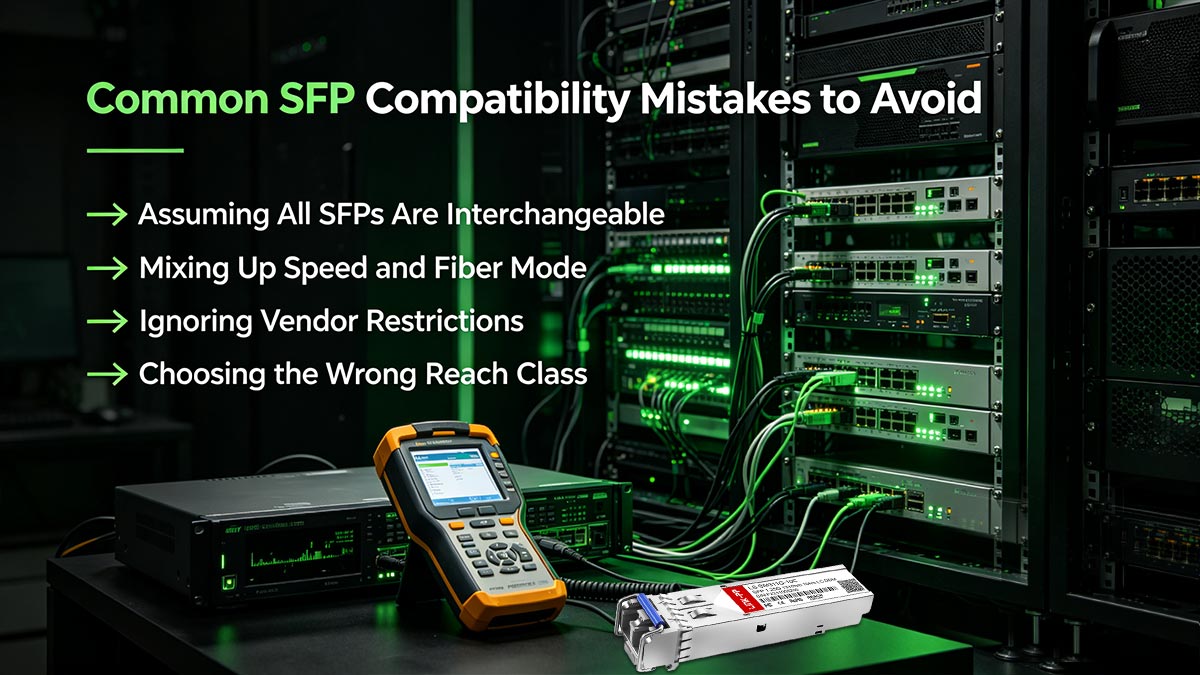
Avoiding the following common mistakes can save significant troubleshooting time and prevent unnecessary network downtime.
Assuming All SFPs Are Interchangeable
One of the most common misconceptions is:
“If the module fits into the port, it should work.”
In reality, SFP compatibility depends on multiple technical factors beyond the physical connector shape.
Two modules may look identical while supporting completely different:
- Speeds
- Wavelengths
- Fiber types
- Ethernet standards
- Vendor coding requirements
For example:
- A 10G SFP+ module will not normally operate in a 1G-only SFP port
- An SR multimode optic cannot directly communicate with an LR single-mode optic
Always verify the actual specifications rather than relying on appearance alone.
Mixing Up Speed and Fiber Mode
Another frequent mistake is confusing transmission speed with fiber type.
These are separate compatibility requirements:
- Speed refers to the data rate (1G, 10G, 25G, etc.)
- Fiber mode refers to the cable type (single-mode or multimode)
A module may support the correct speed but still fail because the fiber type does not match.
Examples:
- 10GBASE-SR uses multimode fiber
- 10GBASE-LR uses single-mode fiber
Both are 10G optics, but they are designed for different fiber environments.
Before deployment, always confirm:
- Speed compatibility
- Wavelength compatibility
- Fiber type compatibility
- Reach distance requirements
Ignoring Vendor Restrictions
Many networking platforms support third-party optics, but some vendors enforce compatibility restrictions through firmware validation.
If vendor coding is not supported, the device may:
- Display unsupported transceiver warnings
- Disable the interface
- Block diagnostics features
- Prevent link initialization
This issue is especially common in enterprise switches and telecom equipment.
Before purchasing optics, verify:
- Vendor compatibility policy
- Firmware behavior
- Supported transceiver list
- EEPROM coding requirements
A technically compatible optic may still fail because of platform restrictions.
Choosing the Wrong Reach Class
Optical modules are designed for specific transmission distances.
Using the wrong reach class can lead to:
- Weak optical signal
- Link instability
- High error rates
- Complete connection failure
Common examples include:
- SR optics for short-range multimode links
- LR optics for longer single-mode links
- ER optics for extended-distance applications
Many users focus only on speed while ignoring the actual fiber distance and network design.
For reliable operation, always match the optic to:
- Cable length
- Fiber quality
- Connector loss
- Patch panel loss
- Environmental conditions
Proper reach planning is especially important in data centers, campus networks, industrial Ethernet systems, and AI cluster networking environments where optical stability directly impacts network performance.
🚩 Fast Answers to the SFP Modules Compatibility Questions

1. Are SFP Modules Universal?
No, SFP modules are not completely universal. While many SFP and SFP+ transceivers share the same physical form factor, actual compatibility depends on:
- Speed
- Wavelength
- Fiber type
- Reach distance
- Port support
- Vendor coding
A module may physically fit into a switch port but still fail to establish a working optical link if these specifications do not match.
2. Can You Connect a 10Gb SFP+ to a Standard 1Gb SFP?
Usually no.
A 10G SFP+ module typically requires a 10G-capable SFP+ port. Standard 1G SFP ports generally do not support 10G operation.
However, some SFP+ ports can operate at both 1G and 10G speeds depending on the switch hardware and firmware. Always verify the port specifications before deployment.
3. How Do I Know if SFP Is Compatible?
To check SFP compatibility, verify the following:
- Port speed support
- Fiber type (single-mode or multimode)
- Optical wavelength
- Reach distance
- Vendor compatibility requirements
- Switch or router compatibility matrix
The safest approach is to confirm the exact transceiver model is supported by the target device manufacturer.
4. How to Tell if an SFP Is SM or MM?
The fastest way is to check the module label, wavelength, or model suffix.
Common indicators:
- SR or SX optics usually indicate multimode fiber (MMF)
- LR, LX, ER, or ZR optics usually indicate single-mode fiber (SMF)
Wavelength can also help:
- 850 nm is commonly multimode
- 1310 nm and 1550 nm are commonly single-mode
You should also verify the fiber cable type before deployment because SM and MM optics are not interchangeable.
🚩 Final Takeaway: Understanding SFP Compatibility
So, are SFP modules universal? The answer is partially—but not entirely.
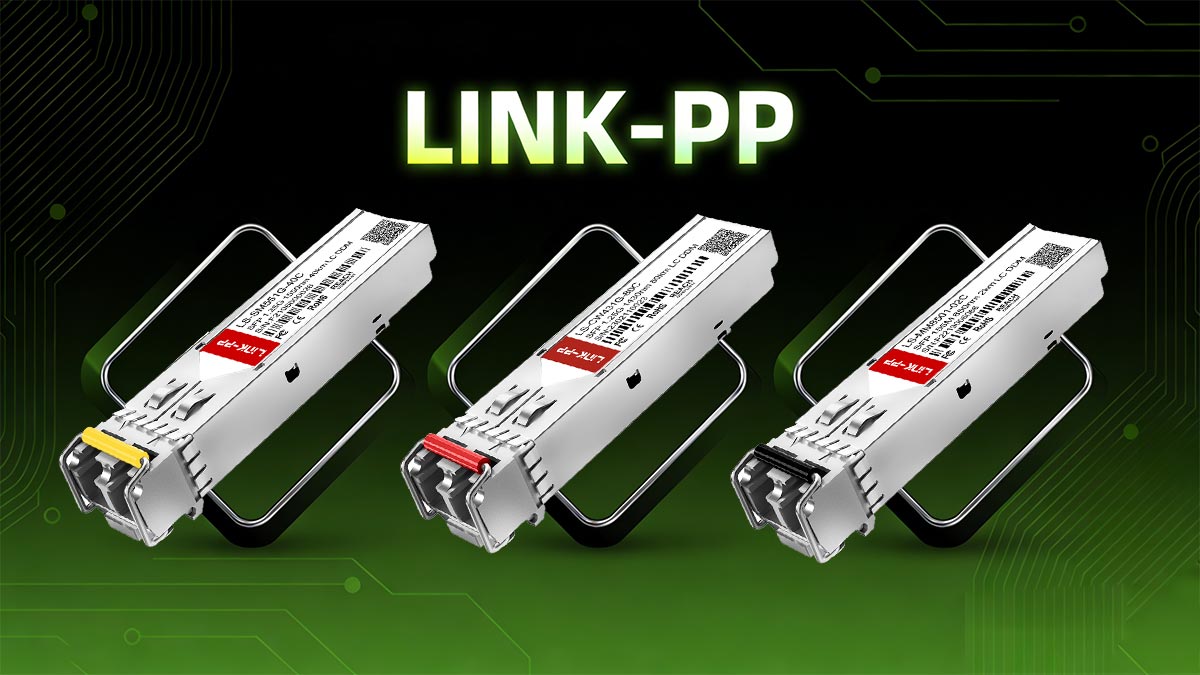
While many SFP and SFP+ transceivers share the same physical form factor, true compatibility depends on matching the correct:
- Speed
- Wavelength
- Fiber type
- Reach distance
- Port capability
- Vendor coding requirements
A module that physically fits into a switch or router port may still fail because of unsupported firmware, mismatched optical standards, or incorrect fiber infrastructure. That is why experienced network engineers always verify compatibility before deployment rather than assuming all optics are interchangeable.
Whether you are building:
- Enterprise networks
- Data center infrastructure
- AI cluster networking environments
- Industrial Ethernet systems
- ISP fiber deployments
- Homelab setups
Understanding these compatibility rules helps reduce downtime, avoid unsupported transceiver errors, and improve long-term network stability.
If you are searching for reliable and cost-effective compatible optical transceivers, DAC cables, AOCs, or high-performance networking connectivity solutions, the LINK-PP Official Store offers a wide range of SFP, SFP+, QSFP, and Ethernet connectivity products designed for enterprise, telecom, and AI networking applications.