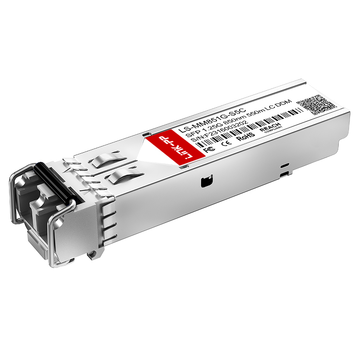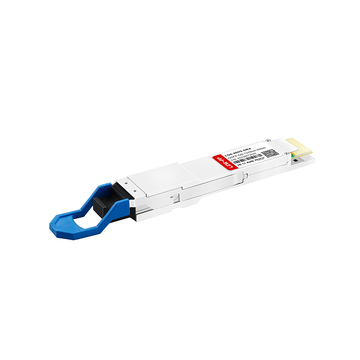
The Fortinet FTLF8519P3BNLFTN is a cornerstone of high-speed connectivity, serving as the standard 1000BASE-SX SFP transceiver for FortiGate firewalls and FortiSwitch platforms. Engineered for short-range data transmission, this 850nm module delivers reliable 1.25Gbps performance over multi-mode fiber. However, as network scaling demands increase, many IT professionals are looking beyond original equipment manufacturer (OEM) labels to find more agile, cost-effective solutions that don't sacrifice uptime.
Finding a high-quality Fortinet FTLF8519P3BNLFTN alternative allows organizations to bypass long lead times and high hardware premiums while maintaining seamless compatibility with FortiOS. This article explores the technical specifications of the original module and evaluates the top third-party SFP options. By understanding MSA standards and EEPROM coding requirements, you can achieve "plug-and-play" performance that integrates perfectly into your existing Fortinet ecosystem at a fraction of the cost.
✨ Understanding the Technical Profile of Fortinet FTLF8519P3BNLFTN
To successfully integrate or replace a transceiver within a high-performance network, one must first grasp its underlying architectural standards. The Fortinet FTLF8519P3BNLFTN is a specialized fiber optic SFP module designed to provide stable, high-speed optical connectivity across enterprise hardware. By analyzing its technical profile, network engineers can ensure that any alternative chosen meets the exact electrical and optical requirements of their infrastructure.
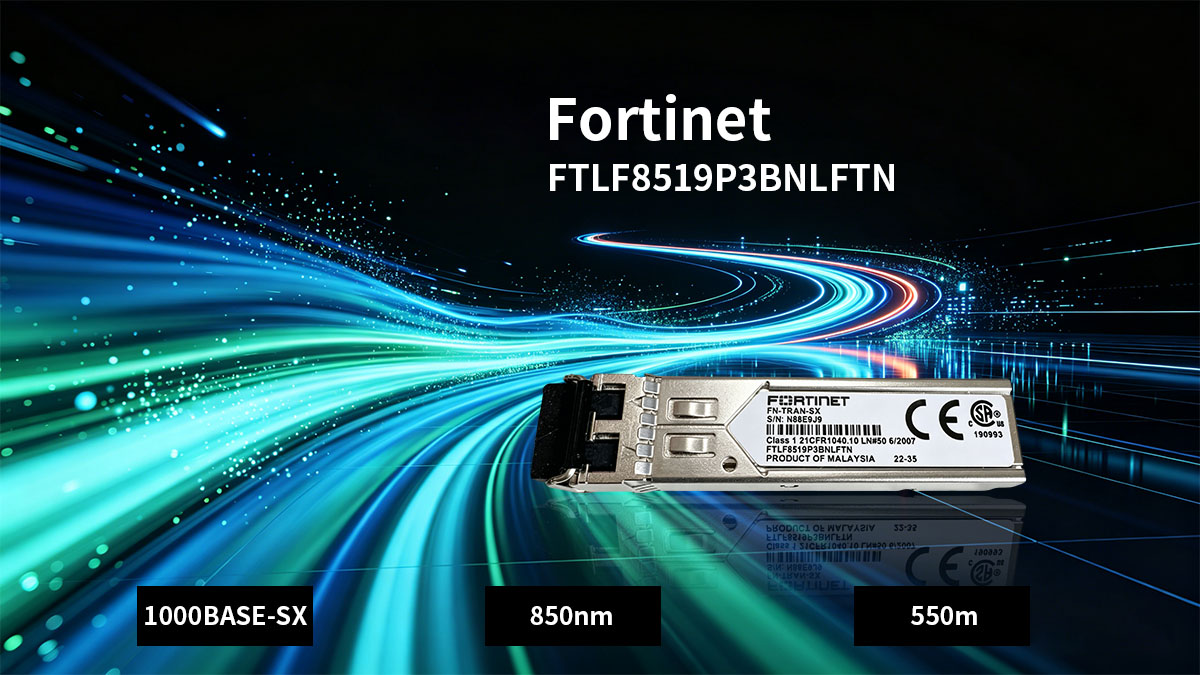
What Is Fortinet FTLF8519P3BNLFTN
The Fortinet FTLF8519P3BNLFTN is an enterprise-grade 1G SFP module specifically optimized for short-reach Gigabit Ethernet applications. It functions as the physical interface between the network's fiber optic cabling and the switch or firewall's system board, converting electrical signals into optical pulses. As an OEM (Original Equipment Manufacturer) component, it is pre-configured with specific EEPROM coding that allows Fortinet hardware to recognize and manage the device immediately upon insertion.
Key Specifications: 1000BASE-SX, 850nm, and 550m Reach
This module operates under the 1000BASE-SX standard, utilizing a short-wavelength laser to transmit data over multimode fiber (MMF). Operating at a nominal wavelength of 850nm, it is designed for efficiency in Local Area Networks (LANs) and data center environments where distances typically do not exceed 550m. Its reliability is rooted in its ability to maintain high signal integrity while consuming minimal power, making it an ideal choice for high-density port configurations.
The following table outlines the core technical parameters that define the performance of this optical transceiver:
| Parameter | Specification Details |
| Data Rate | 1.25Gbps (Gigabit Ethernet) |
| Wavelength | 850nm |
| Fiber Type | Multimode Fiber (MMF) |
| Max Distance | 550m (on OM2) / 300m (on OM1) |
| Optical Connector | Duplex LC |
| Standard | IEEE 802.3z 1000BASE-SX |
| Digital Diagnostics (DDM/DOM) | Supported |
Compatibility with FortiGate Firewalls and FortiSwitch Platforms
One of the most critical aspects of the FTLF8519P3BNLFTN is its deep integration with the Fortinet ecosystem. It is purpose-built for seamless operation with FortiGate Next-Generation Firewalls (NGFW) and the FortiSwitch secure access family. This compatibility ensures that the FortiOS software can accurately monitor the "health" of the link through Digital Diagnostic Monitoring (DDM), providing real-time data on temperature, optical power, and voltage to prevent unexpected network downtime.
✨ Top Reasons to Choose a Fortinet FTLF8519P3BNLFTN Alternative
While original transceiver modules offer a sense of security, opting for a compatible alternative is often a strategic move for modern data centers. Choosing a high-quality alternative allows network administrators to balance high-performance standards with smarter budget allocation and improved supply chain agility.
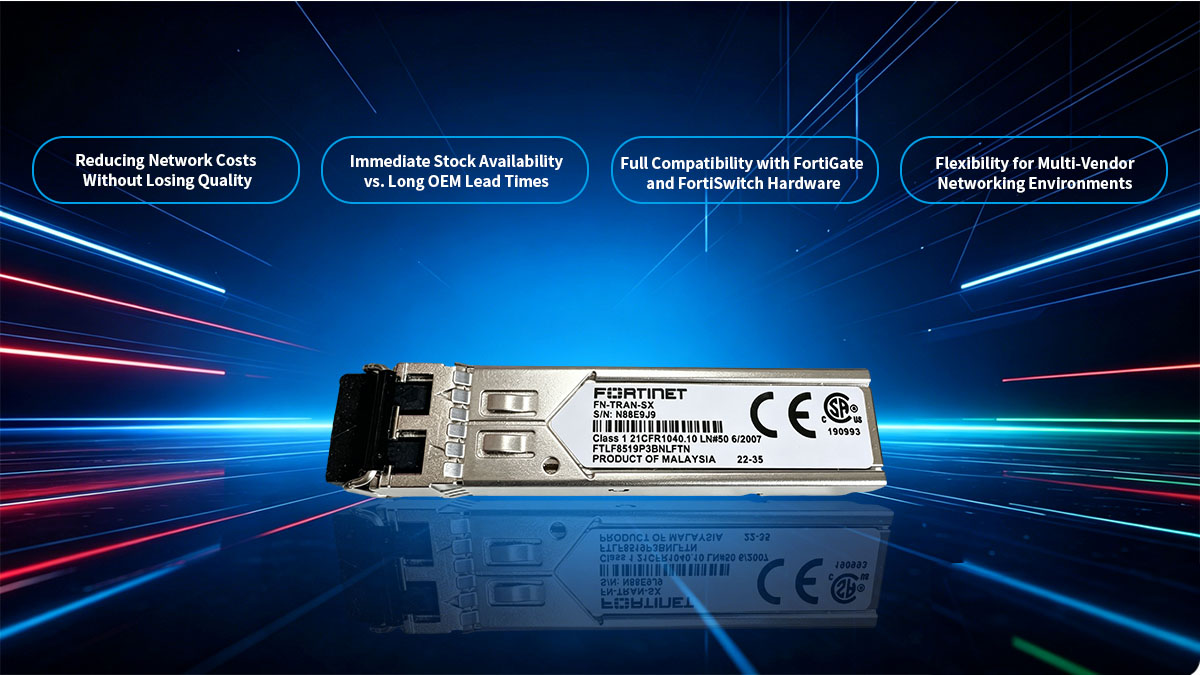
Reducing Network Costs Without Losing Quality
The primary driver for choosing a Fortinet FTLF8519P3BNLFTN alternative is the significant reduction in capital expenditure. OEM transceivers often carry a substantial markup that does not necessarily equate to superior hardware, as many third-party optical modules use the same high-quality lasers and chipsets found in original units.
By opting for a FTLF8519P3BNLFTN compatible module, organizations can redirect their savings toward critical infrastructure upgrades or redundant hardware. This approach ensures that the network maintains professional-grade 1000BASE-SX performance without the "brand premium" associated with proprietary labels.
Immediate Stock Availability vs. Long OEM Lead Times
Supply chain bottlenecks can frequently delay OEM shipments, leaving critical network expansions on hold for weeks or even months. In contrast, reputable third-party suppliers maintain extensive inventories of compatible SFPs, ready for immediate dispatch to meet urgent project deadlines.
This availability is crucial for emergency replacements and rapid scaling. Having a reliable source for alternatives means your network uptime isn't dependent on the fluctuating production schedules of a single large manufacturer.
Full Compatibility with FortiGate and FortiSwitch Hardware
A common misconception is that only OEM modules work correctly within a proprietary system. However, premium alternatives are specifically coded to replicate the EEPROM coding of the original Fortinet FTLF8519P3BNLFTN, ensuring they are recognized instantly by FortiOS.
This level of engineering provides a "plug-and-play" experience across both FortiGate firewalls and FortiSwitch platforms. When properly coded, these modules support all native features, including Digital Diagnostic Monitoring (DDM), allowing for seamless integration into your existing management dashboard.
Flexibility for Multi-Vendor Networking Environments
Modern enterprise networks are rarely monolithic, often featuring a mix of Fortinet security appliances alongside switches and routers from various other brands. Leading third-party manufacturers provide the unique advantage of custom re-coding services, allowing a single hardware design to be programmed with the specific firmware required for different vendor ecosystems.
This flexibility enables network engineers to deploy compatible transceivers that are precisely tailored to the multi-vendor environment of their data center. Instead of managing a fragmented inventory of brand-locked modules, you can source high-quality SFPs from a single provider who ensures each unit is optimized for the specific port it inhabits, whether it be a FortiGate firewall or a third-party core switch.
✨ How to Verify Compatibility for Fortinet FTLF8519P3BNLFTN Alternatives
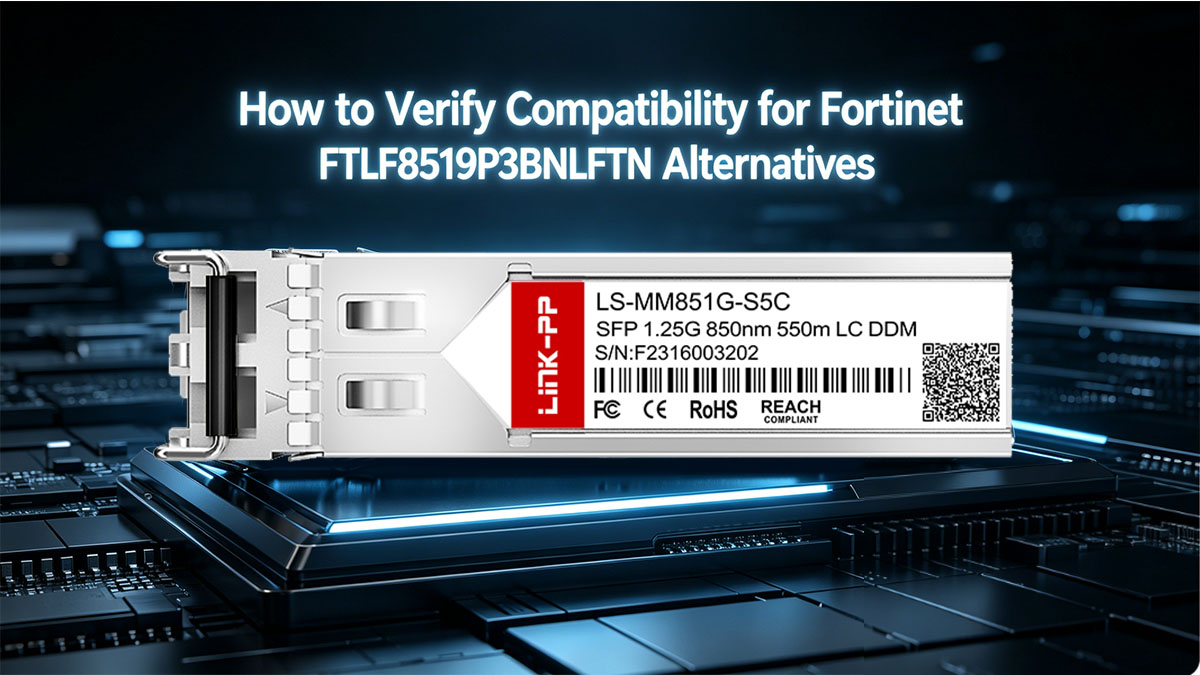
Ensuring the Correct EEPROM Coding for Fortinet Systems
The most critical factor in compatibility is the EEPROM (Electrically Erasable Programmable Read-Only Memory) coding. Fortinet devices perform a "security handshake" when an SFP is inserted, looking for specific vendor-locked data strings.
- Vendor ID Recognition: The module must be programmed with a code that identifies it as a compatible match for the FTLF8519P3BNLFTN.
- Checksum Accuracy: The internal data structure must have a perfect checksum to pass the system's integrity verification during boot-up.
- DDM Accessibility: The coding must allow FortiOS to access Digital Diagnostic Monitoring data, such as optical transmit/receive power and internal temperature.
MSA Standards: Why They Matter for Third-Party SFP Modules
Multi-Source Agreement (MSA) standards act as the backbone of interoperability in the optical industry. These agreements ensure that different manufacturers produce modules that are physically and electrically identical, allowing them to fit into any standard SFP port.
By adhering to MSA guidelines, a Fortinet FTLF8519P3BNLFTN alternative guarantees that its mechanical dimensions, connector interfaces, and signaling voltages are compliant with the industry's universal requirements. This hardware-level standardization is what prevents physical damage to the equipment ports and ensures that the laser operates within safe, standardized parameters.
Testing for "Plug-and-Play" Recognition in FortiOS
A high-quality alternative should offer a "Plug-and-Play" experience, where the administrator does not need to perform any manual configuration to bring the link up. Verification of this capability is usually performed through the FortiOS Command Line Interface (CLI) or GUI.
- Instant Link Initialization: Upon insertion, the port LED should transition to green almost immediately, signaling a successful hardware sync.
- Module Identification: Using commands like get system interface transceiver, the system should correctly display the module’s serial number and technical specs without identifying it as a "generic" or "unknown" device.
Avoiding "Incompatible Transceiver" Warning Messages
One of the primary goals of using a precision-coded alternative is to prevent the system from flagging the module as invalid. While some systems allow "unsupported" modules to function with manual overrides, this can lead to system instability and loss of monitoring capabilities.
A properly verified Fortinet FTLF8519P3BNLFTN alternative bypasses these warning messages entirely by presenting itself as a fully authorized component. This ensures that your system logs remain clean of error messages, which is vital for maintaining an organized and professional network monitoring environment where true hardware issues aren't buried under false compatibility alarms.
✨ Performance Standards for Fortinet FTLF8519P3BNLFTN Alternatives
For a third-party compatible module to be considered a viable alternative, it must do more than just connect; it must match the rigorous performance benchmarks set by the original hardware. High-quality alternatives are engineered to meet strict optical and electrical standards, ensuring that data integrity and network stability remain uncompromised under heavy traffic loads.
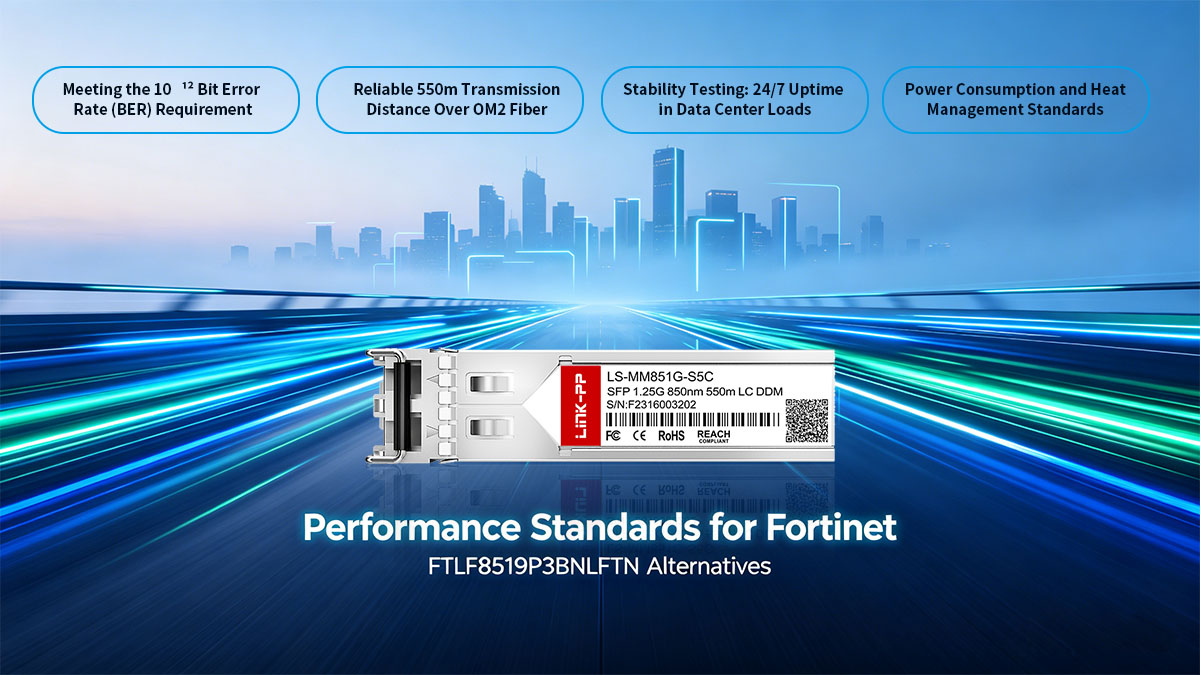
Meeting the 10⁻¹² Bit Error Rate (BER) Requirement
The gold standard for reliable data transmission in Gigabit Ethernet is a Bit Error Rate (BER) of less than 10⁻¹². This means that for every trillion bits transmitted, no more than one bit error should occur. A premium Fortinet FTLF8519P3BNLFTN alternative utilizes high-precision VCSEL (Vertical-Cavity Surface-Emitting Laser) technology to maintain this level of accuracy.
Maintaining such a low BER is essential for preventing packet retransmissions, which can cause latency spikes and degrade application performance. By ensuring the alternative module meets this specific threshold, network engineers can guarantee that the firewall or switch processes clean data streams even during peak utilization.
Reliable 550m Transmission Distance Over OM2 Fiber
The Fortinet FTLF8519P3BNLFTN is specifically designed for 1000BASE-SX applications, which traditionally cover up to 550m over OM2 multi-mode fiber. A high-performance compatible alternative must demonstrate consistent signal strength across this entire distance, ensuring that the optical budget is sufficient to overcome path loss and connector attenuation.
While performance may vary slightly based on the fiber grade (such as 300m on older OM1 fiber), the alternative must provide stable light levels across the standard 550m range. This ensures that the module remains a versatile solution for connecting devices across large data centers or between floors in a corporate campus.
Stability Testing: 24/7 Uptime in Data Center Loads
Enterprise networking equipment is expected to operate continuously for years without failure. Quality alternatives undergo rigorous "burn-in" testing, where modules are subjected to high-traffic volumes for extended periods to identify potential early-life failures.
This focus on 24/7 stability is what separates professional-grade compatible SFPs from "budget" generics. By choosing an alternative that has been stress-tested for data center loads, you ensure that your FortiGate security policies and FortiSwitch traffic management remain active without interruption from a faulty physical link.
Power Consumption and Heat Management Standards
Heat is the enemy of electronic longevity, especially in high-density rack environments where dozens of SFPs may be installed side-by-side. A reliable Fortinet FTLF8519P3BNLFTN compatible alternative must adhere to low-power consumption designs, typically staying well under 1W per module.
Efficient power management not only reduces the overall energy footprint of the data center but also minimizes the thermal output of the transceiver. Keeping the module cool prevents frequency drift in the laser and protects the delicate internal circuitry of the host Fortinet appliance, ensuring the hardware lives out its full intended lifecycle.
✨ Best SFP Option for Fortinet FTLF8519P3BNLFTN Alternative
Selecting the right alternative requires partnering with a manufacturer that prioritizes precision engineering and verified compatibility. Among the various options available on the market, certain solutions stand out for their ability to replicate the exact performance characteristics and software handshake of the original Fortinet module.
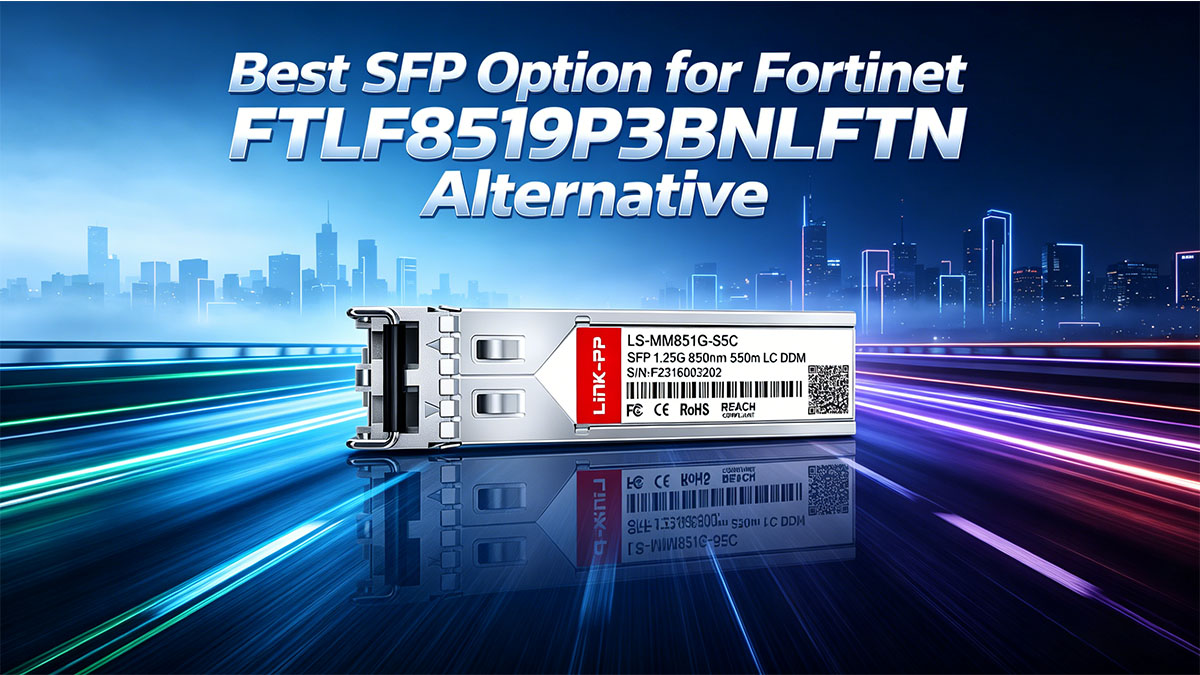
Overview of the LINK-PP LS-MM851G-S5C 1000BASE-SX SFP
The LINK-PP LS-MM851G-S5C is widely recognized as the premier professional-grade alternative to the Fortinet FTLF8519P3BNLFTN. Built upon the 1000BASE-SX standard, this module utilizes a high-quality 850nm VCSEL transmitter and a PIN photo-detector to provide reliable 1.25Gbps connectivity over multi-mode fiber.
It is specifically engineered to be a drop-in replacement, matching the physical dimensions and electrical specifications of the OEM counterpart perfectly. With support for distances up to 550m and integrated Digital Diagnostic Monitoring (DDM), it provides the same granular visibility into link health that administrators expect from original Fortinet hardware.
Why Network Engineers Trust LINK-PP for Fortinet Compatibility
The preference for LINK-PP among network engineers stems from the company's commitment to deep-level firmware integration. Unlike generic "one-size-fits-all" transceivers, these modules are loaded with vendor-specific code that ensures total harmony with the FortiOS environment.
- Verified Handshaking: The LS-MM851G-S5C is pre-coded to bypass the strict "third-party" detection algorithms in FortiGate and FortiSwitch devices, preventing port lockout.
- Feature Parity: It supports all native Fortinet features, including real-time threshold alarms and port-status reporting within the management GUI.
- System Stability: Engineers trust the brand because its modules maintain consistent synchronization without the "flapping" issues often associated with lower-tier compatibles.
Factory-Direct Quality Control and Individual Testing
A key differentiator for this compatible alternative is the rigorous testing protocol each unit undergoes before leaving the facility. Rather than relying on batch testing, every single module is subjected to individual performance validation to ensure it meets enterprise standards.
- Switch-Specific Testing: Each transceiver is tested in actual Fortinet host equipment to verify "plug-and-play" recognition and data throughput.
- Environmental Stress: Modules are screened for thermal stability and power consumption to ensure they operate safely in high-density data center racks.
- Optical Precision: Every unit is calibrated to ensure the laser output and receiver sensitivity fall within the precise decibel (dB) ranges required for 550m transmission.
Technical Support and Warranty Coverage
One of the most compelling reasons to choose this alternative is the comprehensive support structure that accompanies the hardware. Moving away from OEM modules doesn't mean moving away from professional protection; in fact, it often results in more personalized technical assistance.
LINK-PP provides robust warranty coverage that protects your investment against manufacturing defects for 1-3 years. Furthermore, their technical support teams are well-versed in the nuances of Fortinet hardware, offering expert guidance on everything from initial installation to advanced CLI troubleshooting, ensuring that your network migration or expansion remains risk-free.
✨ Comparing OEM vs. Compatible Fortinet FTLF8519P3BNLFTN
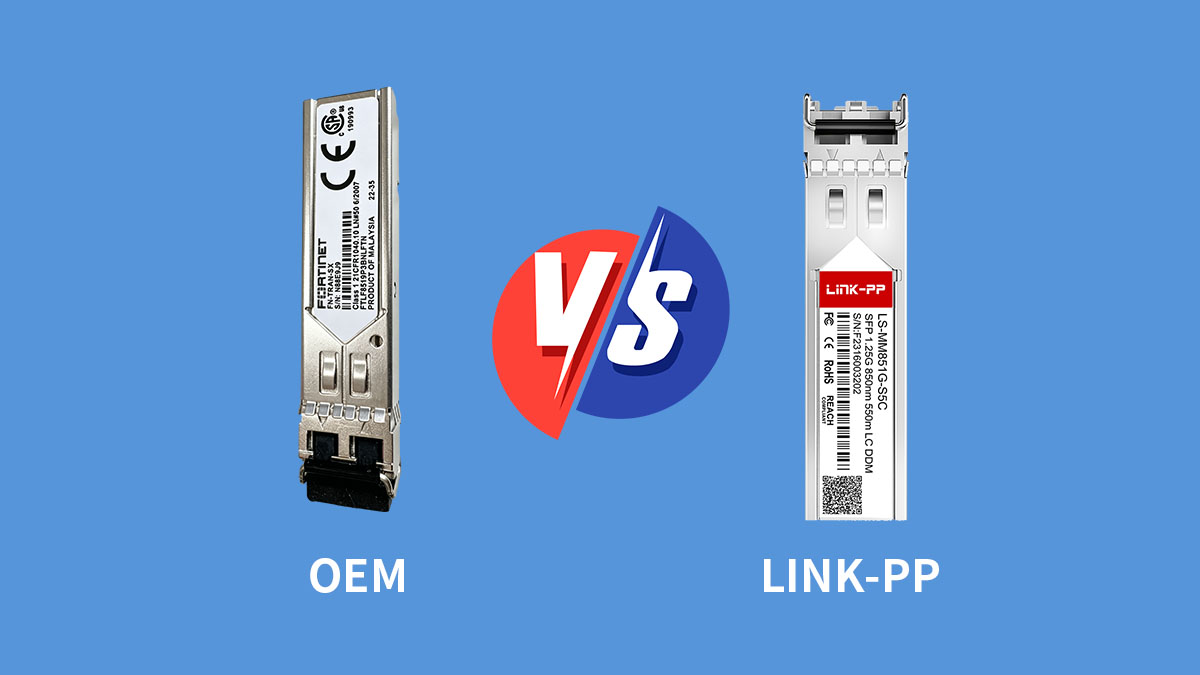
Deciding between an original equipment manufacturer (OEM) module and a high-quality compatible alternative is a pivotal choice for network scalability. While both options aim to provide the same core functionality, understanding how they compare in terms of value, real-world performance, and support policy is essential for making an informed procurement decision.
Price Comparison: How Much Can You Save?
The most immediate difference when comparing the two is the cost efficiency of the compatible module. OEM transceivers are often sold at a significant premium to cover the brand's marketing and overhead expenses. In contrast, Fortinet FTLF8519P3BNLFTN compatible modules are priced to reflect the actual cost of high-grade components and manufacturing.
By choosing compatible alternatives, organizations typically see cost savings ranging from 40% to 60%. For large-scale data center deployments involving hundreds of ports, these savings can be reinvested into higher-tier security licenses or hardware redundancies, significantly lowering the Total Cost of Ownership (TCO) for the entire network.
Performance Benchmarks: Speed, Latency, and Distance
In terms of technical output, professional-grade compatible modules are designed to be indistinguishable from the OEM version. Because both follow the same MSA (Multi-Source Agreement) standards and use identical optical components, the 1.25Gbps throughput and sub-millisecond latency remain consistent across both options.
Extensive lab testing shows that compatible modules achieve the same 550m reach on multi-mode fiber with identical signal integrity. This parity ensures that whether you use an original Fortinet module or a verified alternative like the LINK-PP LS-MM851G-S5C, your network’s speed and transmission reliability remain at peak performance levels.
Warranty Myths: Does Third-Party Hardware Void Your Support?
A common concern is whether using compatible SFP modules affects vendor support. In practice, using third-party optics does not automatically void the warranty of Fortinet devices, as long as the hardware itself is not physically damaged.
Many compatible module providers also offer their own warranties and technical support, adding an extra layer of assurance. This means users can benefit from both cost savings and reliable support coverage, making compatible Fortinet FTLF8519P3BNLFTN alternatives a practical and low-risk choice.
✨ Installation Guide for Your Fortinet FTLF8519P3BNLFTN Alternative
How to Properly Insert and Remove SFP Modules
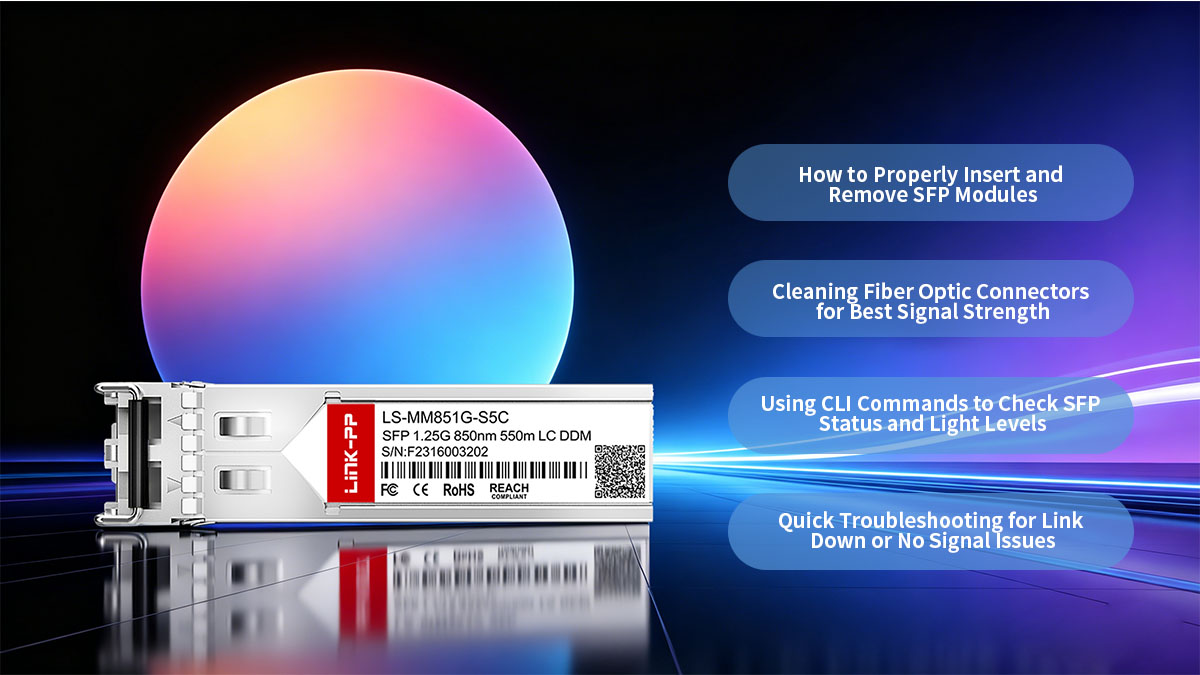
The Fortinet FTLF8519P3BNLFTN alternative features a hot-swappable design, meaning it can be installed while the system is powered on. However, physical handling must be precise to ensure a secure electrical connection.
- Insertion: Align the module with the SFP slot on your FortiGate or FortiSwitch and slide it in until you feel or hear a physical "click." This indicates the bale clasp has locked into the chassis.
- Removal: Always pull the bale clasp (the small wire handle) down to the horizontal position first. This action retracts the locking mechanism, allowing the module to slide out smoothly without putting stress on the internal port pins.
Cleaning Fiber Optic Connectors for Best Signal Strength
Contamination is the leading cause of optical link failure. Even microscopic dust particles on the LC connector of your fiber cable or the transceiver’s optical bore can cause significant signal attenuation or permanent scratches on the lens.
Before mating the cable to your Fortinet FTLF8519P3BNLFTN alternative, always use a dedicated fiber cleaning tool, such as a "one-click" cleaner or lint-free wipes with reagent-grade isopropyl alcohol. Ensuring a pristine contact point maximizes light transmission and prevents the "link flapping" issues that often plague poorly maintained data centers.
Using CLI Commands to Check SFP Status and Light Levels
Once the hardware is physically installed, you can use the FortiOS Command Line Interface (CLI) to verify that the system has correctly recognized the alternative module. This provides immediate empirical evidence of a healthy installation.
- View Module Info: Use the command get system interface transceiver <interface_name> to see the manufacturer name, serial number, and hardware type.
- Monitor Light Levels: The same command will display the Digital Diagnostic Monitoring (DDM) data. Pay close attention to the "Rx Power" and "Tx Power" values; if these are within the module’s specified range, the physical layer is performing optimally.
Quick Troubleshooting for Link Down or No Signal Issues
If the link does not come up immediately, the issue is often related to physical configuration rather than a faulty module. A systematic approach can resolve most "No Signal" issues in seconds.
- Check Fiber Polarity: Ensure that the Tx (transmit) end of the fiber is connected to the Rx (receive) port at the opposite end. If the link is down, try swapping the LC connectors in the duplex clip.
- Verify Port Speed: Some FortiGate ports default to 10G or "Auto." Manually setting the port speed to 1Gbps via the CLI can often force a stubborn link to initialize.
- Inspect Seating: Ensure the SFP is fully seated. A module that is "mostly" in may power up the DDM but fail to establish a stable high-speed data connection.
✨ Conclusion: Building Cost-Effective Network with Fortinet FTLF8519P3BNLFTN Alternative

As networks continue to scale, relying solely on OEM optics like the Fortinet FTLF8519P3BNLFTN is no longer the only practical approach. Well-tested compatible SFP modules now offer the same level of performance and reliability, while giving organizations more flexibility in budgeting, sourcing, and deployment. For many IT teams, this shift is a straightforward way to optimize infrastructure without adding complexity.
By choosing the right alternative — one that is properly coded, fully tested, and standards-compliant — you can maintain seamless operation across FortiGate and FortiSwitch platforms while significantly reducing costs. The key is to work with trusted suppliers who understand Fortinet environments and can deliver consistent quality.
If you’re planning to upgrade or expand your network, it’s worth exploring solutions from the LINK-PP Official Store. With proven compatibility, rigorous testing, and dependable support, LINK-PP offers a simple and effective path to building a more cost-efficient network.