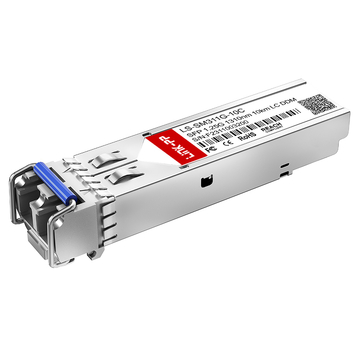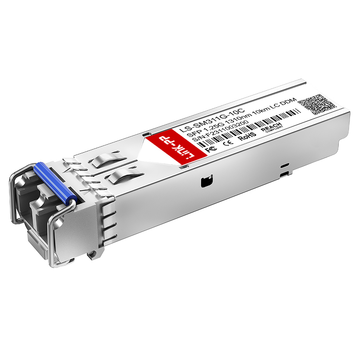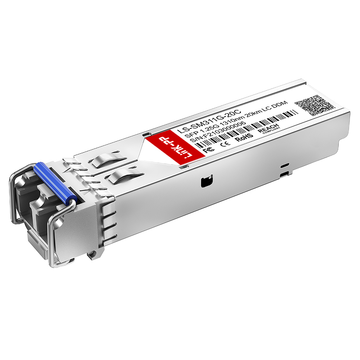
Choosing the right 1000BASE-LX/LH SFP transceiver can feel confusing—especially when you’re dealing with mixed fiber types, legacy infrastructure, or unclear naming conventions like “LX” and “LH.” Yet for many network engineers, IT buyers, and system integrators, this small optical transceiver plays a critical role in enabling stable, long-distance Gigabit Ethernet connectivity.
At its core, a 1000BASE-LX/LH SFP transceiver is designed for long-wavelength (1310 nm) transmission, primarily over single-mode fiber (SMF) with typical reach up to 10 km. However, real-world deployments are rarely that straightforward. Many users are working with existing multimode fiber (OM1/OM2), facing compatibility issues, or trying to determine whether LX/LH is interchangeable with other optical modules like SX or even LR.
This is exactly where most confusion—and costly mistakes—happens.
By reading this guide, you will:
- Clearly understand what 1000BASE-LX/LH fiber SFP transceivers are and how they work
- Learn the key differences between LX, LH, and LR optics
- Determine whether your network requires single-mode or multimode compatibility
- Avoid common pitfalls such as incorrect fiber pairing or missing mode-conditioning cables
- Confidently choose the right fiber optic SFP module for long-haul Gigabit links
Whether you’re upgrading an enterprise backbone, extending a campus network, or simply trying to make legacy fiber work without replacing it, this guide is built to align with real-world deployment scenarios—and help you make the right decision the first time.
✅ What Is a 1000BASE-LX/LH SFP Transceiver?
Understanding what a 1000BASE-LX/LH SFP transceiver is should be simple—but in reality, the naming often causes confusion. This section explains the concept in plain English so you can immediately identify whether this module fits your network.
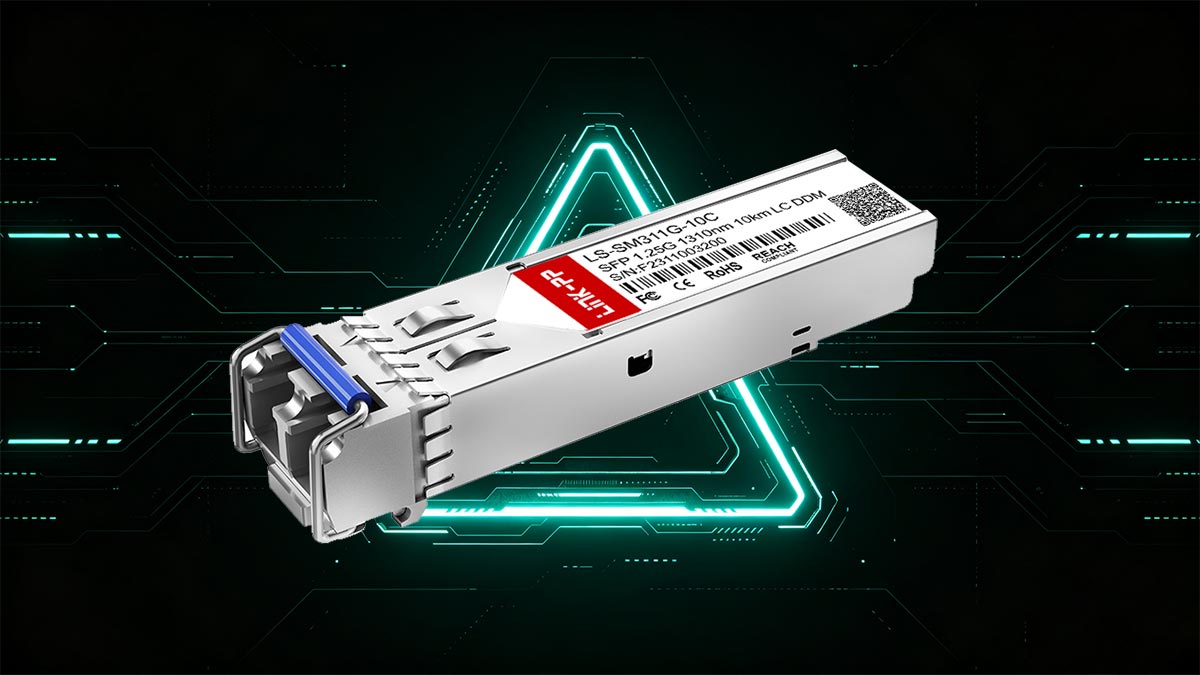
Simple Definition (What It Is)
A 1000BASE-LX/LH SFP transceiver is a Gigabit (1G) optical module used to transmit data over fiber using a 1310 nm wavelength, typically for long-distance connections up to 10 km.
- 1000BASE-LX: The official IEEE standard for long-wavelength Gigabit Ethernet optics
- LH (Long Haul): A vendor-specific naming term (commonly used by Cisco and others) that generally refers to the same type of module, often emphasizing extended reach
In most practical scenarios, LX and LH are used interchangeably, especially in procurement and compatibility discussions.
Key Characteristics
To quickly identify this type of transceiver, here are the core technical features:
- Speed: 1 Gbps (Gigabit Ethernet)
- Wavelength: 1310 nm
- Fiber Type: Primarily single-mode fiber (SMF)
- Maximum Distance: Up to 10 km on SMF
- Connector Type: Typically duplex LC
These characteristics make it a standard choice for mid- to long-range fiber links in enterprise and telecom environments.
Main Use Case (Why It Exists)
The primary purpose of a 1000BASE-LX/LH SFP transceiver is to provide reliable long-distance Gigabit connectivity between network devices such as:
- Switch-to-switch links across buildings
- Campus or metro access networks
- Data center interconnections (short to medium range)
It is especially useful when:
- Copper (RJ45) connections are no longer viable due to distance limits
- Multimode solutions (like SX) cannot reach far enough
- You need a cost-effective 1G long-haul fiber solution
Why the Naming Causes Confusion
The biggest challenge for users is not the technology—but the naming:
- LX = Standardized term (IEEE 802.3z)
- LH = Marketing / vendor term (no strict standard definition)
This leads to common questions like:
- “Is LX the same as LH?”
- “Will an LH module work in my LX slot?”
In most cases, the answer is yes, but compatibility still depends on vendor coding and device support—something we’ll cover later in this guide.
This foundational understanding sets the stage for the next critical question: how LX/LH compares to other modules like SX and LR—and which one you should actually choose.
✅ 1000BASE-LX vs. 1000BASE-LH vs. 1000BASE-LR: What Is the Difference?
One of the most common sources of confusion when selecting fiber optics is the difference between 1000BASE-LX, 1000BASE-LH, and 1000BASE-LR. These terms look similar, but they do not always mean the same thing—and choosing the wrong one can lead to compatibility issues or non-working links.
This section breaks down the differences clearly so you can avoid common mistakes and select the correct module with confidence.
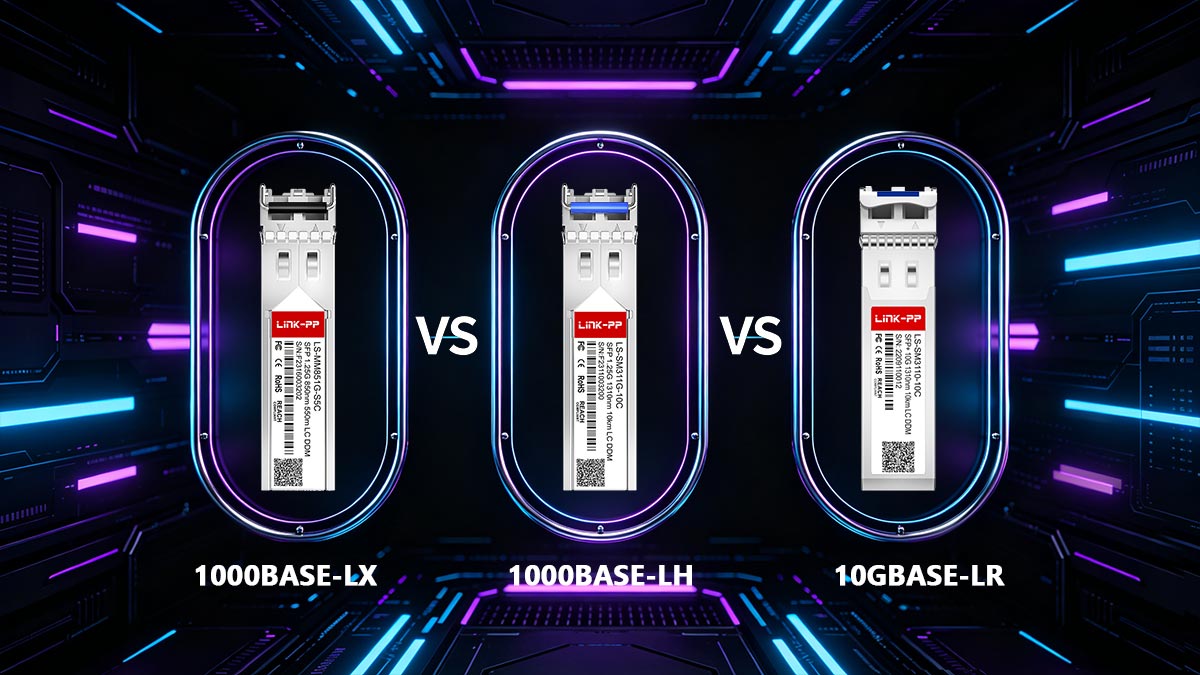
LX vs. LH — Standard vs. Vendor Naming
The key distinction here is standardization vs. vendor terminology:
- 1000BASE-LX is the official IEEE 802.3z standard for Gigabit Ethernet over fiber using 1310 nm wavelength
- 1000BASE-LH (Long Haul) is a vendor-specific label (commonly used by Cisco and compatible vendors)
In practice:
- LX and LH usually refer to the same type of 1G long-wavelength SFP
- LH often emphasizes longer reach (up to 10 km on SMF), but technically aligns with LX specifications
For most buyers, LX = LH in real-world usage, as long as device compatibility is confirmed.
LX/LH vs. LR — The Critical Difference
This is where many users make mistakes.
- 1000BASE-LX/LH = 1 Gigabit (1G)
- 1000BASE-LR = typically refers to 10 Gigabit (10G) optics (10GBASE-LR)
Even though both use:
- 1310 nm wavelength
- Single-mode fiber (SMF)
- ~10 km transmission distance
They are NOT interchangeable because:
- They operate at different speeds
- They require different ports (SFP vs SFP+)
Plugging a SFP+ 10G LR module into a 1G port (or vice versa) will not work.
Simple Comparison Table
| Feature | 1000BASE-LX | 1000BASE-LH | 1000BASE-LR (10GBASE-LR) |
|---|---|---|---|
| Standard Type | IEEE Standard | Vendor Naming | IEEE Standard (10G) |
| Typical Speed | 1 Gbps | 1 Gbps | 10 Gbps |
| Wavelength | 1310 nm | 1310 nm | 1310 nm |
| Fiber Type | Single-mode (SMF) | Single-mode (SMF) | Single-mode (SMF) |
| Max Distance | Up to 10 km | Up to 10 km | Up to 10 km |
| Form Factor | SFP | SFP | SFP+ |
| Interchangeable? | Yes (LX ≈ LH) | Yes (LH ≈ LX) | No (different speed/port) |
| Common Use Case | 1G long-distance links | 1G long-distance links | 10G backbone links |
Why Users Compare These Terms
These three terms are often compared because they share similar physical characteristics (same wavelength and fiber type), but differ in naming and performance level.
Typical real-world questions include:
- “Is LH better than LX?” → No, they are essentially the same
- “Can I use LR instead of LX?” → No, different speed and hardware
- “Why do vendors use LH instead of LX?” → Branding and product differentiation
Understanding these differences is critical before purchasing. Next, we’ll answer another key question users often ask: is 1000BASE-LX/LH single-mode only, or can it work with multimode fiber as well?
✅ Is 1000BASE-LX/LH Single-Mode or Multimode?
This is one of the most frequently asked questions—and also one of the most misunderstood. The short answer is simple: 1000BASE-LX/LH is primarily designed for single-mode fiber (SMF), but it can work with multimode fiber (MMF) under specific conditions.
Understanding when and how this works is critical to avoiding link failures and performance issues.
Primary Use Case — Single-Mode Fiber (SMF)
A 1000BASE-LX/LH SFP transceiver is optimized for single-mode fiber (SMF) because:
- It uses a 1310 nm wavelength, which is ideal for long-distance transmission
- It supports distances up to 10 km, far beyond multimode capabilities
- It provides stable signal quality over longer runs with minimal dispersion
In modern network deployments, SMF is the default and recommended choice when using LX/LH modules.
Can It Work on Multimode Fiber (MMF)?
Yes—but this is where things get tricky.
A 1000BASE-LX/LH SFP can operate over multimode fiber (typically OM1 or OM2), but:
- The maximum distance is usually limited to ~550 meters
- Direct connection using standard patch cords may cause signal distortion
- Performance can become unstable or inconsistent
This is why many users experience “it works sometimes” behavior on MMF.
Why MMF Compatibility Is Problematic
The issue comes down to how the signal behaves:
- LX/LH optics use a laser optimized for SMF
- When injected into MMF, the signal can create multiple propagation paths (modal dispersion)
- This can lead to overfilled launch conditions, resulting in high bit error rates
In simple terms: the signal is too “focused” for multimode fiber, causing interference.
The Role of Mode Conditioning Patch Cables
To make LX/LH work reliably on legacy MMF, you often need a mode conditioning patch cable (MCP).
This special cable:
- Offsets the laser launch into the fiber core
- Reduces modal dispersion
- Stabilizes the signal for consistent transmission
For OM1/OM2 deployments, using an MCP is often not optional—it’s required for reliable links.
Practical Recommendation
- Use SMF whenever possible → best performance, future-proof
- Use MMF only if already installed and replacement is not feasible
- Always consider mode conditioning cables when using LX/LH on older MMF
Quick Decision Guide
- Long-distance (≥1 km) → Use SMF + LX/LH
- Legacy building fiber (OM1/OM2) → LX/LH + MCP may work
- Short-distance MMF (≤300 m) → Consider SX instead of LX/LH
Understanding fiber compatibility is essential before deployment. Next, we’ll look at a closely related decision: when you should choose 1000BASE-LX/LH instead of 1000BASE-SX.
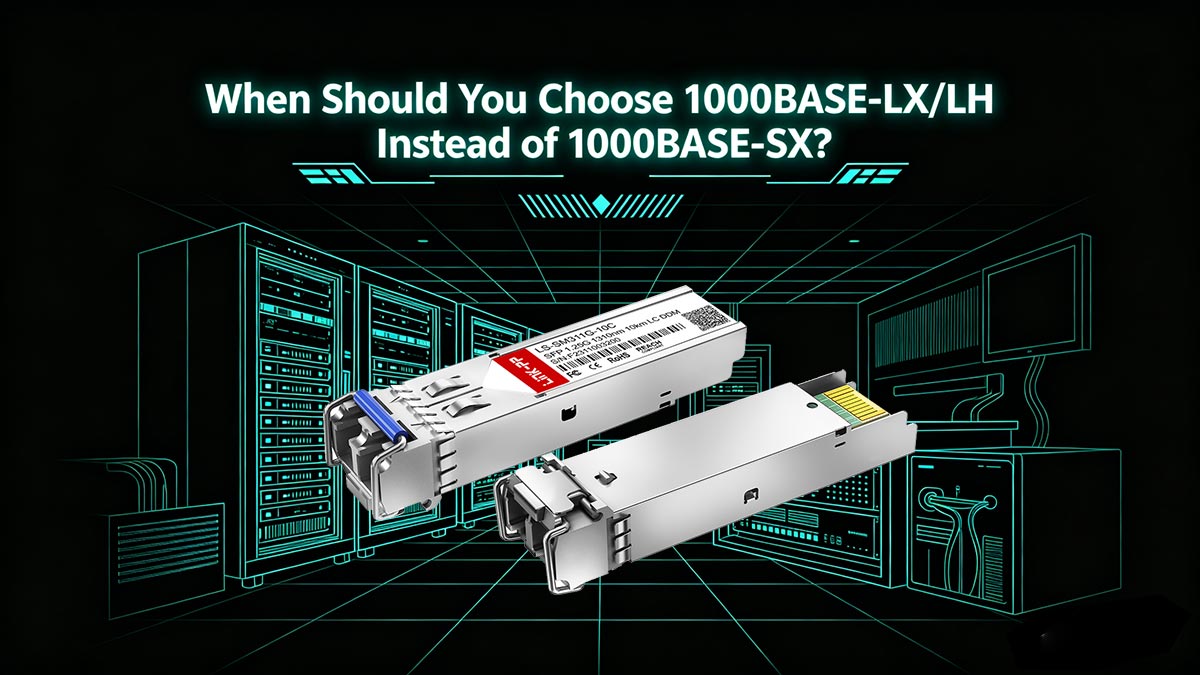
✅ When Should You Choose 1000BASE-LX/LH Instead of 1000BASE-SX?
Choosing between 1000BASE-LX/LH and 1000BASE-SX is a practical decision that depends on distance, fiber type, and your existing infrastructure. While both are 1G SFP transceiver modules, they are designed for very different scenarios.
This section helps you quickly determine which one fits your deployment.
Core Difference — Distance and Wavelength
The most important distinction is how far and how the signal travels:
- 1000BASE-SX
- Uses 850 nm wavelength
- Designed for multimode fiber (MMF)
- Typical distance: 220–550 meters
- 1000BASE-LX/LH
- Uses 1310 nm wavelength
- Designed for single-mode fiber (SMF)
- Typical distance: up to 10 km
If your link goes beyond a few hundred meters, LX/LH is usually the only viable option.
Fiber Type Consideration
Your existing fiber infrastructure often determines the choice:
- If you have multimode fiber (OM3/OM4) → SX is simpler and more cost-effective
- If you have single-mode fiber (OS2) → LX/LH is required
- If you have legacy OM1/OM2 fiber → LX/LH may work with additional considerations (e.g., MCP)
The key rule: match the transceiver to the fiber type whenever possible.
Deployment Scenarios
Here’s how these modules are typically used in real networks:
Choose 1000BASE-SX when:
- Connecting devices within the same rack or room
- Running links inside a data center
- Distance is short (<300–500 m)
- You want a lower-cost MMF solution
Choose 1000BASE-LX/LH when:
- Connecting buildings across a campus
- Running links between floors or distant network closets
- Distance exceeds MMF limits
- You need a more scalable, long-distance solution
Cost vs. Scalability
- SX (MMF):
- Lower upfront cost
- Ideal for short-term or short-distance deployments
- Limited scalability due to distance constraints
- LX/LH (SMF):
- Slightly higher initial cost
- Supports longer distances and future upgrades
- Better suited for network expansion
For growing networks, LX/LH + SMF is often the more future-proof investment.
Quick Selection Table
| Scenario | Recommended Module |
|---|---|
| ≤300 m, MMF (OM3/OM4) | 1000BASE-SX |
| ≤550 m, MMF (OM1/OM2) | SX (preferred) |
| Legacy MMF but longer distance | LX/LH + MCP (if needed) |
| ≥1 km distance | 1000BASE-LX/LH |
| Single-mode fiber (any distance) | 1000BASE-LX/LH |
Quick Decision Rule
- Short distance + MMF → Choose SX
- Long distance or SMF → Choose LX/LH
- Unsure or planning for future → LX/LH is safer
Making the right choice here prevents unnecessary costs and compatibility issues. Next, we’ll go deeper into performance expectations by answering a key question: how far can a 1000BASE-LX/LH SFP transceiver actually reach in real-world deployments?
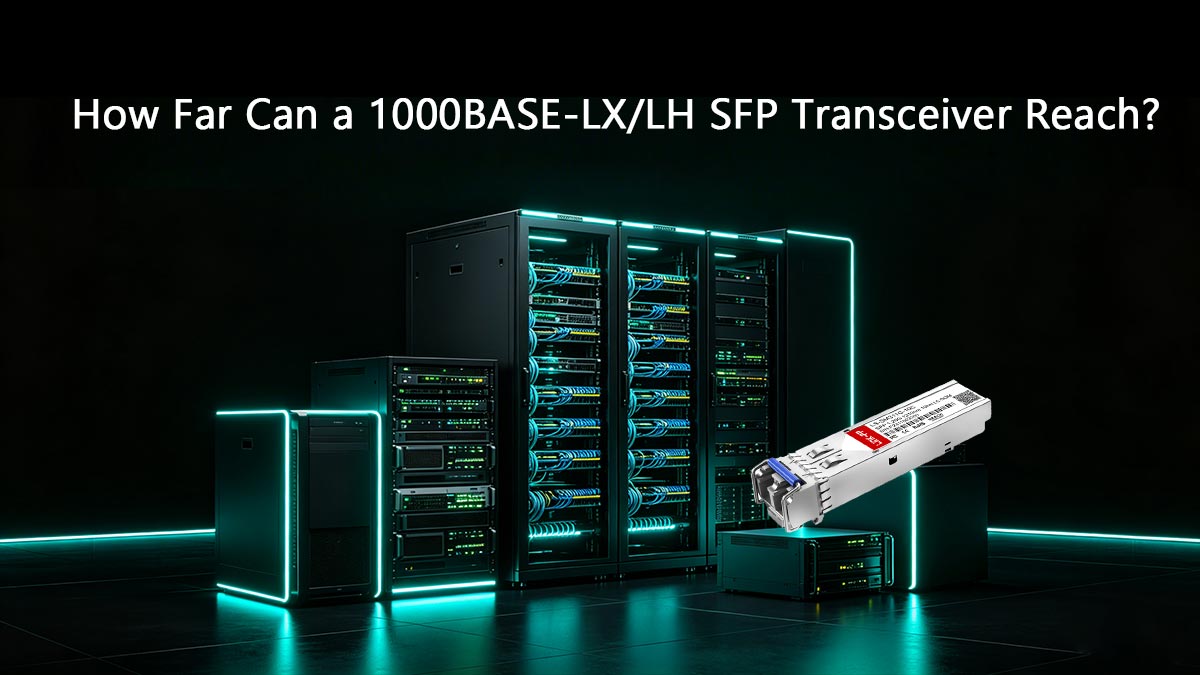
✅ How Far Can a 1000BASE-LX/LH SFP Transceiver Reach?
While datasheets often state clean numbers, the real-world reach of a 1000BASE-LX/LH SFP transceiver depends on more than just the module itself. To make the right decision, you need to understand both the typical specifications and the practical factors that affect actual performance.
Typical Maximum Distance (Baseline Expectations)
Under ideal conditions, a 1000BASE-LX/LH SFP delivers:
- Up to 10 km on single-mode fiber (SMF)
- Up to ~550 meters on multimode fiber (MMF) (with proper setup)
These values assume:
- High-quality fiber
- Proper connectors and installation
- Minimal signal loss
In controlled environments, these distances are reliable and widely achievable.
What Is Link Budget (And Why It Matters)?
The actual reach of your link is determined by the optical link budget, which is the balance between:
- Transmit power (Tx) of the SFP
- Receiver sensitivity (Rx) of the receiving module
- Total signal loss across the fiber link
In simple terms:
Link Budget = How much signal you can lose before the connection fails
If your total loss exceeds the available budget, the link will become unstable—or not work at all.
Key Factors That Affect Real-World Distance
Even if your SFP is rated for 10 km, several real-world factors can reduce that distance:
1. Fiber Quality and Type
- Older fiber (OM1/OM2 or degraded SMF) introduces higher loss
- Poor splicing or aging cables reduce signal integrity
2. Connector and Splice Loss
- Each connector typically adds 0.2–0.5 dB loss
- Multiple patch panels can significantly reduce reach
3. Dirty or Damaged Connectors
- Dust or scratches can cause unexpected attenuation
- A common cause of “mysterious” link failures
4. Mode Conditioning (for MMF)
- Without proper conditioning, LX/LH on MMF may suffer from signal distortion
- This can reduce usable distance well below theoretical limits
5. Environmental Conditions
- Temperature variations can affect optical performance
- Industrial environments may introduce additional challenges
Real-World Distance Scenarios
Here’s how distance typically plays out in practical deployments:
- Clean SMF link (few connectors) → Close to 10 km achievable
- SMF with multiple patch panels → ~6–8 km more realistic
- Legacy MMF (OM1/OM2) → Often 300–550 m with MCP
- MMF without proper conditioning → May fail even at short distances
This is why two identical SFP modules can perform very differently in different networks.
How to Estimate Your Link Distance Safely
To avoid risk, follow this simple approach:
- Calculate total fiber length
- Add estimated connector/splice loss
- Compare with the SFP’s link budget margin
- Leave a safety buffer (typically 2–3 dB)
Always design below the maximum limit to ensure long-term stability.
Quick Rule of Thumb
- Long, clean SMF → Full 10 km is realistic
- Complex fiber paths → Plan for reduced distance
- MMF deployments → Treat 550 m as an upper limit (with conditions)
Understanding real-world reach helps prevent overestimating performance and avoids costly troubleshooting later. Next, we’ll look at a critical scenario many users face: how to correctly use 1000BASE-LX/LH on legacy multimode fiber without causing link issues.
✅ How to Use 1000BASE-LX/LH on Legacy Multimode Fiber
Many networks still rely on older OM1/OM2 multimode fiber (MMF), and replacing that infrastructure is often expensive or impractical. The good news is that a 1000BASE-LX/LH SFP transceiver can work on legacy MMF—but only when deployed correctly.
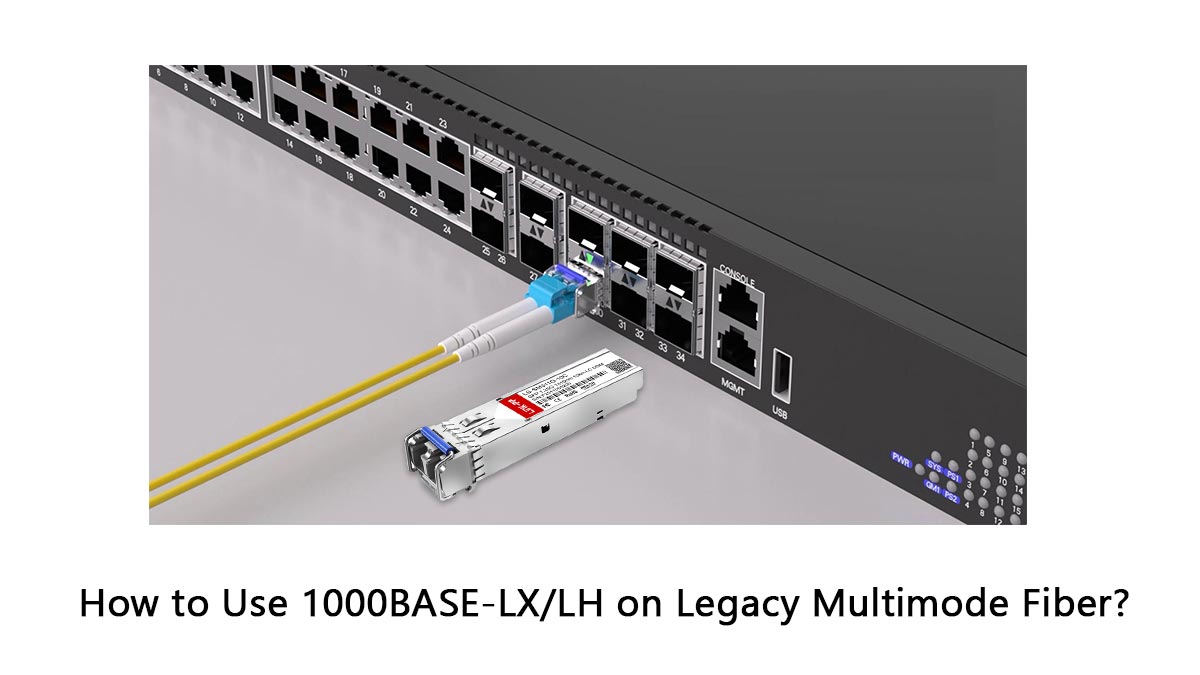
This section explains how to make it work reliably and avoid the most common failure scenarios.
Why LX/LH Struggles on Multimode Fiber
A 1000BASE-LX/LH module is designed for single-mode fiber (SMF) using a 1310 nm laser. When this signal is injected directly into MMF:
- The light spreads across multiple paths (modal dispersion)
- The signal becomes uneven and unstable
- This can lead to high bit error rates or intermittent link failure
In short, LX/LH optics are not naturally compatible with MMF without adjustment.
What Is a Mode Conditioning Patch Cable (MCP)?
A mode conditioning patch cable (MCP) is the key to making LX/LH work on legacy MMF.
It is a specialized fiber patch cord that:
- Offsets the laser launch point into the fiber core
- Reduces modal dispersion
- Stabilizes signal transmission
Think of it as a signal alignment tool that adapts SMF-optimized optics to MMF environments.
When Do You Need an MCP?
You typically need a mode conditioning patch cable when:
- Using 1000BASE-LX/LH SFP with OM1 or OM2 fiber
- Distance exceeds short patch ranges (e.g., >100–200 m)
- You experience unstable links or high error rates
For newer multimode fiber:
- OM3/OM4 → MCP is usually not required, but compatibility should still be verified
For legacy fiber, MCP is often essential—not optional.
OM1 vs. OM2 Compatibility
Not all multimode fiber behaves the same:
- OM1 (62.5 µm)
- Most sensitive to modal dispersion
- Highest risk of instability without MCP
- OM2 (50 µm)
- Slightly better performance
- Still may require MCP depending on distance
In both cases, proper conditioning significantly improves reliability.
Common Mistakes That Cause Link Failure
Many deployment issues come from a few repeatable mistakes:
1. Using Standard Patch Cables Instead of MCP
- Leads to unstable or non-functional links
2. Assuming “It Should Work” Without Testing
- LX/LH on MMF may appear to work initially but fail under load
3. Ignoring Fiber Type (OM1 vs. OM2 vs. OM3)
- Each has different performance characteristics
4. Overestimating Distance
- Even with MCP, MMF has stricter limits than SMF
5. Poor Connector Quality or Dirty Interfaces
- Adds unexpected loss and reduces link stability
These issues are the main reason LX/LH deployments on MMF fail in practice.
Best Practice for Reliable Deployment
To ensure stable performance:
- Use SMF whenever possible (best long-term solution)
- If using MMF:
- Install a mode conditioning patch cable
- Keep distances well below maximum limits
- Test the link before full deployment
- Maintain clean connectors and proper cable management
Quick Setup Guide
- SMF available → Use LX/LH directly
- Only OM1/OM2 available → Use LX/LH + MCP
- Short MMF link → Consider SX instead of LX/LH
Using LX/LH on legacy multimode fiber is possible—but only with the right approach. Next, we’ll move into the buying phase and cover a critical step: how to check compatibility before purchasing a 1000BASE-LX/LH SFP transceiver.
✅ Compatibility Checklist Before Deployment 1000BASE-LX/LH SFP Transceiver
Before installing a 1000BASE-LX/LH SFP transceiver, it’s critical to verify compatibility across your entire link—not just the module itself. Many deployment issues come from small mismatches between the device, fiber, and environment.
Use this checklist to ensure a smooth, trouble-free deployment.
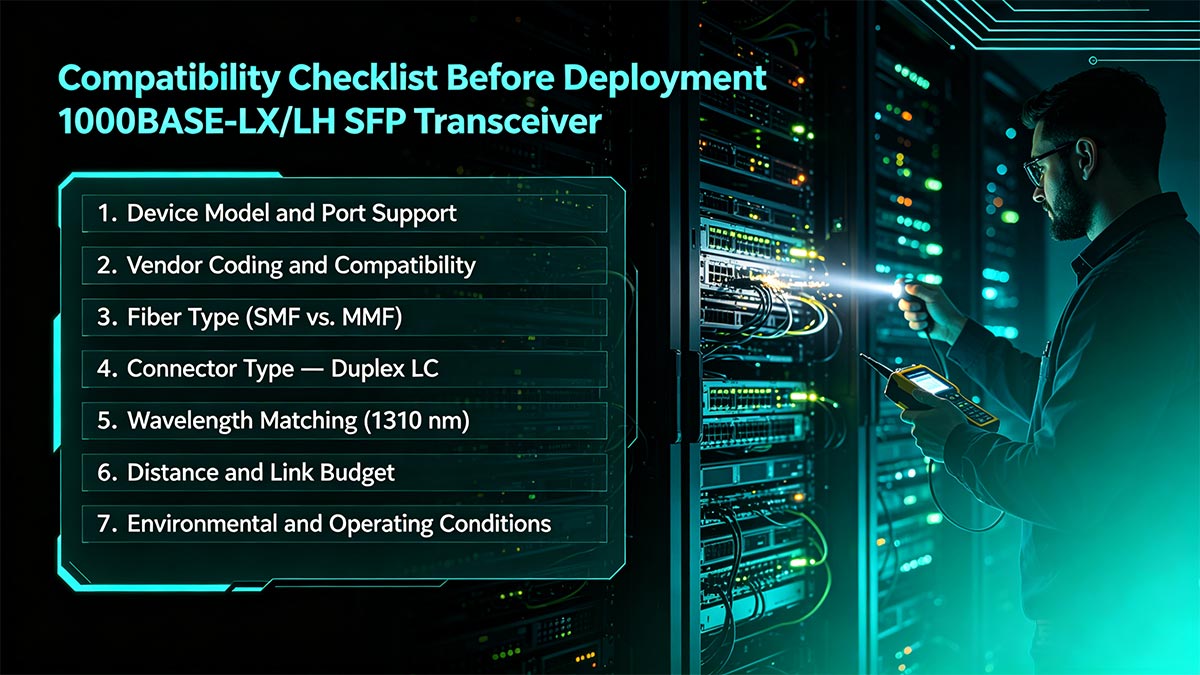
1. Device Model and Port Support
Start by confirming that your network equipment supports the module:
- Check whether the port is SFP (1G) — not SFP+ (10G-only ports may not support 1G)
- Review the switch/router compatibility list
- Ensure firmware/OS supports the optic
Even if the module physically fits, it may not function without proper support.
2. Vendor Coding and Compatibility
Many vendors enforce optic validation:
- Some devices only accept OEM-coded modules
- Others allow third-party compatible SFPs
- Unsupported modules may show errors like:
- “Unsupported transceiver”
- Port disabled or no link
Choose modules with correct vendor coding or verified compatibility.
3. Fiber Type (SMF vs. MMF)
Match the transceiver to your installed fiber:
- Single-mode fiber (SMF) → Best match for LX/LH
- Multimode fiber (OM1/OM2) → Requires mode conditioning patch cable (MCP)
- OM3/OM4 → May work, but verify distance and performance
Using the wrong fiber type is one of the most common causes of failure.
4. Connector Type — Duplex LC
Most 1000BASE-LX/LH SFP transceivers use:
- Duplex LC connectors (two fibers: Tx and Rx)
Checklist:
- Ensure your patch cables are LC-LC duplex
- Verify correct polarity (Tx ↔ Rx)
A simple polarity mistake can prevent link establishment.
5. Wavelength Matching (1310 nm)
LX/LH modules operate at 1310 nm, so:
- Both ends of the link must use matching wavelength optics
- Do not mix with:
- 850 nm (SX) modules
- 1550 nm long-range optics
Mismatched wavelengths = no link.
6. Distance and Link Budget
Verify that your link falls within supported limits:
- SMF → Up to 10 km (ideal conditions)
- MMF → Up to ~550 m with MCP
Also consider:
- Connector loss
- Patch panels
- Safety margin (2–3 dB recommended)
Always design below maximum distance for stability.
7. Environmental and Operating Conditions
Check whether your deployment environment matches the module specs:
- Operating temperature range (e.g., 0–70°C for commercial, wider for industrial)
- Humidity and dust conditions
- Indoor vs outdoor installation
Harsh environments may require industrial-grade SFPs.
Quick Pre-Deployment Checklist
Before installation, confirm:
- Device supports 1G SFP modules
- Optic is properly coded or compatible
- Fiber type matches (SMF preferred)
- Connector is duplex LC with correct polarity
- Both ends use 1310 nm LX/LH modules
- Distance is within safe limits
- Environment matches operating specs
Taking a few minutes to verify these factors can prevent hours of troubleshooting later. Next, we’ll look at what happens when things go wrong—and how to quickly diagnose common 1000BASE-LX/LH deployment issues.
✅ Common Problems and Troubleshooting Tips
Even when everything looks correct on paper, a 1000BASE-LX/LH SFP transceiver link may still fail to come up or behave unpredictably. Most issues come down to a few common mistakes that can be quickly identified and resolved with a systematic approach.
This section helps you diagnose and fix the most frequent problems in real deployments.
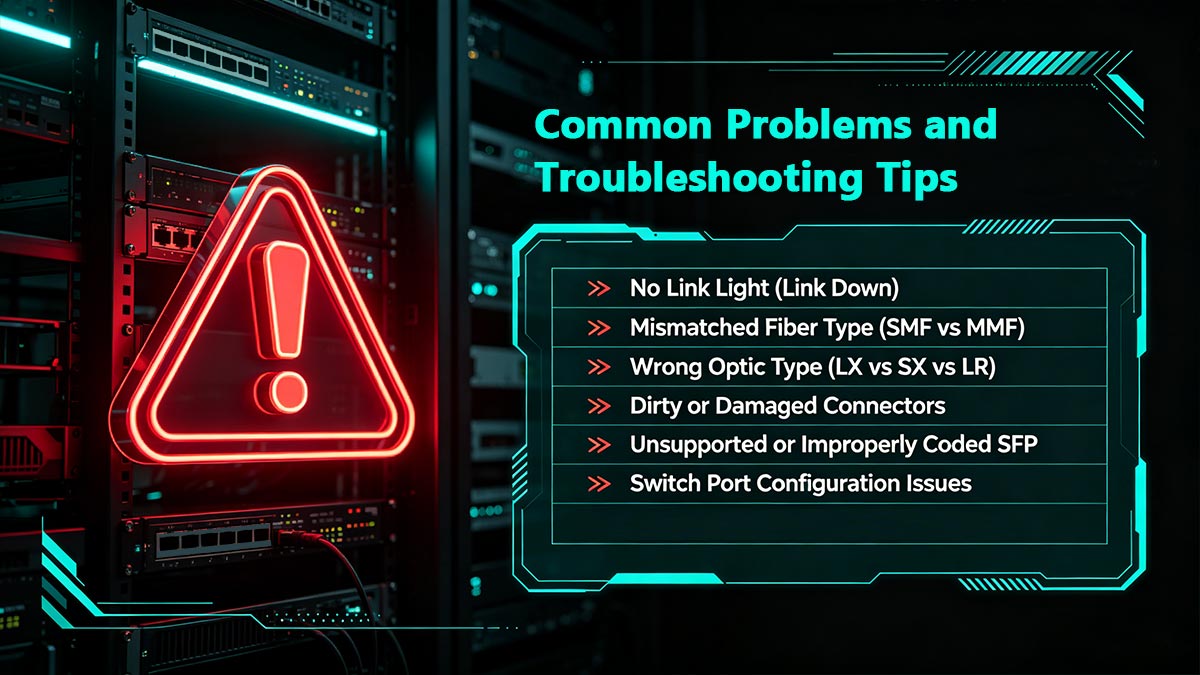
▶ No Link Light (Link Down)
This is the most common issue: the port shows no link.
Possible causes:
- Incorrect fiber connection (Tx/Rx reversed)
- Incompatible or unsupported SFP module
- One side powered off or port disabled
- Mismatched wavelength or optic type
What to check:
- Swap fiber strands (Tx ↔ Rx)
- Verify both ends use 1000BASE-LX/LH (1310 nm)
- Check switch logs for SFP errors
Start with physical checks—they solve most “no link” cases.
▶ Mismatched Fiber Type (SMF vs MMF)
Using the wrong fiber type can prevent the link from working properly.
Symptoms:
- Link does not come up
- Link is unstable or drops intermittently
Common scenarios:
- LX/LH used on MMF without MCP
- Mixing SMF and MMF in the same link
Solution:
- Use SMF for LX/LH whenever possible
- If using MMF (OM1/OM2), install a mode conditioning patch cable
Fiber mismatch is one of the top causes of deployment failure.
▶ Wrong Optic Type (LX vs SX vs LR)
A frequent mistake is mixing different optic standards.
Examples:
- One side uses LX (1310 nm), the other uses SX (850 nm)
- Attempting to connect SFP 1G LX to SFP 10G LR
Result:
- No link or incompatible signal
Solution:
- Ensure both ends use identical or compatible transceivers
- Match speed, wavelength, and form factor
Optics must match on both sides—there’s no “auto-negotiation” for wavelength.
▶ Dirty or Damaged Connectors
Fiber connections are highly sensitive to contamination.
Symptoms:
- Intermittent link
- High error rates
- Reduced distance performance
Causes:
- Dust or oil on connectors
- Scratched fiber end faces
Solution:
- Clean connectors using fiber cleaning tools
- Inspect with a scope if available
Even a tiny dust particle can disrupt the optical signal.
▶ Unsupported or Improperly Coded SFP
Some switches enforce strict compatibility rules.
Symptoms:
- Error messages like “unsupported transceiver”
- Port remains disabled
Solution:
- Use vendor-approved or properly coded compatible SFPs
- Check device documentation for supported modules
Not all SFPs work in all devices—even if specifications match.
▶ Switch Port Configuration Issues
Sometimes the issue is not physical—it’s configuration-related.
Possible causes:
- Port administratively shut down
- Speed/duplex mismatch
- Port set to unsupported mode
Solution:
- Ensure port is enabled (no shutdown)
- Set speed to 1G if required
- Check logs and interface status
Always verify configuration after checking hardware.
▶ Quick Troubleshooting Flow
Follow this order to diagnose issues efficiently:
- Check link light and port status
- Verify Tx/Rx polarity
- Confirm same optic type (LX/LH on both ends)
- Check fiber type and MCP (if MMF)
- Clean connectors
- Verify SFP compatibility and switch logs
- Review port configuration
Systematic troubleshooting can resolve most issues in minutes. Finally, let’s move to the most practical question: what are the best real-world use cases for 1000BASE-LX/LH SFP transceivers, and when should you choose them?
✅ Final Thoughts: How to Choose the Right 1000BASE-LX/LH SFP Transceiver
Selecting the right 1000BASE-LX/LH SFP transceiver ultimately comes down to a few critical factors: fiber type, transmission distance, device compatibility, and future scalability. While the technology itself is well-established, most deployment issues arise from mismatched components or unclear requirements—not the module.
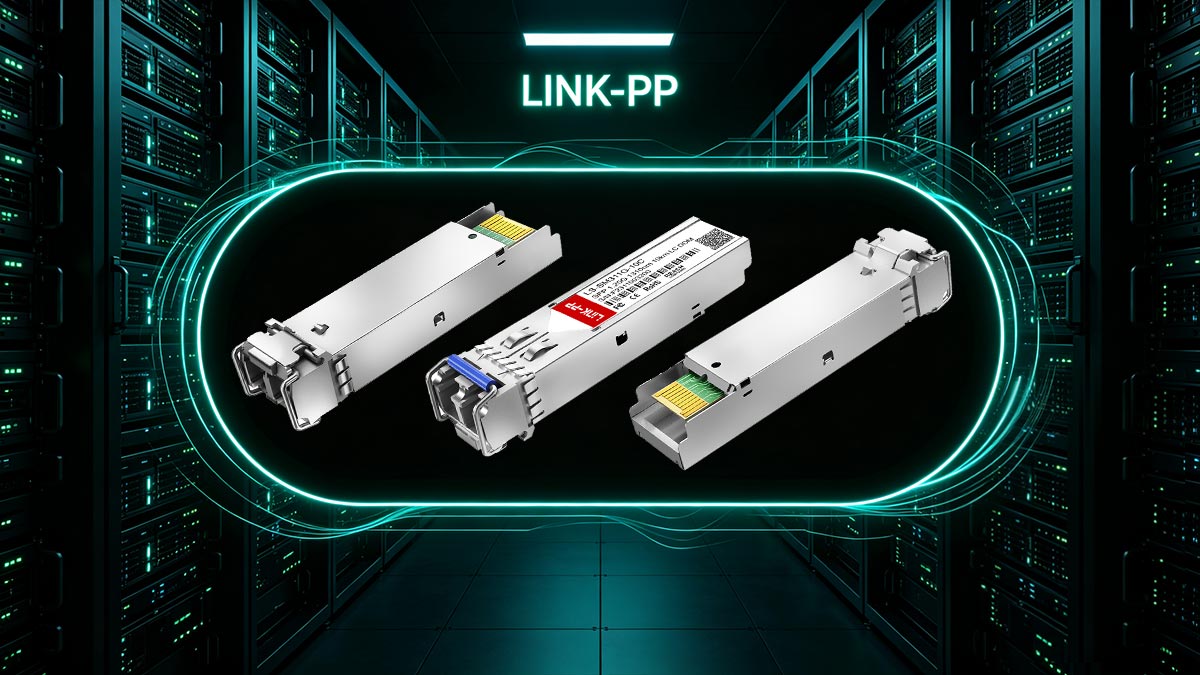
To recap:
- Use LX/LH for long-distance (up to 10 km) Gigabit links over single-mode fiber
- Treat LX and LH as functionally equivalent, but always verify vendor compatibility
- Avoid confusion with LR optics, which are designed for 10G networks
- For legacy MMF (OM1/OM2), ensure proper use of mode conditioning patch cables
- Always validate link budget, connector quality, and device support before deployment
For most modern networks, LX/LH + SMF provides a reliable, scalable, and cost-effective solution for extending Gigabit connectivity across buildings, campuses, or metro access links.
If you're planning a deployment or sourcing compatible modules, choosing a trusted supplier is just as important as selecting the right specification. You can explore fully tested, device-compatible 1000BASE-LX/LH SFP transceivers and other optical solutions at the LINK-PP Oficial Store, where products are designed to meet real-world networking requirements with consistent performance and compatibility.