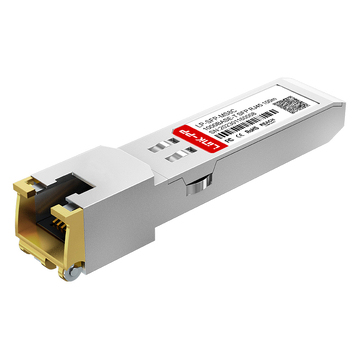




















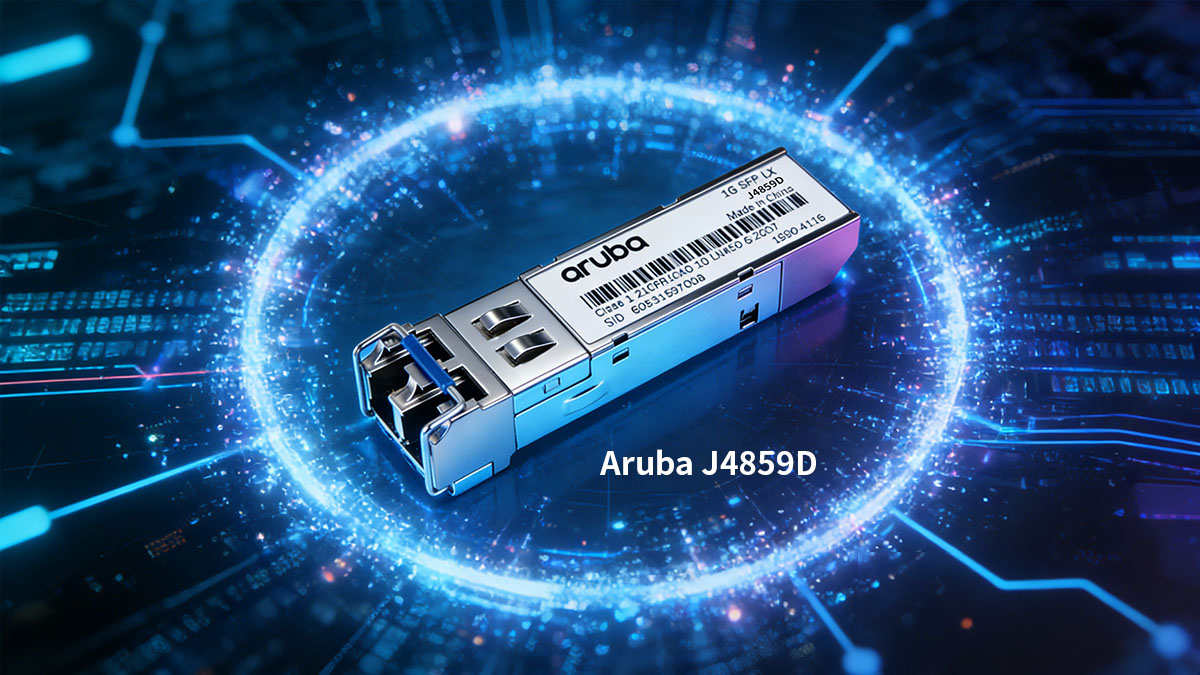
The Aruba J4859D is a 1000BASE-LX SFP transceiver widely deployed in Aruba enterprise switches for 1Gbps single-mode fiber links up to 10km over 1310nm. It is commonly used for campus backbone connections, aggregation layers, and long-distance access uplinks where stable Gigabit fiber connectivity is required.
However, as networks scale and hardware refresh cycles accelerate, many IT teams face a practical challenge: OEM optics like the Aruba J4859D often represent a disproportionately high percentage of network expansion costs. When dozens or hundreds of SFP ports are involved, the total capital expenditure increases significantly.
For organizations seeking the same 1310nm 10km 1000BASE-LX performance without OEM pricing constraints, a fully compatible Aruba J4859D replacement module becomes a strategic alternative. The key considerations are no longer just price, but verified switch compatibility, EEPROM coding accuracy, DOM support, optical stability, and long-term reliability.
This guide examines how a compatible Aruba J4859D SFP module can deliver equivalent technical performance, seamless interoperability with Aruba switches, and measurable cost savings—while maintaining enterprise-grade stability in production environments.
✅ What Is Aruba J4859D?
The Aruba J4859D is a 1000BASE-LX SFP optical transceiver designed for 1Gbps Ethernet transmission over single-mode fiber (SMF). It operates at 1310nm and supports link distances up to 10km using duplex LC connectors. In Aruba enterprise switching environments, it is commonly used for fiber uplinks, access-to-core aggregation, and campus backbone connectivity.
From a standards perspective, it follows IEEE 802.3z 1000BASE-LX specifications and uses a hot-swappable SFP form factor, enabling flexible deployment in compatible Aruba switch SFP ports.
Key Technical Specifications
The Aruba J4859D delivers standard 1000BASE-LX optical performance for mid-range single-mode fiber links.
| Parameter | Specification |
|---|---|
| Data Rate | 1Gbps |
| Wavelength | 1310nm |
| Max Distance | 10km |
| Fiber Type | Single-mode (SMF) |
| Connector | Duplex LC |
These parameters define its role as a Gigabit long-reach fiber uplink module. Compared to 1000BASE-SX SFP (850nm multimode), the J4859D is optimized for longer-distance deployments using SMF infrastructure.
In practical deployment, its optical budget supports typical campus or building-to-building links without requiring signal amplification, provided fiber attenuation remains within standard limits.
Typical Deployment Scenarios
The Aruba J4859D is primarily used where stable 1Gbps fiber links are required beyond multimode distance limits.
Common scenarios include:
-
Enterprise campus backbone – Core-to-distribution connections across buildings
-
Access layer uplinks – Fiber uplinks from edge switches to aggregation switches
-
Data center cross-connects – Medium-distance inter-rack or inter-room links
-
Metro edge extensions – Up to 10km fiber runs within metropolitan environments
Because it operates over 1310nm single-mode fiber, it provides lower attenuation over distance compared to multimode solutions, making it suitable for structured enterprise fiber infrastructure.
For organizations evaluating an Aruba J4859D compatible replacement, understanding these baseline specifications ensures the alternative module must match:
-
1000BASE-LX compliance
-
1310nm optical transmission
-
10km SMF support
-
Aruba-specific EEPROM coding
-
DOM/DDM monitoring support
Any compatible module intended as a direct replacement must replicate these functional and optical characteristics to ensure seamless integration into Aruba switching environments.
✅ Why Consider a Compatible Replacement for Aruba J4859D?
For most enterprises, the decision to use a compatible replacement for Aruba J4859D is driven by cost control, deployment scalability, and supply flexibility. In standard 1000BASE-LX environments, a properly engineered compatible module can deliver identical 1Gbps 1310nm 10km transmission performance while significantly reducing procurement expenditure.
High OEM Pricing Challenges
OEM optical modules often represent a disproportionately high percentage of network hardware budgets, especially in fiber-dense environments.
In large-scale deployments, the pricing structure creates several operational pressures:
-
Budget pressure in large-scale deployments
When hundreds of SFP ports are required across access and aggregation layers, cumulative optical module cost becomes substantial. -
High cost for bulk procurement
OEM optics typically offer limited discount flexibility, making mass rollouts financially restrictive. -
Limited flexibility in network expansion
Higher per-unit cost can delay planned expansions or reduce available budget for switching hardware, redundancy design, or security upgrades.
In practice, while switches and routing platforms define core network capabilities, optics are standardized physical-layer components. Paying a premium does not inherently improve 1000BASE-LX transmission performance.
Equivalent Performance at Lower Cost
A qualified compatible replacement must replicate the technical specifications of the Aruba J4859D to ensure seamless operation.
The essential transmission parameters are standardized and measurable.
| Specification | Aruba J4859D | Compatible Module |
|---|---|---|
| Ethernet Standard | 1000BASE-LX | 1000BASE-LX |
| Wavelength | 1310nm | 1310nm |
| Max Reach | 10km (SMF) | 10km (SMF) |
| Form Factor | SFP (hot-swappable) | SFP (hot-swappable) |
As long as the module is:
-
Fully compliant with IEEE 802.3z
-
Properly EEPROM-coded for Aruba switch recognition
-
Designed for 1310nm single-mode transmission
the physical-layer behavior remains functionally identical.
Throughput, latency, and link stability are governed by fiber quality and switch configuration, not by branding of the optical transceiver.
Faster Lead Time & Flexible Supply
Network upgrades and expansions often operate under strict project timelines. Supply agility becomes critical.
Compatible optical suppliers typically provide:
-
Large inventory availability across global warehouses
-
Shorter delivery cycles compared to OEM procurement channels
-
Support for urgent network upgrades and rapid scaling projects
This flexibility is particularly valuable for:
-
Campus-wide switch refresh programs
-
Data center capacity expansion
-
Multi-site enterprise rollouts
-
Service provider infrastructure growth
In high-growth environments, supply speed can directly influence deployment schedules and operational continuity.
✅ Technical Comparison – Original vs Compatible Aruba J4859D
A properly engineered compatible Aruba J4859D replacement should match the OEM module in optical performance, switch recognition, and operational stability. The real differences typically lie in pricing structure, supply model, and vendor support—not in physical-layer transmission behavior.
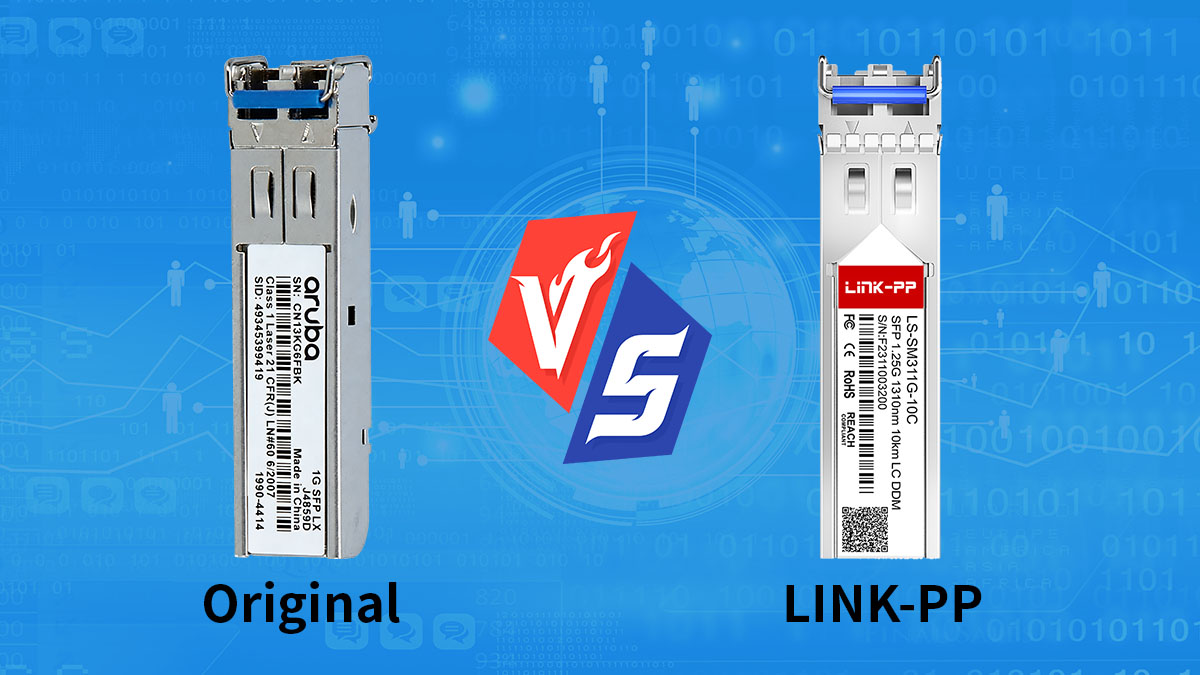
Below is a structured technical comparison across performance, compatibility, and reliability dimensions.
Performance Parameters
At the transmission level, both original and compatible modules must comply with 1000BASE-LX standards to ensure stable 1Gbps single-mode operation.
The core optical parameters are expected to align within IEEE-defined tolerances.
| Parameter | Original J4859D | Compatible Module |
|---|---|---|
| Data Rate | 1Gbps | 1Gbps |
| Wavelength | 1310nm | 1310nm |
| Max Distance | 10km (SMF) | 10km (SMF) |
| DOM/DDM Support | Supported | Supported |
Because 1000BASE-LX defines transmitter power range, receiver sensitivity, and dispersion limits, a compliant compatible module must operate within the same optical budget window.
In practical deployment, link stability depends on:
-
Connector cleanliness
-
Proper power budget calculation
If these variables are controlled, OEM and compatible optics perform equivalently at the physical layer.
Compatibility & Interoperability
Switch compatibility is determined by EEPROM coding and vendor identification recognition.
A compatible module must be programmed to match Aruba switch requirements for seamless plug-and-play operation.
| Compatibility Aspect | Original | Compatible |
|---|---|---|
| Aruba Switch Recognition | Native | Vendor-coded |
| Plug-and-Play | Yes | Yes |
| Firmware Modification Required | No | No |
| Mixed Deployment with OEM | Supported | Supported |
Modern compatible modules are tested on specific Aruba switch models to ensure:
-
No “unsupported transceiver” warnings
-
Proper DOM value reporting
-
Stable link negotiation
In mixed environments, OEM and compatible modules can coexist in the same switch chassis without interoperability conflicts when standards compliance is maintained.
Reliability & Quality Assurance
Long-term stability depends on manufacturing quality control and testing procedures.
Reliable compatible optical vendors typically implement:
-
Optical signal calibration testing
-
Temperature stress testing
-
Burn-in validation
-
Interoperability verification
| Quality Factor | Original | Compatible (Enterprise Grade) |
|---|---|---|
| Component Grade | Industrial | Industrial |
| Temperature Range | Standard commercial | Standard commercial |
| Pre-Shipment Testing | Factory tested | 100% compatibility tested |
| Warranty Coverage | Limited | Often 3–5 years |
The key differentiator is not the optical standard itself, but the vendor's testing process and quality assurance framework.
Practical Evaluation Summary
When sourced from a reputable manufacturer, a compatible Aruba J4859D module can deliver:
-
Identical 1000BASE-LX transmission performance
-
Seamless Aruba switch interoperability
-
Stable DOM monitoring
-
Long-term operational reliability
The primary measurable difference remains procurement cost and supply flexibility rather than technical capability.
✅ Key Features to Look for in a Compatible Aruba J4859D Module
When selecting a compatible replacement for the Aruba J4859D, the priority is not just price—it is verified compliance, accurate coding, and long-term operational stability. A qualified module must replicate 1000BASE-LX optical behavior while ensuring seamless interoperability with Aruba switches.
Below are the critical technical features to evaluate before procurement.
Compliance & Certification
A compatible module must fully comply with industry standards to guarantee stable physical-layer transmission.
The most important compliance indicators include:
| Compliance Item | Why It Matters |
|---|---|
| IEEE 802.3z (1000BASE-LX) | Ensures standardized 1Gbps 1310nm transmission |
| MSA (Multi-Source Agreement) | Guarantees SFP mechanical & electrical compatibility |
| RoHS | Environmental safety compliance |
| CE / FCC | Electromagnetic compatibility validation |
IEEE and MSA compliance ensure the module fits correctly in SFP ports and maintains signal integrity within defined optical budgets. Without strict adherence to these standards, link instability or recognition issues may occur.
Certification does not improve speed—but it ensures predictable and standards-based operation.
Digital Diagnostics Monitoring (DDM/DOM)
A reliable compatible Aruba J4859D replacement should support full DOM functionality, allowing real-time monitoring through the switch interface.
Critical monitored parameters include:
-
Transmitter optical output power
-
Receiver optical input power
-
Module temperature
-
Supply voltage
| Monitoring Parameter | Operational Benefit |
|---|---|
| TX Power | Detects transmitter degradation |
| RX Power | Identifies fiber attenuation issues |
| Temperature | Prevents overheating risks |
| Voltage | Detects power irregularities |
DOM support enables proactive maintenance. Instead of reacting to link failure, administrators can detect abnormal optical trends before service disruption occurs.
For enterprise environments, DOM compatibility is not optional—it is essential for lifecycle management.
Aruba-Specific EEPROM Coding
Switch recognition depends on EEPROM programming. The module must be coded to match Aruba vendor identification requirements.
Key coding considerations:
-
Correct vendor name encoding
-
Matching part number field
-
Compatible serial identification format
-
No unsupported-transceiver alarms
If coding is incorrect or generic, the switch may display warning messages or restrict functionality.
Professional optical suppliers typically maintain a compatibility database for Aruba switch models to validate proper coding before shipment.
Environmental & Electrical Performance
Optical stability is affected by temperature variation and power consumption.
A dependable module should provide:
| Specification | Typical Requirement |
|---|---|
| Operating Temperature | 0°C to 70°C (Commercial) |
| Power Consumption | Low power SFP standard |
| Optical Stability | Within IEEE-defined tolerance |
| Hot-Swappable Support | Yes |
Stable performance under temperature variation is particularly important in:
-
Data centers with variable airflow
-
Campus wiring closets
-
Edge deployments
Lower power consumption also contributes to improved switch thermal efficiency when many SFP ports are populated.
✅ How to Ensure 100% Compatibility with Aruba Switches
To guarantee seamless operation, a compatible replacement for the Aruba J4859D must be correctly matched to the target Aruba switch model and firmware version. Compatibility is not only about 1000BASE-LX optical compliance—it also depends on EEPROM coding accuracy, switch recognition behavior, and validation testing.
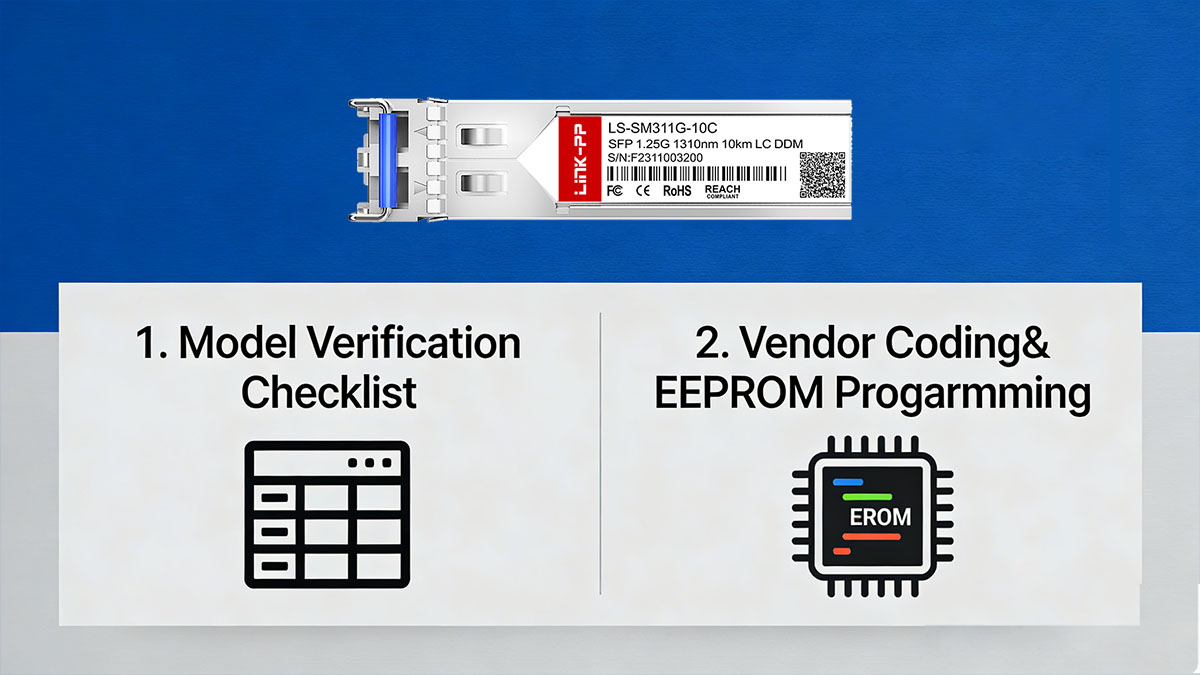
Below is a structured verification approach to minimize deployment risk.
Model Verification Checklist
Before purchasing or installing a compatible module, confirm that the target switch environment supports 1000BASE-LX SFP optics.
Follow this checklist:
-
Confirm switch model
-
Identify exact Aruba switch model (e.g., access, aggregation, or core series).
-
Verify SFP port type (1G SFP, not SFP+).
-
-
Check firmware version
-
Ensure the switch firmware does not enforce restricted transceiver policies.
-
Update firmware if required for stable DOM reporting.
-
-
Validate port configuration
-
Confirm the port is configured for 1Gbps operation.
-
Disable forced speed settings that may conflict with auto-negotiation behavior.
-
-
Verify fiber infrastructure
-
Ensure single-mode fiber (SMF) is used.
-
Confirm link distance does not exceed 10km.
-
Inspect connectors for cleanliness.
-
Completing these steps eliminates most compatibility-related link failures before installation.
Vendor Coding & EEPROM Programming
Switch recognition is determined by EEPROM data embedded in the SFP module. For Aruba switches, this must be accurately programmed.
The key compatibility elements include:
| Coding Element | Purpose |
|---|---|
| Vendor Name Field | Identifies module manufacturer |
| Part Number Field | Matches Aruba J4859D identifier |
| Serial Format | Ensures switch acceptance |
| DOM Calibration Data | Enables accurate diagnostics |
If EEPROM data does not align with Aruba's expected format, the switch may:
-
Display “unsupported transceiver” warnings
-
Restrict monitoring capabilities
-
Log system alerts
A professional optical supplier will:
-
Pre-code the module specifically for Aruba
-
Validate recognition on real Aruba hardware
-
Provide compatibility confirmation documentation
✅ Cost Analysis – OEM vs Compatible Aruba J4859D
For standardized 1000BASE-LX deployments, the primary measurable difference between OEM and compatible modules is procurement cost—not transmission performance. When evaluating long-term infrastructure investment, the total cost of ownership (TCO) often becomes the deciding factor.
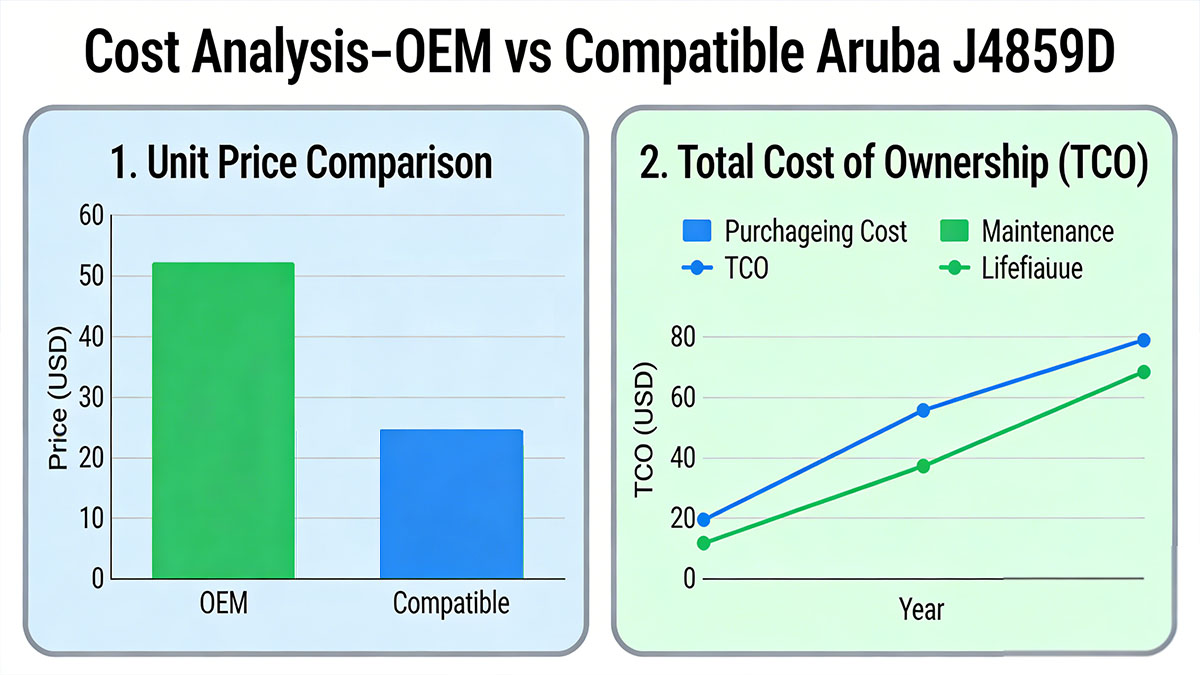
Below is a structured cost comparison to support purchasing decisions.
Unit Price Comparison
In most markets, OEM-branded optics carry a premium price due to branding, distribution channels, and bundled enterprise support structures.
A compatible replacement typically delivers identical 1Gbps 1310nm 10km functionality at significantly lower cost.
| Cost Factor | OEM J4859D | Compatible Module |
|---|---|---|
| Typical Unit Price | High | 60–80% lower |
| Bulk Purchase Flexibility | Limited | Flexible |
| Discount Scaling | Moderate | High (volume-based) |
| Immediate Availability | Region dependent | Often global stock |
For example, in a deployment requiring 100 SFP modules, cost savings can represent a substantial portion of the switching hardware budget.
Because optical transmission follows IEEE 1000BASE-LX standards, price differences are not associated with higher bandwidth, longer reach, or improved latency.
Total Cost of Ownership (TCO)
Procurement cost is only one part of the financial evaluation. Long-term operational efficiency also impacts overall spending.
A broader comparison includes capital expenditure and lifecycle considerations.
| TCO Element | OEM Module | Compatible Module |
|---|---|---|
| Initial CAPEX | Higher | Lower |
| Replacement Cost | Higher | Lower |
| Network Expansion Impact | Budget-constrained | Scalable |
| Warranty Duration | Standard | Often 3–5 years |
Lower initial CAPEX allows organizations to:
-
Allocate more budget to core switching hardware
-
Increase redundancy planning
-
Accelerate network expansion timelines
-
Maintain spare module inventory without excessive cost
For enterprises operating multi-site environments or high port-density aggregation layers, this scalability directly improves financial flexibility.
✅ Deployment & Installation Best Practices
A compatible replacement for the Aruba J4859D will perform reliably when fiber integrity, optical budget, and installation handling are properly managed. Most link failures are caused by environmental or configuration issues rather than the SFP transceiver itself.
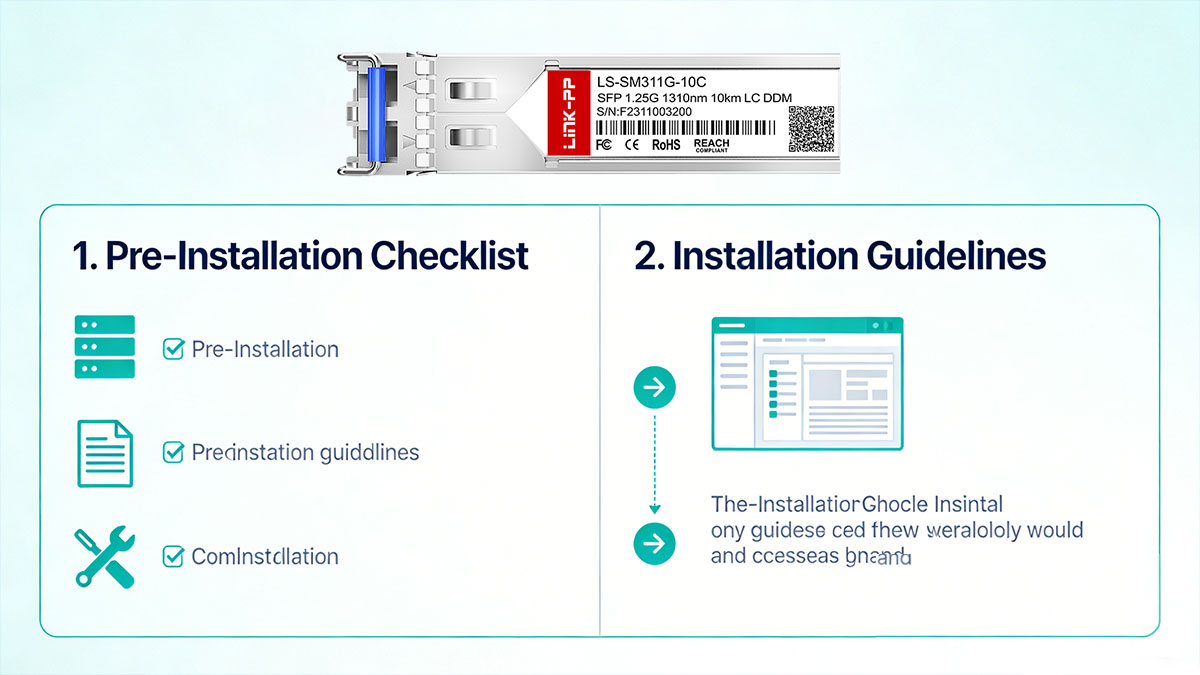
The following practices help ensure stable 1000BASE-LX operation over 1310nm single-mode fiber up to 10km.
Pre-Installation Checklist
Before inserting the module into an Aruba switch, verify the physical and logical environment.
1. Confirm Fiber Type
-
Use single-mode fiber (SMF), typically OS2.
-
Do not connect to multimode fiber (MMF).
-
Verify link distance does not exceed 10km.
2. Inspect and Clean Connectors
-
Inspect LC connectors using a fiber inspection scope.
-
Clean connectors with approved fiber cleaning tools.
-
Avoid touching fiber end faces.
Contamination is one of the most common causes of excessive insertion loss.
3. Validate Optical Power Budget
The link must operate within acceptable attenuation limits.
| Parameter | Typical Value |
|---|---|
| Max Distance | 10km |
| Fiber Attenuation (1310nm) | ~0.35dB/km |
| Connector Loss (per pair) | 0.2–0.5dB |
| Total Link Budget | Within IEEE 1000BASE-LX tolerance |
If total fiber loss exceeds the supported optical budget, the link may flap or fail to initialize.
4. Confirm Switch Port Settings
-
Ensure the port supports 1G SFP module.
-
Verify auto-negotiation or correct speed configuration.
-
Confirm firmware is stable and up to date.
Installation Guidelines
Proper handling prevents mechanical and optical damage.
Module Installation Steps:
-
Remove dust plugs from the SFP and fiber connectors.
-
Insert the SFP module gently into the SFP port until fully seated.
-
Connect duplex LC fiber cables (TX to RX, RX to TX).
-
Verify link LED status on both ends.
-
Check DOM readings after link initialization.
Avoid:
-
Forcing the module into the slot
-
Excessive bending of fiber cables
-
Twisting or pulling the LC connector body
The SFP form factor is hot-swappable, meaning installation can occur without powering down the switch.
✅ Where to Select Reliable Aruba J4859D Compatible Modules
Choosing the right source for compatible Aruba J4859D modules is as important as selecting the modules themselves. A low-cost module from an unverified supplier can introduce compatibility issues, higher failure rates, or lack of support—negating the financial benefit entirely.
Below are key criteria and considerations to help you select reliable compatible Aruba J4859D SFP modules.
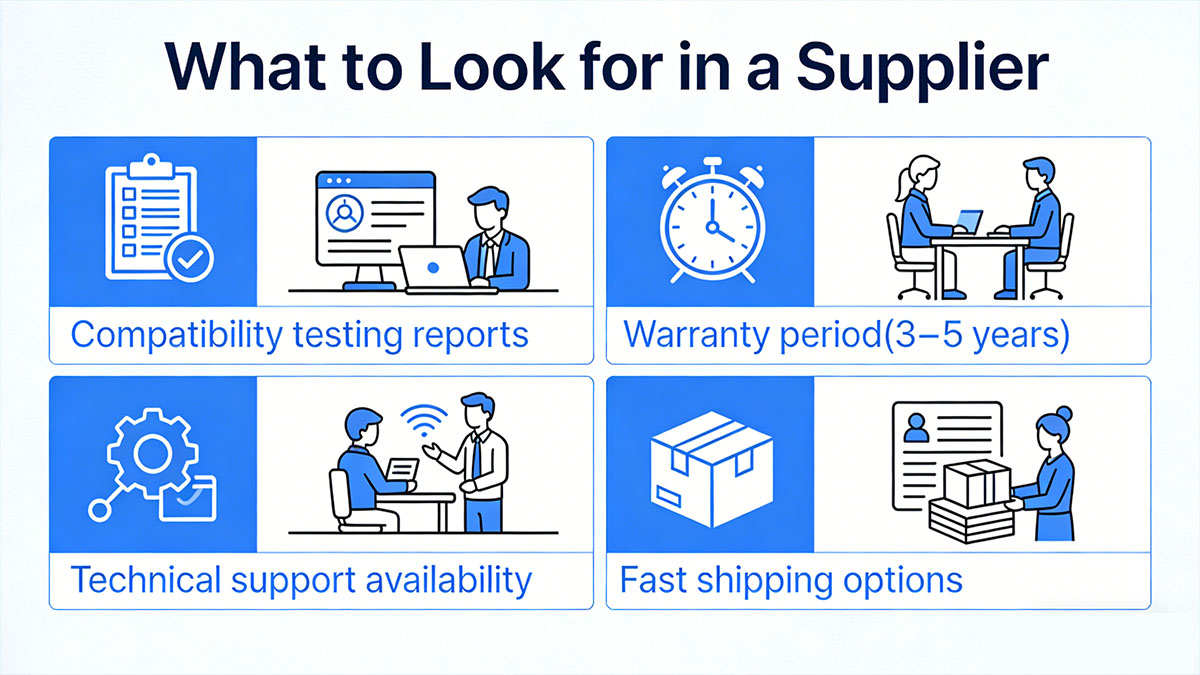
What to Look for in a Supplier
Selecting the right supplier (like LINK-PP) ensures module quality, verified interoperability, and post-purchase support.
The most important supplier evaluation criteria include:
-
Verified Compatibility Documentation:
The supplier should provide a compatibility list or test report showing successful interoperability with Aruba switch models. -
Accurate OEM-Equivalent EEPROM Coding:
Modules must be pre-coded to match Aruba vendor fields, part number identifiers, and DOM calibration to prevent unsupported-transceiver warnings. -
Quality Assurance & Testing:
Reliable vendors conduct 100% functional testing including optical calibration, DOM verification, and stress testing under environmental variation. -
Warranty and Support Policy:
A clear warranty (typically 3–5 years) and responsive technical support indicate confidence in product reliability. -
Inventory Availability:
Consistent stock levels and flexible order quantities help support planned rollouts and emergency replacements.
Why Choose a Third-Party Optical Specialist
Dedicated optical vendors focus on transceiver engineering and standards compliance rather than branding alone.
A specialist provider typically offers:
-
Standards-Focused Engineering:
Deep domain expertise in optical PHY standards (IEEE 1000BASE-LX) ensures modules are built to compliance rather than proprietary deviation. -
Multi-Vendor Compatibility:
Modules often pass interoperability testing across multiple switch brands, reducing vendor lock-in risk. -
Customized EEPROM Coding Services:
Some suppliers can tailor EEPROM profiles to specific switch models and firmware versions. -
Bulk and Project Pricing:
Better pricing structures for high-volume procurement compared to OEM channel restrictions. -
Global Logistics Support:
Faster delivery options, regional warehouses, and scalable shipment volumes.
Choosing a specialist reduces the risk of encountering “link down,” “unsupported transceiver,” or unexpected fault behavior due to poor EEPROM coding or non-standard optical characteristics.
✅ FAQs About Aruba J4859D Replacement
Q1: Will a compatible Aruba J4859D void my Aruba switch warranty?
No. Using a compatible SFP module does not automatically void the switch hardware warranty. However, vendors may require troubleshooting with an OEM optic during support cases to isolate issues.
Q2: Can I mix OEM and compatible J4859D modules in the same switch?
Yes. As long as both modules comply with 1000BASE-LX (1310nm, 10km SMF), they can operate together in the same switch without interoperability issues.
Q3: Does a compatible replacement support DOM monitoring?
Yes, if the module supports Digital Optical Monitoring (DOM) and is properly coded for Aruba switches. DOM should display TX power, RX power, temperature, and voltage readings.
Q4: What fiber type is required for Aruba J4859D?
Single-mode fiber (SMF) is required. Multimode fiber (MMF) is not supported for standard 1000BASE-LX 10km transmission.
Q5: What is the maximum transmission distance?
Up to 10km over standard single-mode fiber, assuming total link attenuation remains within IEEE 1000BASE-LX optical budget limits.
Q6: Do compatible modules require firmware changes?
No firmware modification is typically required. A properly coded module should be recognized automatically as plug-and-play.
Q7: How can I verify compatibility before bulk purchase?
Install a sample module in the target Aruba switch, confirm link-up behavior, check DOM readings, and review system logs for transceiver warnings before large-scale deployment.
✅ Conclusion
For standardized 1Gbps single-mode deployments, replacing the Aruba J4859D with a fully compatible 1000BASE-LX module is a practical and cost-efficient strategy. When the replacement optic matches 1310nm wavelength, 10km SMF reach, IEEE 802.3z compliance, and Aruba-specific EEPROM coding, network performance, link stability, and DOM visibility remain consistent with OEM operation.
The primary advantages come from measurable cost reduction, improved procurement flexibility, and scalable deployment across high port-density environments. For enterprise campuses, branch networks, and data center access layers, a qualified compatible module delivers identical physical-layer functionality while significantly optimizing total cost of ownership.
To ensure long-term reliability, always source modules that provide verified Aruba compatibility testing, full DOM support, and multi-year warranty coverage.
If you are planning network expansion or looking to reduce optical infrastructure costs, explore enterprise-tested Aruba J4859D compatible SFP modules at the LINK-PP Official Store, where each module is pre-coded, fully tested, and ready for plug-and-play deployment in Aruba switching environments.