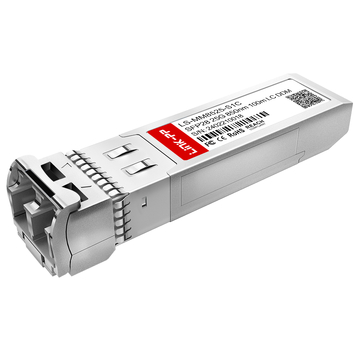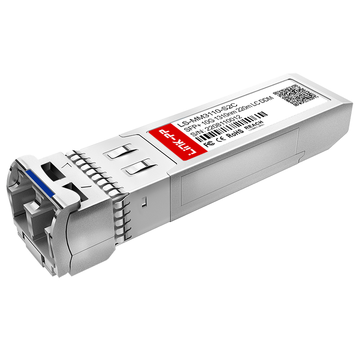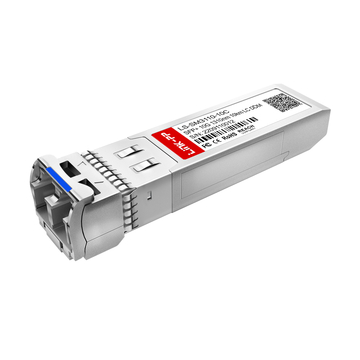
Modern enterprise networks are no longer built around simple copper-only switching. As bandwidth demands increase across Wi-Fi 6/6E, virtualization, IP surveillance, cloud workloads, and campus aggregation, fiber uplinks have become a standard requirement rather than an optional upgrade. This is where the Aruba SFP Switch platform plays an important role in enterprise infrastructure design.
An Aruba SFP switch is not just a network switch with fiber ports. In real-world deployments, it acts as the connection layer between access switches, aggregation switches, servers, storage devices, and long-distance backbone links. Depending on the deployment model, Aruba switches may use 1G SFP, 10G SFP+, 25G SFP28, DAC cables, or other high-speed optical transceivers to support scalable enterprise uplinks and low-latency traffic forwarding.
However, most users searching for “Aruba SFP Switch” are not only looking for hardware specifications. Actual search behavior shows that IT administrators and network engineers are usually trying to answer more practical questions:
- Which Aruba switches support SFP or SFP+ uplinks?
- Can Aruba switches use third-party SFP modules?
- Why does an Aruba switch show an unsupported transceiver warning?
- Which fiber module should be used for short-range or long-range deployment?
- How can enterprise networks avoid compatibility and link stability issues?
These questions have become increasingly important because enterprise fiber deployments now involve mixed-vendor environments, higher uplink speeds, and tighter operational budgets. Many organizations want to reduce optic costs by using compatible third-party transceiver modules, while still maintaining reliable network performance and long-term scalability.
At the same time, Aruba’s enterprise switch portfolio has expanded significantly. Platforms such as the Aruba 2930F, Aruba CX 6300, and Aruba CX 8320 support different generations of SFP technologies and deployment architectures. Choosing the wrong optic, cable type, or uplink strategy can create interoperability problems, unstable links, or unsupported transceiver errors that are difficult to troubleshoot in production networks.
This guide focuses on the real deployment intent behind Aruba SFP switch searches. Instead of repeating generic product specifications, the article explains:
- How Aruba SFP switches are used in enterprise fiber networks
- Which Aruba switch families support different SFP standards
- How to select compatible SFP modules and DAC cables
- The reality of third-party transceiver compatibility
- Common Aruba SFP troubleshooting scenarios and deployment best practices
By the end of this guide, enterprise IT teams, system integrators, and network engineers will have a clearer framework for selecting, deploying, and maintaining Aruba SFP switch infrastructure in modern fiber-based enterprise environments.
🟧 What Is an Aruba SFP Switch?
An Aruba SFP Switch is an enterprise network switch equipped with SFP-based uplink ports for fiber or high-speed Ethernet connectivity. These ports allow organizations to connect switches, servers, storage systems, and backbone networks using removable optical transceivers or DAC cables instead of fixed copper interfaces.
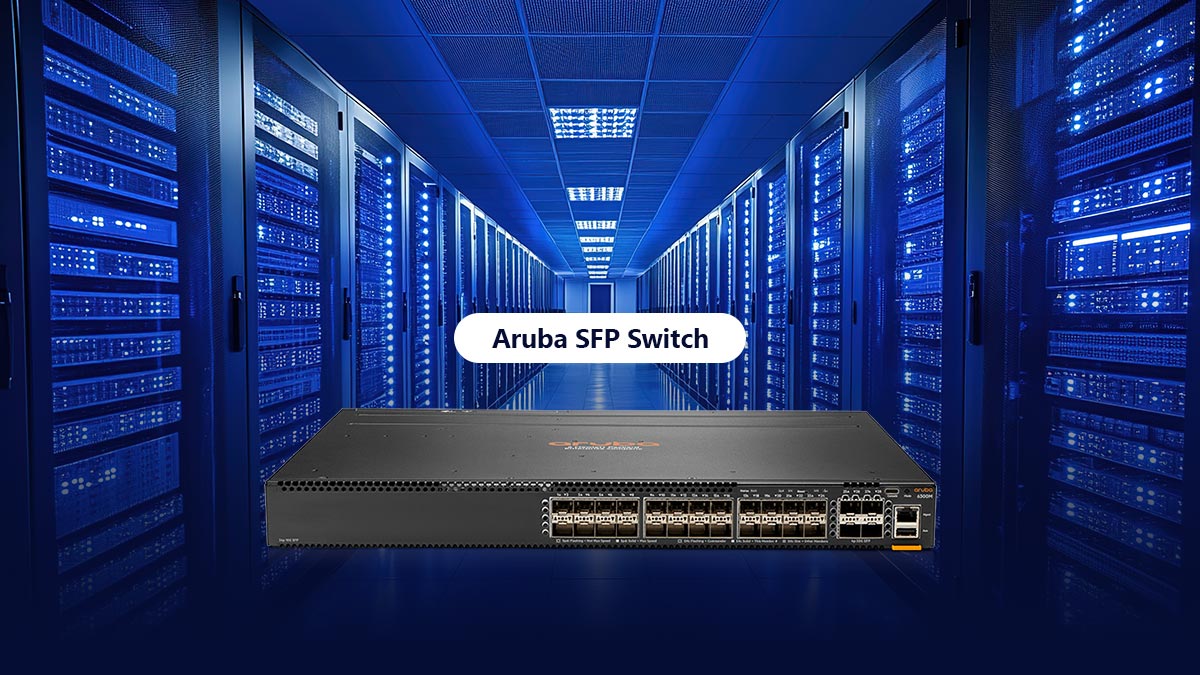
In enterprise environments, Aruba SFP switches are commonly used for:
- Fiber uplinks between access and aggregation switches
- Building-to-building network connections
- High-speed server and storage networking
- Campus backbone infrastructure
- Scalable enterprise fiber deployments
Compared with RJ45-only switches, Aruba SFP switches provide greater flexibility because administrators can choose different optics and cable types based on speed, distance, and network architecture requirements.
SFP vs. SFP+ vs. SFP28 in Aruba Networks
Although SFP, SFP+, and SFP28 modules look similar, they support different Ethernet speeds and deployment scenarios.
| Interface | Speed | Common Aruba Usage |
|---|---|---|
| SFP | 1Gbps | Standard enterprise fiber uplinks |
| SFP+ | 10Gbps | Aggregation, server, and Wi-Fi uplinks |
| SFP28 | 25Gbps | Data center and high-density networks |
SFP (1G)
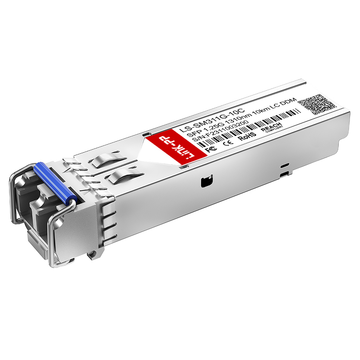
1G SFP modules (like Aruba SFP-LX) are widely used for standard enterprise fiber links, including:
- 1000BASE-SX
- 1000BASE-LX
- 1000BASE-T RJ45 SFP
They remain common in access-layer and legacy enterprise deployments.
SFP+ (10G)
SFP+ (like Aruba J9152D) supports 10 Gigabit Ethernet and is the most common Aruba uplink technology in modern enterprise networks.
Typical use cases include:
- Wi-Fi 6/6E aggregation
- Virtualization platforms
- Storage networking
- Enterprise backbone uplinks
Common module types include 10GBASE-SR, 10GBASE-LR, DAC, and AOC cables.
SFP28 (25G)
SFP28 (like Aruba JL484A) supports 25Gb Ethernet and is mainly used in Aruba CX data center and high-performance enterprise deployments.
It provides:
- Higher bandwidth density
- Better virtualization scalability
- Lower cost-per-gigabit compared with older architectures
Where Aruba Uses SFP Ports in Enterprise Designs
Aruba SFP ports are typically deployed where fiber connectivity and higher bandwidth are required.
Access-to-Aggregation Uplinks
Many enterprises use SFP+ uplinks to connect access switches to aggregation switches for centralized traffic management and scalable campus networking.
Building-to-Building Fiber Links
Single-mode SFP modules allow Aruba switches to connect separate buildings across long distances in campuses, hospitals, factories, and office parks.
Server and Storage Connectivity
SFP+ and SFP28 ports are commonly used for virtualization clusters, NAS systems, SAN storage, and backup infrastructure.
Core and Data Center Networks
In Aruba CX environments, high-speed SFP uplinks support core switching, spine-leaf architectures, cloud workloads, and high-density east-west traffic.
🟧 Deploying Aruba SFP Switch Optics
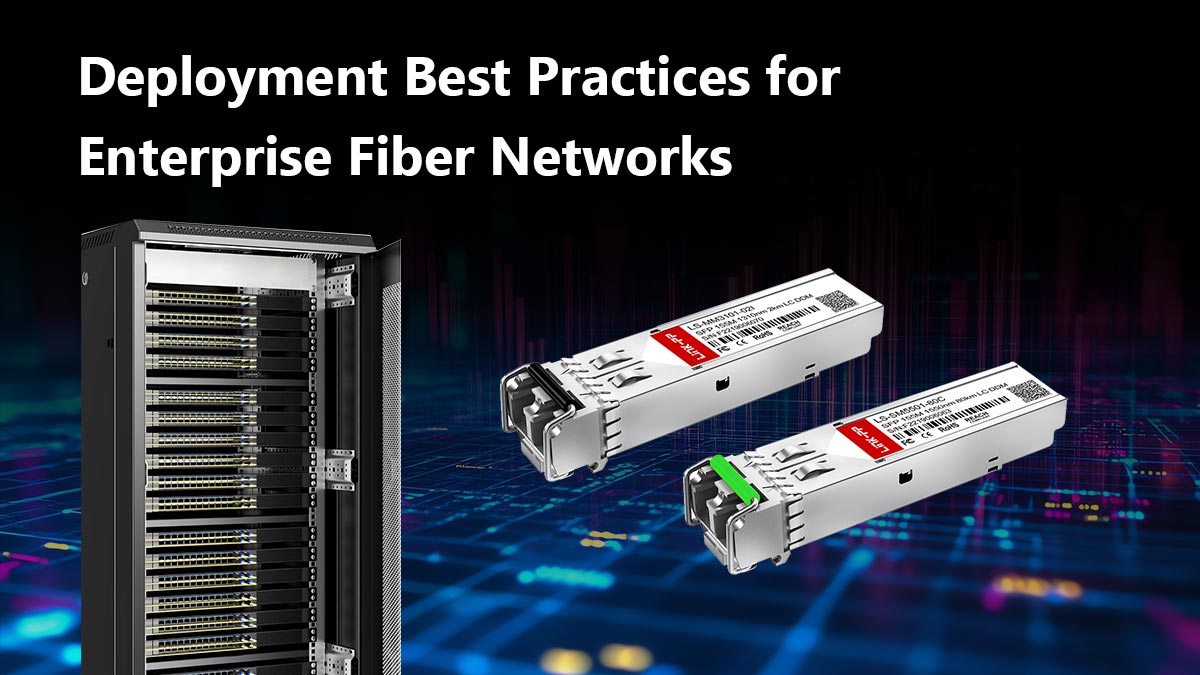
Modern enterprise networks require high bandwidth, stable latency, and reliable fiber connectivity. When deploying an Aruba SFP Switch infrastructure, network engineers often face challenges related to optic compatibility, vendor coding restrictions, and transceiver configuration.
To maximize network stability and long-term ROI, it is important to understand how ArubaOS-Switch (AOS-S) and ArubaOS-CX platforms manage SFP, SFP+, and SFP28 optical modules. Incorrect optic selection can lead to unsupported transceiver warnings, unstable links, or failed uplinks in production environments.
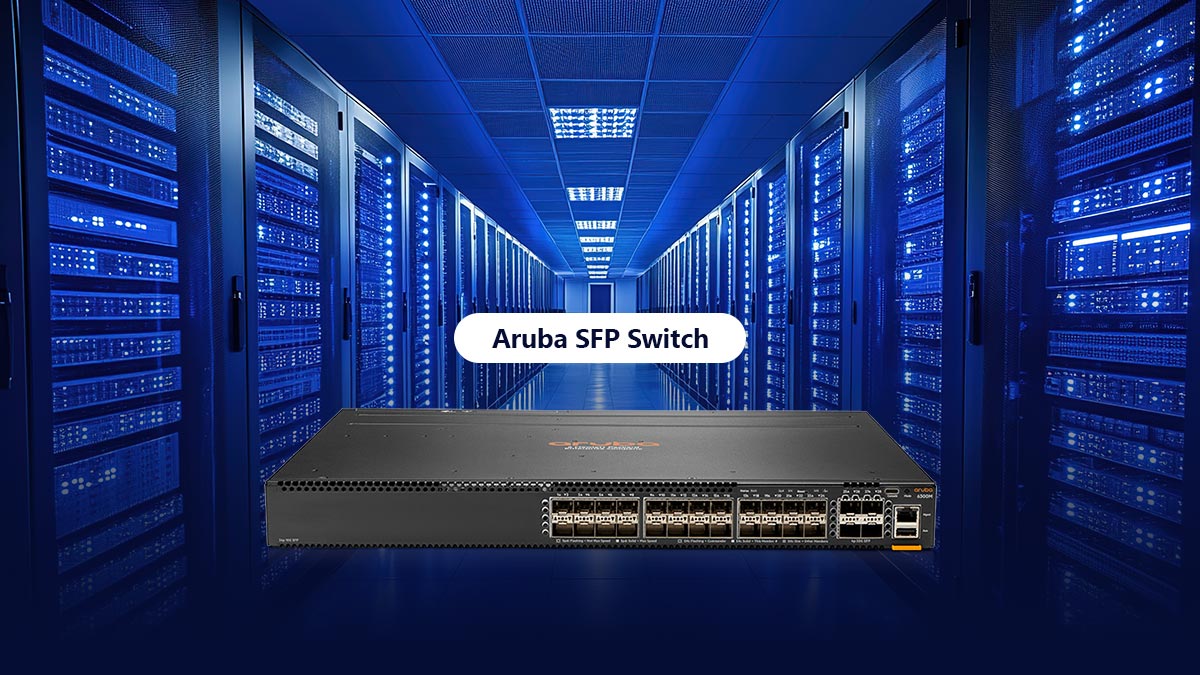
This section explains the key deployment considerations for Aruba fiber infrastructures, including:
- Aruba-compatible SFP, SFP+, and SFP28 modules
- Third-party transceiver compatibility
- Vendor lock and unsupported optic behavior
- DAC vs. fiber optic deployment decisions
- Common enterprise uplink architectures
- Real-world deployment and troubleshooting best practices
By understanding these factors before deployment, enterprise IT teams can reduce compatibility risks, simplify maintenance, and build scalable Aruba fiber networks that support future bandwidth growth.