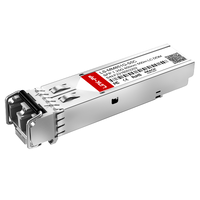
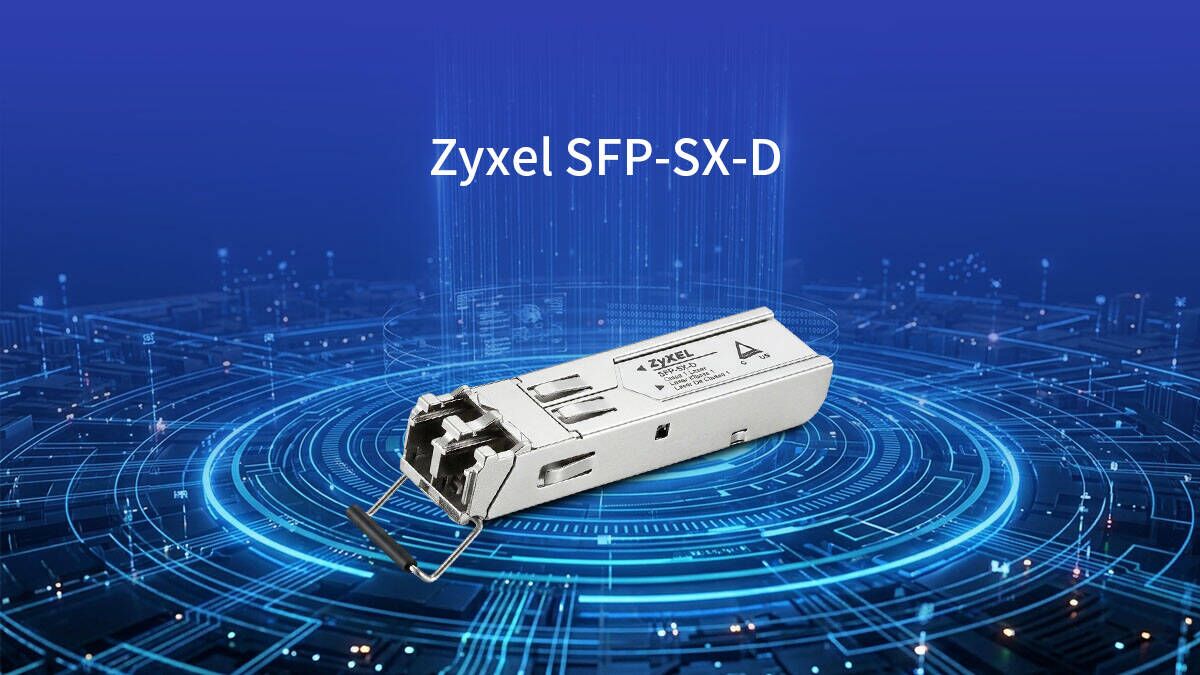
In modern small-to-medium business (SMB) networks, maintaining fast and reliable connectivity is crucial for daily operations. Many organizations rely on the Zyxel SFP-SX-D optical transceiver to achieve high-speed data transmission over multimode fiber. This standard hardware component plays a vital role in linking core switches and ensuring smooth, uninterrupted network performance.
However, as data demands grow, IT managers face the constant challenge of optimizing infrastructure while staying within strict budget limits. Finding cost-effective alternatives or replacements for the Zyxel SFP-SX-D has become highly imperative to lower the total cost of ownership. By balancing performance with budget-friendly options, businesses can free up capital to improve overall network efficiency and security.
🔴 Introduction to Zyxel SFP-SX-D and SMB Network Optimization
Optimizing a small-to-medium business (SMB) network requires a careful balance of high-speed performance and cost-effective hardware. The Zyxel SFP-SX-D 1G SFP transceiver serves as a foundational component in this process, enabling efficient fiber optic connectivity across local business servers. Understanding how this module interacts with your infrastructure is the first step toward achieving a scalable and reliable network.
Overview of the 1000BASE-SX Multimode Fiber Standard
The 1000BASE-SX standard is a highly efficient specification for Gigabit Ethernet that perfectly fits the physical layout of most SMB offices. It utilizes short-wavelength lasers over multimode fiber to transmit data quickly across short distances, such as between different floors or departments.
For growing SMBs, adopting this standard is an ideal way to build a high-speed local backbone without the heavy financial burden of long-range single-mode fiber. It offers the exact amount of bandwidth needed to handle typical office applications, file sharing, and internal communications seamlessly.
The Role of Zyxel SFP-SX-D in Small-to-Medium Business Switches
In a typical SMB setup, the Zyxel SFP-SX-D transceiver plugs directly into the uplink ports of small-to-medium business switches. This 1000BASE-SX fiber optic SFP module converts electrical data into light signals, allowing standard office switches to connect to high-speed fiber optic cables.
By utilizing these modules, SMBs can easily link their core switches to edge switches, preventing data bottlenecks during peak working hours. This ensures that essential business tools, like local servers and IP security cameras, maintain a steady and reliable connection.
Why Upgrading or Replacing OEM Optical Transceivers is Imperative
As an SMB grows, older original equipment manufacturer (OEM) modules in the network may degrade, leading to random packet drops or sluggish internet speeds. Periodically replacing these aging transceivers is imperative to keep the business infrastructure resilient, modern, and free from unexpected downtime.
Furthermore, relying strictly on original brand replacements can severely delay an SMB's expansion plans due to high costs or unexpected hardware backorders. Finding flexible, high-quality compatible alternatives for the Zyxel SFP-SX-D allows small businesses to upgrade their hardware on their own schedule without waiting on rigid vendor timelines.
Balancing Network Performance with IT Budget Constraints
Managing an SMB network requires IT managers to constantly maximize data performance while working within a very strict, limited budget. Spending a large portion of the budget on expensive original-brand transceivers can prevent the business from investing in other critical areas.
By choosing budget-friendly optical compatible module solutions, SMBs can maintain excellent Gigabit speeds across their entire office without overspending. This financial balance allows companies to reallocate saved funds toward critical projects like upgrading office cybersecurity or expanding Wi-Fi coverage.
🔴 Core Technical Specifications of the Original Zyxel SFP-SX-D
To successfully source a compatible alternative, it is essential to first understand the baseline performance of the original hardware. The original Zyxel SFP-SX-D relies on specific optical and physical standards designed to match the capabilities of enterprise SMB switches. Reviewing these core technical specifications ensures your replacement modules maintain exact operational harmony with your current network setup.
Analyzing the 850nm Wavelength and 550m Distance Limitations
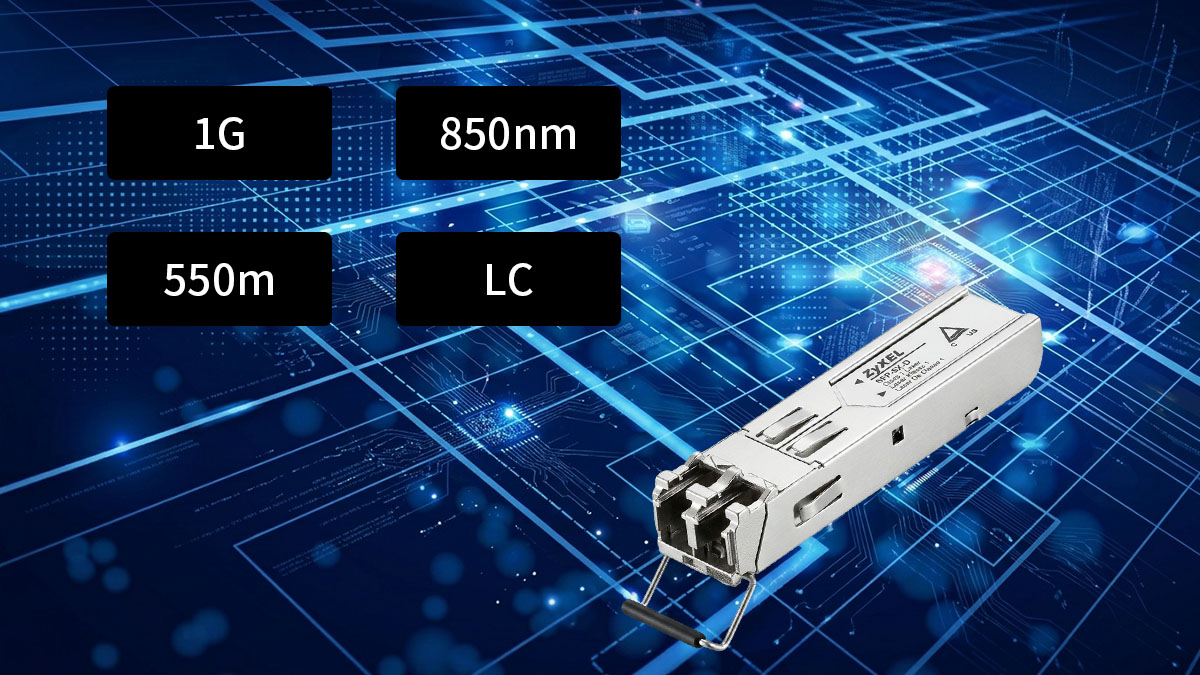
The Zyxel SFP-SX-D operates at a nominal wavelength of 850nm, which is the standard industry wavelength for short-range optical communications. This specific infrared light frequency allows the internal lasers to transmit data at 1Gbps with minimal signal attenuation. It provides a reliable, high-performance medium for localized data distribution without generating excessive heat inside the switch chassis.
However, because 850nm light disperses faster than long-range laser waves, it comes with a strict physical distance limitation of 550m. For most SMB infrastructures, this 550m range is more than enough to cover multi-floor offices, localized server rooms, and on-premise data closets. Exceeding this distance threshold will cause severe signal loss, meaning long-range building links will require single-mode hardware instead.
Understanding LC Duplex Connectors and Multimode Fiber Compatibility
Physical connectivity for the Zyxel SFP-SX-D is established using an industry-standard LC duplex connector. This small-form-factor plug features a secure, push-and-latch design that prevents accidental disconnections inside busy SMB network closets. The duplex configuration utilizes two distinct fiber strands, dedicating one entirely for transmitting data (TX) and the other for receiving data (RX).
This transceiver is designed exclusively for multimode fiber (MMF) cabling, specifically optimized for OM2, OM3, or OM4 fiber patch cords. The thicker glass core of multimode fiber allows multiple light paths to travel simultaneously, which keeps cabling costs low for SMBs. Attempting to force a connection with single-mode fiber will cause severe optical misalignment, resulting in an immediate link failure.
The Importance of Digital Diagnostic Monitoring Support
Digital Diagnostic Monitoring (DDM), also known as Digital Optical Monitoring (DOM), is a critical feature integrated into the Zyxel SFP-SX-D. This technology allows SMB network administrators to monitor the real-time health and environmental metrics of the fiber link directly through the switch management interface. Having access to these diagnostics prevents unexpected network downtime by warning IT staff before a total module failure occurs.
The following data table outlines the primary real-time metrics tracked by DDM and how they safeguard your network infrastructure:
| DDM Parameter | Operational Importance for SMB Networks |
| Optical TX Power | Tracks the strength of the light signal being sent out, helping identify laser degradation. |
| Optical RX Power | Measures the incoming light level to quickly pinpoint dirty fiber connectors or damaged cables. |
| Transceiver Temperature | Monitors internal heat levels to prevent switch port overheating and hardware burnout. |
| Supply Voltage | Ensures the host switch is delivering stable electrical power to the optical module. |
| Laser Bias Current | Flags potential laser transmitter failure if the current spikes abnormally high. |
Operational Temperature Ranges and Power Consumption Metrics
The original Zyxel SFP-SX-D is built to operate within a standard commercial temperature range of 0°C to 70°C (32°F to 158°F). This rating ensures optimal data transmission stability inside standard, climate-controlled SMB server rooms and office equipment closets. If a network closet experiences a cooling failure, the module is resilient enough to handle temporary temperature spikes without dropping packets.
Additionally, this module features low power consumption metrics, typically drawing less than 1W of electricity during full operation. Low power draw is incredibly important for SMB switches that host crowded, high-density SFP port configurations. By minimizing power consumption, the transceivers keep the overall thermal footprint low, extending the lifespan of both the module and the host switch hardware.
🔴 The Economic Benefits of Choosing a Third-Party Zyxel SFP-SX-D Alternative
Switching to third-party alternative modules offers profound financial advantages for growing small-to-medium businesses. Original hardware often carries inflated brand markups that drain limited corporate IT budgets unnecessarily. By opting for fully compatible alternatives, SMBs can maximize their purchasing power without compromising on the quality or reliability of their fiber optic connections.
Overcoming the Premium Price Tag of OEM Hardware Sourcing
Original equipment manufacturer (OEM) optical modules are notoriously expensive due to artificial brand pricing rather than production costs. Third-party vendors produce the exact same internal components and optical specifications but sell them at a fraction of the cost. Making the switch allows budget-conscious SMBs to bypass these premium price tags and secure reliable network connectivity affordably.
Calculating the Total Cost of Ownership for Enterprise Deployments
When an SMB expands its network across multiple switch ports, the price difference between OEM and third-party modules quickly adds up. Multiplying these savings across dozens of fiber links drastically lowers the company's upfront capital expenditures and ongoing maintenance fees. This comprehensive look at the total cost of ownership proves that compatible alternatives are the most financially sustainable choice for long-term growth.
Mitigating Supply Chain Delays with Readily Available Third-Party Stock
Relying exclusively on OEM channels can leave an SMB stranded for weeks during sudden vendor backorders or hardware shortages. Third-party suppliers maintain diverse inventories, ensuring that compatible modules are always available for shipping. This constant availability prevents project delays, helping small businesses keep their network expansion timelines on schedule.
Allocating Sourced Savings to Edge Security and Core Switch Upgrades
The substantial funds saved by purchasing third-party optical transceivers can be immediately repurposed to improve other areas of the company's IT infrastructure. Instead of overspending on simple glass connectors, IT managers can invest that extra capital into advanced firewalls or high-density core switches. This smart redistribution of funds ultimately helps SMBs build a much stronger, faster, and more secure overall network environment.
🔴 Ensuring Seamless Hardware Compatibility for Your Zyxel SFP-SX-D Replacement
The primary concern when deploying alternative optical modules is ensuring they interact flawlessly with your existing switch hardware. A high-quality Zyxel SFP-SX-D compatible alternative must be correctly identified by the host system to establish a reliable connection. Understanding the underlying programming and testing processes helps SMB network administrators guarantee perfect plug-and-play operation across all office workstations.
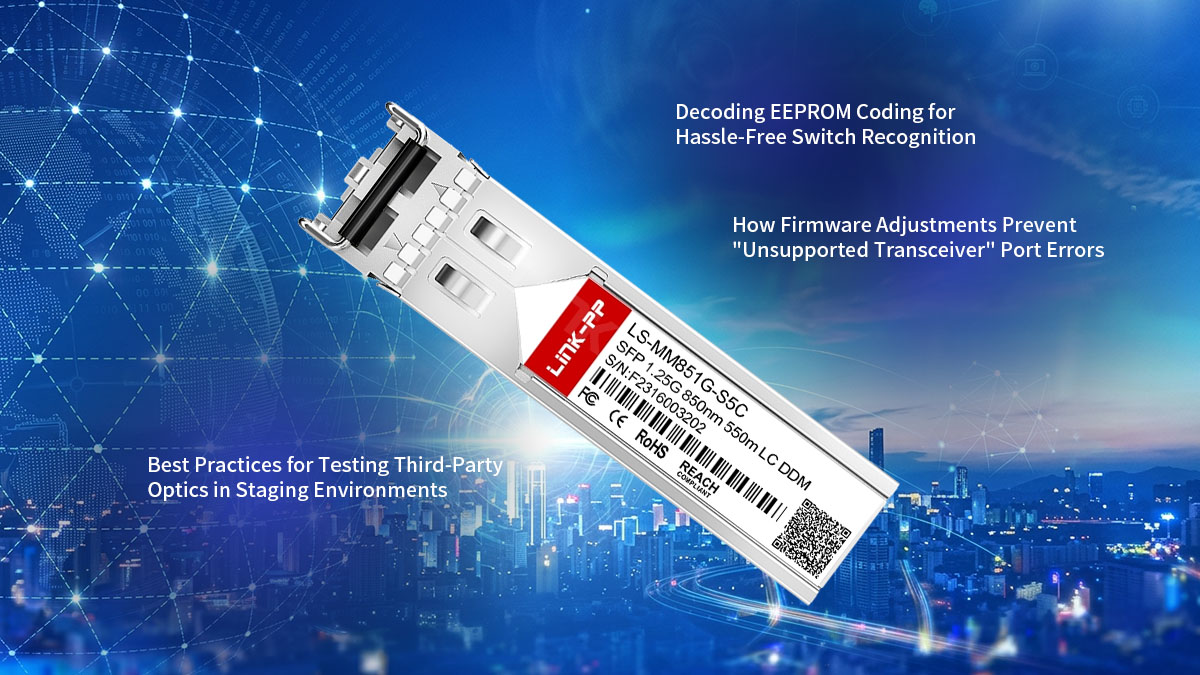
Decoding EEPROM Coding for Hassle-Free Switch Recognition
Every optical transceiver contains an internal memory chip called an EEPROM, which holds essential configuration data about the module. When you plug a module into an SMB switch, the switch reads this chip to verify the vendor name, part number, and serial code. If this data matches the expected parameters, the switch seamlessly activates the port for immediate data transmission.
High-quality third-party alternatives are pre-programmed with precise encryption codes that mimic the original equipment manufacturer specifications. This careful coding ensures that your switch registers the compatible module as if it were a native component. As a result, SMBs can expand their networks smoothly without encountering frustrating hardware detection failures.
How Firmware Adjustments Prevent "Unsupported Transceiver" Port Errors
Many enterprise switches utilize protective software limits that automatically shut down a port if an unrecognized module is detected. This protocol often triggers a generic "Unsupported Transceiver" or "Vendor Mismatch" error in the system log. To bypass these rigid software locks, reputable third-party suppliers apply specialized firmware adjustments to their modules.
These firmware updates ensure the alternative module can communicate flawlessly with the latest switch operating systems used by SMBs. By maintaining up-to-date compatibility profiles, third-party transceivers remain highly stable even after the host switches undergo routine system upgrades. This protective measure keeps your office network online and prevents unexpected port lockouts.
Best Practices for Testing Third-Party Optics in Staging Environments
Before deploying any new hardware across a live SMB network, it is wise to test compatible modules in a controlled staging environment. Setting up a temporary test bench allows IT staff to verify link stability, check port speed synchronization, and review error logs without affecting daily business operations. This simple step ensures that everything functions perfectly before the official rollout.
During staging, administrators should also simulate high-traffic conditions to confirm that the module maintains a steady connection under heavy office workloads. Testing the hardware with standard data streams helps catch any minor configuration discrepancies early on. Once verified in staging, the modules can be confidently deployed across the entire production network with minimal operational risk.
🔴 Critical Performance Metrics for a High-Quality Zyxel SFP-SX-D Compatible Module
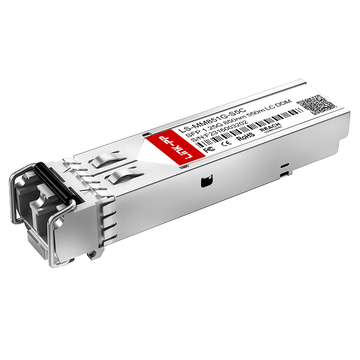
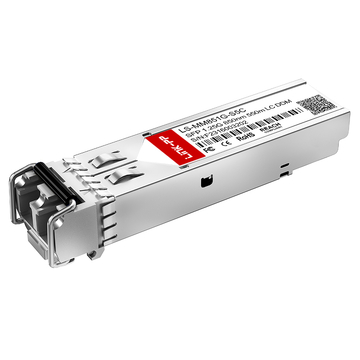
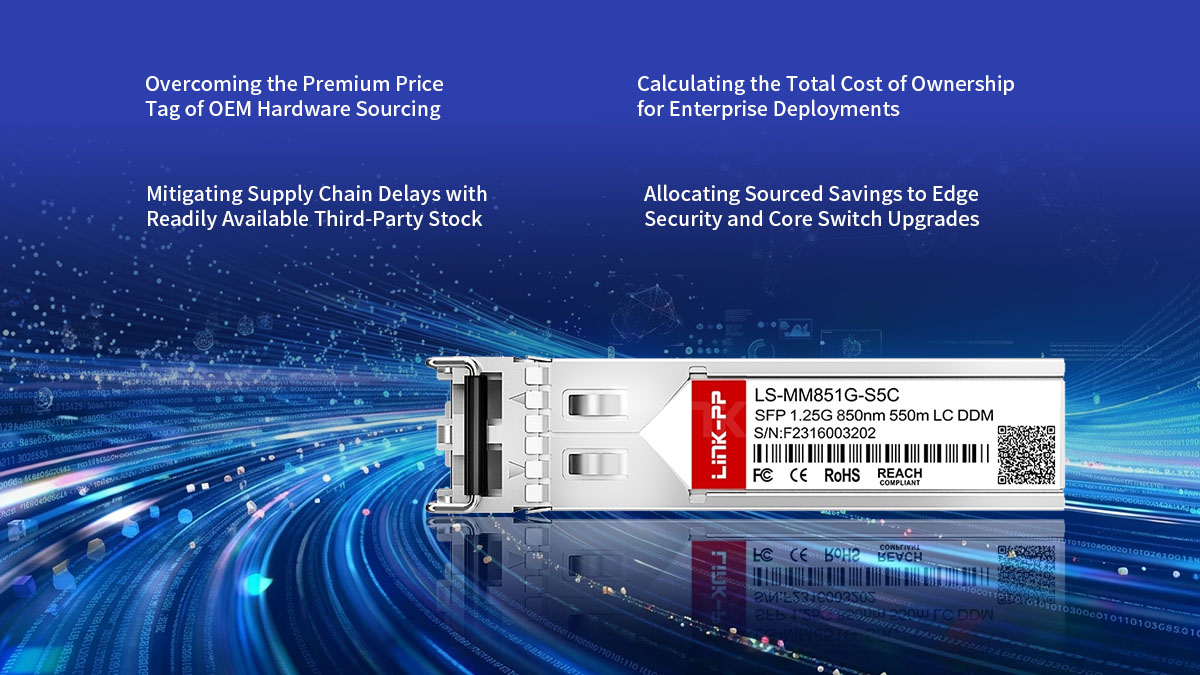
When selecting a third-party alternative to replace original hardware, evaluating key performance benchmarks is vital for long-term network stability. A premium compatible module must meet or exceed rigorous optical and physical engineering standards to ensure your business communication remains uninterrupted. Utilizing reliable alternatives, such as the LINK-PP LS-MM851G-S5C 1000BASE-SX SFP transceiver, guarantees that your SMB infrastructure achieves excellent hardware compliance and operational efficiency.
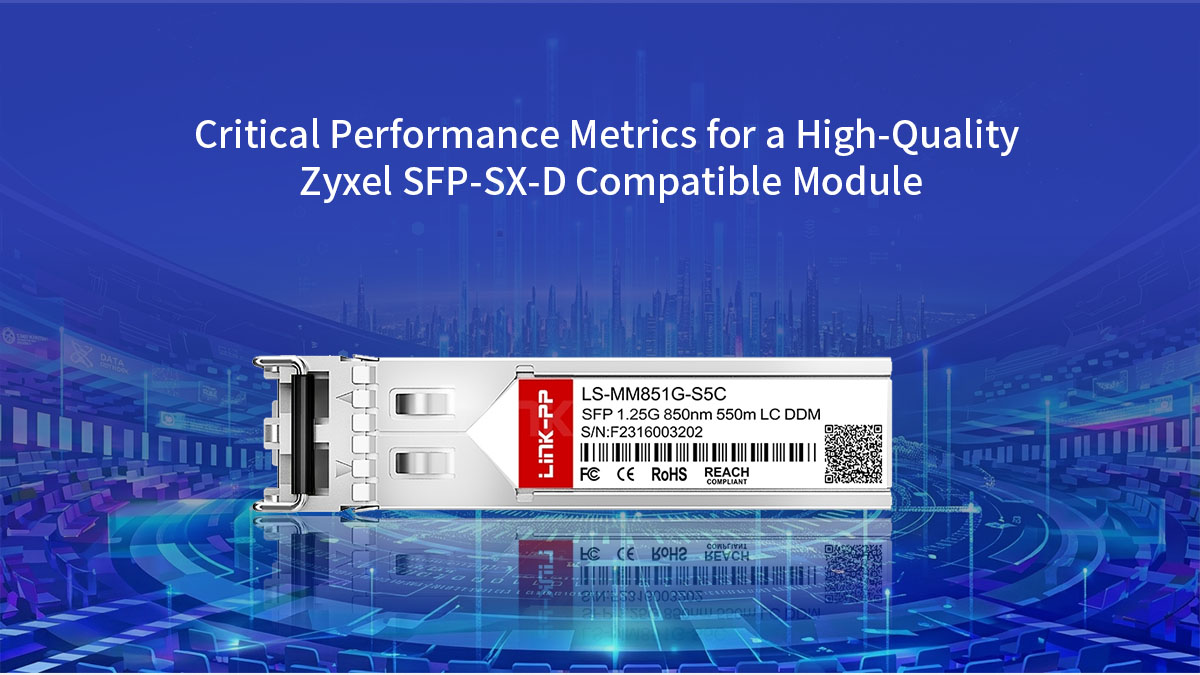
Evaluating Insertion Loss and Signal Integrity Standards
Insertion loss refers to the reduction in optical signal strength that occurs when a transceiver connects to a fiber optic cable. If a module suffers from excessive insertion loss, the light signal becomes too weak, leading to erratic link behavior across your SMB network switches. High-quality alternative modules are precision-engineered to minimize this loss, ensuring the optical path remains clear and highly efficient.
The LINK-PP LS-MM851G-S5C 1000BASE-SX module is specifically designed with tightly optimized optical transmitters to preserve maximum signal integrity. By keeping insertion loss well within strict industry limits, this transceiver maintains a robust and stable connection between your office core switches. This precise engineering ensures that localized data transfers never suffer from sudden signal fading or unexpected dropouts.
Maintaining Low Bit Error Rates (BER) Under High-Traffic Loads
A critical measure of any network transceiver is its Bit Error Rate (BER), which counts the number of corrupted bits relative to the total data transmitted. In a busy SMB office, high-traffic events like massive file transfers, video conferencing, and routine data backups can stress lower-quality components. If a module cannot handle heavy data loads, its BER will spike, resulting in sluggish application response times and network lag.
To combat this, the LINK-PP LS-MM851G-S5C is built with premium internal circuitry designed to handle peak data congestion smoothly. It consistently delivers an exceptionally low BER, ensuring that every packet of data reaches its destination completely uncorrupted. This reliable performance allows small businesses to scale up their daily digital workloads without worrying about packet retransmissions slowing down the workplace.
Structural Durability: Gold-Plated Pins and Robust Housing Requirements
The physical construction of an optical transceiver directly dictates its overall operational lifespan inside a crowded network closet. Quality alternative modules feature premium, gold-plated electrical contact pins that interface directly with the switch port chassis. Gold plating offers excellent resistance to dust, moisture, and corrosion, which prevents electrical degradation over years of continuous contact.
Additionally, heavy-duty metal housing protects the sensitive optical components inside from physical shocks and electromagnetic interference. The LINK-PP LS-MM851G-S5C incorporates this rugged structural housing alongside durable gold-plated pins to ensure secure physical mating. This robust build quality means SMB IT personnel can confidently perform routine maintenance without risking physical damage to the module components.
Understanding Regulatory Compliance: CE, FCC, and RoHS Certifications
Every optical device deployed within an enterprise business network must comply with international regulatory safety and environmental guidelines. Standards such as the CE and FCC certifications verify that a module does not emit dangerous levels of electromagnetic interference that could disrupt neighboring hardware. These independent certifications provide peace of mind to SMB owners who require safe and certified electronic components in their offices.
Furthermore, compliance with RoHS directives ensures that the transceiver is completely free from hazardous substances like lead or cadmium during manufacturing. The LINK-PP LS-MM851G-S5C fully satisfies CE, FCC, and RoHS standards, meeting all necessary safety requirements for global enterprise deployment. Choosing a fully certified module guarantees that your network remains legally compliant, environmentally friendly, and structurally safe for daily commercial use.
🔴 Step-by-Step Deployment and Installation Guide for Zyxel SFP-SX-D Alternatives
Deploying new Zyxel SFP-SX-D alternative transceivers into your active network is a straightforward process when following standard industry procedures. Adhering to structured installation protocols allows SMB IT personnel to integrate compatible modules without causing unexpected system reboots. The following outlines the essential physical handling techniques and verification steps needed for a smooth deployment.
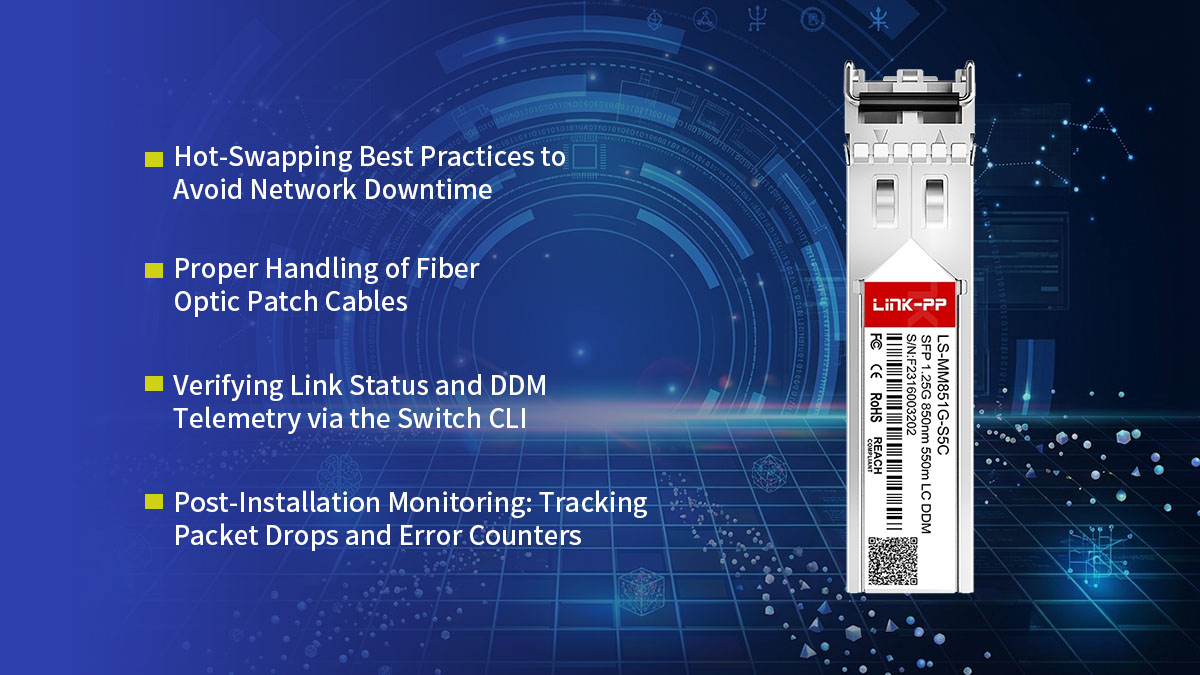
Hot-Swapping Best Practices to Avoid Network Downtime
Modern SMB switches are designed to support hot-swapping, which allows administrators to upgrade fiber connections without powering down the entire chassis. To complete this upgrade safely, IT personnel should execute the physical installation using a methodical, step-by-step approach:
- Align and Insert the Hardware: Remove the compatible module from its packaging and ensure the locking bale clasp is pushed into the closed, upright position. Slide the transceiver smoothly into the empty SFP slot until you hear a distinct click, indicating it is firmly seated.
- Secure the Cable Connection: Pull the protective dust cover from the module and insert the LC duplex fiber connector. Ensure the patch cable latches securely into place, establishing an immediate and robust physical connection.
Proper Handling of Fiber Optic Patch Cables
Fiber optic patch cords contain sensitive glass cores that require specialized care to maintain optimal signal performance across your office infrastructure. Careless handling can lead to microscopic structural fractures that degrade data speeds. Protecting these optical pathways requires a combination of proper physical management and strict cleanliness:
- Maintain Wide Cable Bends: Avoid twisting or bending the fiber cables into sharp angles, as this forces the light waves to leak out of the glass core. Keep wide, gentle loops inside your rack management trays to eliminate tension along the fiber line.
- Keep Connectors Shielded From Contamination: Microscopic dust particles are the most common cause of signal loss and link failures. Always leave the protective rubber caps on both the transceiver port and the cable connectors until the exact moment they are plugged together.
Verifying Link Status and DDM Telemetry via the Switch CLI
Once the physical installation is complete, network administrators must verify that the host switch properly recognizes the new hardware. Logging into the management software via the Command Line Interface (CLI) provides instant visibility into the state of the port. You can easily evaluate system health by tracking the link status and verifying internal performance metrics:
- Check the Interface Port State: Execute the basic interface command, such as show interfaces transceiver, to confirm that the port has successfully transitioned to an active state. This step proves that the switch has recognized the alternative module's programmed encryption coding.
- Review Real-Time Diagnostic Readings: Run the detailed diagnostic command, typically show interfaces transceiver detail, to read the Digital Diagnostic Monitoring telemetry. Carefully check the optical RX power and TX power levels to ensure they match recommended operational limits.
Post-Installation Monitoring: Tracking Packet Drops and Error Counters
The final stage of a successful rollout involves monitoring the new fiber connection under a normal office data load. Subtle deployment issues like minor cable crimps or port misconfigurations can manifest over time as high-traffic spikes stress the link. A brief observation period ensures that any underlying performance anomalies are caught and resolved early:
- Monitor Interface Error Accumulation: Periodically check the port statistics via the switch CLI over the first 24 to 48 hours of live operation. Pay close attention to critical counters such as Input Errors, CRC Errors, and Frame Check Sequence failures.
- Audit Packet Transmissions: Ensure that packet drops remain at zero during peak business hours. If error counters begin to rise, it serves as an early warning to re-inspect the physical fiber connections for contamination or misalignment.
🔴 Common Troubleshooting Scenarios for Zyxel SFP-SX-D Compatible Modules
Even high-quality Zyxel SFP-SX-D compatible modules can occasionally experience minor performance issues due to physical misalignments or configuration oversights. When a fiber link drops or suffers from sluggish speeds, a structured troubleshooting approach is essential to protect daily business operations. Identifying and resolving these common technical hurdles quickly ensures your SMB infrastructure remains stable and resilient.
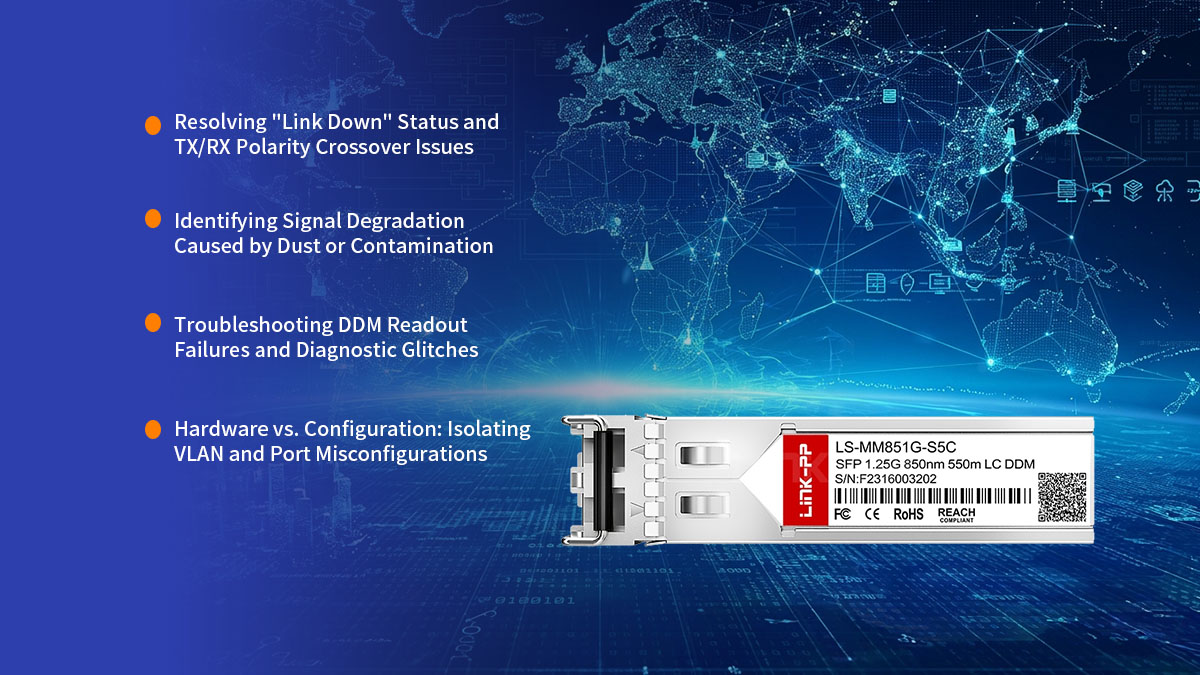
Resolving "Link Down" Status and TX/RX Polarity Crossover Issues
A sudden "Link Down" status is frequently caused by basic physical mismatches rather than a completely broken module. If the switch port LED remains completely unlit after plugging in the hardware, administrators can quickly isolate and fix the problem by checking these physical parameters:
- Correct the Optical Fiber Polarity: Fiber optic communication requires the transmitting (TX) laser on one switch to connect directly to the receiving (RX) port on the opposite side. If your LC duplex patch cable is straight-through instead of crossed over, a polarity conflict occurs. Simply flipping the individual fiber strands inside one of the LC duplex connector clips will instantly correct the data path.
- Verify Basic Physical Seating: Ensure the transceiver module has been pushed entirely into the SFP slot until it locks firmly against the switch backplane. A minor physical gap can prevent the electrical contact pins from mating properly, preventing the port from powering up.
Identifying Signal Degradation Caused by Dust or Contamination
If your fiber link remains active but suffers from erratic packet drops or sluggish transmission speeds, microscopic contamination is the likely culprit. Dust particles, skin oils, and lint can easily settle on the tiny glass surfaces of the optical connection, scattering the laser light. Rectifying this issue requires a strict cleaning routine to restore proper signal strength:
- Inspect the Fiber Ends and Optical Ports: Use a specialized fiber inspection scope to check the transceiver port and the patch cable ferrule for microscopic debris. Even a single particle of dust sitting inside the connection path can cause massive signal attenuation.
- Use Specialized Optical Fiber Cleaners: Clean the contaminated connections using a dedicated optical fiber click-cleaner pen or lint-free cleaning cassettes. Never use generic cloths or rough materials, as they can permanently scratch the sensitive glass cores.
Troubleshooting DDM Readout Failures and Diagnostic Glitches
Digital Diagnostic Monitoring (DDM) is an excellent troubleshooting tool, but it can occasionally display blank readouts or freeze entirely. When the switch CLI fails to report live optical power, voltage, or temperature metrics, it usually points to a communication glitch between the hardware components. You can restore normal telemetry readouts by using the following software steps:
- Reinitialize the Transceiver Port: Toggle the affected switch port off and back on by executing a shutdown followed by a no shutdown command sequence in the CLI. This forces the switch operating system to refresh its hardware polling cycle and reload the DDM data registers.
- Perform a Warm Module Reboot: If the software toggle fails to restore the readings, physically pull the module out of the slot for five seconds and re-insert it. This simple power-cycle reboots the internal microcontroller chip on the transceiver, clearing out temporary telemetry glitches.
Hardware vs. Configuration: Isolating VLAN and Port Misconfigurations
When a compatible module shows an active link with healthy DDM power metrics, yet no data can pass through the link, the problem shifts from hardware to software. It is common for newly assigned uplink ports to miss critical routing or security settings required by the corporate network. IT personnel can isolate these software blocks from the actual hardware by auditing the switch configuration profiles:
- Audit VLAN Trunking and Tagging Configurations: Check that the specific port hosting the module has been correctly added to the proper Virtual Local Area Network (VLAN). If your network backbone uses trunking, verify that all necessary VLAN IDs are explicitly permitted to pass through that interface.
- Check Port Security and Spanning Tree Protocols: Review your switch settings to ensure that automated protocols have not locked the port down. A Spanning Tree Protocol (STP) loop protection rule or a strict Port Security MAC address limit can accidentally disable a perfectly healthy transceiver link.
🔴 Conclusion: Future-Proofing SMB Infrastructure with Reliable Zyxel SFP-SX-D Compatible Alternatives
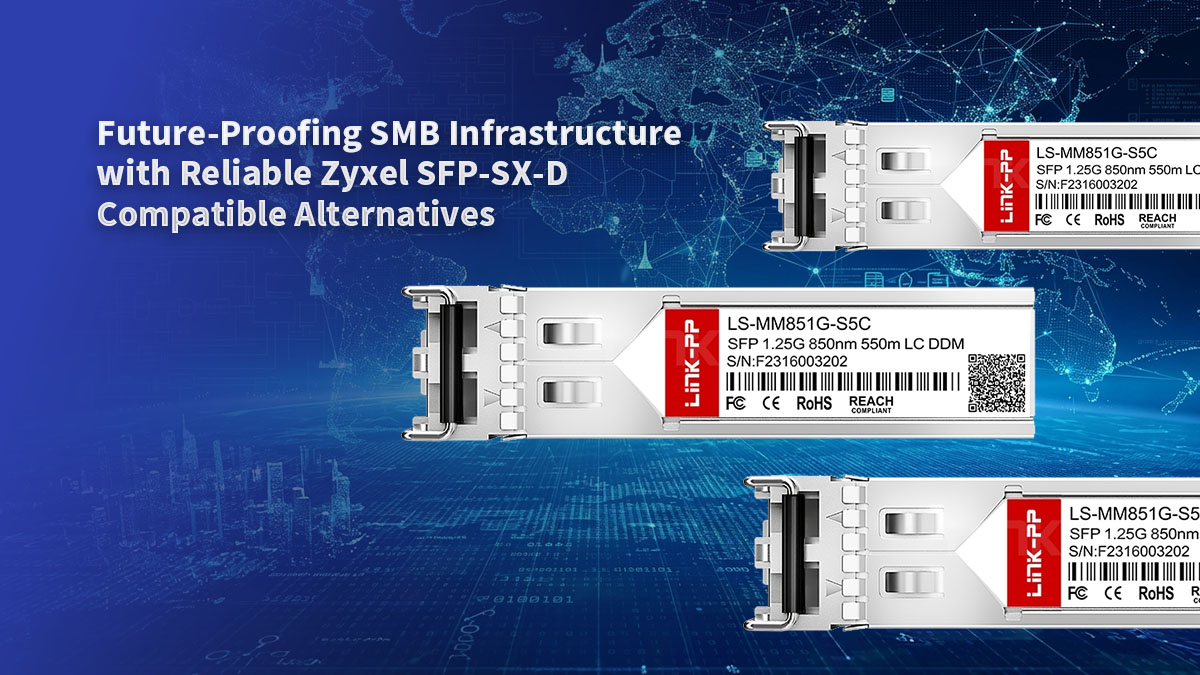
Upgrading your network does not mean you have to spend a fortune on original brand names. Choosing reliable Zyxel SFP-SX-D compatible modules gives your business the exact same fiber speeds at a much lower cost. This smart choice keeps your daily office operations running smoothly while freeing up valuable budget for other important IT projects.
Building a fast and affordable network backbone is simple with the right hardware partner. You can find high-quality, fully tested optical transceivers that match your switch requirements perfectly at the LINK-PP Official Store. Take control of your technology budget now and set up your business for years of trouble-free connectivity.