In today’s fast-evolving data center environments, network scalability and flexibility are more important than ever. Enterprises and service providers are constantly upgrading their infrastructures to accommodate higher bandwidth demands, while still needing to maintain compatibility with existing hardware. This balance between modernization and legacy support poses challenges for network managers trying to optimize resources efficiently.
One solution gaining traction is the use of QSA adapters, which convert QSFP ports to SFP interfaces. These adapters allow organizations to bridge newer, high-speed QSFP switches with existing SFP modules, enabling smoother transitions during network upgrades. By leveraging QSA adapters, network operators can connect diverse devices, maximize port utilization, and reduce idle hardware, all without immediate large-scale replacement of equipment.
This article provides an in-depth exploration of QSA adapters, covering their technical operation, practical applications, deployment strategies, and future trends. You will gain insights on optimizing network flexibility, ensuring interoperability, and planning for scalable upgrades, helping them make informed decisions that improve efficiency and extend the lifespan of their networking infrastructure.
? Introduction to QSA Adapters
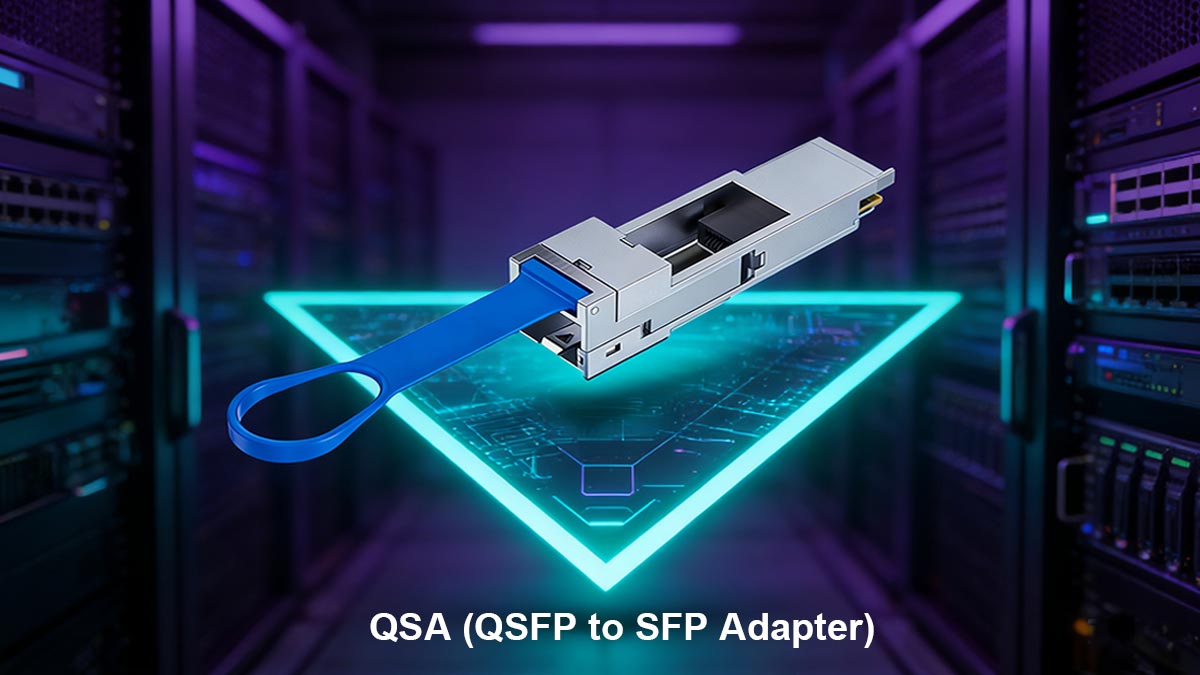
QSA adapters serve as a critical bridge between different generations of networking equipment, enabling seamless integration of QSFP and SFP interfaces. Their primary function is to allow QSFP ports to communicate with SFP modules without requiring immediate hardware replacement. This capability is essential for data centers and enterprise networks seeking flexibility, cost-efficiency, and scalable growth.
Definition and Core Functionality
The main role of a QSA adapter is to convert a high-speed QSFP port—typically used for 40G or 100G connections—into a compatible SFP interface. This conversion allows network operators to utilize existing SFP+ or SFP28 transceivers in newer switches, preserving investments in legacy equipment.
Key points about QSA adapters:
- They perform both electrical and optical signal adaptation, depending on the transceiver type.
- They support multi-rate and multi-protocol operation, ensuring compatibility across a range of devices.
- They allow for flexible port utilization, reducing idle QSFP ports when legacy SFP devices are still in use.
Importance in Modern Networks
QSA adapters are not merely stopgap solutions—they play a strategic role in network planning. By enabling backward compatibility, these adapters help organizations maintain operational continuity during infrastructure upgrades. They also allow for gradual migration to higher bandwidth networks without disrupting existing services.
Practical benefits include:
- Optimizing switch port utilization and reducing wasted capacity.
- Extending the usable life of SFP transceiver.
- Supporting incremental network upgrades, lowering operational risk.
This combination of technical functionality and strategic value makes QSA adapters an indispensable component in modern, flexible network architectures.
? How QSA Adapters Work
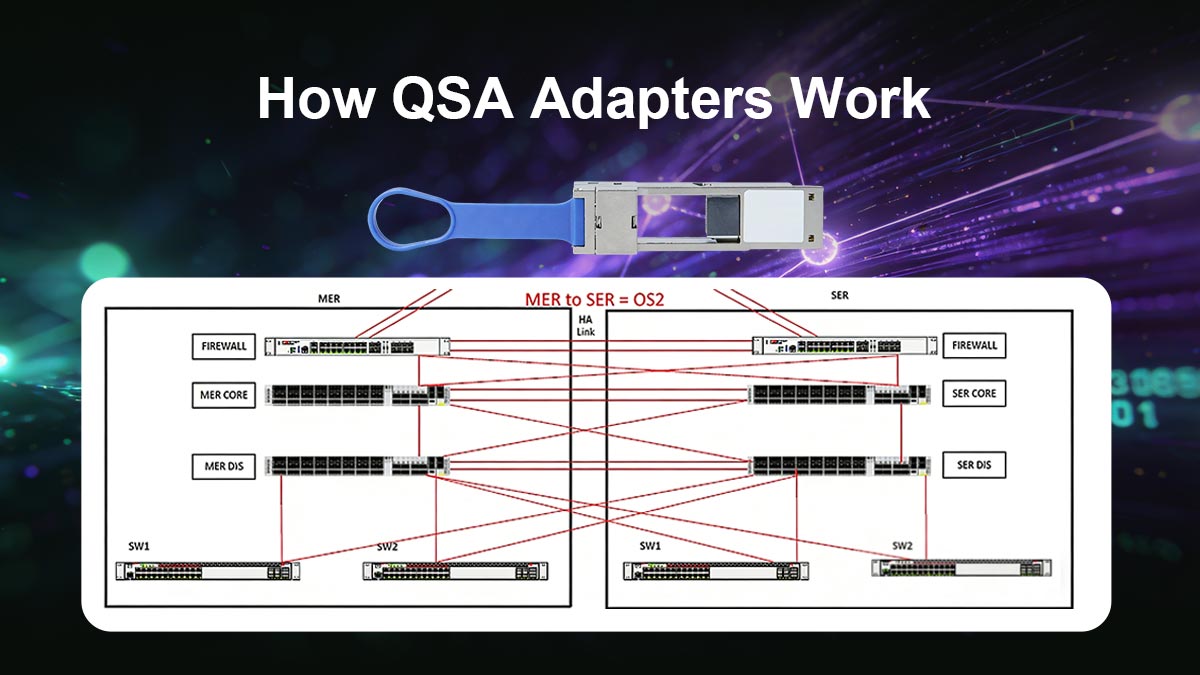
QSA adapters function as a conversion interface that enables QSFP ports to support SFP modules while maintaining signal integrity and performance. By translating the electrical and optical signals between the two form factors, these adapters allow high-speed switches to interface with existing lower-speed transceivers. Understanding this process is crucial for ensuring compatibility and optimizing network performance.
Technical Overview
QSA adapters operate by mapping the QSFP port lanes to SFP interfaces. For example, a 40G QSFP+ port can be split into four 10G SFP+ channels, while a 100G QSFP28 port can support multiple 25G SFP28 connections. This adaptation process is handled at the hardware level within the adapter, which manages signal conversion and lane distribution.
Key technical considerations include:
- Electrical and optical conversion depending on transceiver type.
- Support for multiple speeds (10G, 25G, 40G, 100G) without disrupting signal integrity.
- Compliance with QSFP and SFP standards to ensure interoperability.
This ensures that devices on both ends of the connection communicate effectively, even when operating at different speeds or protocols.
Supported Transceiver Types
QSA adapters are compatible with a range of SFP modules, enabling flexible deployment across networks with mixed equipment. Their compatibility typically includes SFP+, SFP28, and in some cases, legacy SFP transceivers.
| Adapter Type |
Compatible QSFP Port |
Supported SFP Modules |
Notes |
| Standard QSA |
QSFP+ 40G |
SFP+ 10G |
Splits 40G into four 10G channels |
| QSFP28 QSA |
QSFP28 100G |
SFP28 25G |
Supports 4x25G or single-channel use |
| Legacy QSA |
QSFP+ 40G |
SFP 1G/10G |
Often used in transitional networks |
The table above shows how QSA adapters map high-speed QSFP ports to various SFP modules. The ability to support multiple module types allows network operators to maximize existing investments while enabling gradual network upgrades.
This technical versatility makes QSA adapters highly effective in scenarios where different generations of networking hardware must coexist without sacrificing performance or flexibility.
? Key Applications of QSA Adapters
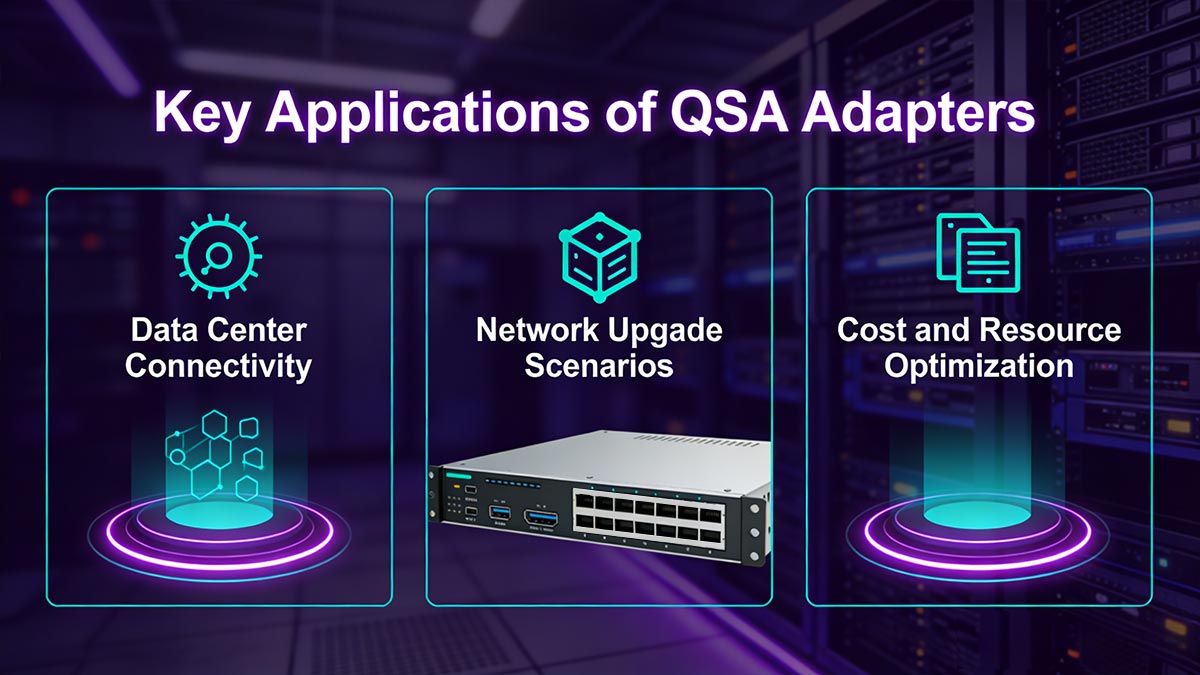
QSA adapters are widely used to enhance network flexibility and optimize existing infrastructure. Their applications span data centers, network upgrade projects, and operational cost management, making them essential for both transitional and mature network environments.
Data Center Connectivity
The primary application of QSA adapters is to enable legacy SFP devices to connect to modern QSFP switches. This ensures that high-speed switches can fully utilize available ports while maintaining compatibility with existing transceivers.
Key benefits in data centers include:
- Maximizing QSFP port usage without leaving ports idle.
- Supporting a mix of legacy and modern devices within the same network.
- Reducing downtime during hardware upgrades or migrations.
Network Upgrade Scenarios
QSA adapters facilitate phased upgrades by allowing incremental transitions from 10G or 25G networks to 40G and 100G infrastructures. This approach minimizes service disruption and avoids the need for immediate, large-scale hardware replacement.
Common upgrade strategies:
- Integrate QSA adapters to connect existing SFP modules to new QSFP switches.
- Gradually replace SFP transceivers with higher-speed modules as network demand grows.
- Monitor performance and adjust lane allocation to optimize throughput.
Cost and Resource Optimization
Using QSA adapters reduces the need for additional switch ports and new transceivers, thereby optimizing resource allocation and operational expenses. Organizations can extend the lifespan of existing hardware while planning future upgrades strategically.
| Application Area |
How QSA Helps |
Outcome |
| Data Center Connectivity |
Connect legacy SFP to QSFP ports |
Increased port utilization, reduced idle hardware |
| Network Upgrade |
Support phased migration to higher speeds |
Minimized downtime, smoother transition |
| Cost Optimization |
Reuse existing transceivers |
Lower hardware investment, extended device lifespan |
The combination of these applications demonstrates that QSA adapters are more than simple adapters—they are tools for network efficiency, scalability, and resource management. Organizations can maintain high performance while reducing both operational and capital expenditures.
? Deployment Considerations
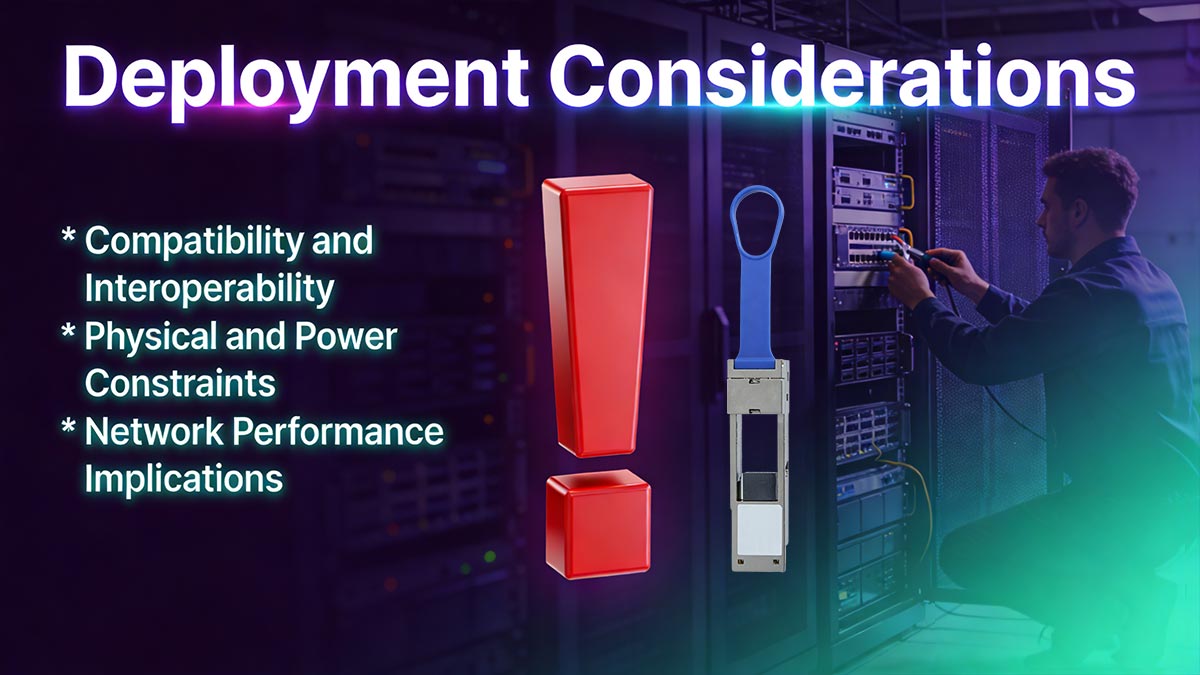
Proper deployment of QSA adapters is essential to ensure reliable performance and interoperability across network environments. Failing to consider compatibility, physical constraints, and performance factors can lead to reduced throughput, latency issues, or even network downtime.
Compatibility and Interoperability
The most critical consideration when deploying QSA adapters is ensuring that the QSFP switch, the SFP module, and the adapter itself are compatible. Not all QSFP ports support every SFP module through an adapter, and vendor-specific limitations may apply.
Key points for ensuring compatibility:
- Verify QSFP port speed and lane configuration.
- Confirm that the SFP module is supported by the adapter.
- Check switch firmware and vendor specifications for adapter support.
- Test the adapter in a lab environment before production deployment.
Physical and Power Constraints
QSA adapters occupy physical space on the switch and consume additional power. In high-density deployments, these factors can affect airflow, cooling, and overall power budgeting.
Considerations include:
- Port density: Ensure enough space for adapters without obstructing adjacent ports.
- Power budget: Calculate additional consumption introduced by adapters.
- Thermal management: Maintain proper airflow to prevent overheating.
| Deployment Factor |
Key Considerations |
Recommended Action |
| Compatibility |
QSFP port vs SFP module support |
Verify vendor documentation and firmware |
| Power & Heat |
Additional power draw, cooling impact |
Assess switch power budget and airflow |
| Physical Space |
Adapter form factor affecting port access |
Plan port layout to avoid obstruction |
| Performance |
Potential speed or lane limitations |
Monitor throughput and latency after deployment |
Network Performance Implications
Although QSA adapters enable backward compatibility, they may introduce performance considerations depending on the network configuration and traffic load.
Factors affecting performance:
- Latency: Minimal, but may vary with multi-lane adapters.
- Bandwidth: Some adapters cannot fully replicate QSFP line rate when using lower-speed SFP modules.
- Signal integrity: Proper cabling and module quality are essential to prevent errors over longer distances.
By addressing these deployment considerations, network engineers can ensure that QSA adapters provide maximum flexibility without compromising performance, reliability, or safety.
? Advantages and Limitations
QSA adapters offer significant strategic benefits in modern networking but also come with inherent constraints that must be considered when planning deployments. Understanding both sides allows network operators to make informed decisions and optimize infrastructure utilization.
Advantages
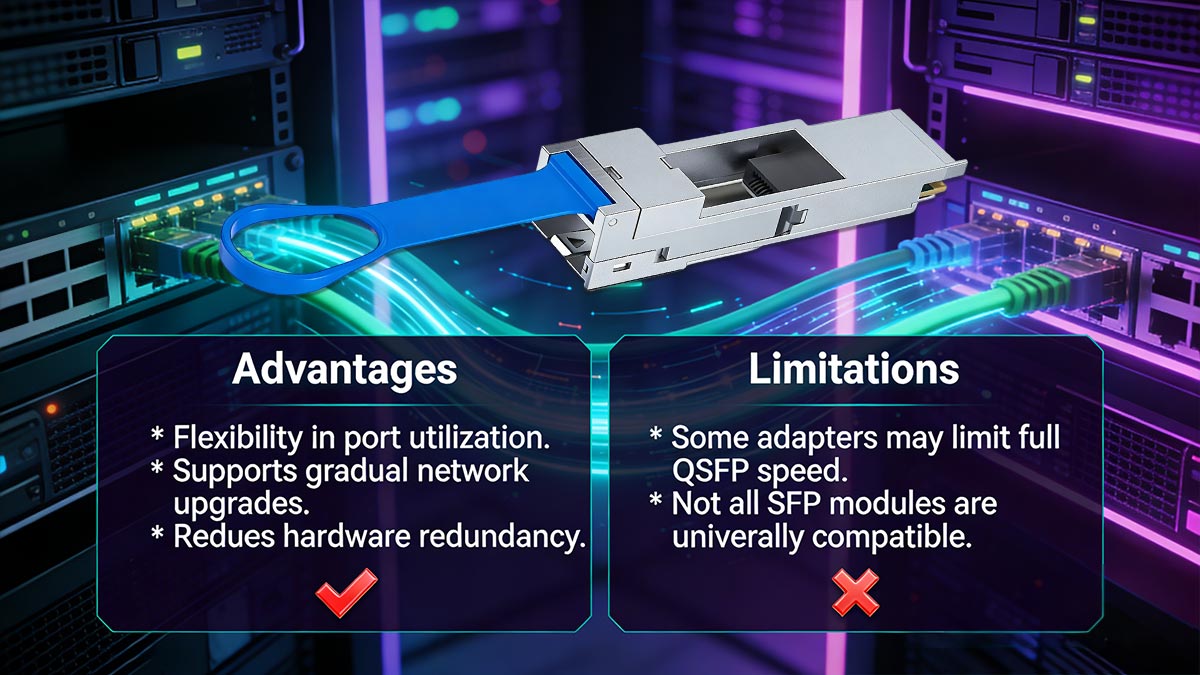
The primary advantage of QSA adapters is flexibility. They enable QSFP switches to support existing SFP modules, which reduces wasted hardware and facilitates incremental network upgrades.
Key benefits include:
- Flexibility in port utilization: Convert high-speed QSFP ports for SFP connectivity.
- Support for gradual upgrades: Integrate legacy devices without immediate hardware replacement.
- Cost efficiency: Extend the life of existing SFP transceivers and minimize unnecessary switch expansion.
- Simplified network management: Maintain mixed-generation devices within the same infrastructure.
Limitations
Despite their utility, QSA adapters have limitations that can impact network performance if not properly managed.
Notable constraints:
- Some adapters may limit the maximum achievable speed of the QSFP port.
- Compatibility issues can arise with certain SFP modules or vendor-specific firmware.
- Physical and thermal considerations in high-density deployments may restrict usage.
- Signal integrity over longer distances may be affected depending on the transceiver type.
| Aspect |
Advantages |
Limitations |
| Port Flexibility |
Allows QSFP ports to host SFP modules |
May not support full QSFP line rate |
| Network Upgrade |
Enables phased migration |
Compatibility dependent on vendor and firmware |
| Cost Efficiency |
Reuses existing transceivers |
Additional adapters may increase power/heat load |
| Device Management |
Supports mixed device generations |
Requires careful planning for physical layout |
By weighing these advantages and limitations, network engineers can deploy QSA adapters effectively, achieving both operational flexibility and performance reliability without unnecessary investment in new hardware.
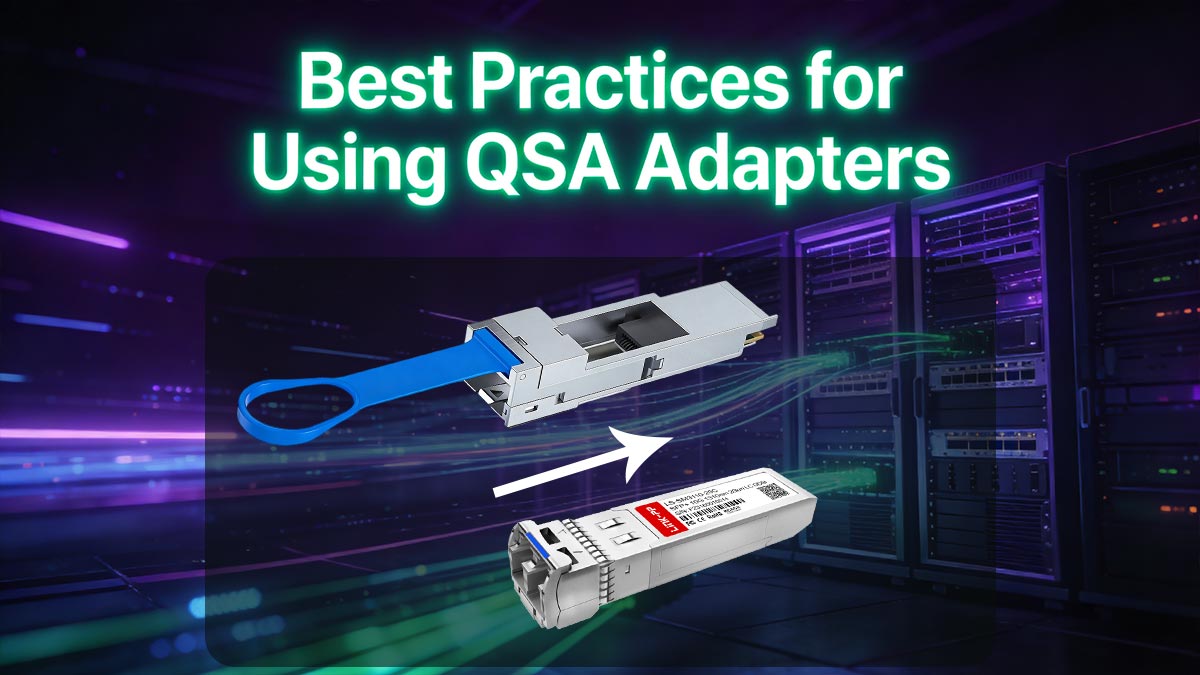
? Best Practices for Using QSA Adapters
Effective deployment of QSA adapters requires careful planning, monitoring, and forward-looking network design. Following best practices ensures that these adapters deliver maximum flexibility without introducing performance or compatibility issues.
Planning and Inventory Management
The foundation of successful QSA deployment is thorough planning. Understanding existing infrastructure and documenting compatibility helps prevent costly mistakes during installation.
Key steps include:
- Conduct an audit of existing SFP modules and QSFP switch ports.
- Maintain a compatibility matrix for adapters, switches, and transceivers.
- Assess port density and plan physical layout to avoid obstruction.
- Identify potential bottlenecks in bandwidth or lane allocation before deployment.
Monitoring and Maintenance
Ongoing monitoring is essential to ensure adapters operate reliably and efficiently. This includes tracking performance metrics and maintaining firmware updates.
Best practices include:
- Regularly monitor port utilization, latency, and error rates.
- Update switch firmware to support new adapters and module types.
- Inspect adapters and cables periodically for physical wear or connectivity issues.
- Implement logging and alerts for performance deviations or module failures.
Future-Proof Network Design
QSA adapters should be integrated into network designs with future scalability in mind. Proper planning helps networks evolve without major overhauls.
Strategies for future-proofing:
- Consider multi-speed support to accommodate upgrades to 25G, 40G, or 100G networks.
- Allocate switch ports strategically for high-priority traffic paths.
- Plan for potential transitions to QSFP-DD or OSFP standards in high-bandwidth environments.
- Incorporate flexible cabling and modular hardware to simplify future expansions.
| Best Practice Area |
Key Actions |
Benefit |
| Planning & Inventory |
Audit devices, create compatibility matrix |
Reduces deployment errors, ensures smooth integration |
| Monitoring & Maintenance |
Track metrics, update firmware, inspect hardware |
Maintains reliability and performance |
| Future-Proof Design |
Support multi-speed, plan port allocation, modular layout |
Facilitates scalable upgrades, minimizes downtime |
By following these practices, network operators can maximize the value of QSA adapters, ensuring both current operational efficiency and long-term scalability.
? Cross-Vendor and Multi-Network Optimization
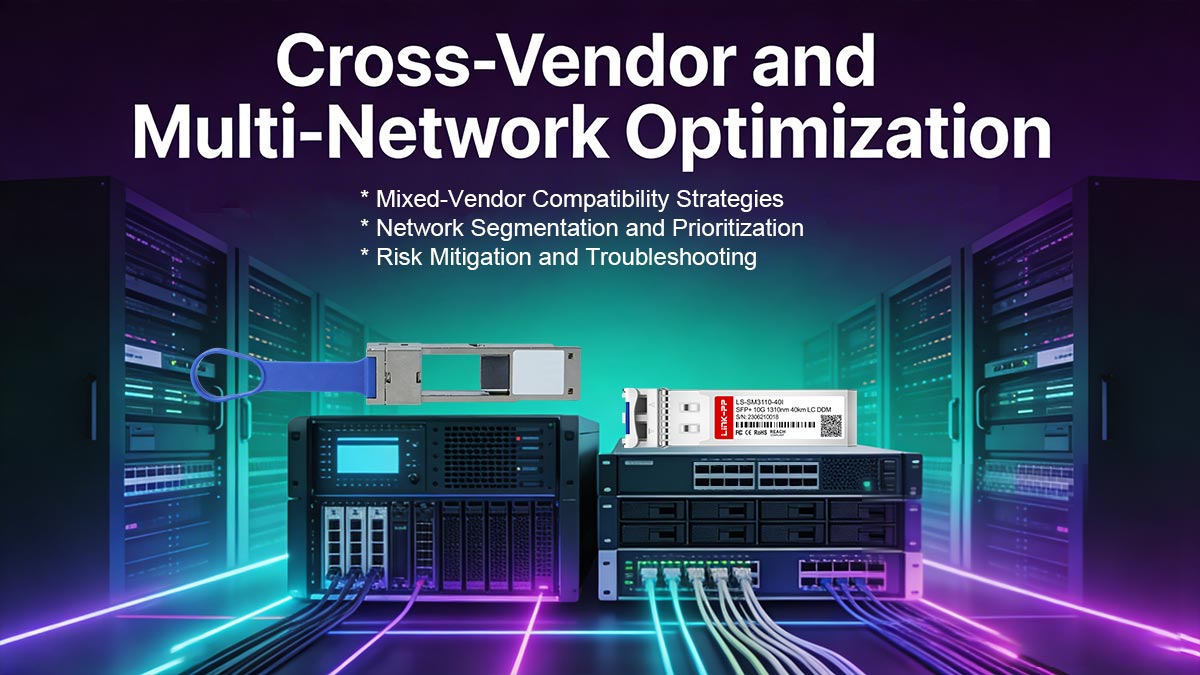
QSA adapters are particularly valuable in environments where networks comprise equipment from multiple vendors or different generations. Their ability to bridge QSFP ports with SFP modules from various manufacturers allows network operators to maintain flexibility while avoiding vendor lock-in. However, cross-vendor deployments require careful planning to ensure interoperability, performance, and reliability. Proper strategies can reduce operational risk and optimize multi-network integration.
Mixed-Vendor Compatibility Strategies
One of the main challenges in cross-vendor networks is ensuring that adapters, transceivers, and switches operate seamlessly together. While QSA adapters generally support industry standards, minor differences in firmware or electrical signaling can lead to link failures or degraded performance.
Key strategies for ensuring compatibility:
- Maintain a vendor compatibility matrix listing supported switches, adapters, and transceivers.
- Prioritize testing in a controlled lab environment before deploying into production.
- Use standard-compliant SFP modules wherever possible to minimize interoperability issues.
- Keep firmware versions up to date on both switches and transceivers to ensure full support for adapters.
Network Segmentation and Prioritization
Optimizing QSA adapters in multi-network environments also requires careful consideration of traffic flow and network segmentation. Assigning adapters strategically to critical paths helps maintain performance and prevents bottlenecks.
Practical segmentation strategies include:
- Dedicate adapters to high-priority traffic, such as server uplinks or storage connections.
- Separate legacy devices from high-speed links to reduce potential congestion.
- Map adapter deployment to existing VLAN or subnet structures for simplified management.
- Monitor traffic patterns regularly to adjust adapter allocation as network usage evolves.
Risk Mitigation and Troubleshooting
Cross-vendor and multi-network environments inherently carry higher risk for performance anomalies. Proactive risk mitigation ensures that QSA adapters enhance flexibility without introducing unexpected downtime.
Key steps include:
- Implement fallback paths for critical connections to prevent single points of failure.
- Keep spare adapters and SFP modules for rapid replacement during troubleshooting.
- Use network monitoring tools to track link quality, error rates, and latency metrics.
- Document any observed incompatibilities or performance deviations for future deployments.
| Optimization Area |
Recommended Actions |
Expected Outcome |
| Compatibility |
Test lab environments, maintain vendor matrix, update firmware |
Minimizes interoperability issues |
| Network Segmentation |
Assign adapters to high-priority links, separate legacy traffic |
Optimized performance, reduced congestion |
| Risk Mitigation |
Implement fallback paths, keep spare hardware, monitor metrics |
Enhanced reliability and faster troubleshooting |
By applying these strategies, organizations can maximize the benefits of QSA adapters in mixed-vendor and multi-network environments. Proper planning and monitoring ensure that adapters support operational flexibility, maintain performance standards, and provide a reliable foundation for future network upgrades. This approach allows IT teams to integrate diverse equipment while controlling risk, maintaining service continuity, and achieving long-term scalability.
? Future Trends in QSFP to SFP Adaptation
QSA adapters will continue to play a strategic role in evolving network environments, especially as data centers and enterprise networks demand higher bandwidth, increased port density, and greater flexibility. The future of QSFP to SFP adaptation is closely linked to emerging standards, modular network architectures, and the integration of software-defined networking (SDN) technologies.

Emerging Standards and High-Speed Adaptation
One significant trend is the rise of new QSFP variants such as QSFP-DD and OSFP. These form factors support higher bandwidths—400GBASE and beyond—while maintaining backward compatibility with lower-speed modules through adapters. As network speeds increase, QSA-like adaptation solutions will need to:
- Support multi-lane aggregation and efficient lane mapping for high-speed ports.
- Ensure signal integrity over longer distances while minimizing latency.
- Comply with evolving industry standards to guarantee interoperability across vendors.
By adopting next-generation adapters, organizations can future-proof their infrastructure and integrate new high-speed switches without immediately replacing existing SFP modules.
Data Center Evolution and Modular Networking
Data centers are increasingly moving toward modular, flexible network architectures. Modular designs allow operators to mix and match transceivers, switches, and adapters to optimize performance and cost. Future QSA deployments will align with these trends by:
- Enabling high-speed uplinks to coexist with legacy equipment during phased upgrades.
- Allowing dynamic port allocation based on traffic demands and virtualization needs.
- Supporting multi-protocol and multi-speed operations for diverse workloads, including cloud and hyperscale environments.
These developments make QSA adapters more than transitional tools—they become integral components of scalable, adaptive network designs.
Software-Defined Networking Integration
The adoption of SDN and network automation introduces new opportunities for optimizing QSA adapter usage. Intelligent software can dynamically manage adapter deployment, lane allocation, and traffic prioritization, ensuring maximum efficiency and reliability.
Practical implications include:
- Automated detection of adapter types and compatible transceivers across the network.
- Dynamic load balancing between QSFP ports and SFP modules to maintain optimal throughput.
- Centralized monitoring and predictive maintenance to reduce downtime and operational risk.
| Trend Area |
Expected Impact |
Strategic Benefit |
| Emerging Standards (QSFP-DD/OSFP) |
Higher bandwidth support |
Future-proof infrastructure, backward compatibility |
| Modular Networking |
Flexible port and device allocation |
Optimized cost and network scalability |
| SDN Integration |
Dynamic traffic management and monitoring |
Improved performance, reduced operational risk |
Overall, the future of QSFP to SFP adaptation is characterized by increasing speed, greater modularity, and intelligent management. Organizations that strategically adopt next-generation adapters, integrate them into modular architectures, and leverage automation will be well-positioned to meet growing network demands while preserving legacy investments. This forward-looking approach ensures both performance optimization and long-term scalability in rapidly evolving network environments.
? FAQs
Q1: Can a QSA adapter support multiple SFP speeds simultaneously?
A: Most QSA adapters are designed to map QSFP lanes to a specific SFP speed. While some adapters can handle multi-rate modules, simultaneous operation at different speeds is generally not supported.
Q2: Do QSA adapters require additional power beyond the switch port?
A: QSA adapters draw minimal additional power from the QSFP port itself. However, in high-density deployments, cumulative power and heat should be considered.
Q3: Are all SFP modules compatible with QSA adapters?
A: No, compatibility depends on both the adapter type and the switch vendor. Using standard-compliant modules increases the likelihood of seamless operation.
Q4: Can QSA adapters be used in fiber and copper networks?
A: Yes, adapters are available for both optical and copper SFP modules, but the adapter must match the transceiver type.
Q5: Do QSA adapters affect network latency?
A: Any added latency is minimal and typically negligible for most applications, but it may vary with multi-lane configurations and long-distance optical connections.
Q6: How should I test a QSA adapter before deployment?
A: Conduct lab testing to verify link stability, throughput, and compatibility with the intended switch and SFP modules. This helps identify potential issues before production deployment.
Q7: Are QSA adapters future-proof for upcoming high-speed networks?
A: Standard QSA adapters support current 10G, 25G, 40G, and 100G speeds, but emerging QSFP-DD and OSFP standards may require next-generation adaptation solutions.
Q8: Can QSA adapters help reduce hardware replacement costs?
A: Yes, by enabling legacy SFP modules to work with modern QSFP ports, QSA adapters extend the life of existing transceivers and reduce the need for immediate hardware upgrades.
? Conclusion
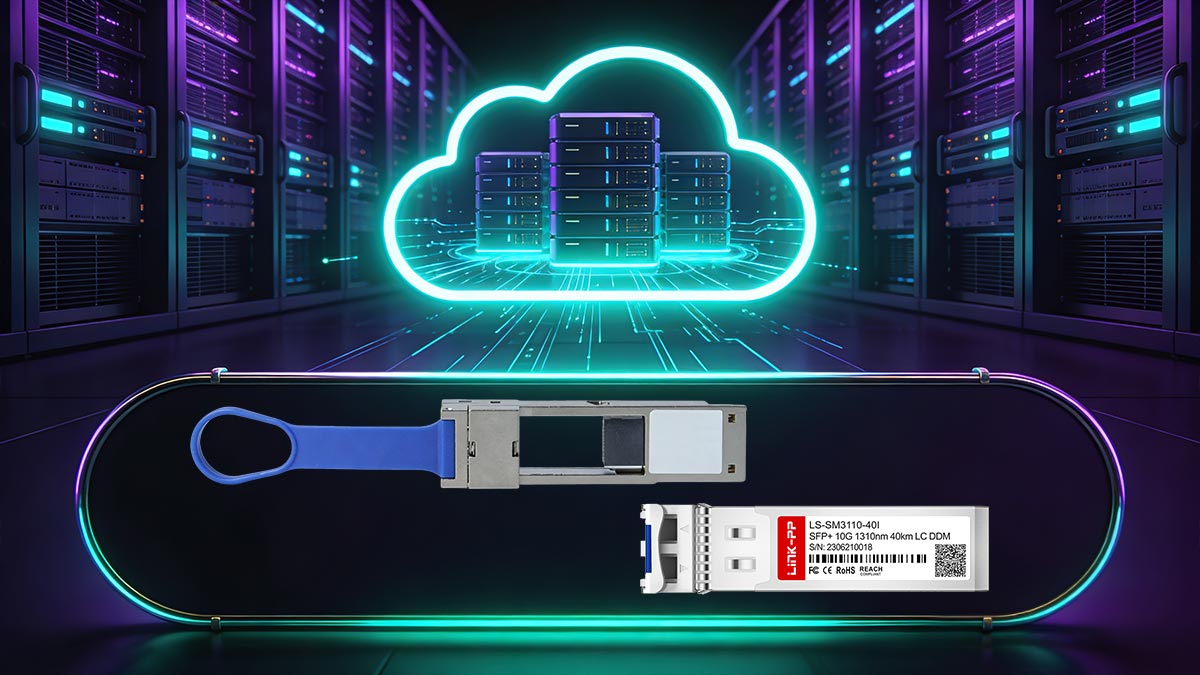
QSA adapters provide a practical and flexible solution for bridging QSFP and SFP interfaces, allowing networks to maintain backward compatibility while supporting modern high-speed infrastructure. They help optimize port utilization, reduce idle hardware, and facilitate phased upgrades without disrupting service continuity. By understanding deployment considerations, leveraging best practices, and planning for cross-vendor and multi-network environments, organizations can maximize the strategic value of these adapters.
Looking ahead, emerging standards and modular network architectures will further enhance the role of QSA adapters, making them a key tool for future-proofing data center and enterprise networks. Integrating QSA adapters thoughtfully into your infrastructure ensures improved scalability, operational efficiency, and long-term cost savings.
For reliable, high-quality QSA adapters and related networking solutions, explore the full range of options at LINK-PP Official Store to support your flexible network deployments.