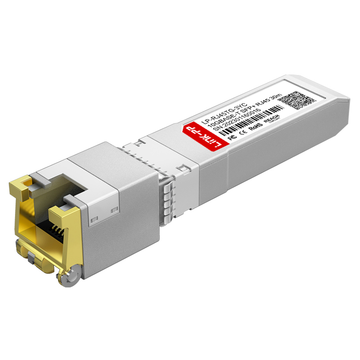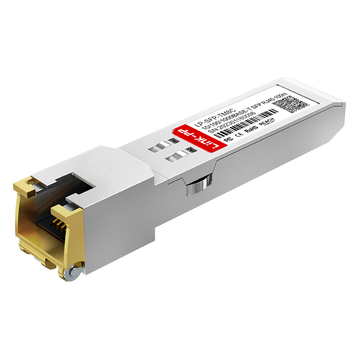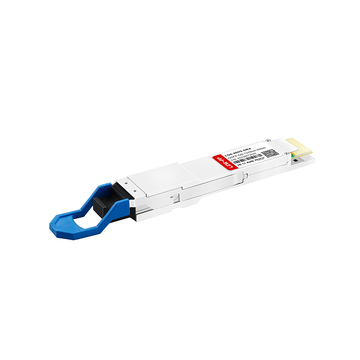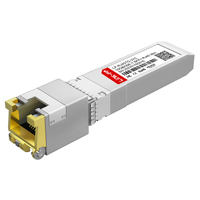
Modern enterprise networks are evolving toward higher bandwidth, flexible deployment, and simplified infrastructure management. As organizations continue adopting WiFi 6, WiFi 7, IP surveillance, edge computing, and cloud-connected applications, network switches increasingly rely on SFP and SFP+ uplink architectures to support scalable connectivity. However, many existing environments still depend heavily on traditional copper Ethernet cabling, creating a growing demand for practical solutions that bridge fiber-oriented hardware with RJ45-based network devices.
This is where Ubiquiti SFP to RJ45 modules become highly valuable. These transceivers allow administrators to convert SFP or SFP+ ports into standard Ethernet interfaces, enabling UniFi switches, UDM Pro systems, and aggregation devices to connect seamlessly with copper-based infrastructure. Whether the goal is supporting 1Gbps office devices, enabling 10Gbps copper uplinks, or integrating Multi-Gig access points, selecting the correct RJ45 transceiver requires careful consideration of compatibility, speed negotiation, heat generation, cable type, and deployment distance.
This guide explores the most important aspects of Ubiquiti SFP to RJ45 connectivity, including module types, compatibility considerations, technical specifications, deployment scenarios, installation recommendations, and troubleshooting methods. It also explains the differences between copper transceivers and optical modules, helping network administrators, IT teams, and home lab users choose suitable solutions for stable and scalable network upgrades.
💎 What Is a Ubiquiti SFP to RJ45 Module?
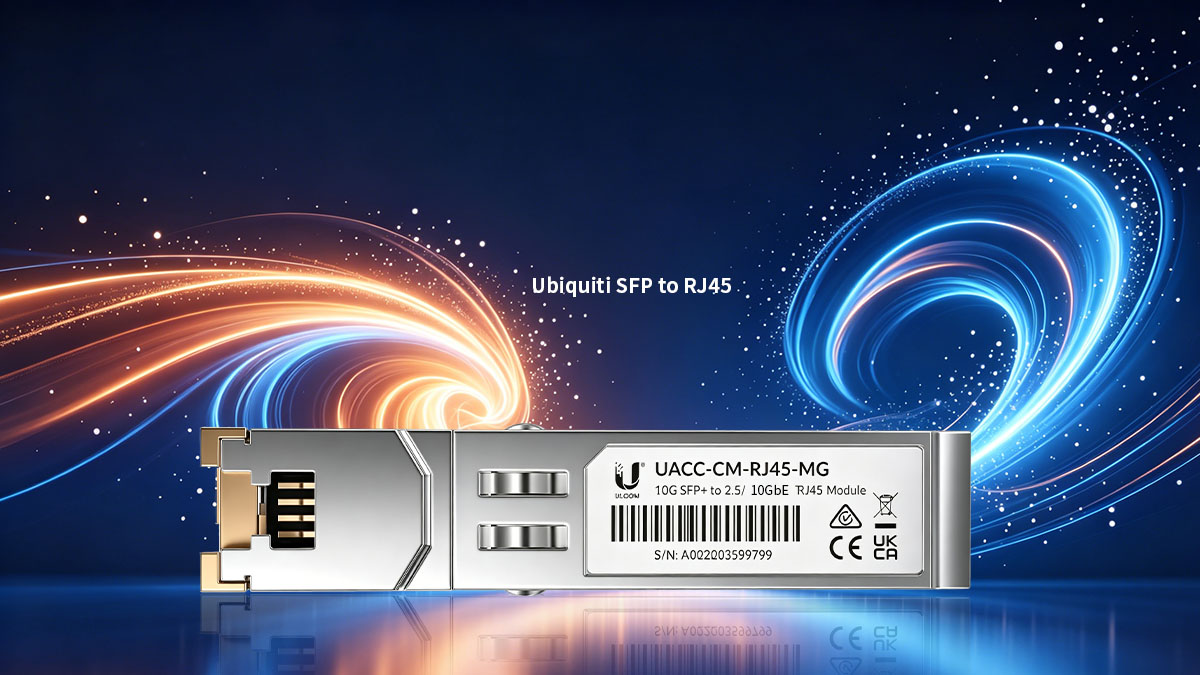
A Ubiquiti SFP to RJ45 module is a copper transceiver designed to convert an SFP or SFP+ port into a standard Ethernet RJ45 interface. It enables UniFi switches, gateways, and aggregation devices to connect directly with copper-based Ethernet equipment using Cat5e, Cat6, or Cat6a cables. These modules are commonly used when organizations want to expand network flexibility without replacing existing structured cabling infrastructure.
Definition and Core Function
The primary function of an SFP to RJ45 module is to bridge fiber-oriented switch architecture with copper Ethernet devices. Instead of installing a dedicated RJ45 port on the switch hardware, administrators can insert a copper transceiver into an available SFP or SFP+ slot to create a flexible Ethernet interface.
These modules are widely used for:
- Connecting switches to copper-based servers
- Integrating WiFi access points
- Supporting NAS devices and workstations
- Extending Ethernet connectivity in hybrid networks
- Simplifying migration from Gigabit to 10G infrastructure
Different module types support different Ethernet speeds and transmission capabilities.
| Module Type | Interface Type | Common Speed | Typical Cable Support | Common Use Case |
|---|---|---|---|---|
| 1G SFP to RJ45 | SFP | 1Gbps | Cat5e/Cat6 | Standard office networking |
| 10G SFP+ to RJ45 | SFP+ | 10Gbps | Cat6a | High-speed uplinks |
| Multi-Gig RJ45 Module | SFP+ | 1G/2.5G/5G/10G | Cat6/Cat6a | WiFi 6 and WiFi 7 deployments |
Because RJ45 transceivers operate through electrical signal conversion instead of optical transmission, they generally consume more power and generate more heat than fiber modules. This becomes especially important in high-density switch environments.
How Ubiquiti Networks Use SFP to RJ45 Modules
Ubiquiti environments frequently combine optical uplinks with copper endpoint connectivity. SFP to RJ45 modules provide a practical way to integrate both technologies without redesigning the entire network infrastructure.
Common Ubiquiti deployment scenarios include:
- Connecting UniFi switches to copper aggregation devices
- Adding Ethernet uplinks to UDM Pro or UDM SE systems
- Supporting Multi-Gig wireless access points
- Extending 10G copper connectivity to servers or NAS systems
- Integrating legacy Ethernet equipment into newer SFP-based switches
In many enterprise and prosumer deployments, administrators use optical fiber for long-distance backbone links while maintaining RJ45 Ethernet for access-layer devices. This hybrid approach improves scalability while preserving existing cabling investments.
Key Advantages of RJ45 Transceivers
RJ45 transceivers offer significant flexibility for organizations upgrading network capacity while still relying on copper Ethernet environments. They reduce deployment complexity and help maximize switch port utilization.
Some of the main advantages include:
- Reusing existing Cat5e, Cat6, and Cat6a cabling
- Avoiding immediate fiber infrastructure replacement
- Supporting gradual migration toward higher-speed networking
- Enabling flexible uplink configuration
- Simplifying installation in office and edge environments
- Supporting Multi-Gig connectivity for modern wireless networks
Compared with deploying new fiber runs, copper transceivers often provide faster installation and lower infrastructure disruption in short-range environments.
💎 Common Types of Ubiquiti SFP to RJ45 Modules
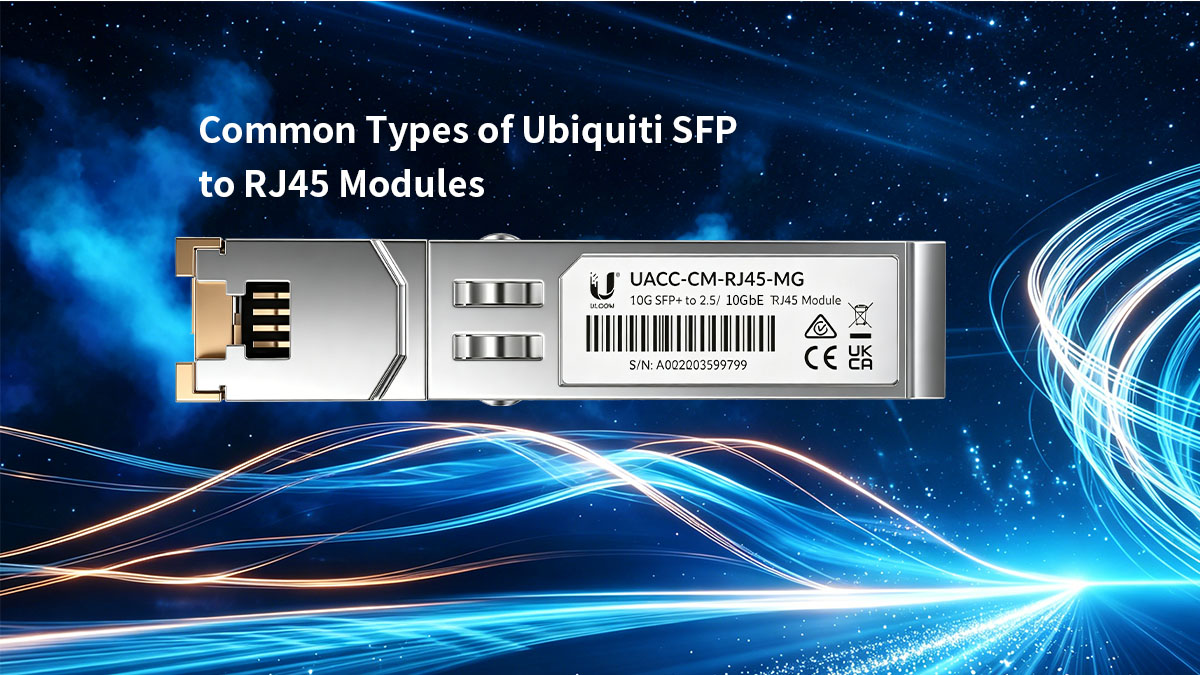
Ubiquiti SFP to RJ45 modules are available in several categories designed for different speed requirements, deployment environments, and network architectures. Selecting the correct transceiver type is essential for ensuring compatibility, thermal stability, and long-term network performance. The most common options include 1G copper SFP modules, 10G SFP+ RJ45 transceivers and Multi-Gig copper modules.
Different module types are optimized for different networking goals. Some prioritize compatibility and low power consumption, while others focus on high-bandwidth connectivity for modern enterprise and wireless environments.
1G SFP to RJ45 Modules
1G SFP to RJ45 modules (like UF-RJ45-1G) are designed for Gigabit Ethernet connectivity over standard copper cabling. These modules are commonly deployed in office networks, surveillance systems, and legacy enterprise environments where 1Gbps bandwidth remains sufficient.
They are widely used because of their low power consumption and broad compatibility with standard SFP ports.
Typical characteristics include:
| Feature | 1G RJ45 SFP Module |
|---|---|
| Maximum Speed | 1Gbps |
| Interface Type | SFP |
| Typical Cable Type | Cat5e/Cat6 |
| Maximum Distance | Up to 100m |
| Power Consumption | Low |
| Common Use Cases | Office LAN, IP cameras, access switches |
These modules are often preferred in environments where:
- Existing Cat5e infrastructure is already deployed
- Long cable runs under 100m are required
- Heat management is important
- Cost-efficient Gigabit connectivity is sufficient
Because 1G copper transceivers generate relatively little heat, they are suitable for dense switch deployments with multiple occupied SFP ports.
10G SFP+ to RJ45 Modules
10G SFP+ to RJ45 modules (like UF-RJ45-10G) enable 10Gbps Ethernet connectivity over copper cabling. They are commonly used in high-performance enterprise networks, NAS connectivity, server uplinks, and WiFi 6 or WiFi 7 infrastructures.
These modules are significantly more demanding in terms of power and thermal management compared to 1G variants.
The following table highlights key characteristics:
| Feature | 10G RJ45 SFP+ Module |
|---|---|
| Maximum Speed | 10Gbps |
| Interface Type | SFP+ |
| Recommended Cable | Cat6a |
| Maximum Distance | Up to 30m on Cat6a |
| Power Consumption | Higher |
| Common Use Cases | Servers, NAS, Multi-Gig APs |
10G copper transceivers are especially valuable for:
- High-speed storage networking
- Enterprise aggregation
- Multi-Gig wireless deployments
- Video production environments
- Virtualization platforms
However, administrators should carefully monitor switch temperatures because 10G RJ45 modules typically generate considerably more heat than optical SFP+ transceivers.
In high-density rack environments, excessive use of copper 10G modules may reduce airflow efficiency and increase thermal stress on switching hardware.
Multi-Gig RJ45 Transceivers
Multi-Gig transceivers support multiple Ethernet speeds, including 1G, 2.5G and 10G. These modules are becoming increasingly important as WiFi 6 and WiFi 7 access points require bandwidth beyond traditional Gigabit Ethernet.
Instead of operating at a fixed speed, Multi-Gig modules dynamically negotiate the optimal connection rate based on the connected device and cable quality.
Their primary advantages include:
- Flexible bandwidth scaling
- Better compatibility with modern wireless infrastructure
- Support for incremental network upgrades
- Reduced need for immediate 10G-only deployment
Multi-Gig transceivers are commonly deployed in:
- High-density wireless networks
- Enterprise access layers
- Smart building environments
- Hybrid-speed infrastructures
Compared with fixed-speed 10G modules, Multi-Gig solutions provide greater adaptability in environments where not all devices support full 10Gbps connectivity.
They also help organizations extend the lifespan of existing Cat5e and Cat6 cabling while still supporting higher wireless throughput demands.
💎 Compatibility Considerations for Ubiquiti SFP to RJ45 Modules
Compatibility is one of the most important factors when selecting a Ubiquiti SFP to RJ45 module. Even when a transceiver matches the correct form factor and speed specification, differences in firmware behavior, EEPROM coding, power consumption, and port negotiation can still affect stability and functionality. Proper compatibility planning helps avoid issues such as link failure, unstable speeds, overheating, or modules not being recognized by the switch.
In Ubiquiti environments, compatibility becomes even more important when deploying third-party transceivers across UniFi switches, UDM systems, aggregation devices, and Multi-Gig infrastructures.
Ubiquiti Switch and Gateway Compatibility
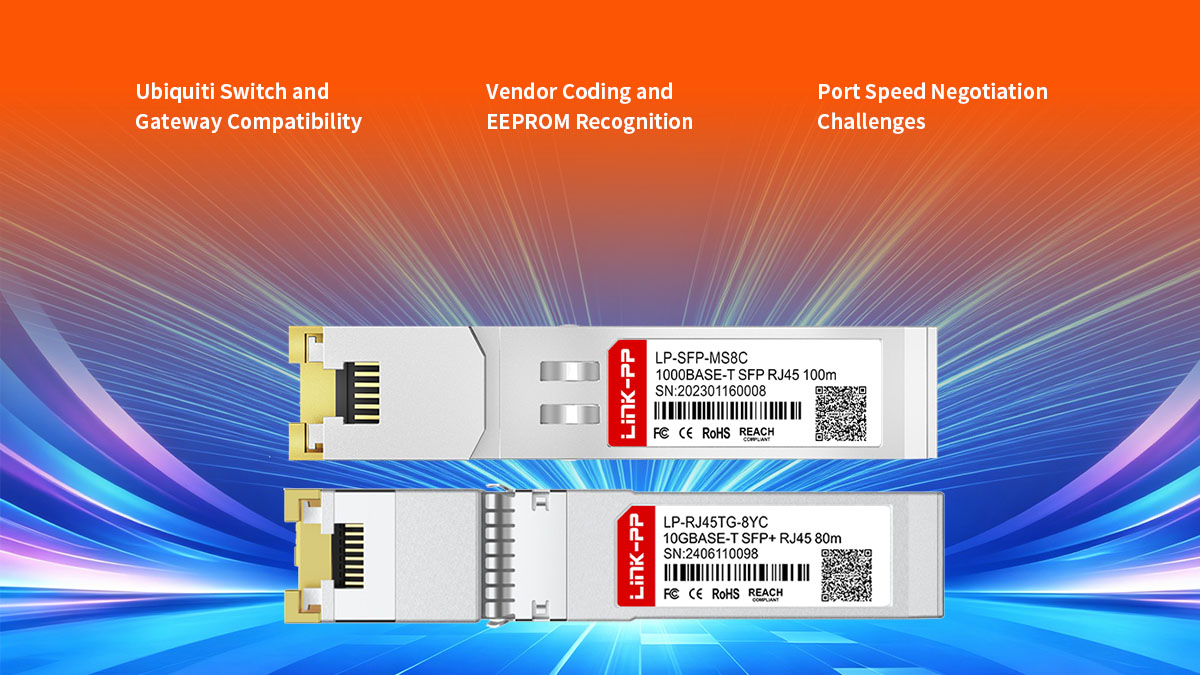
Most UniFi switches and gateways support standard SFP and SFP+ transceivers, but not every RJ45 module behaves identically across all hardware platforms. Some devices support only specific speed modes, while others may impose thermal or power limitations on certain ports.
The table below outlines common compatibility considerations across typical Ubiquiti hardware categories:
| Ubiquiti Device Type | Common Port Type | Typical RJ45 Module Support | Key Consideration |
|---|---|---|---|
| UniFi Access Switches | SFP | 1G RJ45 modules | Stable Gigabit deployment |
| UniFi Aggregation Switches | SFP+ | 10G RJ45 modules | Thermal management |
| UDM Pro / UDM SE | SFP+ WAN/LAN | 1G/10G RJ45 support | Port negotiation behavior |
| Enterprise Switches | SFP+ / Multi-Gig | Multi-Gig transceivers | Firmware compatibility |
Before deployment, administrators should verify:
- Supported transceiver speeds
- Maximum port power availability
- Firmware compatibility
- Switch airflow design
- Multi-Gig negotiation support
Some older UniFi devices may not fully support advanced Multi-Gig negotiation modes, especially when operating with third-party transceivers.
Vendor Coding and EEPROM Recognition
Many network switches identify transceivers through EEPROM coding information embedded inside the module. This coding tells the switch whether the transceiver is recognized as compatible hardware.
When the coding does not match expected vendor parameters, several issues may occur:
- Module not detected
- Warning messages in UniFi controller
- Link instability
- Reduced speed negotiation
- Intermittent disconnections
Properly coded transceivers are designed to:
- Match Ubiquiti compatibility expectations
- Support stable plug-and-play operation
- Minimize firmware recognition issues
- Improve long-term operational reliability
Although many third-party modules work successfully in UniFi environments, compatibility quality varies between manufacturers. Enterprise-grade compatible transceivers are usually optimized for:
- EEPROM stability
- Accurate thermal reporting
- Consistent link negotiation
- Improved interoperability
Firmware updates on switches can also influence module recognition behavior. A transceiver that works correctly on one firmware version may behave differently after a software upgrade if compatibility handling changes.
Port Speed Negotiation Challenges
Speed negotiation is another common compatibility issue in Ubiquiti SFP to RJ45 deployments. Some switches negotiate speeds dynamically, while others operate more reliably with fixed speed configurations.
This becomes especially important in environments involving:
- Multi-Gig access points
- Legacy Ethernet devices
- Mixed 1G and 10G infrastructure
- Copper uplink aggregation
Common negotiation problems include:
- 10G ports falling back to 1G
- Unstable Multi-Gig synchronization
- Link flapping during auto-negotiation
- Speed mismatch between connected devices
The following table summarizes typical negotiation scenarios:
| Deployment Scenario | Potential Issue | Recommended Approach |
|---|---|---|
| 10G switch to 1G device | Speed fallback | Verify auto-negotiation |
| Multi-Gig AP uplink | Unstable 2.5G/5G sync | Use certified Multi-Gig module |
| Cat5e long-distance run | Reduced speed | Shorten cable or upgrade cabling |
| Mixed vendor environment | Negotiation mismatch | Validate firmware compatibility |
Cable quality also directly affects negotiation stability. Poor termination, excessive cable length, or low-quality patch cables may prevent stable 10G synchronization even when the module itself is functioning correctly.
💎 Key Technical Factors When Selecting Ubiquiti SFP to RJ45 Modules
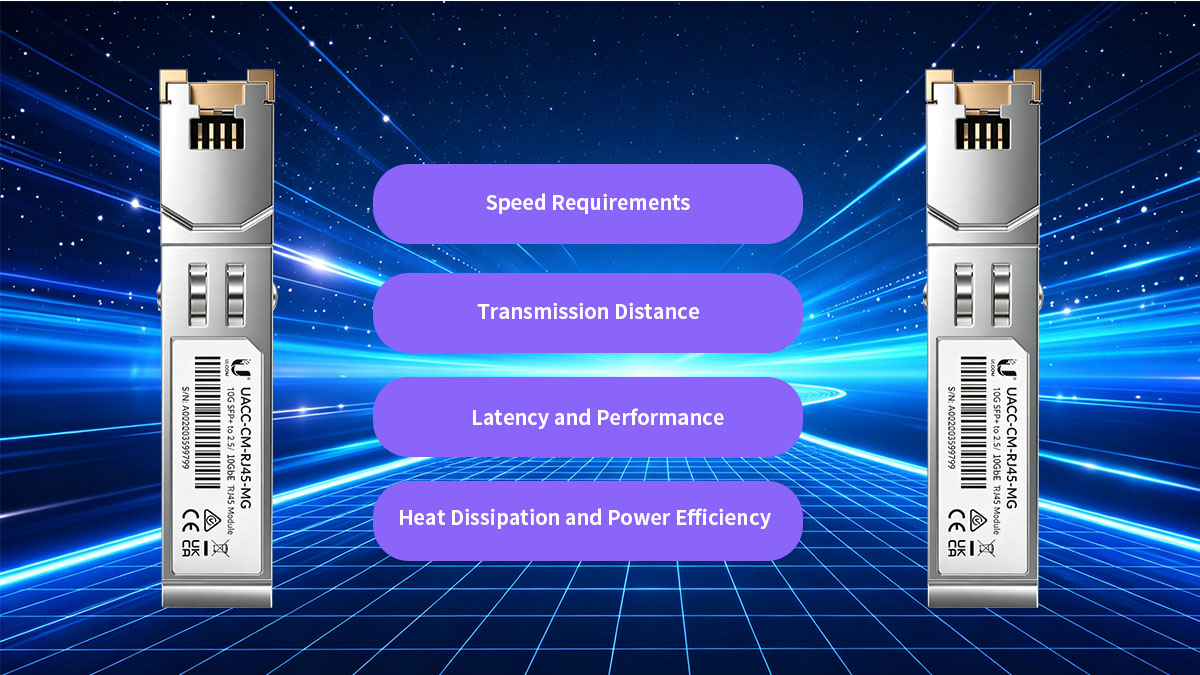
Selecting the right Ubiquiti SFP to RJ45 module involves more than simply matching connector types. Network performance, thermal stability, transmission distance, and long-term scalability all depend on choosing a transceiver that aligns with the actual deployment environment. A module that works well in a small office may not perform reliably in a high-density enterprise rack or Multi-Gig wireless infrastructure.
Speed Requirements
The first step when selecting an RJ45 transceiver is determining the required Ethernet speed. Different applications place different demands on network bandwidth, and choosing an oversized or undersized module may lead to unnecessary cost or limited scalability.
Common deployment speed requirements include:
- 1Gbps office networking
- 2.5G wireless access point uplinks
- 5G Multi-Gig aggregation
- 10Gbps server and NAS connectivity
- Hybrid enterprise environments
The following table compares common speed categories:
| Module Type | Supported Speeds | Typical Deployment | Recommended Environment |
|---|---|---|---|
| 1G RJ45 SFP | 1Gbps | Standard LAN | Office and surveillance |
| Multi-Gig SFP+ | 1G/2.5G/5G/10G | Wireless uplinks | WiFi 6 and WiFi 7 |
| 10G RJ45 SFP+ | 10Gbps | High-performance links | Servers and storage |
When planning long-term infrastructure upgrades, many organizations prefer Multi-Gig modules because they allow gradual bandwidth expansion without immediate full 10G migration.
However, if the deployment only requires stable Gigabit connectivity, lower-power 1G modules are often more thermally efficient and cost-effective.
Transmission Distance
Transmission distance is another critical factor because copper Ethernet performance depends heavily on cable category and signal quality. While optical fiber supports very long-distance communication, RJ45 transceivers are optimized primarily for short- and medium-range connectivity.
Cable type directly influences achievable speed and distance.
| Cable Type | 1G Distance | 10G Distance | Recommended Usage |
|---|---|---|---|
| Cat5e | Up to 100m | Limited | Basic Gigabit networking |
| Cat6 | Up to 100m | Short-range 10G | Moderate-performance deployments |
| Cat6a | Up to 100m | Full 10G support | Enterprise 10G infrastructure |
For stable 10G Ethernet deployment, Cat6a is generally recommended because it provides:
- Better EMI resistance
- Improved signal integrity
- Reduced crosstalk
- More stable high-speed negotiation
Administrators should also avoid:
- Excessively long patch cables
- Poor cable termination
- Low-quality connectors
- Mixed cable categories within the same link
Even when the module supports 10Gbps operation, inferior cabling can force the connection to downgrade to lower speeds or create intermittent link instability.
Latency and Performance
RJ45 transceivers introduce additional signal conversion compared to DAC or optical solutions. Although the latency increase is relatively small, it may become relevant in performance-sensitive environments.
Typical applications affected by latency include:
- Real-time analytics
- Financial systems
- High-performance virtualization
- Storage networking
- Media production workflows
Compared with optical modules, copper transceivers typically have:
- Slightly higher latency
- Higher power consumption
- More signal processing overhead
However, in most enterprise and office deployments, the latency difference is usually negligible for daily operations.
The primary performance advantages of RJ45 transceivers include:
- Flexible deployment
- Standard Ethernet compatibility
- Simplified infrastructure integration
- Easier cable management
For ultra-low-latency environments such as data center interconnects, DAC cables or fiber transceivers may still provide superior performance characteristics.
Heat Dissipation and Power Efficiency
Heat generation is one of the most important technical considerations for 10G RJ45 transceivers. Because copper modules perform electrical-to-digital signal processing inside a compact housing, they typically operate at significantly higher temperatures than optical modules.
The following table highlights common thermal differences:
| Module Type | Power Consumption | Heat Output | Cooling Requirement |
|---|---|---|---|
| 1G RJ45 SFP | Low | Low | Minimal |
| 10G RJ45 SFP+ | Higher | High | Important |
| Fiber SFP+ | Low | Low | Minimal |
| DAC Cable | Very Low | Very Low | Minimal |
Excessive heat may contribute to:
- Reduced module lifespan
- Switch instability
- Thermal shutdown events
- Degraded port reliability
To improve thermal efficiency, administrators should:
- Maintain proper rack airflow
- Avoid fully populating adjacent high-power ports
- Monitor switch temperatures regularly
- Use active ventilation in dense deployments
- Select lower-power transceiver designs when possible
Compact UniFi switches and fan-limited environments are especially sensitive to heat accumulation from multiple 10G copper modules.
💎 Common Deployment Scenarios
Ubiquiti SFP to RJ45 modules are widely used in real-world networks where copper Ethernet devices must integrate with SFP/SFP+ based switching infrastructure. These scenarios typically appear in enterprise offices, wireless access networks, surveillance systems, home labs, and edge deployments. Each environment places different demands on speed, cabling, and thermal stability, which directly influences how RJ45 transceivers are applied.
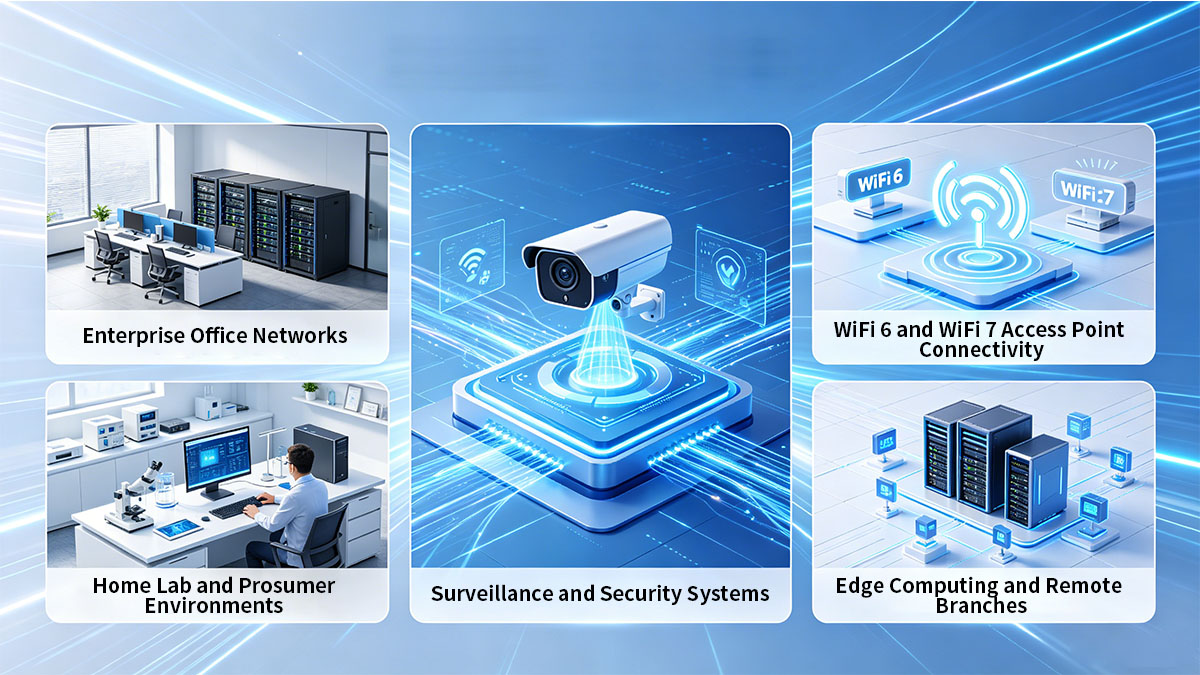
Understanding these deployment patterns helps clarify when copper SFP modules are most effective and how they fit into hybrid fiber-copper architectures.
Enterprise Office Networks
In enterprise office environments, SFP to RJ45 modules are commonly used to bridge modern switching hardware with existing copper-based endpoints. Many organizations deploy UniFi switches with SFP uplinks while still relying on RJ45 connections for desktops, printers, and legacy systems.
The key goal in this scenario is maintaining operational continuity while gradually improving network performance.
Typical usage patterns include:
- Connecting UniFi switches to copper-based distribution devices
- Integrating legacy office equipment into SFP-based infrastructure
- Supporting mixed-speed departmental networks
- Enabling flexible port expansion without hardware replacement
These deployments often prioritize stability and compatibility over maximum bandwidth, especially when most office endpoints operate at 1Gbps or lower.
WiFi 6 and WiFi 7 Access Point Connectivity
Modern wireless networks are one of the strongest drivers for Multi-Gig RJ45 transceiver adoption. WiFi 6 and WiFi 7 access points often require 2.5G, 5G, or even 10G uplinks to fully utilize their wireless throughput capabilities.
SFP to RJ45 modules are frequently deployed to support these high-bandwidth wireless endpoints.
Common deployment patterns include:
- Connecting UniFi switches to high-performance access points
- Supporting Multi-Gig uplinks in ceiling-mounted APs
- Enabling aggregated wireless traffic backhaul
- Scaling wireless coverage in high-density environments
In these scenarios, RJ45 transceivers help bridge SFP-based switches with copper-based AP uplinks without requiring a full fiber transition at the access layer.
Typical requirements include:
- Multi-Gig support (2.5G/5G/10G)
- Stable auto-negotiation behavior
- Cat6a cabling for higher speeds
- Reliable thermal performance under continuous load
Because wireless traffic is often burst-heavy and bandwidth-intensive, stable uplink performance is more important than raw cable distance in most deployments.
Surveillance and Security Systems
IP surveillance systems are another major use case for Ubiquiti SFP to RJ45 modules. Security cameras, NVR systems, and monitoring devices typically rely on copper Ethernet connections while centralized switches use SFP uplinks for aggregation.
These deployments focus heavily on reliability and 24/7 uptime.
Typical applications include:
- Connecting IP cameras to aggregation switches
- Linking NVR systems to core network switches
- Supporting distributed surveillance networks
- Integrating perimeter security devices
In these environments, RJ45 SFP modules provide:
- Easy integration with PoE-based camera networks
- Stable long-term connectivity
- Compatibility with existing Cat5e/Cat6 cabling
- Simplified troubleshooting and maintenance
Since surveillance systems often operate continuously, thermal stability and consistent link performance are critical. Lower-speed 1G RJ45 modules are commonly preferred here due to their lower heat output and higher reliability under continuous load.
Home Lab and Prosumer Environments
Home labs and advanced prosumer setups frequently use Ubiquiti hardware due to its flexibility and enterprise-grade features. In these environments, SFP to RJ45 modules are used to build cost-efficient yet high-performance networking architectures.
Typical use cases include:
- Connecting servers and NAS devices to UniFi switches
- Building hybrid fiber-copper home networks
- Experimenting with Multi-Gig connectivity
- Supporting virtualization and media workloads
Home lab environments often prioritize flexibility and experimentation rather than strict production stability requirements. As a result, users commonly mix:
- 1G RJ45 for general devices
- 10G RJ45 for storage and compute workloads
- Fiber modules for backbone links
RJ45 SFP modules are especially popular in these setups because they allow users to:
- Upgrade gradually without full infrastructure redesign
- Reuse existing Ethernet cabling in residential environments
- Experiment with high-speed networking at lower cost complexity
Edge Computing and Remote Branches
Edge computing and remote branch deployments often require compact, reliable networking solutions that can operate with limited infrastructure support. Ubiquiti SFP to RJ45 modules are frequently used to simplify connectivity between central switches and local devices.
Typical scenarios include:
- Remote office connectivity
- Retail store networking
- Industrial edge gateways
- IoT aggregation systems
In these environments, simplicity and reliability are more important than maximum scalability. RJ45 modules allow devices to connect using standard Ethernet cabling without requiring fiber installation or specialized termination tools.
💎 Installation Best Practices for Ubiquiti SFP to RJ45 Modules
Proper installation of Ubiquiti SFP to RJ45 modules is essential for ensuring stable link performance, minimizing heat issues, and preventing negotiation or compatibility failures. Because these modules combine high-speed electrical conversion with compact SFP form factors, even small deployment mistakes can impact long-term reliability in UniFi and enterprise environments.
A well-planned installation process focuses on correct handling, cabling selection, thermal management, and firmware alignment across the switching infrastructure.
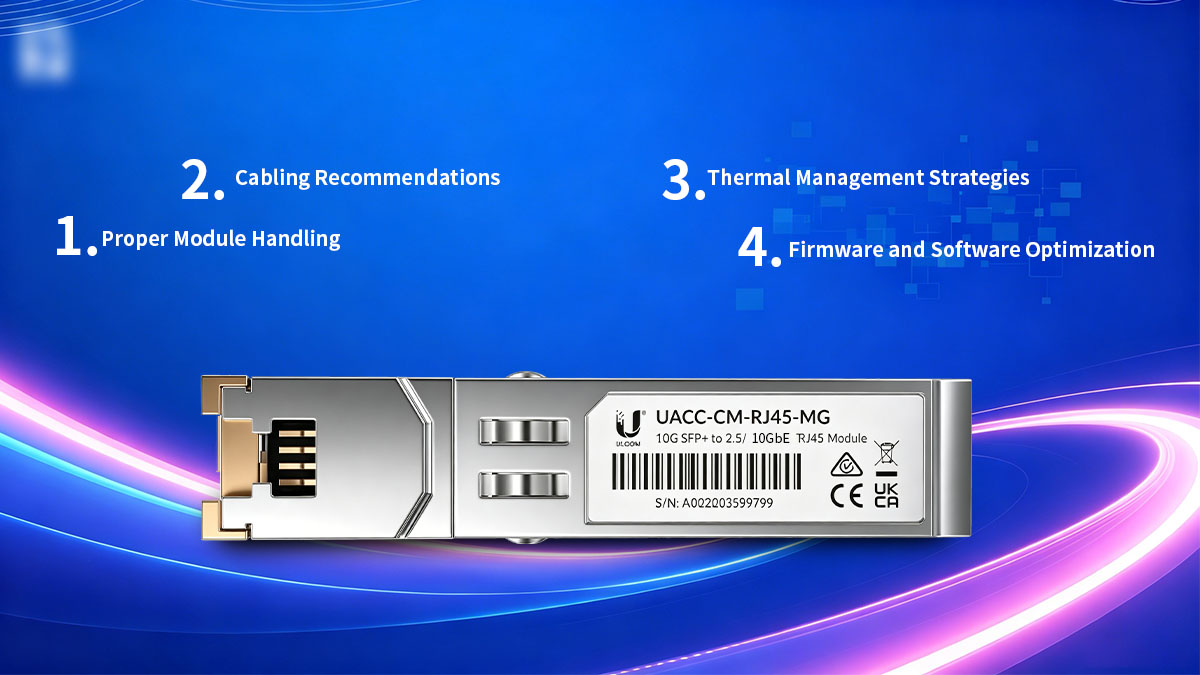
Proper Module Handling
Correct physical handling is the first step to ensuring long-term module stability. SFP and SFP+ transceivers are sensitive electronic components, and improper insertion or handling can lead to detection failures or reduced lifespan.
Recommended handling practices include:
- Avoid touching gold connectors directly to prevent contamination
- Insert modules gently into SFP/SFP+ ports until fully seated
- Use ESD protection when handling multiple modules in rack environments
- Do not force insertion if resistance is detected
- Allow modules to cool before removal in high-temperature operation
These precautions help reduce the risk of:
- Port damage
- EEPROM recognition errors
- Intermittent connectivity issues
- Physical wear on switch SFP cages or SFP+ cages
In high-density deployments, consistent handling procedures also improve long-term operational consistency across multiple devices.
Cabling Recommendations
Cable selection plays a critical role in ensuring stable performance for RJ45 transceivers. Because copper transmission quality directly affects signal integrity, incorrect cabling can lead to speed downgrades or unstable links even when the module itself is functioning correctly.
The following table summarizes recommended cable types for different speeds:
| Speed Requirement | Recommended Cable Type | Maximum Practical Distance | Notes |
|---|---|---|---|
| 1Gbps | Cat5e / Cat6 | Up to 100m | Stable for most environments |
| 2.5G / 5G | Cat6 / Cat6a | Up to 100m (Cat6a preferred) | Multi-Gig stability depends on quality |
| 10Gbps | Cat6a | Up to 30–100m | Cat6a strongly recommended |
Before deployment, it is important to ensure:
- Proper cable termination quality
- Minimal cable bending or stress points
- Consistent cable category across the entire link
- Avoidance of mixed or degraded patch cables
Even if a Ubiquiti SFP to RJ45 module supports 10G connectivity, poor cabling can force fallback to lower speeds or cause intermittent link instability under load.
Thermal Management Strategies
Thermal management is one of the most important considerations when deploying RJ45 transceivers, especially 10G SFP+ modules. These devices generate significantly more heat than fiber modules due to onboard signal processing and copper transmission circuitry.
To maintain stable operating temperatures, the following practices are recommended:
- Avoid clustering multiple high-power RJ45 modules in adjacent ports
- Ensure sufficient airflow in rack-mounted switches
- Use switches with active cooling when possible
- Monitor switch temperature via UniFi Controller or system logs
- Maintain adequate spacing in high-density deployments
A comparison of thermal characteristics highlights the importance of cooling:
| Module Type | Heat Output Level | Cooling Requirement |
|---|---|---|
| 1G RJ45 SFP | Low | Minimal |
| 10G RJ45 SFP+ | High | Critical in dense setups |
| Fiber SFP+ | Low | Minimal |
| DAC Cable | Very Low | Negligible |
Overheating may result in:
- Link instability or flapping
- Automatic speed reduction
- Reduced module lifespan
- Switch port shutdown events
Proper airflow design becomes especially important in compact UniFi switches and fan-limited gateway devices.
Firmware and Software Optimization
Firmware compatibility and switch software configuration play an important role in ensuring stable operation of SFP to RJ45 modules. UniFi devices frequently receive firmware updates that can improve transceiver compatibility or modify port behavior.
Key optimization practices include:
- Keeping UniFi Network Controller updated
- Applying switch firmware updates regularly
- Verifying transceiver detection after updates
- Reviewing port configuration after system upgrades
- Monitoring link status changes in real time
In some cases, firmware updates may affect:
- Module recognition behavior
- Auto-negotiation stability
- Multi-Gig speed detection
- Thermal reporting accuracy
For best results, it is recommended to validate module performance after any major firmware upgrade, especially in production environments.
Administrators should also ensure that:
- Port speed settings match connected device capabilities
- Auto-negotiation is correctly configured
- VLAN and uplink settings remain consistent after updates
When combined, proper handling, correct cabling, effective thermal management, and firmware optimization significantly improve the long-term stability and performance of Ubiquiti SFP to RJ45 deployments across enterprise, wireless, and hybrid networking environments.
💎 Common Issues and Troubleshooting
Even when Ubiquiti SFP to RJ45 modules are correctly selected and installed, real-world deployments can still encounter operational issues. These problems usually stem from compatibility mismatches, cabling quality, thermal overload, or negotiation behavior between the switch and connected device. Understanding common failure patterns helps reduce downtime and improves long-term network stability.
Most issues in UniFi environments are predictable and can be resolved through systematic troubleshooting of detection, speed negotiation, cabling, and temperature conditions.
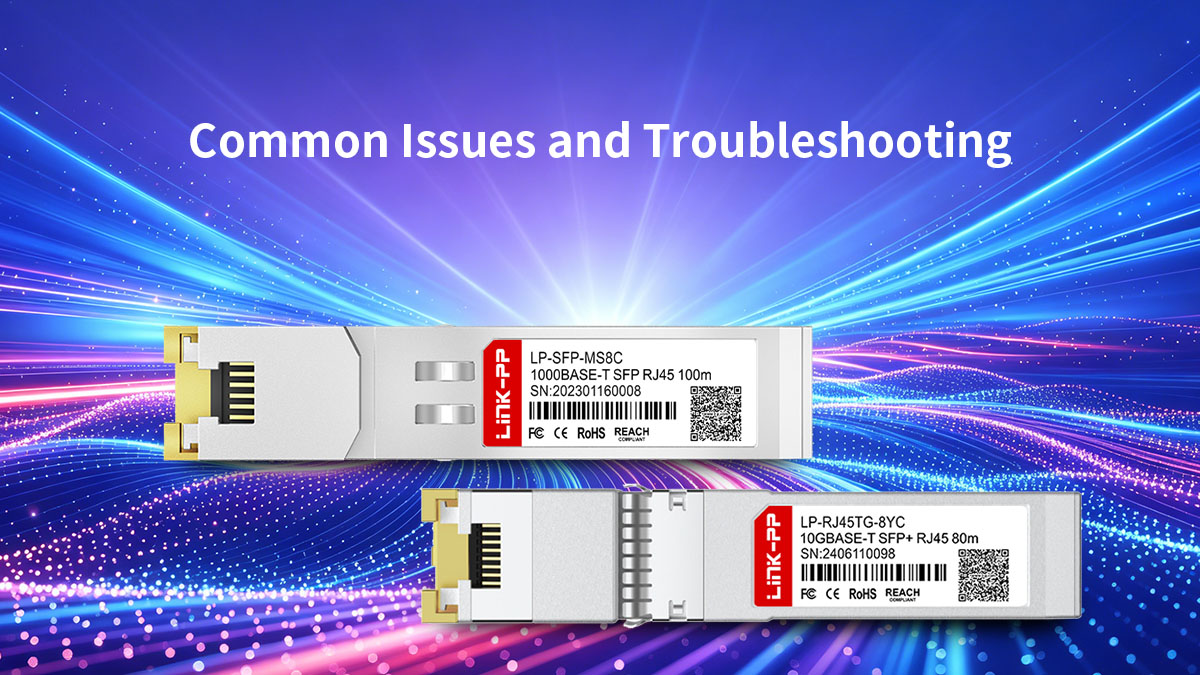
Module Not Recognized
One of the most common problems is when the switch fails to detect the SFP to RJ45 module after insertion. This issue is typically related to compatibility or hardware recognition rather than physical failure.
Typical causes include:
- Incompatible EEPROM coding
- Firmware mismatch between module and switch
- Improper insertion into SFP/SFP+ slot
- Dirty or damaged connector pins
- Unsupported module type for the specific UniFi device
Troubleshooting steps:
- Re-seat the module firmly into the port
- Verify module compatibility with the switch model
- Check UniFi Controller for detection logs
- Update switch firmware to the latest version
- Test the module in a different SFP port
If the module is still not recognized, it is often due to vendor coding restrictions or incompatibility with the switch’s SFP implementation rather than physical failure.
Unstable Link or Speed Downgrade
Another frequent issue is unstable connectivity or unexpected speed reduction, where a link repeatedly fluctuates or drops from 10G to 1G.
Common root causes include:
- Poor quality Ethernet cables
- Excessive cable length beyond specification
- Auto-negotiation mismatch between devices
- Mixed cable categories (Cat5e with 10G modules)
- Electrical interference in cabling paths
Troubleshooting approach:
- Replace patch cables with certified Cat6a for 10G links
- Ensure cable runs do not exceed recommended distance
- Disable forced speed settings and verify auto-negotiation
- Test with a direct short cable connection
- Check connected endpoint NIC configuration
The table below summarizes typical link stability issues:
| Symptom | Likely Cause | Recommended Fix |
|---|---|---|
| Frequent link drops | Poor cabling | Replace with Cat6a |
| 10G → 1G fallback | Negotiation failure | Check endpoint support |
| Intermittent connectivity | EMI interference | Reroute cabling |
| High error rate | Signal degradation | Reduce cable length |
Stable copper 10G performance depends heavily on physical layer quality, not just module capability.
Overheating Problems
Heat-related issues are especially common with 10G SFP+ RJ45 modules, which generate significantly more heat than fiber transceivers. In dense switch environments, thermal accumulation can directly affect performance and reliability.
Typical symptoms include:
- Sudden link instability under load
- Switch port disabling itself
- High temperature warnings in UniFi Controller
- Reduced throughput during sustained traffic
Common causes:
- High-density module placement
- Inadequate rack airflow
- Lack of active cooling
- Multiple 10G RJ45 modules operating simultaneously
Troubleshooting actions:
- Improve rack ventilation and airflow direction
- Reduce number of adjacent RJ45 10G modules
- Use fan-assisted cooling in enclosed racks
- Monitor switch temperature thresholds
- Relocate high-power modules to less congested switches if possible
Thermal comparison highlights the issue:
| Module Type | Heat Level | Risk in Dense Deployment |
|---|---|---|
| 1G RJ45 SFP | Low | Minimal |
| 10G RJ45 SFP+ | High | Significant |
| Fiber SFP+ | Low | Minimal |
Proper thermal design is often the difference between stable long-term operation and intermittent performance degradation.
Packet Loss and Performance Fluctuation
Packet loss or inconsistent throughput is another issue that may appear even when links remain physically active. This problem is often harder to detect because the connection appears “up” but performance is degraded.
Common causes include:
- Poor cable termination quality
- Electromagnetic interference (EMI)
- Overloaded switch CPU under heavy traffic
- Faulty or low-quality Ethernet cables
- Improper duplex or speed negotiation settings
Troubleshooting steps:
- Run continuous ping tests to detect packet loss patterns
- Replace suspect cables with certified shielded Cat6a
- Check switch port statistics for errors or CRC issues
- Verify duplex settings are set to auto on both ends
- Isolate traffic load to identify congestion-related issues
In environments with high EMI exposure (industrial equipment, power lines, or dense rack installations), shielded cabling is often required to maintain stable copper transmission performance.
Performance issues are often not caused by the module itself, but by the surrounding electrical and network environment.
Across all these troubleshooting scenarios, systematic isolation—starting from cabling, then module compatibility, then thermal conditions—provides the fastest path to restoring stable operation in Ubiquiti SFP to RJ45 deployments.
💎 Conclusion
Ubiquiti SFP to RJ45 modules play an important role in modern hybrid networking environments where copper Ethernet infrastructure still coexists with SFP-based switching systems. They provide a practical bridge between legacy cabling and high-speed SFP/SFP+ architectures, enabling flexible deployment across enterprise offices, wireless networks, surveillance systems, and edge computing scenarios.
To summarize the core insights from this guide, several technical and operational principles consistently determine deployment success:
- Compatibility is the foundation
Proper switch support, EEPROM recognition, and firmware alignment are essential for stable module operation. - Cabling quality directly impacts performance
Cat6a is strongly recommended for 10G environments, while lower categories may introduce instability or speed fallback. - Thermal behavior must not be underestimated
10G RJ45 transceivers generate significantly more heat than fiber modules, making airflow design and port density planning critical. - Deployment scenarios vary widely
From enterprise access networks to WiFi 6/7 uplinks and surveillance systems, each environment requires different speed and stability considerations. - Troubleshooting should follow a structured approach
Most issues originate from cabling, negotiation mismatch, or thermal constraints rather than module hardware failure.
For environments requiring consistent performance across UniFi and enterprise switching platforms, exploring professionally engineered transceiver solutions can help improve deployment stability and reduce compatibility uncertainty.
A range of Ethernet and optical connectivity solutions is available through the LINK-PP Official Store, supporting different speeds, form factors, and deployment scenarios for modern network infrastructures.
By combining proper planning with reliable hardware selection, Ubiquiti SFP to RJ45 deployments can deliver stable, scalable, and future-ready network performance across a wide range of use cases.