Modern enterprise networks rely heavily on high-performance security appliances to manage traffic, enforce policies, and maintain reliable connectivity between network segments. In many deployments, firewalls from Palo Alto Networks act as both security gateways and critical network interconnection points. As network traffic grows and infrastructure evolves, upgrading the SFP modules used in these devices often becomes a practical step for improving bandwidth, expanding connectivity, or adapting to new fiber environments.
SFP and SFP+ modules enable flexible interface configurations on firewall ports, allowing organizations to select optical or copper connectivity based on distance, speed, and cabling infrastructure. When upgrading firewall interfaces or expanding port usage, network administrators typically evaluate factors such as link distance, fiber type, and compatibility with existing switches or routers. These considerations directly influence which transceiver type is suitable for the deployment.
Budget planning is another important factor during a Palo Alto SFP upgrade. Enterprises may need to upgrade multiple ports simultaneously, particularly when scaling data center connections, adding redundant links, or increasing throughput between network segments. As a result, understanding the available module options, compatibility requirements, and alternative transceiver choices can help organizations control upgrade costs while maintaining stable network performance.
This guide explores how Palo Alto SFP upgrades work, what factors influence upgrade budgets, and which compatible alternatives are commonly used in enterprise networks. It also outlines practical considerations for selecting transceivers that align with both technical requirements and long-term infrastructure planning.
? Understanding Palo Alto SFP Modules
Palo Alto SFP modules provide flexible network interface connectivity for firewalls, allowing administrators to deploy fiber or copper links depending on bandwidth and distance requirements. In most deployments, these pluggable transceivers are used to connect firewalls to switches, aggregation layers, or data center infrastructure. Selecting the correct SFP type ensures stable link performance, proper optical compatibility, and efficient network expansion.
Firewalls from Palo Alto Networks support a range of industry-standard SFP and SFP+ optical modules designed for 1Gbps and 10Gbps Ethernet connections. These modules follow common IEEE Ethernet specifications, which allows organizations to deploy standard optical technologies while maintaining interoperability with existing networking equipment.
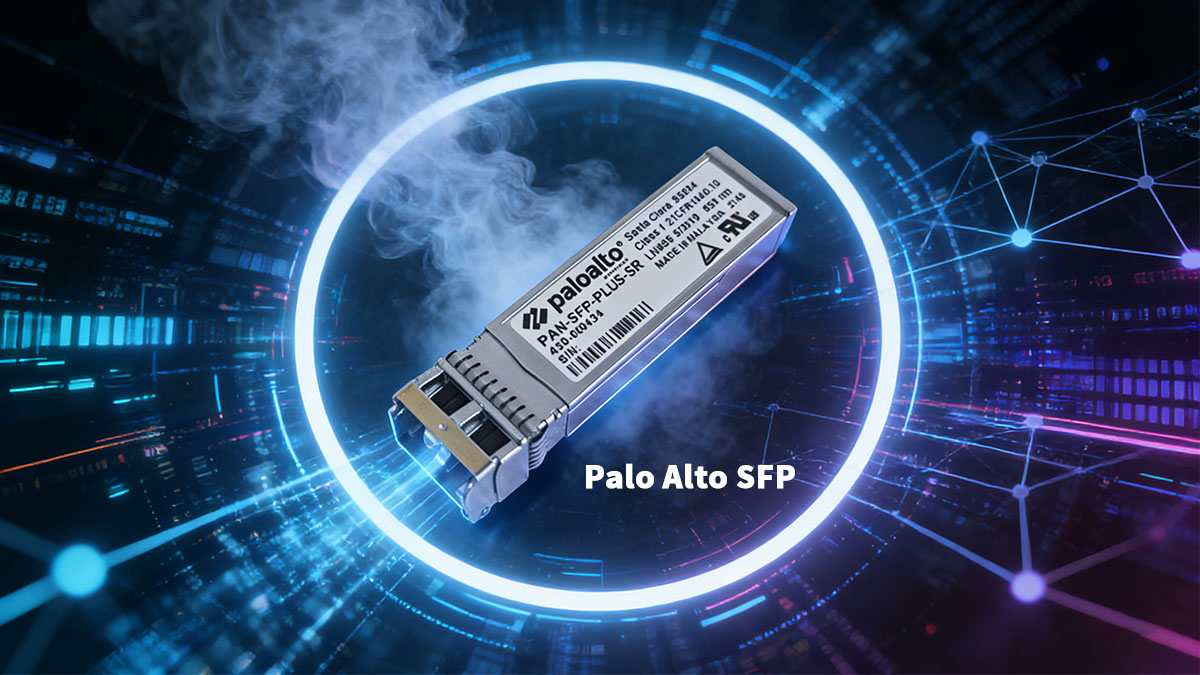
Common Palo Alto SFP Module Types
Different Palo Alto SFP modules are designed for specific fiber types, transmission distances, and network speeds. The most commonly deployed modules typically fall into short-range multimode or long-range single-mode categories.
Short-range optics such as 1000BASE-SX and 10GBASE-SR are typically used in data center environments where multimode fiber is already deployed. For longer distances or campus networks, single-mode options like 1000BASE-LX or 10GBASE-LR are commonly selected.
Choosing the correct module type depends on several deployment factors:
-
fiber infrastructure already installed in the network
-
link distance between network devices
-
interface speed supported by the firewall port
-
compatibility with connected switches or routers
Understanding these differences helps ensure that the selected module can deliver reliable connectivity without unnecessary infrastructure changes.
Compatibility Across Palo Alto Firewall Platforms
Not every Palo Alto firewall supports the same optical interfaces. Different models offer varying numbers of SFP or SFP+ ports, and each port may support different speed capabilities.
| Firewall Interface Type |
Supported Module |
Typical Speed |
Deployment Scenario |
| SFP port |
1000BASE-SX / LX |
1Gbps |
Branch offices or small enterprise networks |
| SFP+ port |
10GBASE-SR / LR |
10Gbps |
Data centers or high-traffic gateways |
| Combo ports |
Copper or SFP |
1Gbps |
Flexible access connectivity |
Several factors influence compatibility between the firewall and the optical module:
-
interface speed supported by the hardware platform
-
firmware recognition of the transceiver module
-
port configuration and link negotiation settings
-
compatibility with the remote network device
Before deploying new transceivers, network administrators usually verify supported module types in firewall documentation and confirm that the chosen optic matches the required speed and transmission distance. Proper module selection helps avoid link instability, ensures efficient bandwidth usage, and supports long-term network scalability.
? Key Cost Factors in Palo Alto SFP Upgrades
The total cost of a Palo Alto SFP upgrade depends on several technical and operational factors, not just the price of the transceiver itself. When organizations expand firewall connectivity or upgrade interface speeds, costs typically include module pricing, fiber infrastructure compatibility, and the number of ports being upgraded. Understanding these variables helps network planners estimate budgets more accurately and avoid unexpected expenses during deployment.
In many enterprise environments, upgrades occur when firewalls require higher bandwidth connections, additional uplinks to switches, or new links to support redundancy. Because firewalls from Palo Alto Networks are often deployed in critical network paths, transceiver reliability and compatibility are also important considerations during the upgrade process.
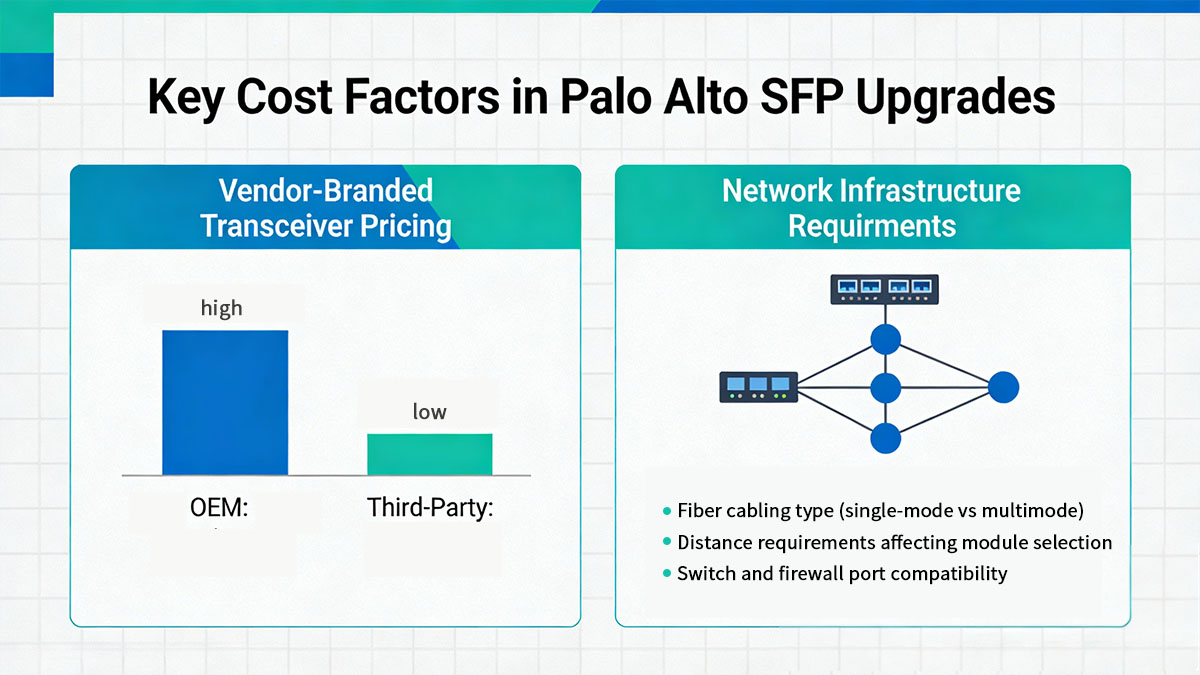
Vendor-Branded Transceiver Pricing
Vendor-branded optical modules typically represent the largest portion of an SFP upgrade budget. These modules are designed and validated by the firewall vendor, which often results in higher pricing compared with standard industry-compatible optics.
| Module Category |
Typical Price Range |
Support Scope |
Deployment Context |
| Vendor-branded SFP |
Higher |
Official vendor validation |
Enterprise environments requiring strict support policies |
| Compatible SFP |
Lower |
Third-party testing and validation |
Cost-sensitive network upgrades |
| Refurbished modules |
Medium |
Limited warranty availability |
Temporary or budget-constrained deployments |
Vendor-branded modules are often selected in environments where strict procurement policies require hardware sourced directly from the firewall vendor ecosystem. These modules typically include official support coverage and guaranteed compatibility with the device firmware.
However, in networks that require multiple optical links, the cost difference between vendor-branded and compatible modules can become significant. For large deployments involving dozens of firewall ports, this pricing gap may substantially influence upgrade planning.
Network Infrastructure Requirements
The existing network infrastructure also plays a critical role in determining upgrade costs. Optical modules must match the type of fiber cabling already deployed in the network, and mismatched infrastructure can lead to additional expenses.
| Infrastructure Element |
Impact on Upgrade Cost |
Typical Consideration |
| Fiber type |
Determines compatible SFP optics |
Multimode vs single-mode fiber |
| Link distance |
Influences optical module selection |
Short-range vs long-range optics |
| Connector type |
Must match patch panels and cables |
LC connectors are most common |
| Port speed |
Defines required module generation |
1Gbps vs 10Gbps interfaces |
Several infrastructure conditions can influence upgrade planning:
-
legacy multimode fiber may limit achievable link distances for high-speed optics
-
upgrading from 1Gbps to 10Gbps interfaces may require both new modules and switch port upgrades
-
longer fiber runs require higher-power optical modules, which are typically more expensive
-
structured cabling compatibility must be verified before selecting new optics
Careful evaluation of existing cabling and interface capabilities allows organizations to select the most appropriate transceiver types without unnecessary hardware changes. This approach helps control upgrade costs while ensuring the firewall connectivity remains reliable and scalable.
? Cost-Effective Alternatives to Palo Alto SFP Modules
Organizations upgrading firewall connectivity often evaluate alternatives to vendor-branded optics in order to manage infrastructure costs. Because SFP and SFP+ modules follow standardized optical specifications, many compatible transceivers can operate in the same ports while delivering equivalent link performance. In environments with multiple firewall interfaces, these alternatives are commonly considered when planning large-scale upgrades.
Most enterprise firewalls, including those from Palo Alto Networks, rely on standardized Ethernet optical technologies. This standardization allows network operators to deploy compatible modules that follow the same IEEE specifications for wavelength, transmission distance, and interface speed. As long as the optical parameters match the required standards, the link behavior remains consistent with the network design.
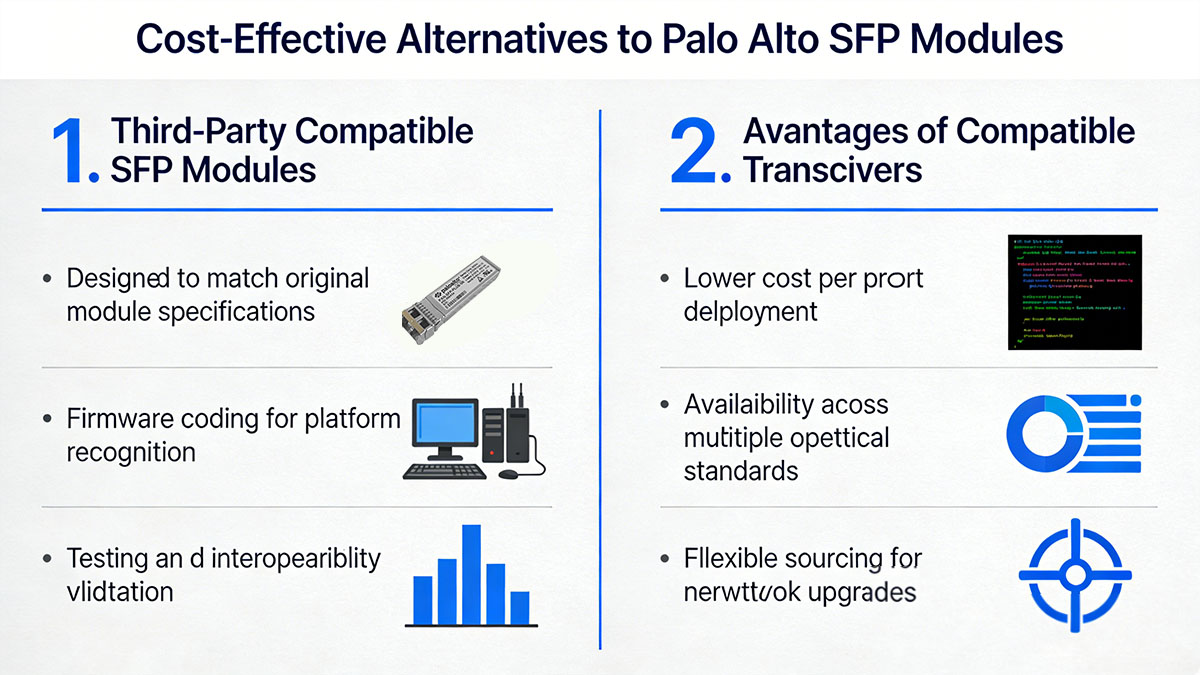
Third-Party Compatible SFP Modules
Compatible SFP modules are optical transceivers developed by independent manufacturers to match the specifications of vendor-branded modules. These modules are typically programmed to be recognized by specific networking platforms and are tested to ensure interoperability with firewall interfaces.
| Feature |
Vendor-Branded SFP |
Compatible SFP |
| Optical standard |
IEEE Ethernet compliant |
IEEE Ethernet compliant |
| Platform recognition |
Native vendor coding |
Platform-specific coding |
| Typical deployment |
Vendor ecosystem networks |
Cost-controlled infrastructure |
| Availability |
Limited to vendor supply |
Broad market availability |
Although both module categories follow the same optical transmission standards, compatible transceivers are often selected when organizations want greater flexibility in sourcing hardware. Many network integrators use these modules when deploying large numbers of optical ports across firewalls, switches, and routers.
Testing and validation remain important when selecting compatible modules. Reputable manufacturers typically conduct interoperability testing to ensure that their optics can be correctly identified by firewall systems and operate reliably under standard network conditions.
Advantages of Compatible Transceivers
Compatible optical modules are frequently adopted in enterprise and data center environments because they offer several practical advantages during network expansion.
Common reasons organizations consider compatible optics include:
-
reduced cost when upgrading multiple firewall ports
-
availability of common Ethernet optical standards such as SX, LX, SR, and LR
-
simplified sourcing for large infrastructure projects
-
interoperability with a wide range of networking equipment
These benefits become especially noticeable in networks that require dozens of optical links between security appliances, switches, and aggregation layers.
However, compatibility verification remains an important part of deployment planning. Network administrators typically confirm the following before installing compatible modules:
-
interface speed supported by the firewall port
-
correct optical wavelength and fiber type
-
supported transmission distance
-
module recognition by the device operating system
When these factors are properly validated, compatible transceivers can provide a practical option for expanding firewall connectivity while maintaining consistent network performance.
? Comparing Palo Alto SFP Options and Compatible Alternatives
When planning a firewall interface upgrade, network administrators often compare vendor-branded transceivers with compatible alternatives to determine which option best fits operational and budget requirements. Both categories are typically designed to support the same Ethernet optical standards, but they differ in areas such as validation process, sourcing flexibility, and cost structure. Understanding these differences helps organizations select transceivers that align with both network performance expectations and infrastructure planning.
In most enterprise networks using firewalls from Palo Alto Networks, the optical behavior of a link is primarily determined by the Ethernet standard being used, such as SX, LX, SR, or LR. As long as a module complies with these standards and the optical parameters match the network design, the transmission characteristics remain consistent.
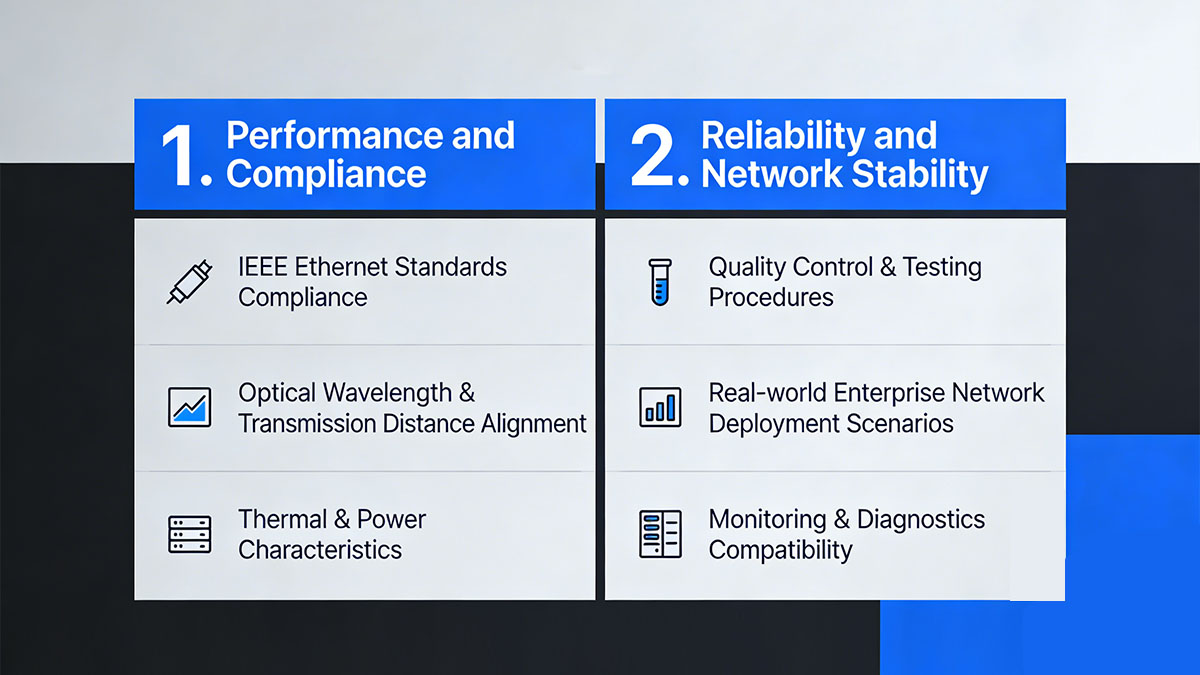
Performance and Compliance
From a technical perspective, both vendor-branded and compatible SFP modules are generally designed to follow the same IEEE Ethernet specifications. This ensures that link speed, wavelength, and transmission distance remain within standardized ranges.
| Technical Parameter |
Vendor-Branded SFP |
Compatible SFP |
| Ethernet standard compliance |
IEEE compliant |
IEEE compliant |
| Supported link speeds |
1Gbps / 10Gbps |
1Gbps / 10Gbps |
| Optical wavelength |
Standardized per module type |
Standardized per module type |
| Maximum transmission distance |
Defined by Ethernet standard |
Defined by Ethernet standard |
Because the Ethernet standard determines the optical signaling characteristics, modules that follow the same specification typically provide similar link performance when installed in compatible interfaces. The key requirement is that the selected module matches the fiber type and distance requirements of the network link.
For example, short-distance multimode deployments generally rely on SR or SX optics, while long-distance single-mode links require LR or LX modules. Selecting the appropriate optical class ensures that signal strength and link stability remain within operational limits.
Reliability and Network Stability
Reliability in optical networking is influenced not only by the transceiver itself but also by testing procedures, manufacturing quality control, and compatibility validation with networking equipment.
| Operational Factor |
Vendor-Branded Modules |
Compatible Modules |
| Platform validation |
Vendor testing and certification |
Third-party interoperability testing |
| Manufacturing control |
Vendor supply chain |
Independent optical manufacturers |
| Diagnostics support |
Standard DOM monitoring |
Standard DOM monitoring |
| Deployment scale |
Enterprise networks |
Enterprise and data center networks |
Digital Optical Monitoring (DOM) is typically supported across both module categories, allowing administrators to monitor key optical metrics such as transmit power, receive power, and module temperature. These diagnostics help maintain network stability by enabling proactive monitoring of optical links.
In practical deployments, the overall stability of a fiber link depends on several factors:
-
correct selection of optical module type
-
compatibility between fiber cabling and wavelength
-
proper connector cleanliness and fiber handling
-
environmental conditions such as temperature and airflow
By evaluating both technical specifications and operational considerations, organizations can determine which type of transceiver best aligns with their network policies and upgrade strategy.
? LINK-PP Compatible Alternatives for Palo Alto SFP Modules
Compatible optical transceivers are commonly used when organizations want to expand firewall connectivity while maintaining control over infrastructure costs. Among the available options, LINK-PP provides a range of compatible SFP and SFP+ modules designed to operate in networking equipment that supports standard Ethernet optical interfaces. These modules are developed to match the specifications required by firewall platforms and are typically validated through interoperability testing before deployment.
Because firewall interfaces rely on standardized Ethernet optics, compatible modules can be designed to align with the same technical parameters used by devices from Palo Alto Networks. When the module specifications match the required optical standard, the resulting link characteristics—such as wavelength, transmission distance, and signaling speed—remain consistent with the network design.
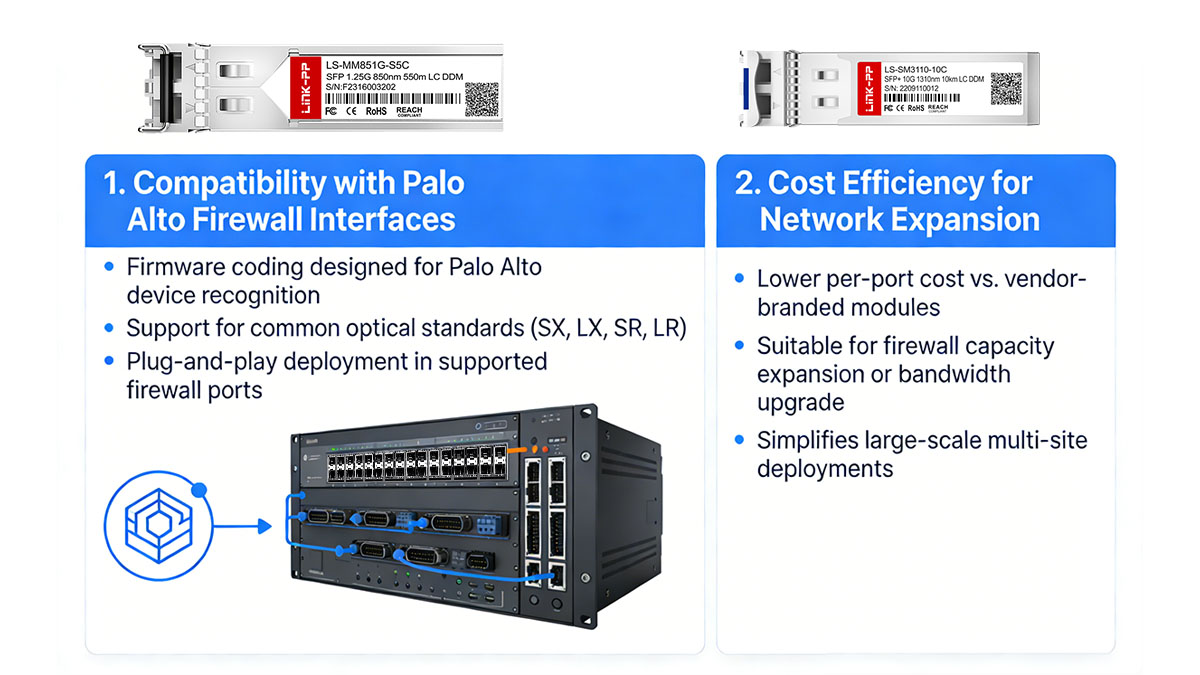
Compatibility with Palo Alto Firewall Interfaces
LINK-PP compatible modules are typically programmed to ensure that the firewall interface can recognize the installed optic. This programming allows the transceiver to report the expected vendor information while maintaining compliance with Ethernet optical standards.
| Optical Standard |
Typical Speed |
Fiber Type |
Typical Deployment |
| 1G-SX |
1Gbps |
Multimode fiber |
Short-distance LAN connections |
| 1G-LX |
1Gbps |
Single-mode fiber |
Campus or building links |
| 10G-SR |
10Gbps |
Multimode fiber |
Data center connectivity |
| 10G-LR |
10Gbps |
Single-mode fiber |
Long-distance backbone links |
These modules are designed to operate within the optical parameters defined by the corresponding Ethernet standards. When installed in compatible firewall ports, they support the same transmission speeds and fiber types required for the link.
Before deployment, administrators typically confirm several compatibility conditions:
-
firewall interface supports the required port speed
-
selected module matches the fiber infrastructure type
-
transmission distance aligns with network design requirements
-
remote device uses the same optical standard
Verifying these factors helps ensure stable connectivity between the firewall and connected switches or routers.
Cost Efficiency for Network Expansion
When firewall upgrades involve multiple optical ports, the cost of transceivers can become a significant part of the overall project budget. Compatible modules are often considered in these situations because they allow organizations to scale network connectivity while maintaining predictable hardware expenses.
| Deployment Scenario |
Vendor-Branded Modules |
Compatible Modules |
| Small firewall deployment |
Limited cost impact |
Moderate cost advantage |
| Multi-port firewall upgrade |
Higher cumulative cost |
Lower overall deployment cost |
| Data center firewall connectivity |
Vendor ecosystem dependent |
Flexible sourcing options |
The cost difference becomes more noticeable in environments where several firewall ports must be equipped with optical transceivers simultaneously. This can occur when organizations introduce redundant links, increase uplink bandwidth, or connect firewalls to aggregation layers within a data center network.
By evaluating both compatibility and deployment scale, network planners can determine whether compatible modules provide an effective option for supporting firewall interface expansion while maintaining reliable optical connectivity.
? How to Plan a Palo Alto SFP Upgrade Budget
Planning a Palo Alto SFP upgrade budget requires evaluating both technical requirements and infrastructure scale. Firewall interface upgrades often involve more than simply replacing optical modules. Network planners must account for port capacity, fiber infrastructure compatibility, and potential bandwidth growth across the network.
Firewalls from Palo Alto Networks are commonly deployed at aggregation points, data center gateways, or campus network edges. In these environments, SFP upgrades may be triggered by higher traffic volumes, new uplink requirements, or the need to add redundant links. A structured budgeting approach helps organizations estimate costs accurately while ensuring that the selected transceivers align with long-term network expansion plans.
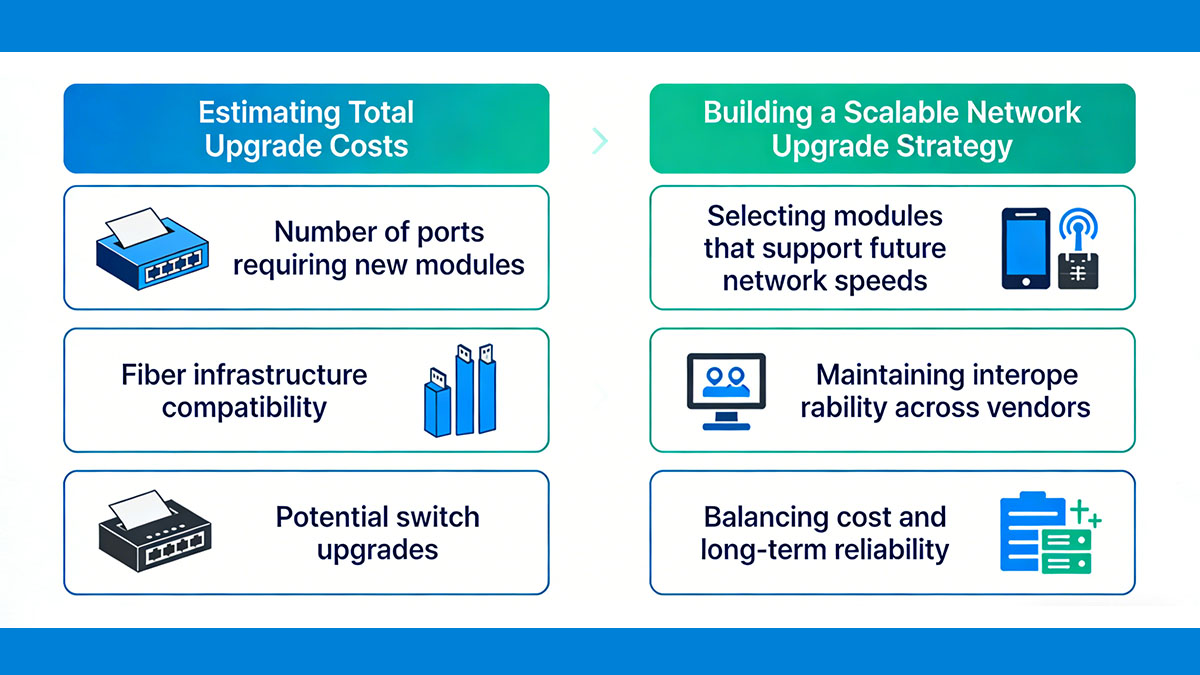
Estimating Total Upgrade Costs
The overall cost of an SFP upgrade depends on several components beyond the module price itself. These include the number of firewall ports requiring optics, the transmission distance of each link, and whether additional infrastructure changes are necessary.
| Cost Element |
Description |
Budget Impact |
| Number of transceivers |
Total SFP or SFP+ modules required |
Directly affects hardware cost |
| Fiber infrastructure |
Multimode or single-mode compatibility |
May require cable replacement |
| Link distance |
Determines optical module class |
Long-distance optics typically cost more |
| Interface speed |
1Gbps or 10Gbps port capability |
Higher speeds may increase module price |
A typical budgeting process often includes the following steps:
-
identify all firewall ports that require optical modules
-
verify the supported interface speed for each port
-
determine the fiber type used for each link
-
calculate the number of transceivers required, including spare units
-
compare module options that match the technical requirements
This approach ensures that the upgrade budget reflects both the hardware requirements and the operational needs of the network.
Building a Scalable Network Upgrade Strategy
Budget planning should also consider future network expansion. Deploying optical modules that support anticipated traffic growth can reduce the need for frequent hardware replacements.
Several strategic considerations often guide long-term upgrade planning:
-
selecting optics compatible with existing switch infrastructure
-
reserving additional firewall ports for future links
-
planning redundant links for high availability environments
-
ensuring consistent optical standards across multiple network sites
A scalable strategy helps maintain operational consistency across network segments while controlling long-term upgrade costs. By aligning SFP selection with both current connectivity requirements and projected bandwidth growth, organizations can build a firewall infrastructure that remains adaptable as network demands evolve.
? Deployment Tips for Palo Alto SFP Modules
Successful deployment of SFP modules in firewall interfaces requires careful attention to optical compatibility, installation practices, and link verification. Even when the correct module type is selected, improper installation or mismatched fiber infrastructure can lead to unstable links or reduced network performance. Following standardized deployment practices helps ensure reliable connectivity between firewalls and the rest of the network infrastructure.
In networks using firewalls from Palo Alto Networks, optical modules are often installed in uplink ports that connect to switches, routers, or aggregation layers. Because these links frequently carry critical traffic, proper installation and verification procedures are essential to maintain consistent network operation.
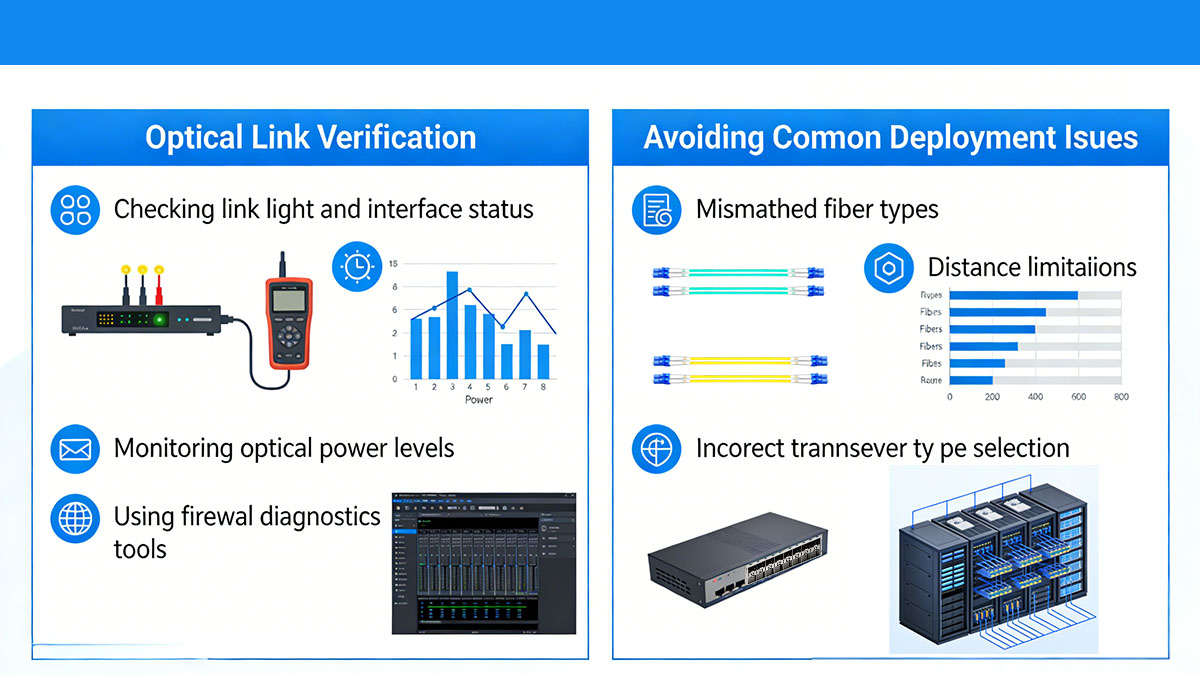
Optical Link Verification
After installing a new SFP or SFP+ module, verifying that the optical link is functioning correctly helps identify potential issues before the link is placed into production. Several operational checks are commonly performed during deployment.
| Verification Item |
Purpose |
Typical Method |
| Link status |
Confirms interface connectivity |
Check interface status on the firewall |
| Optical power levels |
Ensures signal strength is within range |
Review DOM transmit and receive values |
| Interface speed |
Confirms correct link negotiation |
Verify configured port speed |
| Error counters |
Detects packet or signal errors |
Monitor interface statistics |
These checks help confirm that the installed module is operating within the expected optical parameters. Digital Optical Monitoring (DOM) information is particularly useful because it allows administrators to observe transmit and receive power levels directly from the device interface.
If power levels fall outside normal ranges, the issue may be related to fiber attenuation, excessive link distance, or connector contamination.
Avoiding Common Deployment Issues
Many optical link issues originate from configuration mismatches or fiber infrastructure problems rather than the module itself. Identifying these common issues during installation helps prevent unnecessary troubleshooting later.
Typical causes of deployment problems include:
-
mismatched fiber types between devices, such as multimode fiber used with single-mode optics
-
optical modules that do not match the supported interface speed of the firewall port
-
fiber links exceeding the supported transmission distance for the selected module
-
contaminated fiber connectors causing signal attenuation
-
incorrect polarity in duplex fiber connections
To minimize these risks, administrators often follow a simple installation workflow:
-
verify the firewall port type and supported interface speed
-
confirm the optical module matches the required Ethernet standard
-
inspect and clean fiber connectors before installation
-
connect the appropriate fiber cable type for the selected optic
-
check link status and optical power metrics after installation
Consistent deployment procedures help maintain stable optical connectivity across firewall interfaces. By combining proper module selection with careful installation practices, organizations can ensure that Palo Alto SFP links operate reliably within enterprise and data center environments.
? Conclusion
Upgrading Palo Alto SFP modules is often an important step when expanding firewall connectivity, increasing network bandwidth, or adapting to new fiber infrastructure. Because these transceivers determine how firewalls connect to switches, aggregation layers, and data center networks, selecting the appropriate optical standard, transmission distance, and interface speed is essential for maintaining reliable network performance.
Throughout the upgrade planning process, organizations typically evaluate several factors, including optical compatibility, infrastructure requirements, and overall deployment cost. Vendor-branded modules provide native ecosystem validation, while compatible alternatives offer additional flexibility when scaling network interfaces across multiple firewall ports. When the selected modules comply with the same Ethernet standards and match the network design requirements, both approaches can support stable optical connectivity.
A well-planned upgrade strategy also considers long-term scalability. Choosing the correct SFP or SFP+ modules based on fiber type, link distance, and future bandwidth needs helps avoid unnecessary hardware changes and ensures that firewall infrastructure remains adaptable as network traffic grows.
For organizations evaluating compatible transceiver options, the LINK-PP Official Store provides a range of optical modules designed to support common Ethernet standards used in firewall and data center environments. Reviewing available module specifications alongside network requirements can help administrators identify suitable options when planning Palo Alto SFP upgrades and infrastructure expansions.