As high-speed networking becomes the standard for modern enterprises, the Ubiquiti UF-RJ45-10G stands out as a vital bridge between fiber-based SFP+ ports and traditional copper infrastructure. This SFP+ to RJ45 transceiver allows users to achieve 10Gbps speeds over standard Cat6a cabling, offering a cost-effective way to upgrade network capacity without a complete fiber overhaul.
However, while the performance of the Ubiquiti UF-RJ45-10G is undeniable, many network administrators are turning toward high-quality compatible alternatives to balance budget and scalability. In this article, we will explore the technical specifications of this module, evaluate the benefits of third-party compatibility, and provide a roadmap for selecting and testing the best modules for your specific network environment.
🔥 What is Ubiquiti UF-RJ45-10G and How Does It Work
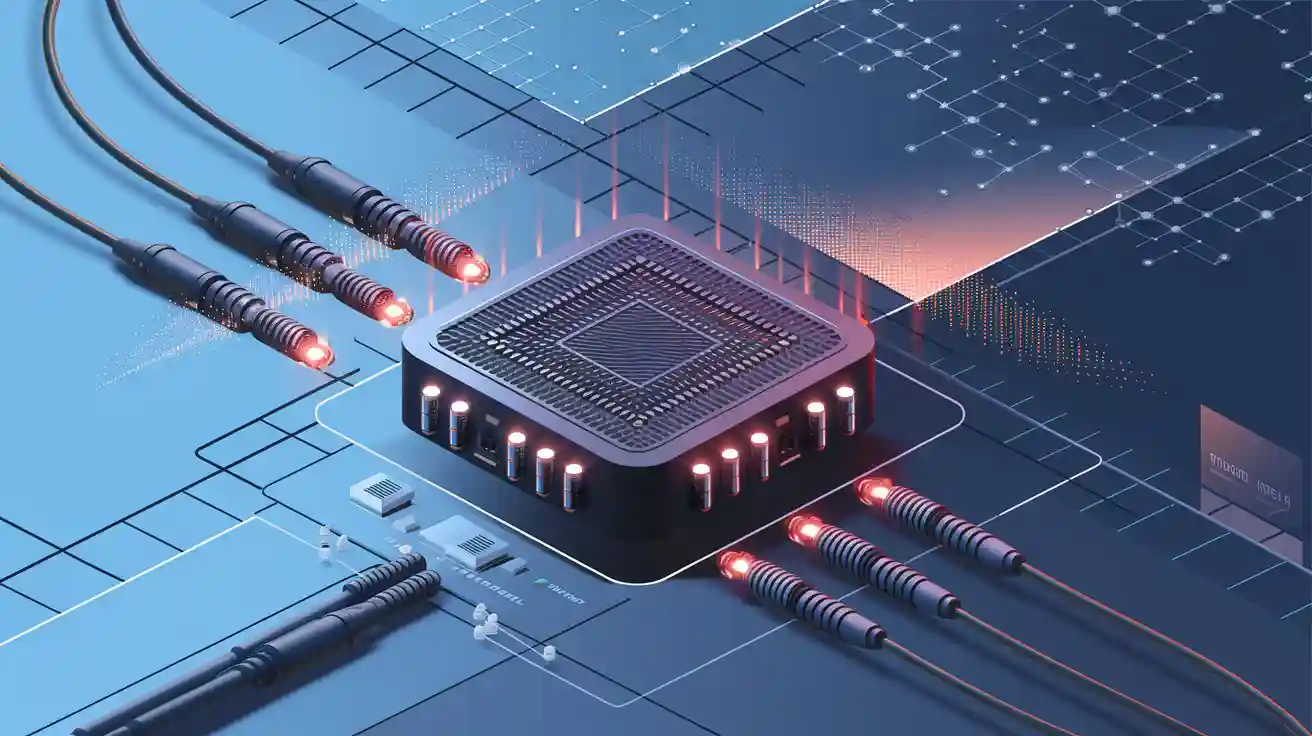
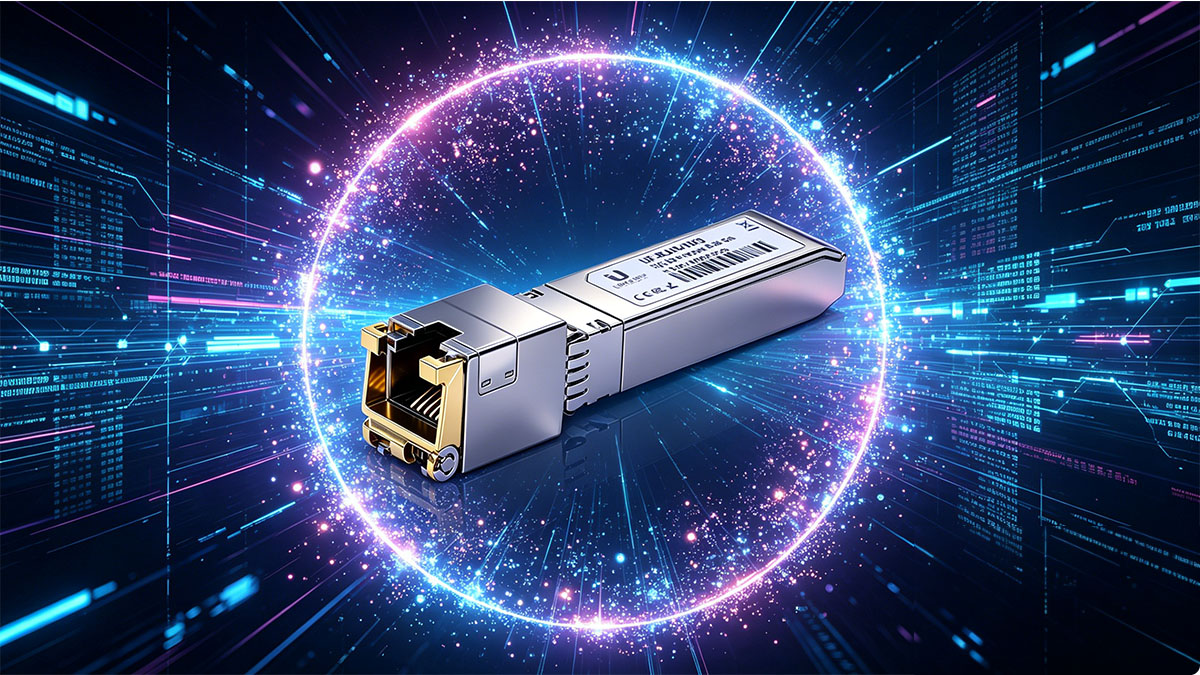
The Ubiquiti UF-RJ45-10G is a high-performance copper SFP transceiver module designed to bridge the gap between high-speed SFP+ ports and traditional Ethernet infrastructure. By converting an optical slot into a 10G copper port, it allows for seamless 10Gbps data transmission using standard network cabling. This flexibility makes it an essential component for scaling networks where fiber deployment may be impractical or unnecessary.
Overview of SFP+ to RJ45 Technology
SFP+ to RJ45 technology serves as a critical translation layer in modern networking. Traditionally, SFP+ (Small Form-factor Pluggable) ports are designed for fiber optic transceiver modules or Direct Attach Cables (DAC), which operate using light signals or twinaxial copper. However, much of the existing global infrastructure relies on twisted-pair copper wiring.
This technology utilizes a complex PHY (Physical Layer) chip inside the small module housing to convert the high-speed serialized data from the switch's backplane into electrical signals compatible with Ethernet standards. It enables a "best of both worlds" scenario: the massive bandwidth potential of an SFP+ slot combined with the ubiquitous accessibility of an RJ45 connector.
Key Features of UF-RJ45-10G Module
The Ubiquiti UF-RJ45-10G is engineered with several distinct features that cater to high-density switching environments and professional-grade deployments:
- Extended Reach over Copper: Unlike standard passive DAC cables which are limited to roughly 7 meters, this module can push 10G signals up to 30 meters over Cat6a or better cabling, providing significant layout flexibility.
- Hot-Swappable Design: To ensure maximum network uptime, the module supports hot-swapping, meaning it can be plugged in or removed without powering down the host switch or disrupting other active links.
- Low Latency Performance: By utilizing an optimized internal architecture, the module maintains the low-latency characteristics required for high-performance computing and real-time data transfers.
Typical Use Cases in Network Environments
In practical application, the Ubiquiti UF-RJ45-10G acts as a problem-solver for several common networking bottlenecks. One of the most frequent use cases is connecting a high-speed uplink from a core switch to a server or Network Attached Storage (NAS) unit that only features an integrated 10GBASE-T copper port.
Additionally, it is widely used in "Top-of-Rack" (ToR) configurations within data centers. For instance, when a user has a UniFi Dream Machine Pro or an EdgeSwitch with SFP+ slots but needs to connect to a high-end workstation across a room, this module allows them to utilize existing in-wall Cat6a wiring rather than running delicate fiber patch cords. It is also an ideal solution for temporary setups where ruggedness and ease of termination make copper more attractive than fiber.
🔥 Ubiquiti UF-RJ45-10G Specifications and Performance
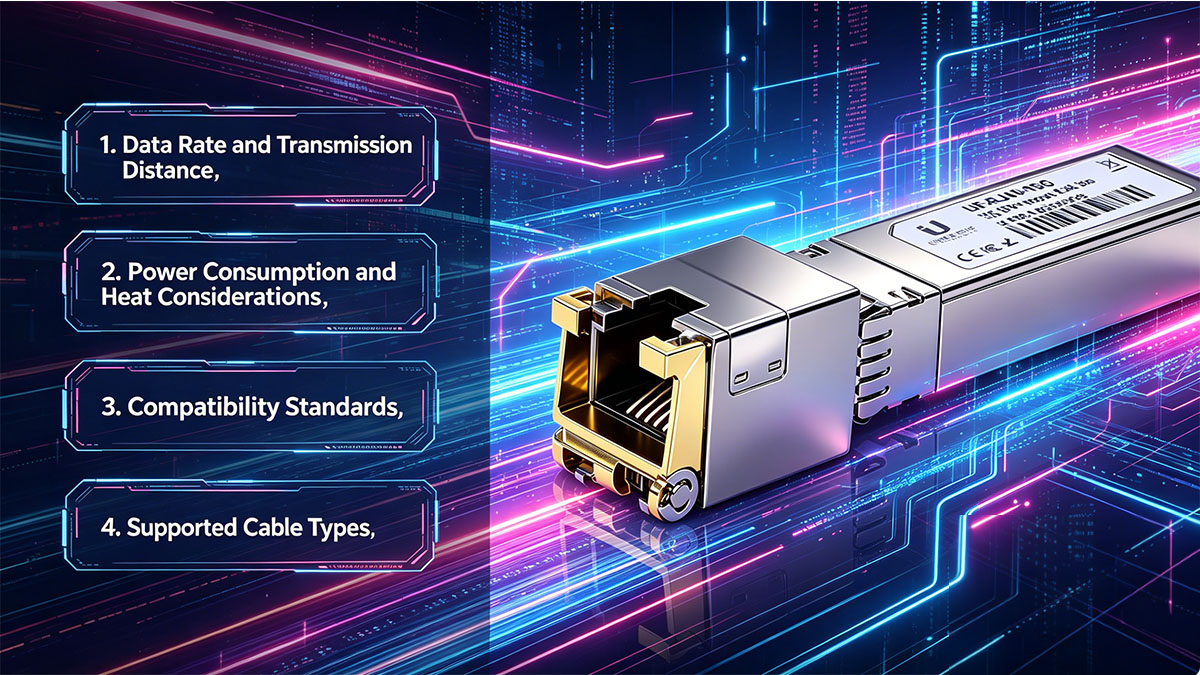
The Ubiquiti UF-RJ45-10G is engineered to meet the demanding requirements of high-speed copper networking, providing a robust interface for 10Gbps data transmission. Understanding its technical profile is essential for ensuring that your network hardware can support the power and thermal demands of 10GBASE-T technology.
The following table summarizes the primary technical specifications for the UF-RJ45-10G module to provide a clear snapshot of its capabilities:
| Feature |
Specification |
| Model |
UF-RJ45-10G |
| Connector Type |
RJ45 |
| Data Rate |
1/10Gbps |
| Max. Cable Distance |
10Gbps (30m) / 1Gbps (100m) |
| Power Consumption |
≤2.5W |
| Cable Type |
Cat6a / Cat7 (for 10G) |
| Compliance Standards |
IEEE 802.3an, IEEE 802.3az, SFP+ MSA, SFF-8431 |
Data Rate and Transmission Distance
The UF-RJ45-10G is primarily designed for ultra-fast 10Gbps throughput, but it also offers backward compatibility with 1Gbps standards. This dual-rate capability ensures that it can interface with a variety of hardware, though its primary value lies in unlocking 10G speeds over copper lines where fiber isn't available.
When operating at 10Gbps, the effective transmission distance is capped at 30m (approximately 100 feet) using Cat6a or Cat7 cabling. If the speed is dropped to 1Gbps, the module can reach the standard Ethernet limit of 100m. Users must respect these distance limits, as exceeding them at 10G speeds can lead to significant signal degradation and CRC errors.
Power Consumption and Heat Considerations
One of the most critical aspects of the Ubiquiti UF-RJ45-10G is its power profile. Converting SFP+ signals to 10GBASE-T requires a significant amount of energy — typically up to 2.5W — which is substantially higher than a standard optical SFP+ module. This power draw translates directly into heat, making the module noticeably warm to the touch during operation.
Because of this thermal output, it is vital to ensure proper airflow within the switch or router. Administrators should avoid "stacking" these modules in adjacent SFP+ ports whenever possible to prevent heat buildup, which can lead to thermal throttling or premature hardware failure in high-density environments.
Compatibility Standards
The UF-RJ45-10G is built to adhere to the SFF-8431 and Multi-source Agreement (MSA) standards. These industry-wide specifications ensure that the physical dimensions and electrical interfaces are consistent, allowing the module to fit into any standard SFP+ cage.
Beyond physical fit, the module is specifically coded for seamless integration with Ubiquiti’s UniFi and EdgeSwitch product lines. This ensures that the hardware recognizes the module instantly, providing accurate "Plug and Play" functionality and real-time Digital Diagnostics Monitoring (DDM) where supported by the host device.
Supported Cable Types
To achieve the rated 10Gbps performance, the choice of cabling is non-negotiable. The Ubiquiti UF-RJ45-10G requires Category 6a (Cat6a) or Category 7 (Cat7) twisted-pair copper cables to handle the high-frequency signals required for 10GBASE-T over 30m. These cables feature the necessary shielding and tighter twists to combat alien crosstalk.
While standard Cat6 cable may work over very short distances (typically under 5 - 10m), it is not officially recommended for reliable 10G performance with this module. For legacy 1Gbps connections, standard Cat5e or Cat6 cabling is perfectly sufficient for the full 100-meter range.
🔥 Why Choose Third-Party Ubiquiti UF-RJ45-10G Compatible Modules
While official hardware offers a sense of security, the networking industry has evolved to support high-quality, third-party compatible alternatives that meet the exact same technical standards. Opting for compatible modules allows network administrators to maximize their hardware budget without sacrificing the 10Gbps performance required for modern uplinks.
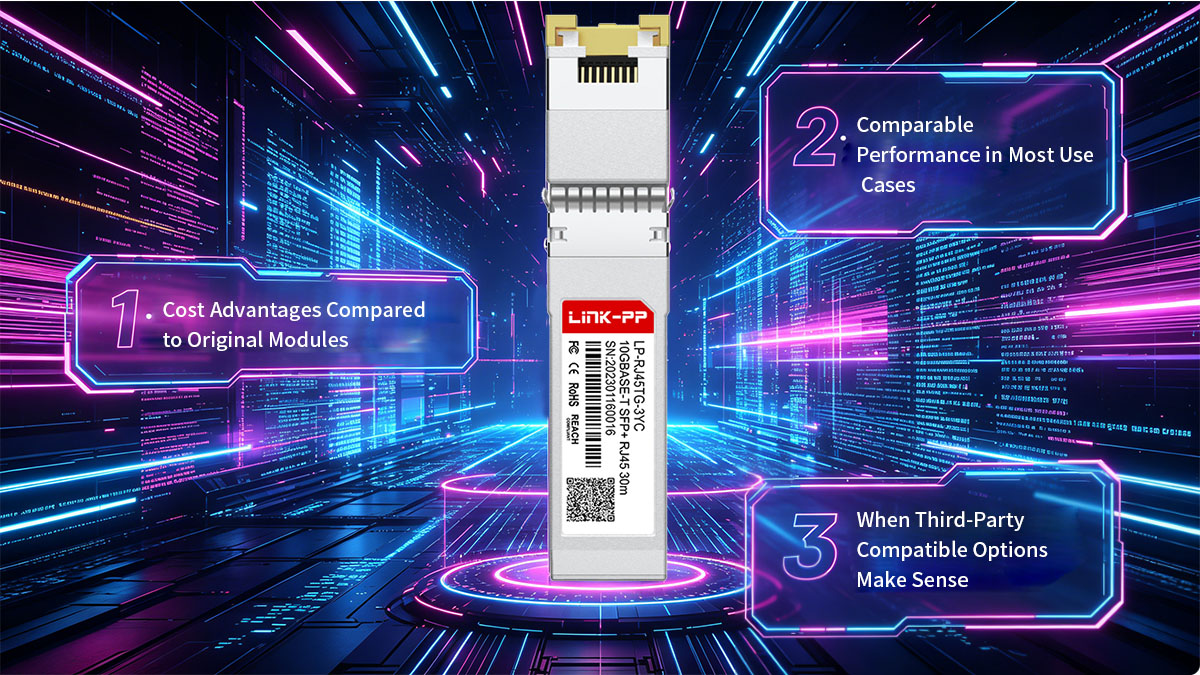
Cost Advantages Compared to Original Modules
The most immediate benefit of choosing a Ubiquiti UF-RJ45-10G compatible module is the significant reduction in capital expenditure. Original equipment manufacturer (OEM) modules often carry a substantial premium, sometimes costing two to three times more than a compatible version. For large-scale deployments or data centers requiring dozens of SFP+ to RJ45 conversions, these savings can be reallocated to other critical infrastructure needs like improved security or higher-capacity storage.
Furthermore, third-party vendors often provide more flexible bulk pricing and faster shipping options. By eliminating the "brand tax," organizations can maintain a deeper inventory of spare parts, ensuring that a single module failure doesn't lead to prolonged network downtime while waiting for expensive OEM replacements.
Comparable Performance in Most Use Cases
Technologically, high-quality third-party UF-RJ45-10G modules are designed to be virtually indistinguishable from the original. They utilize the same physical layer (PHY) chips and adhere to the same MSA (Multi-Source Agreement) standards. This means that in terms of latency, throughput, and error rates, a well-manufactured compatible module provides the same user experience as the branded equivalent.
For instance, a reliable option like the LINK-PP LP-RJ45TG-3YC 10GBASE-T SFP+ is specifically engineered to mirror the performance of the UF-RJ45-10G, offering seamless compatibility with UniFi and EdgeSwitch ecosystems. These modules undergo rigorous testing to ensure they handle the high power draw and heat dissipation requirements of the 10GBASE-T standard, making them a dependable choice for mission-critical links.
When Third-Party Compatible Options Make Sense
Third-party UF-RJ45-10G modules are particularly logical for small-to-medium businesses (SMBs), and non-critical enterprise environments where cost-efficiency is a primary KPI. In these scenarios, the risk-to-reward ratio heavily favors compatibility; the modules offer the same 30m reach over Cat6a, allowing for high-speed connectivity across office floors or server racks at a fraction of the cost.
Additionally, compatible options are ideal for organizations that utilize a multi-vendor hardware environment. Since many third-party providers can custom-code modules for specific switch brands, they offer a level of versatility that OEM-locked modules cannot. This makes them the go-to solution for network engineers who need to maintain consistency across a diverse array of networking gear while staying within a strict budget.
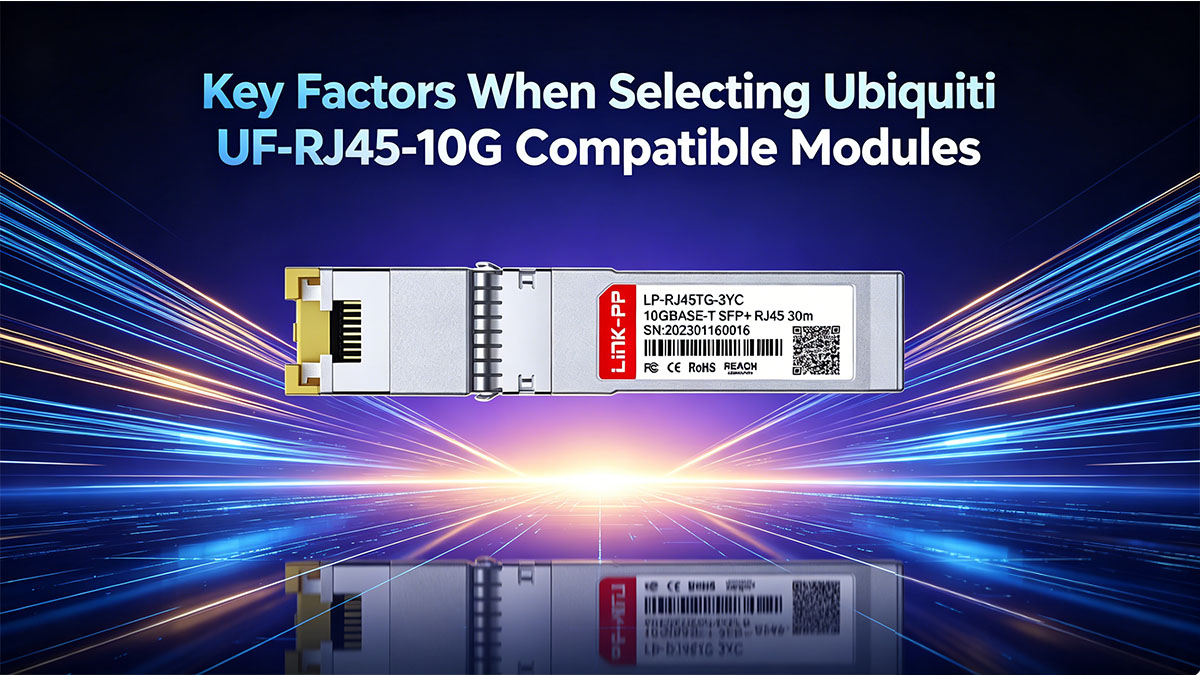
🔥 Key Factors When Selecting Ubiquiti UF-RJ45-10G Compatible Modules
Selecting a third-party Ubiquiti UF-RJ45-10G compatible module requires more than just finding a matching part number; it involves a careful evaluation of how the transceiver interacts with your existing hardware. To ensure long-term stability and 10Gbps performance, you must prioritize technical synergy between the module, the switch, and your cabling infrastructure.
Device Compatibility and Switch Support Verification
The primary concern when moving away from OEM hardware is ensuring the host switch will accept the module without triggering "unsupported transceiver" errors. Since Ubiquiti devices are generally more permissive than other enterprise brands, compatibility usually hinges on the module’s internal coding.
- Firmware Recognition: Ensure the vendor specifies compatibility with UniFi or EdgeSwitch firmware versions. Some modules require specific EEPROM coding to be correctly identified in the UniFi Controller dashboard.
- Port Speed Negotiation: Verify that the compatible module supports "Auto-Negotiation." This is crucial if you are connecting the 10G SFP+ port to a device that may only support 2.5G or 5G speeds, as it ensures the link initializes correctly without manual speed pinning.
Maximum Transmission Distance and Cabling Requirements
Transmission over copper is highly sensitive to distance and interference. While the standard spec for 10G over copper is 30m, the actual performance depends heavily on the quality of the compatible module's signal processing.
You must audit your physical cable runs before selection. If your run exceeds 20 meters, you should strictly use high-quality Cat6a or Cat7 shielded cables. Choosing a Ubiquiti UF-RJ45-10G compatible module with a robust PHY (Physical Layer) chip is essential for maintaining signal integrity over these longer copper distances, as cheaper components may lead to dropped packets near the 30-meter limit.
Power Consumption Limits of Your Equipment
10GBASE-T RJ45 SFP+ modules are power-hungry components, often drawing nearly 2.5W of power consumption. Before purchasing, you must evaluate the power budget and thermal design of your switch.
- Total Power Budget: Some compact or fanless switches have strict power limits on their SFP+ cages. Installing multiple high-draw compatible modules simultaneously can exceed the port’s power delivery capabilities.
- Thermal Dissipation: Because these modules convert electrical signals to 10G speeds, they generate significant heat. Ensure the compatible module you select has a high-quality zinc alloy or metallic housing designed for efficient heat dissipation to prevent the switch from overheating.
Build Quality and Component Standards
Not all third-party modules are created equal, and the internal components determine the lifespan of the device. When evaluating a Ubiquiti UF-RJ45-10G compatible alternative, look for vendors that are transparent about their manufacturing standards.
High-quality compatible modules should feature gold-plated connectors for superior electrical contact and anti-corrosion properties. Additionally, the internal PCBA (Printed Circuit Board Assembly) should be manufactured using industry-standard SMT processes. Choosing modules that adhere to MSA (Multi-Source Agreement) standards ensures that the physical dimensions are precise, preventing the common issue of modules getting stuck in the SFP+ slot due to poor tolerances.
🔥 How to Verify Compatibility of Ubiquiti UF-RJ45-10G Third-Party Modules
Ensuring that a third-party UF-RJ45-10G compatible module functions seamlessly with your Ubiquiti hardware requires a proactive verification process. While Ubiquiti is generally known for its open ecosystem, confirming that the transceiver is correctly coded and recognized by the system software is essential for long-term network stability.
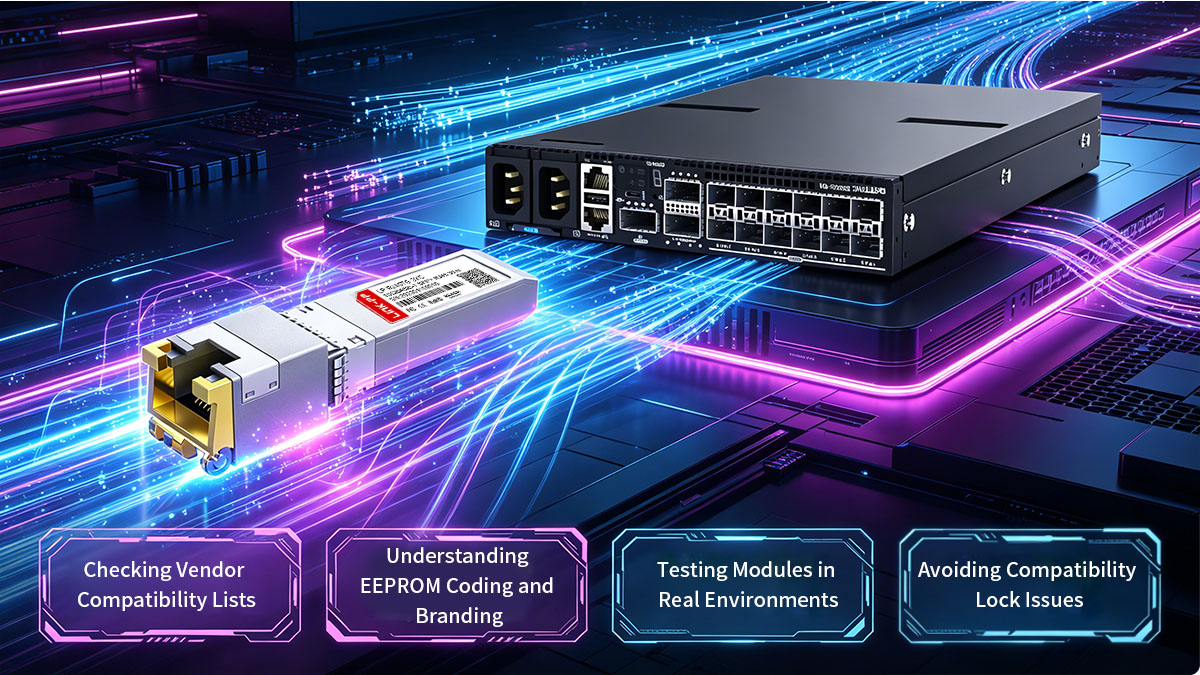
Checking Vendor Compatibility Lists
Before making a purchase, the first line of defense is to consult the compatibility matrix provided by the third-party vendor. Reliable manufacturers invest significant resources in testing their hardware against specific switch models and firmware versions to ensure a "plug-and-play" experience.
- Model-Specific Verification: You should not settle for a generic "Ubiquiti Compatible" label. Instead, verify your exact hardware model against the vendor's documentation. A reputable supplier will maintain a detailed database indicating whether the UF-RJ45-10G equivalent has been validated for the specific electrical and software requirements of your device.
- Firmware and OS Versioning: Because Ubiquiti frequently updates the UniFi OS and EdgeOS environments, compatibility can occasionally shift. Check if the vendor provides notes regarding recent firmware releases; a high-quality vendor will guarantee that their modules remain functional even after you apply the latest security patches or controller updates to your network.
Understanding EEPROM Coding and Branding
The secret to a successful third-party Ubiquiti UF-RJ45-10G module lies in its EEPROM (Electrically Erasable Programmable Read-Only Memory). This internal chip stores identifying information that the host switch reads upon insertion, such as the vendor name, part number, and serial number.
For a module to be "Ubiquiti compatible," the EEPROM must be flashed with specific code that the UniFi or EdgeSwitch firmware recognizes. If the coding is incorrect or generic, the switch may either reject the module entirely or, more commonly, fail to display critical diagnostic data like temperature and link status in the management interface. Understanding this helps you realize why "unbranded" generic modules often fail where specialized compatible modules succeed.
Testing Modules in Real Environments
Once the hardware arrives, real-world verification is the only way to be 100% certain of compatibility. This involves more than just seeing a "link light"; you should check how the module is reported within the network management software.
- Software Recognition: Log into your UniFi Controller or EdgeOS CLI and verify that the port identifies the module as a 10Gbps SFP+ to RJ45 transceiver. If the interface shows "Unknown" but the link is active, the coding is partially compatible but may lack full telemetry support.
- Digital Diagnostics Monitoring (DDM): Verify if the switch can read the module’s real-time data. While 10G copper SFP modules generate significant heat, being able to monitor their temperature via the software interface is a hallmark of a high-quality, fully compatible module.
Avoiding Compatibility Lock Issues
Some network vendors implement compatibility locks through firmware to restrict the use of third-party modules. These restrictions can cause modules to be disabled, generate warnings, or operate inconsistently.
To avoid such issues, consider the following:
- Use modules specifically advertised as compatible with Ubiquiti devices.
- Avoid unknown or low-quality brands that may lack proper coding.
- Stay aware of firmware updates, as they may introduce new compatibility checks.
By proactively addressing these risks, you can ensure smoother deployment and avoid unexpected disruptions in your network.
🔥 How to Test Ubiquiti UF-RJ45-10G Compatible Modules Before Deployment
Before integrating a Ubiquiti UF-RJ45-10G third-party compatible module into a live production environment, conducting a systematic testing phase is crucial to ensure network integrity. Rigorous pre-deployment validation helps identify potential hardware defects or configuration mismatches that could lead to intermittent connectivity or data degradation.
Initial Plug-and-Play Verification
The first step is to confirm that the host switch physically accepts and logically identifies the transceiver without manual intervention. Upon insertion, the module should be seated firmly in the SFP+ cage with a tactile "click," and the port status light should respond immediately.
- LED Indicators: Check the port’s physical LED status; a steady light typically indicates a physical layer link, while flashing indicates active data traffic.
- Controller Dashboard Recognition: Within the UniFi or EdgeOS management interface, verify that the port icon updates to reflect a 10Gbps connection. If the module is recognized as "Connected" but the speed defaults to 1Gbps, you may need to check the capabilities of the device on the other end of the cable.
Monitoring Link Speed and Stability
Once the physical link is established, it is essential to monitor the stability of the connection over a several-hour period. Copper SFP 10G modules are sensitive to electromagnetic interference (EMI), so ensuring the link doesn't "flap" — repeatedly disconnecting and reconnecting — is a primary goal of this test.
You should use the network controller's logging feature to keep an eye on port uptime. A stable Ubiquiti UF-RJ45-10G compatible module should maintain a constant link without any resets, even as the module reaches its operational temperature. If you notice the link speed dropping unexpectedly from 10G to lower speeds, it may indicate that the cable quality is insufficient for the distance being covered.
Checking Error Rates and Packet Loss
A successful link light does not always guarantee a healthy connection; "dirty" lines can cause silent data corruption that slows down the entire network. Testing for frame errors is the only way to ensure the compatible module’s signal-to-noise ratio is within acceptable limits.
- Interface Counters: Use the Command Line Interface (CLI) to check the port statistics for CRC (Cyclic Redundancy Check) errors, collisions, or dropped packets. A high count of CRC errors is a red flag, usually signaling a mismatch between the module's PHY chip and the cable.
- ICMP Ping Tests: Run a continuous ping test with large packet sizes (e.g., 1500 bytes or jumbo frames if enabled) to a device on the other side of the module. Zero percent packet loss over a 1,000-packet sample is the benchmark for a production-ready module.
Stress Testing Under Load
The final and most rigorous stage of testing involves pushing the module to its maximum rated throughput. Since 10GBASE-T modules consume significant power and generate heat, they often perform differently under heavy traffic than they do at idle.
Using software tools like iPerf3, you should run a multi-stream TCP test to saturate the 10Gbps bandwidth for at least 30 to 60 minutes. This test serves two purposes: it verifies that the module can maintain peak throughput without thermal throttling, and it ensures that the switch’s power supply can handle the sustained draw of the module under full load. Monitoring the temperature of the module during this phase will help you determine if your rack's airflow is sufficient for high-density copper deployments.
🔥 Where to Buy Reliable Ubiquiti UF-RJ45-10G Compatible Modules
Finding a trustworthy source for UF-RJ45-10G compatible transceivers is the final step in ensuring a high-performance network upgrade. The market is saturated with generic options, so it is vital to source from vendors that prioritize rigorous testing and industry-standard manufacturing processes.
Identifying Reliable Third-Party Vendors
Not all third-party suppliers provide the same level of engineering support or quality control. A reliable vendor should possess a deep understanding of optical and copper communication standards and maintain a transparent track record of compatibility with major hardware brands.
A standout brand in this space is LINK-PP, a supplier globally recognized for its expertise in RJ45 connectors and optical transceiver modules. Unlike "white-label" resellers who simply rebrand generic hardware, LINK-PP controls the production quality of its components. Choosing a specialized manufacturer like LINK-PP ensures that the 10GBASE-T module you receive is backed by professional R&D and is designed specifically to handle the high thermal and electrical demands of 10Gbps copper transmission.
Trusted Ubiquiti UF-RJ45-10G Compatible Module
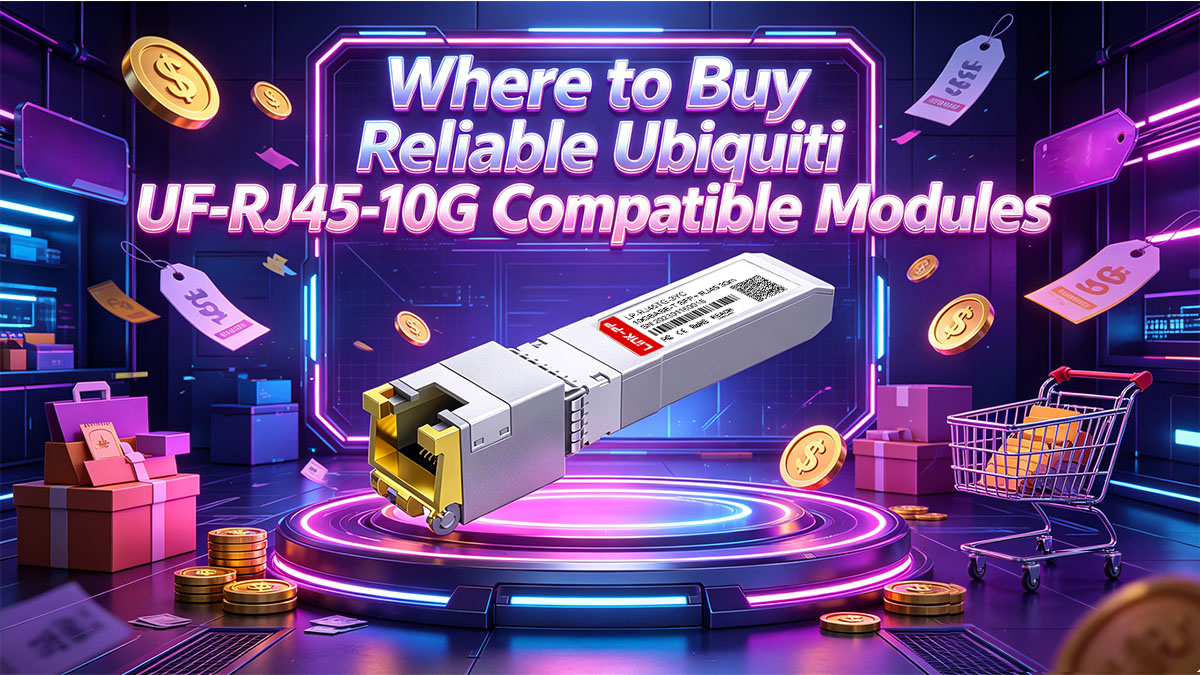
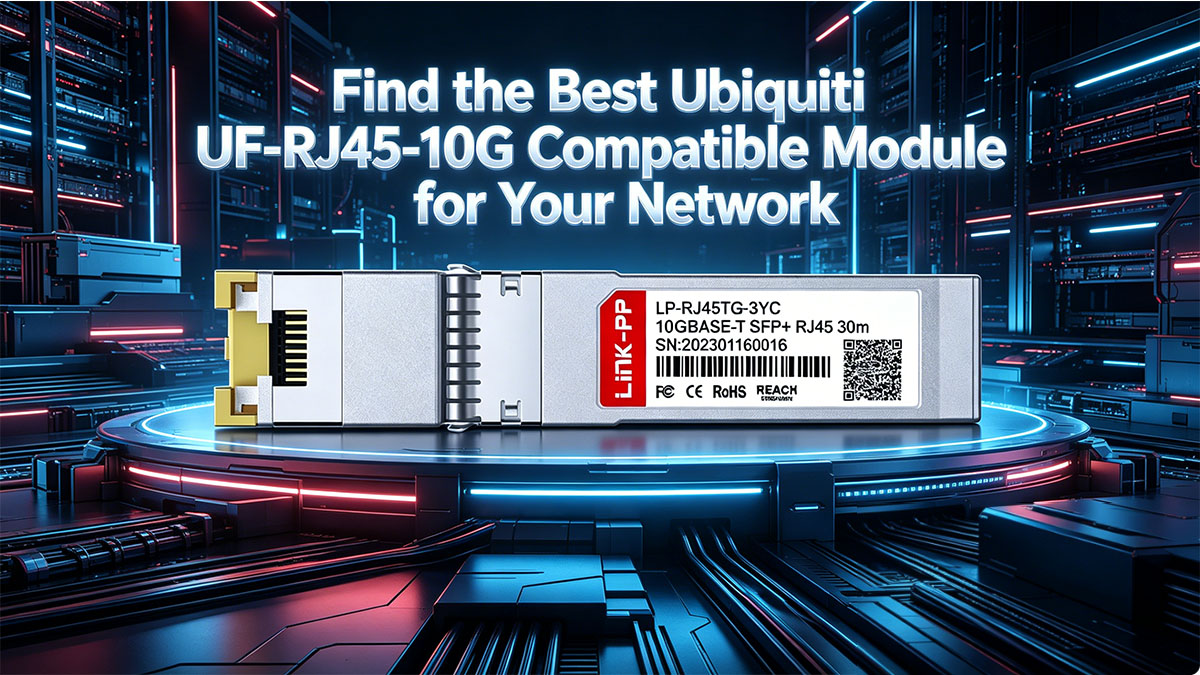
For those seeking a battle-tested alternative to the official Ubiquiti hardware, the LINK-PP LP-RJ45TG-3YC 10GBASE-T SFP+ is a premier choice. This module is engineered to be a direct, drop-in replacement for the UF-RJ45-10G, offering identical performance characteristics at a significantly better value.
The LP-RJ45TG-3YC is specifically coded for seamless integration with the UniFi and EdgeSwitch ecosystems. It supports the full 10Gbps data rate over 30m of Cat6a cabling and features advanced PHY technology to minimize power consumption. By selecting this trusted module, network administrators can ensure that their switches recognize the transceiver immediately, providing accurate link status reporting and the long-term reliability required for mission-critical uplinks.
Bulk Purchase Considerations
For larger deployments, purchasing modules in bulk can offer significant cost savings, but it also requires careful planning. Ensuring consistency and reliability across all units is essential to avoid deployment issues.
When buying in bulk, keep in mind:
- Batch consistency, ensuring all modules meet the same quality standards.
- Vendor support for large orders, including testing and pre-configuration services.
- Warranty and replacement policies, especially for long-term projects.
- Lead times and inventory availability, to avoid delays in deployment.
Working with a reliable vendor and verifying product quality upfront can help ensure a smooth and cost-effective large-scale deployment.
🔥 Find the Best Ubiquiti UF-RJ45-10G Compatible Module for Your Network
Navigating the transition to 10Gbps copper networking doesn't have to be a choice between overextending your budget or risking network instability. As we have explored, the Ubiquiti UF-RJ45-10G is a powerful tool for modernizing your infrastructure, but high-quality compatible modules offer a strategic path toward scalability and cost-efficiency. By prioritizing technical factors such as EEPROM coding, thermal management, and cable quality, you can achieve enterprise-grade performance at a fraction of the traditional cost.
Building a reliable network is a marathon, not a sprint. Whether you are upgrading a home lab or managing a complex data center, the key is to source hardware from manufacturers who understand the intricate balance of signal integrity and power consumption. By following the testing and verification protocols outlined in this guide, you can confidently deploy compatible modules that will serve as the backbone of your high-speed data environment for years to come.
Ready to upgrade your network with industry-leading reliability? Discover high-performance 10GBASE-T SFP+ transceivers designed specifically for your equipment by visiting the LINK-PP Official Store today.