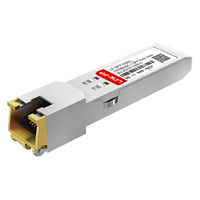
While fiber optics is widely used for high-speed and long-distance transmission networks, many organizations still rely heavily on existing copper Ethernet infrastructure for access and short-range connectivity. This creates a common challenge: how to efficiently bridge fiber-based switch ports with traditional RJ45 cabling without redesigning the entire network.
That’s where Cisco SFP RJ45 modules come into play. They provide a practical transceiver solution for converting SFP ports into standard Ethernet interfaces, allowing businesses to maximize both their current infrastructure and switch capabilities.
? What is Cisco SFP RJ45
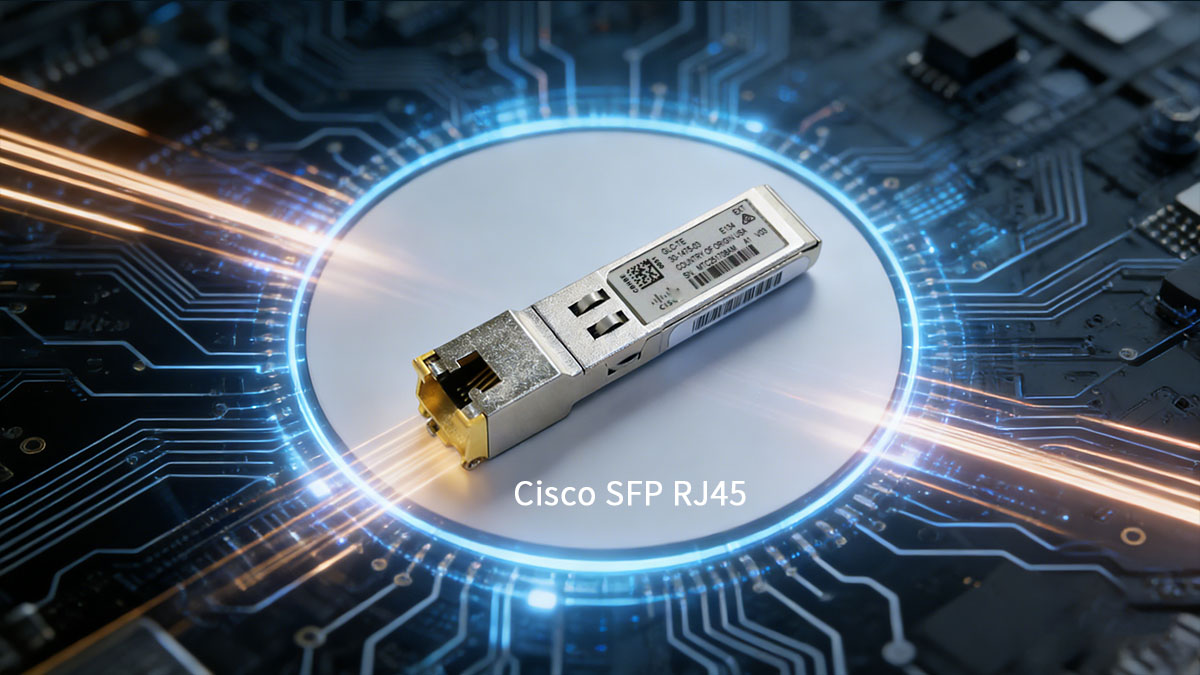
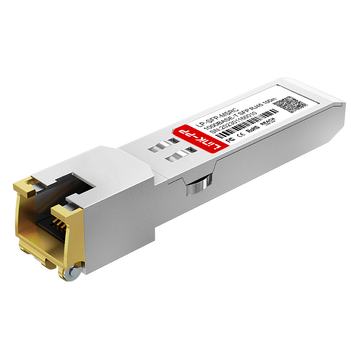
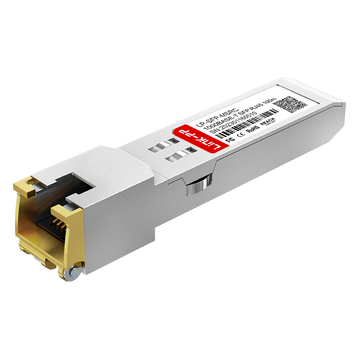
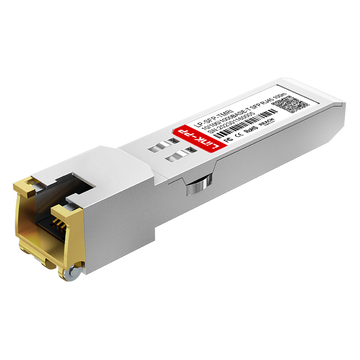
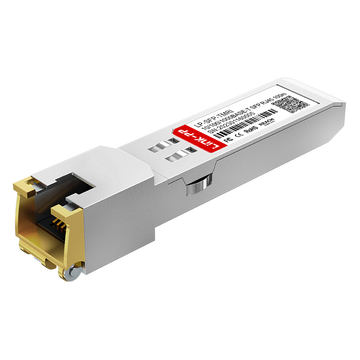
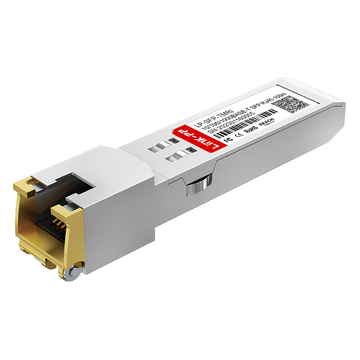
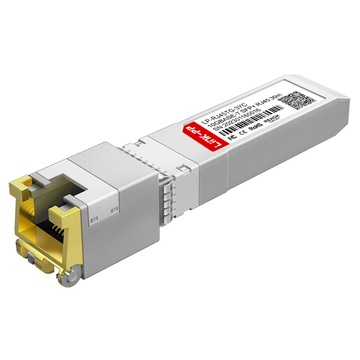
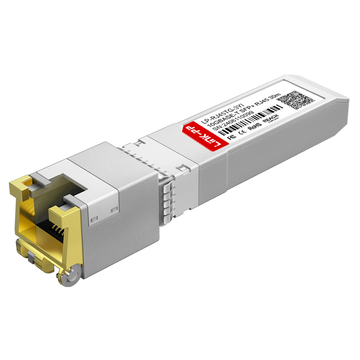
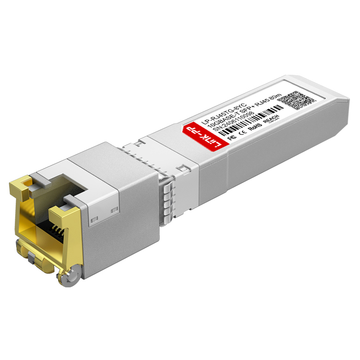
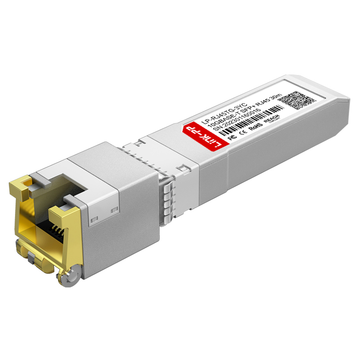
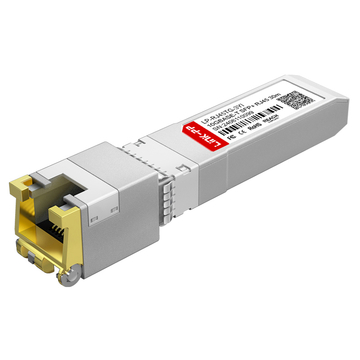
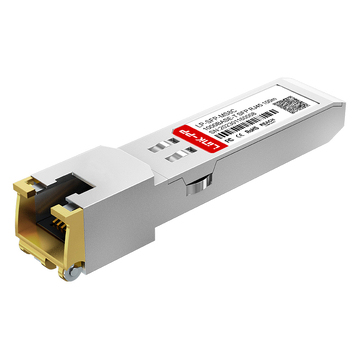
Cisco SFP RJ45 is a copper SFP transceiver module that provides an RJ45 Ethernet interface from an SFP (or in some cases SFP+) slot. In simple terms, it lets a switch with modular SFP ports connect directly to standard twisted-pair copper cabling. This makes it a popular option for short-range enterprise connections where you want copper convenience without changing switch hardware.
Overview of Cisco SFP RJ45 Copper Transceivers
The Cisco SFP RJ45 transceiver is a hot-swappable copper SFP module designed to plug into a switch’s SFP slot and present a standard RJ45 port on the front of the module. Unlike SFP optical transceivers that transmit signals over fiber cable, these modules transmit electrical signals over twisted-pair Ethernet cabling (such as Cat5e, Cat6, and Cat6a).
They’re often used in enterprise environments for:
- Top-of-rack and end-of-row connections where devices still use RJ45.
- Gradual migrations from copper-based access to fiber-based switching.
- Mixed-media deployments where some ports need fiber, and others need copper.
How Cisco SFP RJ45 Converts Fiber Ports to Ethernet
A Cisco SFP RJ45 module works like an integrated mini media interface inside the SFP or SFP+ form factor. When inserted into an SFP slot, the switch communicates with the module through the SFP electrical interface, while the module provides a standard RJ45 Ethernet connection on the other side.
In practice, this means:
- The physical port changes from “SFP fiber-style” to “RJ45 copper-style”.
- The module handles the signal adaptation needed for copper Ethernet.
- You avoid external media converters, extra power supplies, and additional cabling complexity.
Typical Transmission Distance and Speed Capabilities
Cisco SFP RJ45 modules generally fall into two speed classes: 1G (1000BASE-T) and 10G (10GBASE-T / 10G-T). The 1G options are built for full “standard Ethernet” reach, while 10G options typically support shorter runs due to higher signal and power requirements.
1000BASE-T (1Gbps): GLC-T and GLC-TE
- GLC-T and GLC-TE are Cisco 1G copper SFP RJ45 modules.
- Both are designed for up to 100m over twisted-pair cabling in typical enterprise deployments — ideal for access-layer links and short in-building connections.
10G-T (10Gbps): SFP-10G-T-X and SFP-10G-T-80
- SFP-10G-T-X is the common 10GBASE-T SFP+ RJ45 option and is typically specified for up to 30m at 10Gbps.
- SFP-10G-T-80 is often marketed for up to 80m at 10Gbps (usually requiring higher-grade cabling).
? Cisco SFP RJ45 Advantages for Enterprise Switch Deployments
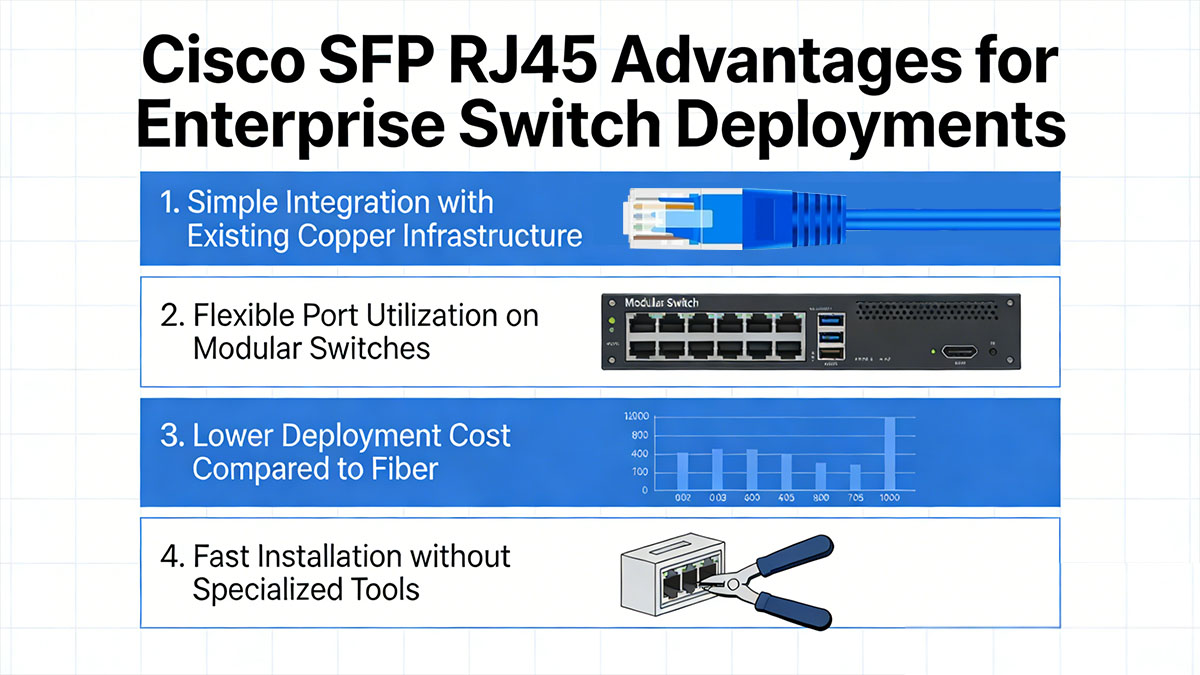
Cisco SFP RJ45 transceivers remain a favorite among enterprise teams because they combine flexibility, affordability, and ease of use. They allow businesses to extend copper-based Ethernet networks without sacrificing scalability or performance. Whether upgrading to new switches or expanding existing infrastructure, these modules deliver a cost-effective way to bridge legacy and modern network environments.
Simple Integration with Existing Copper Infrastructure
One of the greatest advantages of Cisco SFP RJ45 modules is their seamless compatibility with existing copper cabling. Most enterprise networks are already wired with Cat5e, Cat6, or Cat6a cables, and these transceivers leverage that investment rather than replacing it. This means network administrators can quickly deploy new connections or reconfigure switch ports without running new fiber lines or making major physical changes to the infrastructure.
Flexible Port Utilization on Modular Switches
Cisco modular and stackable switches often include SFP slots designed for flexible media use. With an RJ45 SFP transceiver, administrators can decide whether to run fiber or copper connections on the same switch platform. This adaptability helps optimize port usage — some ports can serve fiber uplinks to core switches, while others handle short-distance copper runs to servers or access points. The result is a more efficient and future-proof network configuration.
Lower Deployment Cost Compared to Fiber
Deploying copper-based connections using Cisco SFP RJ45 modules costs significantly less than implementing fiber optic cabling. Copper cables are cheaper, easier to terminate, and require no specialized tools for installation. For short distances (up to 100m), these transceivers provide nearly identical performance to fiber at a fraction of the price. This makes them especially appealing for cost-conscious enterprises or large-scale campus networks.
Fast Installation without Specialized Tools
Because Cisco SFP RJ45 modules use standard RJ45 connectors, installation is straightforward and does not require fiber splicing, polishing, or cleaning. Technicians can simply plug the transceiver into an SFP slot and connect a copper Ethernet cable — no training or complex setup required. Their hot-swappable nature also allows replacement or upgrades without service downtime, streamlining maintenance in operational environments.
? Cisco SFP RJ45 Compatibility: How to Ensure It Works with Your Switch
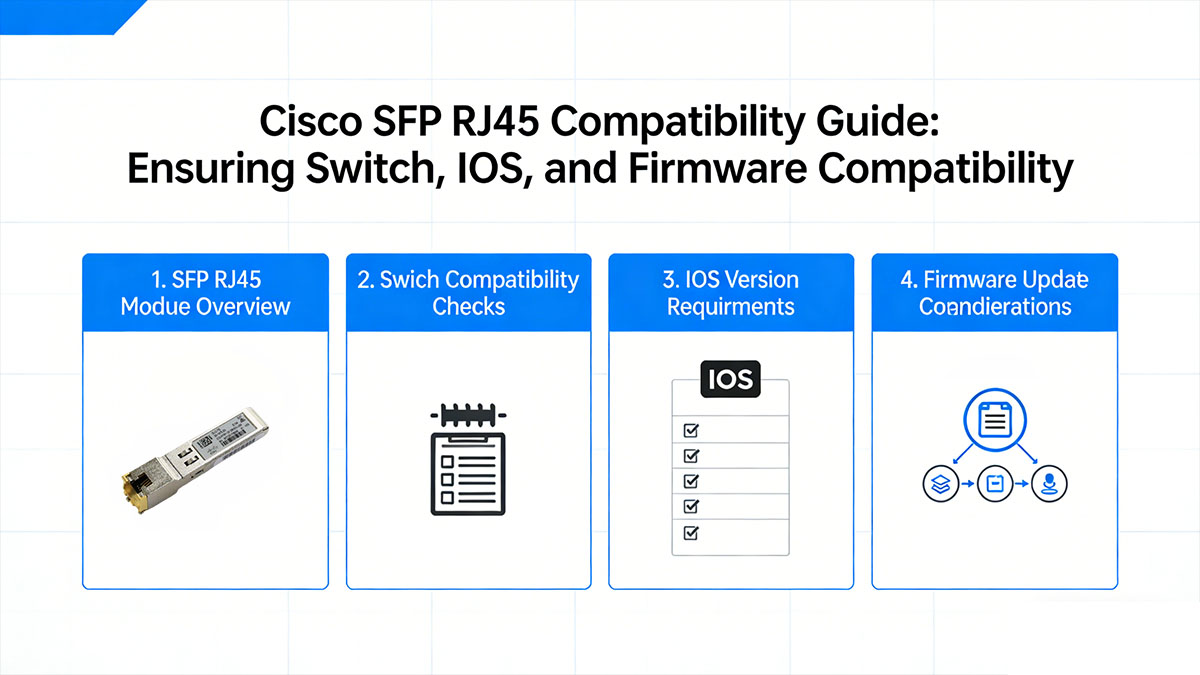
Before purchasing a Cisco SFP RJ45 transceiver, ensuring compatibility with your specific switch model is essential. Not all SFP ports are designed for copper modules, and differences in switch platforms, firmware versions, or third-party components can affect functionality. Understanding compatibility factors upfront helps prevent link errors, negotiation failures, or wasted investment.
Compatible Cisco Catalyst Switch Families
In Cisco’s enterprise campus lineup, Catalyst switches are commonly used with 1G copper SFP (1000BASE-T) for access and short-range copper links. In general, you’ll see copper SFP support across many Catalyst generations (especially in access/distribution models), but not every Catalyst switches support every transceiver, and some platforms limit how many copper RJ45 SFP modules can be used at the same time.
Best practice for Catalyst:
- Confirm the exact Catalyst model (for example, the switch SKU and uplink module type if applicable).
- Confirm whether the port is SFP (1G) or SFP+ (10G) — this is a common mismatch.
- Validate the transceiver by cheecking official Cisco transceiver compatibility matrix.
Nexus Switch Compatibility Overview
Nexus switching (data center) is often more restrictive — especially for 10GBASE-T SFP+ RJ45 modules. Even when a Nexus switch supports a 10G-T module, there may be deployment limitations (for example, restrictions on full port population, adjacency rules, or power/thermal constraints depending on the platform and line card).
A key point for Nexus (and also some Catalyst models):
- SFP-10G-T-X has a relatively high power draw, so Cisco documents that some switches cannot fully populate every port with this module.
- Always verify platform support in the optics/device matrix rather than relying on “it’s an SFP+, so it should work.”
IOS and Firmware Factors to Consider
Even when the hardware supports the module, software can still be the blocker. Compatibility may depend on:
- Minimum IOS/IOS XE/NX-OS version required to recognize and operate the transceiver.
- Features like autonegotiation behavior, speed/duplex support, and DOM/monitoring behavior (varies by module type).
- Platform-specific limits for power budgeting and thermal protection, especially with 10G-T SFP RJ45 modules.
In other words, “supported switch model” is necessary — but not always sufficient. Your software train matters.
Quick Ways to Verify Compatibility before Buying
Before purchasing or deploying a new Cisco SFP RJ45, network engineers can take a few quick steps to verify compatibility. Checking Cisco’s Transceiver Module Compatibility Matrix is the most reliable method.
Another easy approach is running the command show inventory or show interfaces transceiver on an existing switch to see recognized module types. If using third-party or compatible Cisco SFP RJ45 modules, ensure they are tested and coded for Cisco platforms. A quick compatibility check can save hours of troubleshooting after installation.
? Cisco SFP RJ45 Performance Limits You Should Know Before Buying
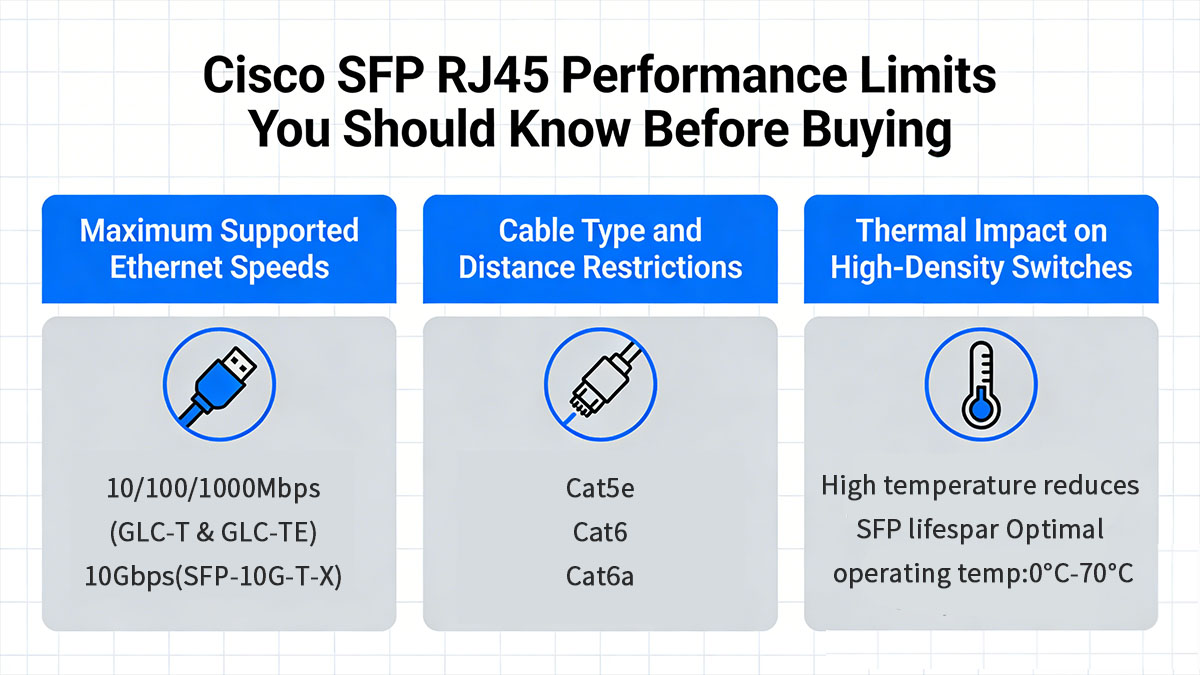
While Cisco SFP RJ45 modules offer great flexibility and cost efficiency, they also come with technical limits related to speed, distance, power, and heat output. Understanding these boundaries helps ensure reliable operation and prevents performance degradation in dense or high-demand environments. Before purchasing, it’s crucial to evaluate whether these modules align with your network’s scale and performance goals.
Maximum Supported Ethernet Speeds
Cisco SFP RJ45 modules typically fall into two speed classes: 1000BASE-T RJ45 (1G-T) and 10GBASE-T RJ45 (10G-T). The 1G SFP RJ45 transceivers (such as GLC-T and GLC-TE) are designed for Gigabit Ethernet over copper and usually support 10/100/1000 Mbps auto-negotiation, making them a flexible choice for mixed-speed edge networks. For higher throughput, 10G-T modules (such as SFP-10G-T-X) are built for 10Gbps over RJ45, but they require a compatible SFP+ port and supported switch platform to actually run at 10G.
Cable Type and Distance Restrictions
Transmission distance over copper depends heavily on cable quality and category. The maximum distance for Gigabit Ethernet using Cisco SFP RJ45 modules is 100m when using standards-compliant cabling. Inferior cables or interference-prone environments can reduce link stability or speed negotiation.
| Cable Category | Maximum Distance | Recommended Use Case |
| Cat5e | Up to 100m | General office environments |
| Cat6 | Up to 100m | Data centers, lower crosstalk |
| Cat6a | Up to 100m | High-performance or shielded installations |
When high EMI (electromagnetic interference) is expected — such as near industrial machinery — shielded Cat6a cables are recommended to maintain consistent throughput.
Thermal Impact on High-Density Switches
Higher power draw becomes a heat problem fast when you populate many adjacent ports with Cisco SFP 10G copper transceivers. Cisco calls out that SFP-10G-T-X’s power characteristics can impose deployment restrictions, which in real networks often translates to limits on how many modules you can use simultaneously, or requirements for careful airflow planning.
To keep performance stable in dense environments:
- Prefer fiber SFP+ or DAC for high-density 10G rows when possible.
- If you must use 10G copper module, keep them to targeted ports (e.g., a few ToR server connections) rather than full population.
- Monitor switch environmental status (temps/alerts) and follow Cisco platform guidance (some models specify per-slot or per-ASIC limits via compatibility notes).
? Cisco SFP RJ45 Selection Checklist for Buyers
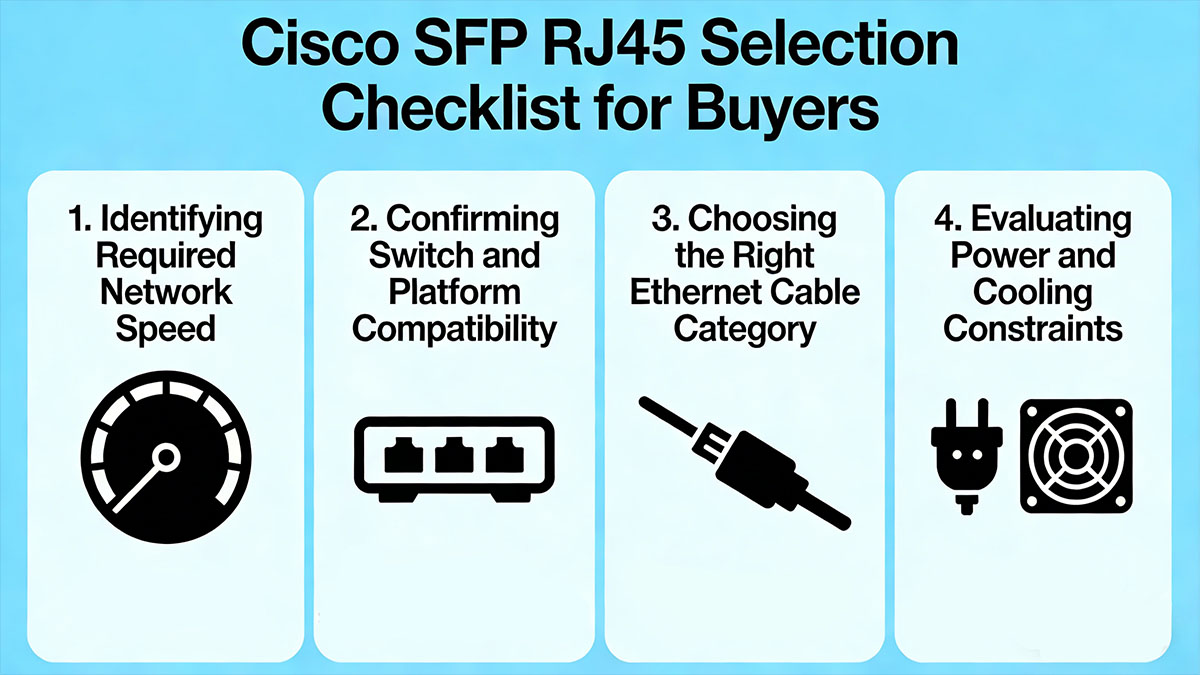
Selecting a Cisco SFP RJ45 module requires more than checking whether it fits the port. Buyers should verify network speed, switch compatibility, cable specifications, and the switch’s power and thermal capacity before making a purchase.
Identifying Required Network Speed
The first step in selecting a Cisco SFP RJ45 module is to define the actual bandwidth requirement of the target link. In many enterprise access or management scenarios, 1GbE is still sufficient for connecting PCs, printers, IP phones, wireless access points, or low-bandwidth servers. However, in environments with higher traffic density, virtualization, or uplink aggregation, buyers should verify whether the application demands higher speeds than a standard RJ45 SFP can support.
It is also important to align the module’s speed capability with the switch port design and network architecture. Some Cisco copper SFP modules are intended primarily for Gigabit Ethernet, while multi-gigabit or 10G copper requirements may call for different module types, interfaces, or switch platforms. Buyers should avoid assuming that all RJ45-based pluggable modules support the same speeds, because a mismatch here can create bottlenecks or prevent the link from coming up at the desired rate.
Confirming Switch and Platform Compatibility
Before purchasing, buyers should confirm that the Cisco switch or platform explicitly supports the selected SFP RJ45 module. This includes checking not only the switch family, such as Catalyst or Nexus, but also the exact model number, software release, and port type. Even within the same product family, support can vary depending on hardware generation and firmware version.
A practical approach is to review Cisco’s compatibility matrix, hardware installation guides, or transceiver support documentation for the target switch. Buyers should also verify whether the environment accepts only Cisco-branded optics and transceivers or whether third-party coded RJ45 SFP modules are allowed under current procurement and support policies. Compatibility validation before purchase helps avoid issues such as unsupported-module warnings, link instability, or failed module recognition after installation.
Choosing the Right Ethernet Cable Category
Cable selection has a direct impact on the performance and stability of Cisco SFP RJ45 connections. Buyers should make sure the installed copper cabling matches the speed and distance requirements of the deployment. For standard Gigabit Ethernet, Cat5e is often acceptable, but Cat6 or Cat6a may provide better signal integrity, improved headroom, and stronger long-term support for higher-quality enterprise installations.
The cable environment should also be reviewed as part of the buying decision. If the link passes through older building cabling, patch panels, or mixed-category cable segments, real-world performance may be lower than expected even if the module itself is fully compliant. For this reason, buyers should not only select the correct cable category on paper, but also assess cable condition, termination quality, and channel length to ensure the module can deliver stable connectivity at the intended speed.
Evaluating Power and Cooling Constraints
Cisco SFP RJ45 modules generally consume more power and generate more heat than many SFP optical modules. This becomes especially important in dense switch deployments where multiple copper transceivers are installed side by side. Buyers should review the switch’s transceiver power budget and confirm whether the platform can support the planned number of RJ45 modules without exceeding design limits.
Cooling should be considered alongside power usage. In top-of-rack, aggregation, or high-density enterprise switch environments, additional heat from copper RJ45 modules may affect airflow efficiency and long-term hardware reliability. Buyers planning large-scale deployments should evaluate rack ventilation, switch thermal guidance, and module population limits before finalizing the purchase. Taking power and cooling into account early helps prevent overheating, port shutdowns, and performance degradation in production networks.
? Cisco SFP RJ45 Buying Mistakes to Avoid
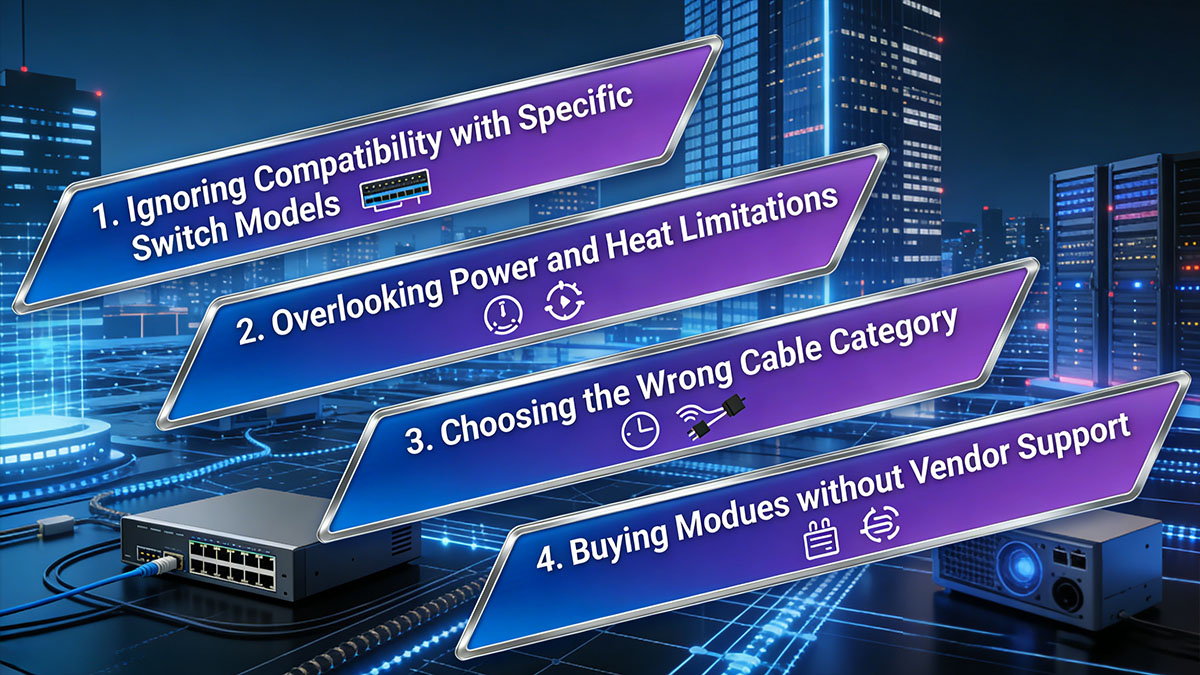
Buying a Cisco SFP RJ45 module may seem straightforward, but several common mistakes can lead to compatibility issues, unstable links, or unnecessary replacement costs. Understanding these risks before purchase can help buyers avoid deployment problems and make more reliable long-term networking decisions.
Ignoring Compatibility with Specific Switch Models
One of the most common mistakes is assuming that any Cisco SFP RJ45 module will work across all Cisco switches. In reality, support often depends on the exact switch model, port type, and software version. To avoid this problem:
- Check the official compatibility list for the specific Catalyst or Nexus model.
- Verify IOS, NX-OS, or firmware support before ordering.
- Do not rely only on the fact that the module uses a standard SFP form factor.
Skipping model-level verification can result in unsupported transceiver warnings, failed module detection, or links that do not operate as expected.
Overlooking Power and Heat Limitations
Many buyers focus only on connectivity and speed, while ignoring the fact that Cisco RJ45 SFP copper modules usually consume more power and generate more heat than fiber SFP modules. This becomes more serious in high-density switch deployments. Key risks include:
- Exceeding the switch’s transceiver power budget.
- Increasing internal switch temperature.
- Reducing long-term stability in tightly packed racks or limited-airflow environments.
When multiple copper modules are installed at the same time, thermal and power constraints can become a real operational issue rather than a minor specification detail.
Choosing the Wrong Cable Category
Another frequent mistake is using cabling that does not match the intended performance level of the module. Even if the Cisco SFP RJ45 itself is compatible, poor or outdated copper cabling can limit speed, reduce signal quality, or cause link instability. Buyers should pay attention to:
- Whether Cat5e is sufficient for the target application.
- Whether Cat6 or Cat6a would provide better performance margin.
- The quality of patch panels, connectors, and existing structured cabling.
Choosing the wrong cable category can prevent the link from reaching full speed or maintaining stable operation over the required distance.
Buying Modules without Vendor Support
Price is often a major factor, but choosing the lowest-cost module without considering vendor support can create problems later. Unsupported or poorly coded Cisco SFP RJ45 modules may cause compatibility warnings, inconsistent performance, or difficulty when troubleshooting. Before purchasing, buyers should consider:
- Whether the supplier provides compatibility guarantees.
- Whether technical support is available if the module fails to link properly.
- Whether warranty and replacement services are included.
A module with reliable vendor backing is often a safer investment than a cheaper option with limited support, especially in enterprise environments where downtime and troubleshooting costs are much higher.
? Cisco SFP RJ45 Installation Tips for Stable Network Performance
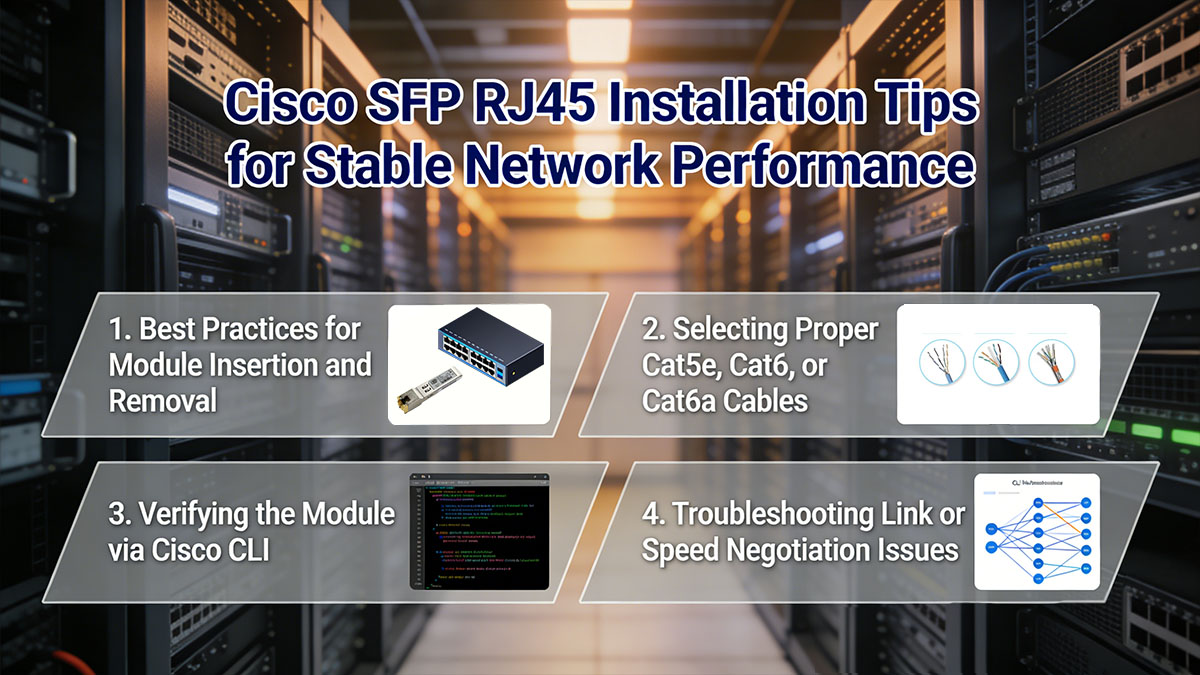
Proper installation is just as important as selecting the right Cisco SFP RJ45 module. Even a compatible module can deliver poor results if it is inserted incorrectly, paired with unsuitable cabling, or left unchecked after deployment. Following a few practical installation steps can help ensure stable links, consistent speed negotiation, and better long-term switch performance.
Best Practices for Module Insertion and Removal
Cisco SFP RJ45 modules should always be inserted and removed carefully to avoid port damage or connection issues. During installation, make sure the module is aligned correctly with the SFP slot and inserted gently until it is fully seated. For better results:
- Avoid forcing the module into the port.
- Use the latch or release mechanism properly during removal.
- Keep dust caps on unused modules and ports when possible.
- Minimize repeated plugging and unplugging to reduce wear.
A careful installation process helps prevent physical damage and ensures the switch can recognize the module correctly.
Selecting Proper Cat5e, Cat6, or Cat6a Cables
Cable quality has a direct impact on link stability and actual network performance. While Cat5e may be sufficient for many 1GbE deployments, Cat6 or Cat6a is often a better choice for cleaner signal transmission and stronger performance margins in enterprise environments. Buyers should also pay attention to:
- Total cable length and patching quality
- Connector condition and termination standards
- Whether existing building cabling is old, mixed, or poorly maintained
Using the right cable category reduces the risk of packet errors, unstable links, or unexpected speed downgrades.
Verifying the Module via Cisco CLI
After installing a Cisco SFP RJ45 module, buyers should verify more than just whether the port shows as active. Using Cisco CLI helps confirm that the switch has properly recognized the transceiver, that the interface is operating at the expected speed, and that no compatibility-related warnings are present. A more thorough check should include:
- Confirming the module appears in the transceiver or inventory output.
- Checking whether the interface status is up/up rather than administratively down or link down.
- Verifying the negotiated speed and duplex match the intended network design.
- Reviewing interface counters for input errors, CRC errors, or excessive packet drops.
- Looking for log messages related to unsupported transceivers, power limits, or link flapping.
In practice, this means checking both identification and performance status, not just basic connectivity. If the module is detected but the link still does not perform as expected, CLI output can help determine whether the problem comes from cabling, negotiation mismatch, switch compatibility, or physical-layer errors.
Troubleshooting Link or Speed Negotiation Issues
If the port does not come up or the link runs at a lower speed than expected, the issue is often related to compatibility, cabling, or negotiation settings rather than the module alone. In many cases, a basic troubleshooting process can quickly identify the cause. Focus on the following:
- Recheck module compatibility with the switch model.
- Test with a different known-good Ethernet cable.
- Confirm the remote device supports the same speed settings.
- Review interface configuration for auto-negotiation or manual speed mismatch.
- Check switch logs for transceiver or interface-related alerts.
A step-by-step troubleshooting approach helps isolate the fault and restore stable operation more efficiently.
? Final Recommendations for Cisco SFP RJ45 Selection
Selecting the right Cisco SFP RJ45 module combines attention to detail with a clear understanding of your network’s current and future needs. Always confirm compatibility, power capacity, and cabling standards before purchase to guarantee consistent performance. For enterprises, balancing cost efficiency with reliability is key — trusted, certified transceivers deliver long-term stability that generic models often cannot.
To explore high-quality Cisco SFP RJ45 compatible transceivers with full support and warranty, visit the LINK-PP Official Store. It offers a wide range of copper SFPs tested for enterprise-grade switches, ensuring seamless deployment and reliable performance.