As enterprise networks continue to expand, the need for flexible and cost-effective connectivity solutions becomes increasingly important. One such solution gaining traction is SFP to Cat6, which enables seamless integration between fiber-based SFP ports and traditional copper Ethernet infrastructure. By leveraging this approach, organizations can bridge the gap between modern networking hardware and existing cabling systems without requiring a full fiber deployment.
SFP to Cat6 transceiver solutions offer a practical way to extend network connectivity using widely available Cat6 cables, while still benefiting from the modularity of SFP interfaces. This combination allows businesses to optimize performance, reduce infrastructure costs, and simplify network upgrades. As a result, SFP to Cat6 has become a valuable option for enterprises seeking scalable, reliable, and efficient network designs.
❇️ What Is SFP to Cat6
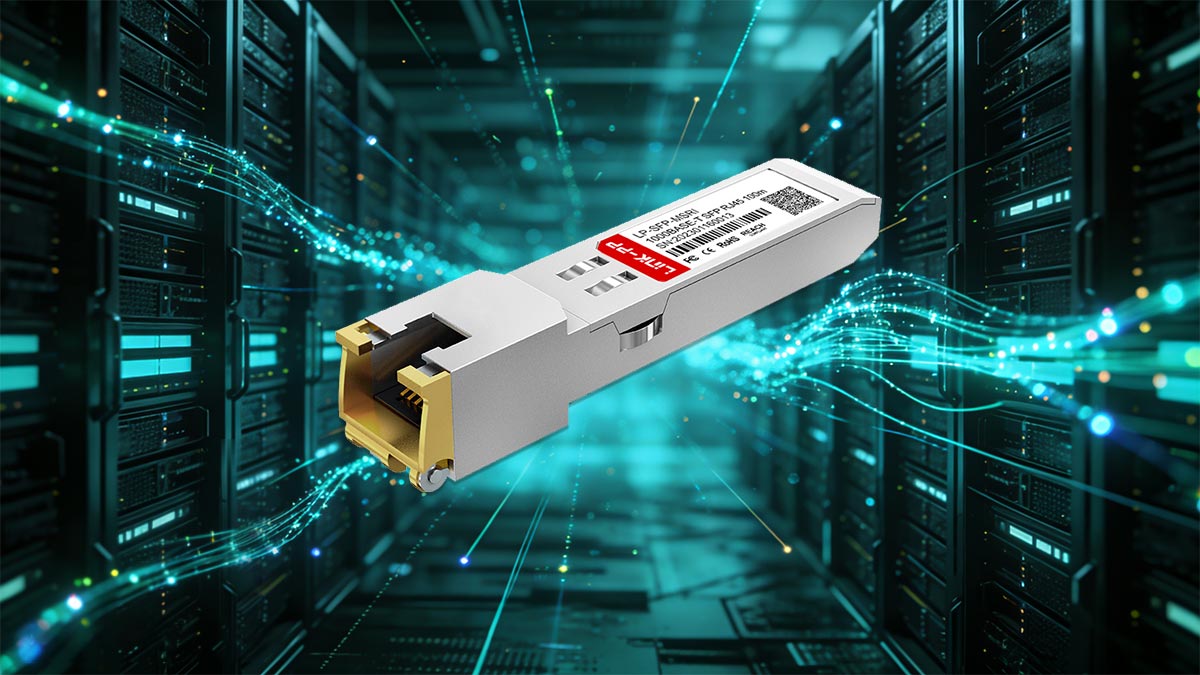
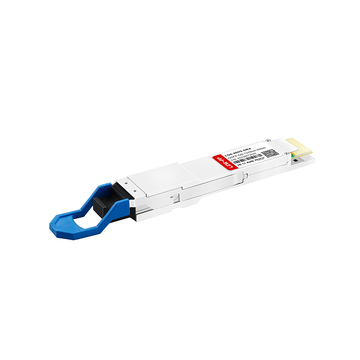
SFP to Cat6 refers to a networking solution that connects SFP ports on switches or routers to standard Cat6 Ethernet cabling using copper SFP transceiver. It allows organizations to integrate fiber-capable hardware with copper infrastructure efficiently. This approach is widely used to extend network access without relying entirely on fiber optic cabling.
Understanding Copper SFP Modules and RJ45 Interfaces
Copper SFP modules, also known as SFP to RJ45 transceiver modules, are designed to convert SFP ports into standard Ethernet ports that support Cat6 or better twisted-pair cables. These modules provide a simple plug-and-play method to enable copper connectivity on devices originally intended for fiber.
Copper SFP Modules:
- Fit into standard SFP slots on switches and routers.
- Support Ethernet speeds such as 1G or 10G depending on the module type.
- Convert electrical signals for transmission over twisted-pair copper cables.
RJ45 Interfaces:
- Standardized connectors used for Cat6 Ethernet cables.
- Widely supported across enterprise networking equipment.
- Enable easy integration with existing copper infrastructure.
Together, these components allow seamless communication between SFP-enabled devices and Cat6 cabling systems.
How SFP to Cat6 Conversion Works
SFP to Cat6 conversion relies on a copper transceiver inserted into an SFP port, which translates the device’s interface into an RJ45 Ethernet connection. This enables data to be transmitted over Cat6 cables instead of fiber cables.
When a copper SFP module is installed, it performs signal conversion internally — transforming the data format from the SFP interface into electrical signals suitable for twisted-pair copper transmission. The connected Cat6 cable then carries these signals to another network device, such as a switch, server, or workstation, completing the link without requiring fiber optic SFP module.
Key Benefits Over Fiber-Only Connections
Using SFP to Cat6 transceiver solutions provides several advantages compared to deploying fiber-only connections:
Lower Deployment Cost:
- Cat6 cables and copper transceivers are generally more affordable than fiber optics and optical transceivers.
Simplified Installation:
- No need for specialized fiber handling, splicing, or cleaning.
- Easier termination and cable management.
Flexibility and Compatibility:
- Works with existing copper infrastructure already deployed in many enterprises.
- Allows gradual upgrades without replacing entire network systems.
Short-distance Efficiency:
- Ideal for access layer and short-range connections where fiber is unnecessary.
These benefits make SFP to Cat6 a practical and efficient choice for many enterprise networking scenarios.
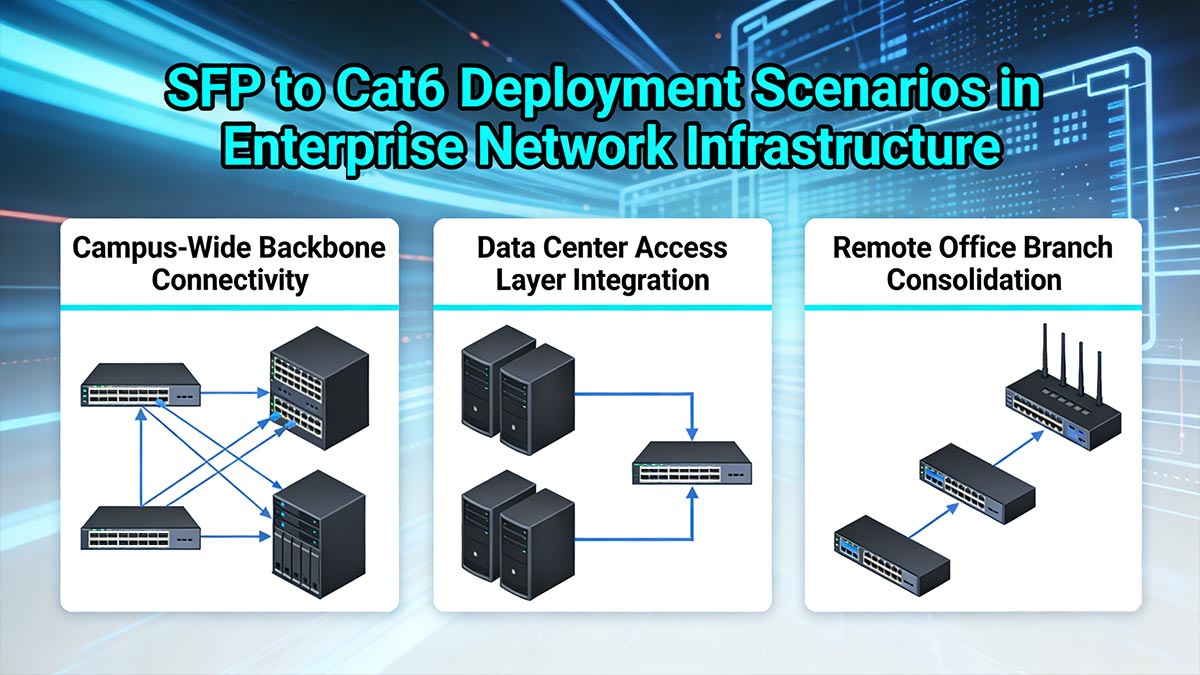
❇️ SFP to Cat6 Deployment Scenarios in Enterprise Network Infrastructure
SFP to Cat6 transceiver module solutions are widely adopted across enterprise environments where flexibility, cost control, and compatibility with existing infrastructure are critical. They are especially useful in scenarios that require short-distance connectivity without the complexity of fiber deployment. By enabling copper-based extensions from SFP ports, organizations can optimize network design while maintaining performance and scalability.
Campus-Wide Backbone Connectivity
In campus networks, backbone connectivity often requires linking multiple buildings or departments through aggregation switches. While fiber is typically used for long-haul transmission, SFP to Cat6 links are ideal for short inter-building runs or connecting distribution switches located within 55m. They provide gigabit or 10-gigabit connections over standard copper Ethernet, ensuring reliable communication between network segments without the high cost of optical modules.
This hybrid design also simplifies maintenance and future expansion. Technicians can reuse existing Cat6 cabling infrastructure for new network expansions, minimizing installation disruptions. It creates a flexible layered backbone where fiber handles long-distance connections and copper manages intra-building or campus edge connections, reducing both complexity and expense.
Data Center Access Layer Integration
In data centers, the access layer connects servers, storage devices, and top-of-rack (ToR) switches. SFP to Cat6 copper cabling solution plays a key role here by linking equipment that supports 1G SFP, 2.5G SFP, or 10G SFP+ copper Ethernet through SFP-compatible switches. This approach eliminates the need for dedicated RJ45 switch ports, helping enterprises maximize switch port flexibility and scalability.
Moreover, copper links are preferred for short-range connections within server racks or adjacent racks, where distances rarely exceed 55m. SFP to Cat6 deployments have slightly higher power consumption than fiber SFP optics, but they avoid dedicated RJ45 ports and offer simpler patch management for short distances. The result is an efficient access architecture that balances cost, performance, and manageability without compromising bandwidth delivery.
Remote Office Branch Consolidation
For remote or branch offices, deploying full-scale fiber infrastructure is often unnecessary and cost-prohibitive. SFP to Cat6 connections enable network administrators to reuse existing Cat6 cabling for WAN edge devices, local servers, and access switches while still leveraging SFP ports on aggregation or core routers. This allows consistent configuration across enterprise locations, improving operational uniformity.
Additionally, copper-based links simplify troubleshooting and reduce dependency on optical components that may not be readily available in smaller branches. Maintenance tasks such as swapping transceivers or extending a local network segment become straightforward. Through SFP to Cat6 integration, businesses can centralize management, maintain consistent network standards, and ensure reliable connectivity across distributed environments.
❇️ Key Components Required for SFP to Cat6 Connectivity
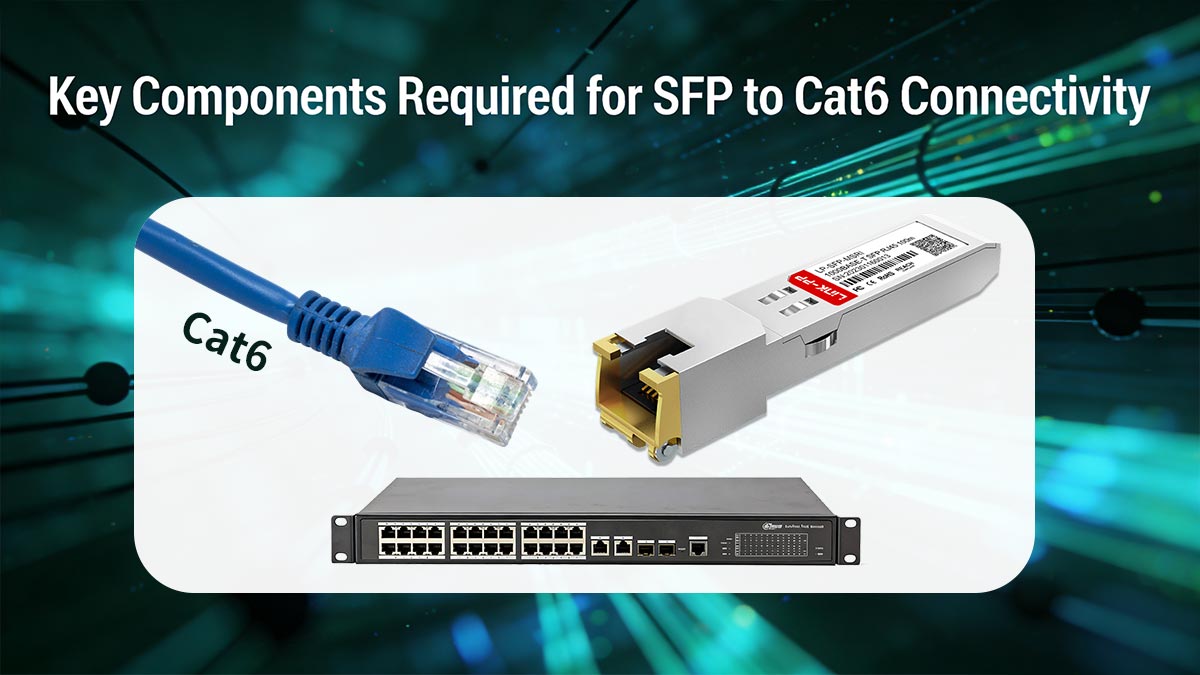
To successfully deploy an SFP to Cat6 solution, several essential components must work together to ensure stable and efficient network performance. These components enable signal conversion, data transmission, and device compatibility across the network. Understanding each element helps in designing a reliable and scalable infrastructure.
The following table outlines the core components involved in SFP to Cat6 connectivity:
| Component | Description | Role in Network |
| SFP to RJ45 Transceiver | Copper module inserted into SFP ports | Converts SFP interface to RJ45 Ethernet |
| Cat6 Ethernet Cable | Twisted-pair copper cable | Transmits data between connected devices |
| Network Switches / Devices | SFP-enabled switches, routers, servers | Provide ports and manage network traffic |
| Power Supply (via SFP Port) | Power delivered from the host device | Supports operation of active transceivers |
| Network Interface Cards (NICs) | Ethernet ports on end devices | Enable connectivity to Cat6 cabling |
SFP to RJ45 Transceivers Explained
SFP to RJ45 transceivers are the core component of any SFP to Cat6 deployment. These modules are inserted into SFP slots and convert the port into a standard copper Ethernet interface.
Key Functions:
- Translate SFP signals into electrical signals for copper transmission.
- Support common Ethernet standards such as 1000BASE-T or 10GBASE-T.
- Enable plug-and-play deployment without additional configuration.
Important Considerations:
- Compatibility with switch vendors (e.g., Cisco, HPE, etc.).
- Heat generation and power consumption, especially for 10G copper SFP modules.
- Maximum supported distance (typically up to 100m).
Cat6 Ethernet Cable Specifications
Cat6 cabling forms the backbone of SFP to Cat6 implementations. It uses high-quality twisted copper pairs to minimize crosstalk and signal loss, supporting data rates up to 10Gbps at shorter distances (up to 55m) and 1Gbps over the standard 100-meter range.
When choosing Cat6 for enterprise installations:
- Use solid core cable for permanent in-wall runs and stranded cable for patch connections.
- Ensure shielded cable (STP) in electrically noisy environments such as data centers or industrial floors.
- Follow compliance standards like TIA/EIA-568-B for termination and testing.
These measures ensure signal integrity and long-term reliability across copper-based network segments.
Compatible Switches and Network Devices
For SFP to Cat6 connectivity to function properly, network devices must support SFP interfaces and be compatible with copper transceivers. This includes switches, routers, and sometimes servers with SFP ports.
Compatibility is critical, as some vendors restrict third-party compatible transceivers or require certified modules. Ensuring that switches support the required data rates and standards helps avoid connectivity issues. Additionally, devices at both ends of the connection must align in speed and duplex settings to maintain stable communication.
Power and Distance Considerations
Power and distance are key factors that influence the performance of SFP to Cat6 solutions. Copper SFP modules consume more power than fiber modules, especially at higher speeds, which can impact switch capacity and thermal management.
Distance limitations also play a crucial role. While Cat6 cables can typically support up to 100m for 1 Gbps connections, higher speeds such as 10Gbps may reduce the effective range. Proper planning ensures that links remain within supported limits, avoiding signal degradation and performance loss.
❇️ Advantages of SFP to Cat6 in Enterprise Network Design
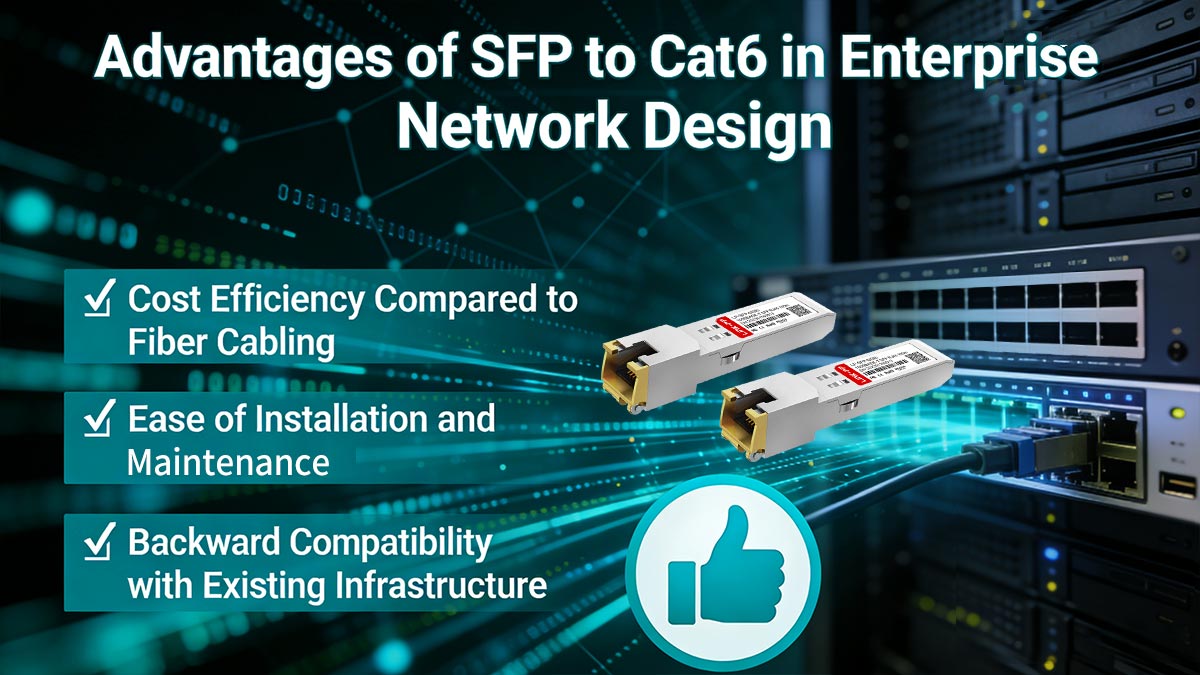
SFP to Cat6 solutions offer tangible design advantages for enterprise networks that require both performance and practicality. By combining SFP flexibility with copper cabling, organizations can optimize port utilization, reduce infrastructure complexity, and streamline network expansion. This makes it a highly effective approach for access and short-distance distribution layers.
Cost Efficiency Compared to Fiber Cabling
SFP to Cat6 modules reduce overall deployment costs by leveraging existing copper cabling infrastructure, eliminating the need for new fiber installation in short- to medium-distance scenarios. Many enterprise environments are already equipped with structured Cat6 cabling, which can be directly reused, significantly lowering material and upgrade expenses.
In addition, copper-based deployments minimize the need for specialized installation processes such as fiber routing, termination, and certification. This reduces labor costs and shortens deployment timelines, making SFP to Cat6 a more cost-effective choice for access layer connections, office environments, and intra-rack or inter-rack links where fiber performance is not strictly required.
Ease of Installation and Maintenance
From a deployment perspective, SFP to Cat6 simplifies both initial installation and ongoing operations. Cat6 cables are more durable and less sensitive to bending radius, contamination, or connector cleanliness compared to fiber, reducing the risk of installation errors.
In maintenance scenarios, copper-based links are easier to diagnose using standard Ethernet testing tools such as cable testers and link analyzers. Fault isolation — such as identifying damaged cables, loose connectors, or port issues — can be performed quickly without specialized optical diagnostic equipment, which improves mean time to repair (MTTR).
Backward Compatibility with Existing Infrastructure
SFP to Cat6 transceiver enables seamless integration with existing copper-based network environments, allowing enterprises to extend the lifecycle of their current infrastructure. Instead of replacing legacy Cat6 cabling during upgrades, organizations can introduce SFP-enabled switches while continuing to use established cabling systems.
This compatibility is particularly valuable in phased upgrade strategies, where different parts of the network evolve at different times. It allows newer SFP-based aggregation or access switches to interoperate with legacy devices and structured cabling, ensuring continuity of service while minimizing disruption and migration risks.
❇️ Performance Considerations for SFP to Cat6 Solutions
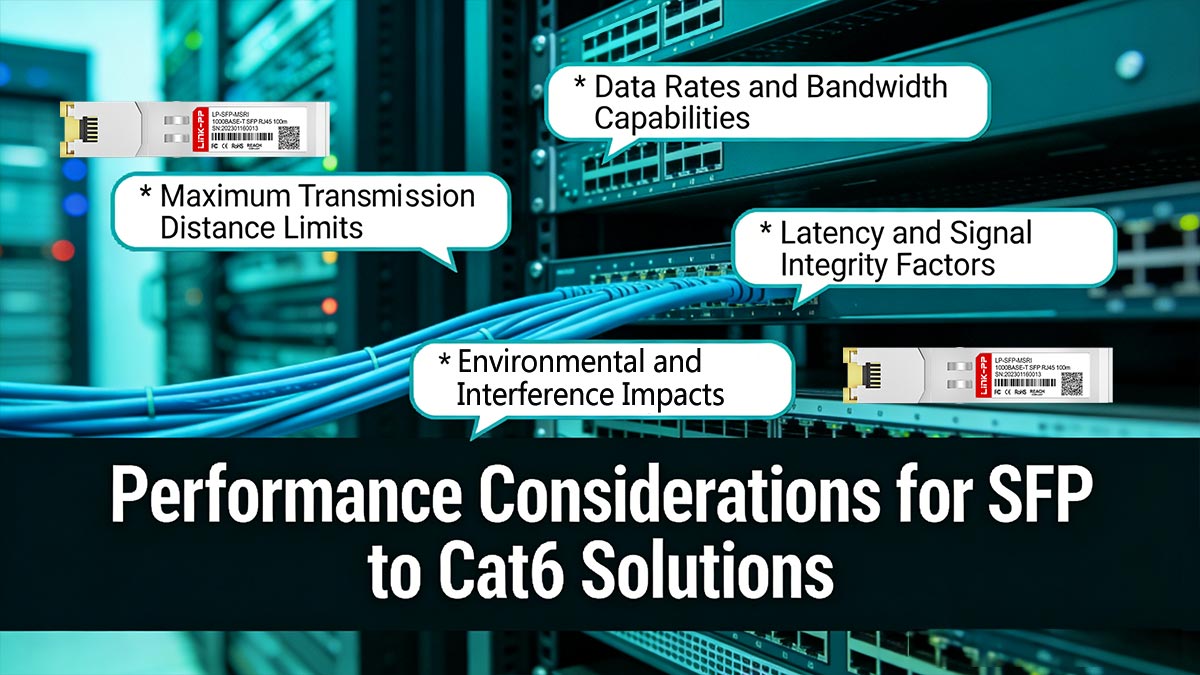
When deploying SFP to Cat6 solutions, performance is influenced by several technical factors including distance, bandwidth, signal quality, and environmental conditions. Unlike fiber, copper-based connections have stricter physical limitations that must be carefully managed. Understanding these constraints helps ensure stable and predictable network operation.
Maximum Transmission Distance Limits
The effective transmission distance of SFP to Cat6 connections depends on both the cable category and the data rate. For standard Cat6 cabling, distances can typically reach up to 100m at 1Gbps, but higher speeds introduce stricter limits.
At 10Gbps, Cat6 cables usually support shorter distances — often around 30m to 55m depending on cable quality and installation conditions. Exceeding these limits can lead to increased error rates, packet loss, or link instability, making proper distance planning essential during network design.
Data Rates and Bandwidth Capabilities
SFP to Cat6 solutions support a range of Ethernet standards, most commonly SFP 1G (1000BASE-T) and SFP+ 10G (10GBASE-T). The achievable data rate depends on the capabilities of the copper SFP module, the switch hardware, and the quality of the Cat6 cabling.
While Cat6 is sufficient for gigabit connectivity across full distances, achieving consistent 10G performance requires higher-quality cables and controlled environments. In some cases, upgrading to Cat6a may be necessary to fully support higher bandwidth demands without compromising stability.
Latency and Signal Integrity Factors
Copper-based transmission introduces slightly higher latency compared to fiber due to signal processing and encoding requirements within SFP to Cat6 modules. Although this latency is minimal, it can become relevant in latency-sensitive applications such as real-time data processing or high-frequency trading environments.
Signal integrity is also affected by factors such as cable length, connector quality, and electromagnetic interference. Poor termination, excessive bending, or low-quality components can degrade signal quality, resulting in retransmissions and reduced effective throughput.
Environmental and Interference Impacts
Unlike fiber, SFP to Cat6 connections are more susceptible to environmental interference, particularly electromagnetic interference (EMI) and crosstalk from nearby cables. This is especially important in dense data center environments or industrial settings with high electrical noise.
Proper cable shielding (such as STP), separation from power lines, and structured cable management can help mitigate these risks. Additionally, maintaining stable temperature and humidity conditions is important, as excessive heat can affect both cable performance and the operation of copper SFP modules.
❇️ Best Practices for Installing SFP to Cat6 Cabling
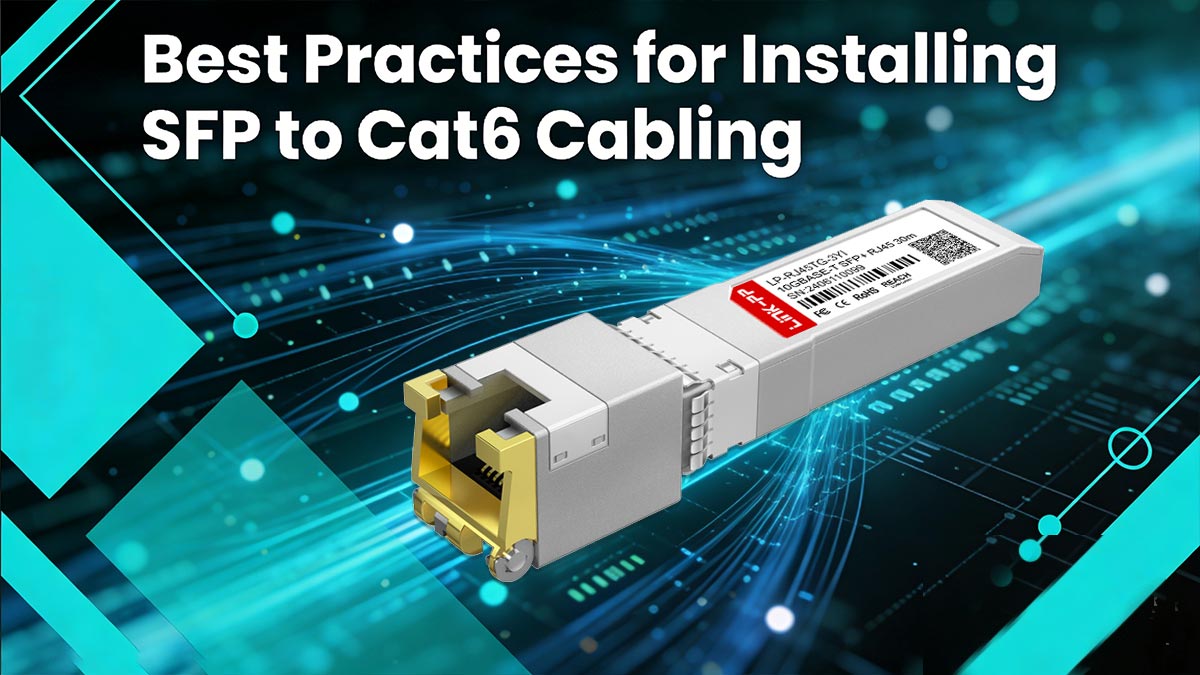
Proper installation is critical to achieving optimal performance and reliability in SFP to Cat6 deployments. Even high-quality components can underperform if cabling practices are not carefully followed. By adhering to structured installation standards, enterprises can minimize signal degradation, reduce troubleshooting efforts, and ensure long-term network stability.
Proper Cable Routing and Management
Effective cable routing and management are essential to maintain signal quality and simplify ongoing maintenance. Poor routing can lead to physical stress on cables and increased risk of interference.
Follow Structured Cabling Paths:
- Use cable trays, conduits, or racks to organize runs.
- Avoid running cables loosely across floors or ceilings.
Maintain Bend Radius and Tension Limits:
- Do not exceed the recommended bend radius for Cat6 cables.
- Avoid excessive pulling force during installation.
Label and Document Connections:
- Clearly label both ends of each cable.
- Maintain accurate documentation for easier troubleshooting and upgrades.
Good cable management not only preserves performance but also improves airflow and accessibility in network environments such as data centers.
Avoiding Signal Interference and Crosstalk
Since SFP to Cat6 relies on copper transmission, it is more susceptible to electromagnetic interference (EMI) and crosstalk. Proper installation techniques help mitigate these risks.
Separate Data and Power Cables:
- Maintain adequate distance from electrical wiring.
- Avoid parallel runs with high-voltage cables.
Use Appropriate Cable Types:
- Choose shielded (STP) cables in high-interference environments.
- Ensure consistent grounding for shielded systems.
Minimize Cable Bundling Issues:
- Avoid over-tight bundling, which can increase alien crosstalk.
- Use proper spacing in high-density installations.
By controlling interference sources, networks can maintain stable throughput and reduce packet errors.
Testing and Certification Procedures
After installation, thorough testing is necessary to verify that the SFP to Cat6 links meet performance standards. Skipping this step can result in hidden issues that affect long-term reliability.
Perform Cable Certification Tests:
- Use certified cable testers to validate parameters such as attenuation, NEXT, and return loss.
- Ensure compliance with TIA/EIA standards.
Validate Link Performance:
- Test actual data transmission rates and error rates.
- Confirm proper negotiation of speed and duplex settings.
Document Test Results:
- Maintain records for future audits and troubleshooting.
- Identify and address marginal links early.
Testing ensures that the installed infrastructure can support intended workloads without unexpected failures.
Ensuring Long-Term Reliability
Long-term reliability in SFP to Cat6 deployments depends on both initial installation quality and ongoing maintenance practices. Environmental and operational factors should be considered from the outset.
Control Environmental Conditions:
- Maintain proper temperature and humidity levels.
- Avoid exposing cables to excessive heat or moisture.
Schedule Periodic Inspections:
- Check for cable wear, loose connectors, or physical damage.
- Replace aging or degraded components proactively.
Plan for Scalability and Future Upgrades:
- Leave capacity for additional cabling or higher-speed requirements.
- Use standardized layouts to simplify future expansions.
By combining proper installation with proactive maintenance, enterprises can ensure that their SFP to Cat6 infrastructure remains stable, efficient, and ready to support evolving network demands.
❇️ Troubleshooting Common SFP to Cat6 Issues
Despite the reliability of SFP to Cat6 solutions, issues can arise during installation or operation. Identifying and resolving these common problems is essential to maintaining smooth network performance. A structured troubleshooting approach helps ensure that connectivity remains stable and efficient.
Identifying Connectivity Failures
Connectivity failures are one of the most frequent issues encountered with SFP to Cat6 installations. These failures can manifest as intermittent connection drops or complete loss of communication between network devices. To resolve these issues, the following steps are essential:
- Check Physical Connections: Ensure that the SFP modules and RJ45 connectors are properly seated in their respective ports. Loose or improperly connected modules are a common cause of connection failures. Also, inspect the Cat6 cables for any visible signs of damage, such as fraying or bending, which may interfere with signal transmission.
- Verify Link Status: Most network devices use LED indicators to show the status of each connection. If the link light is absent or blinking unexpectedly, this can indicate a failure in the physical connection. In such cases, try reseating the connections or replacing the cables to check if the issue resolves.
If the connections appear intact and the link light shows no issues, the problem could be with the SFP modules themselves or the network configuration, which requires further investigation.
Diagnosing Speed and Performance Drops
Performance degradation can occur in SFP to Cat6 deployments, affecting overall network throughput. To diagnose and fix speed or performance issues, consider the following:
- Test Cable Quality and Distance: Check if the Cat6 cables are within their supported distance range. Cat6 cables can support up to 100m at 1Gbps, but for higher speeds like 10Gbps, the maximum range is typically 30 - 55m. If the cables exceed the recommended limits or are damaged, it can result in poor performance.
- Review Network Settings: Mismatched speed or duplex settings between devices often cause performance issues. Ensure both ends of the connection are set to the same speed (1Gbps or 10Gbps) and duplex mode (full or half). Incorrect settings can lead to errors or reduced throughput.
Additionally, network traffic congestion could be a contributing factor. It's helpful to monitor the network for high-traffic devices that could be consuming bandwidth and affecting overall performance.
Compatibility Issues with Switches
Compatibility issues between SFP to Cat6 components can arise, especially when using third-party transceivers or mixing different brands. These issues can cause failures or degraded performance in the network. To troubleshoot, follow these steps:
- Check Transceiver Compatibility: Ensure that the SFP modules being used are compatible with the switches or routers in the network. Some devices may require specific SFP modules, and using unsupported models could lead to connection issues or failures.
- Update Software and Firmware: In some cases, outdated switch firmware may not recognize newer transceivers or may cause compatibility issues. Check that both the switches and transceivers are running the latest firmware versions to ensure proper functionality.
It’s also important to verify any manufacturer-specific recommendations regarding compatible transceivers to avoid compatibility problems.
Maintenance and Replacement Tips
Proper maintenance and timely replacement of components help ensure long-term reliability for SFP to Cat6 connections. Regular inspections can prevent issues before they affect the network's performance:
- Inspect SFP Modules Periodically: Over time, SFP modules can degrade, affecting the signal quality. Regularly inspect and clean the modules and connectors to prevent dust buildup, corrosion, or physical damage. If any components show signs of wear or malfunction, consider replacing them.
- Replace Cables and Connectors When Necessary: Cat6 cables and connectors should be inspected for physical damage. If you notice any fraying, cuts, or bends, it’s advisable to replace them immediately. Damaged connectors or cables can lead to unstable connections and reduced network performance.
By performing routine checks and replacing faulty components, you can ensure that your SFP to Cat6 network continues to operate efficiently, minimizing downtime and preventing major issues.
❇️ Choosing the Right SFP to Cat6 Solution for Your Enterprise Network
Selecting the optimal SFP to Cat6 solution requires aligning your business needs — such as distance requirements, data rates, budget, and existing infrastructure — with reliable, high-performance components. From campus backbones to data center access layers, the right transceivers and cabling ensure cost-effective scalability without compromising on gigabit or 10G performance. By evaluating compatibility with your switches, installation environment, and long-term growth plans, enterprises can avoid common pitfalls and maximize ROI.
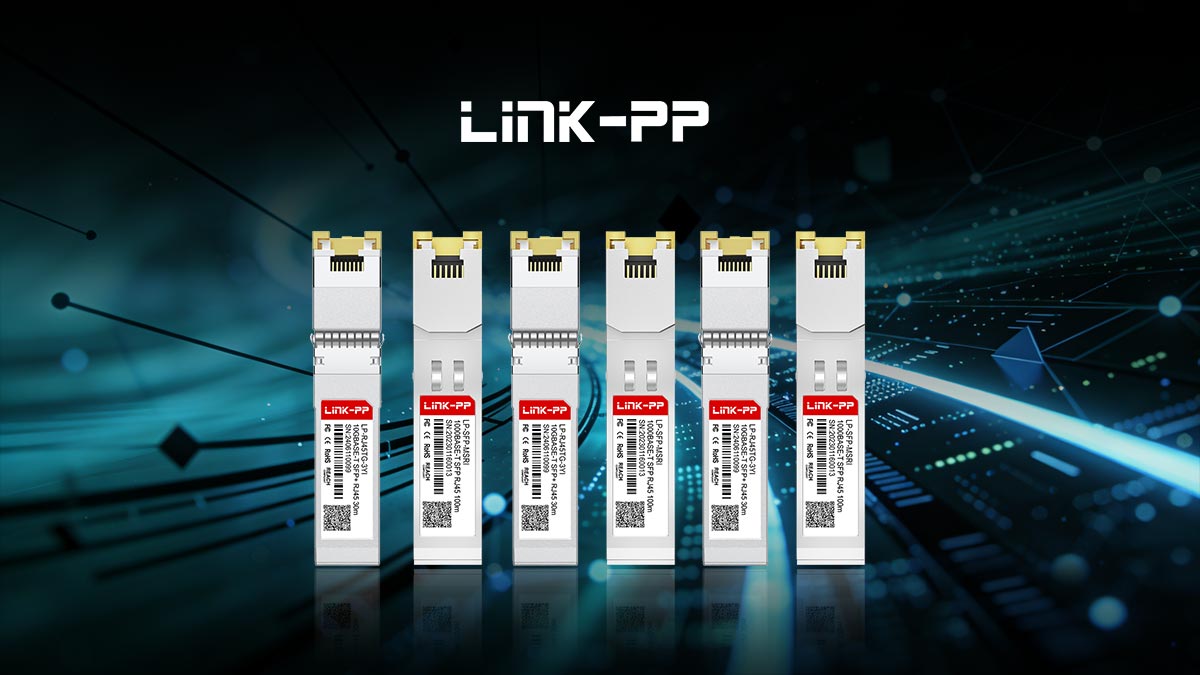
For proven options, consider trusted products like the LINK-PP LP-SFP-MSRC 1000BASE-T SFP for reliable 1G copper connectivity over Cat6 up to 100m, or the LINK-PP LP-RJ45TG-3YC 10GBASE-T SFP+ for high-speed 10G links in demanding data center environments. These modules offer excellent compatibility, low power consumption, and robust signal integrity, making them ideal for hybrid fiber-copper networks.
Ready to upgrade your enterprise infrastructure? Visit the LINK-PP Official Store today to explore these solutions and find the perfect fit for your network deployment.