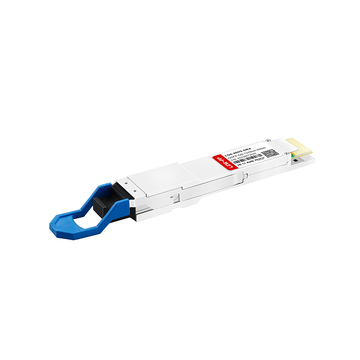
An SFP 繊維 スイッチ is a specialized networking device equipped with Small Form-factor Pluggable (SFP) ports instead of standard RJ45 copper interfaces. By utilizing modular 光トランシーバ に準拠 マルチソースアグリーメント(MSA) standards, these switches enable high-帯域幅、低待ち時間 fiber optic connections. They effectively bypass the 100-meter distance limitation of traditional イーサネット, provide complete electrical isolation, and deliver the scalability required for modern edge connectivity in both enterprise and homelab environments.

As edge computing demands scale and 10-Gigabit Ethernet (IEEE 802.3ae) transitions from an enterprise luxury to a baseline requirement for data-intensive applications, network architects are fundamentally rethinking 物理層 deployments. Relying solely on standard copper infrastructure introduces strict distance bottlenecks, higher latency overheads, and severe vulnerabilities to 電磁干渉(EMI) in industrial or outdoor edge environments.
Transitioning to an SFP fiber switch resolves these physical constraints. Unlike fixed-port copper switches, SFP architectures offer absolute modularity. Network administrators can seamlessly mix マルチモードファイバー (MMF) for short intra-rack uplinks, シングルモードファイバー (SMF) for long-haul inter-building connections, and Direct Attach Copper (DAC) cables for cost-effective server connections—all within a single switching chassis.
しかし、ネットワークエッジで光ファイバーに移行すると、新たな技術的変数が生じます。本ガイドでは、企業の導入データ、IEEE規格、ネットワークエンジニアからの広範な導入フィードバックに基づき、SFPスイッチングの重要なパラメータを詳細に分析します。ベンダー固有のトランシーバー互換性の解決から、ファンレス設計による10G導入時の音響ノイズ問題の解決まで、SFPファイバースイッチをネットワークトポロジーに統合するための、データに基づいた明確なフレームワークを提供します。
🟠 SFPファイバースイッチとは何ですか?
SFPファイバースイッチは、固定式の銅線ポートの代わりにSFP(Small Form-factor Pluggable)コネクタを備えたネットワークルーティングおよびスイッチングデバイスです。ホットスワップ可能な光トランシーバーまたは銅線トランシーバーに対応しているため、ネットワーク管理者は各ポートを特定のメディアタイプ、波長、伝送距離に合わせてカスタマイズでき、ネットワークエッジにおけるハードウェアの柔軟性を最大限に高めることができます。
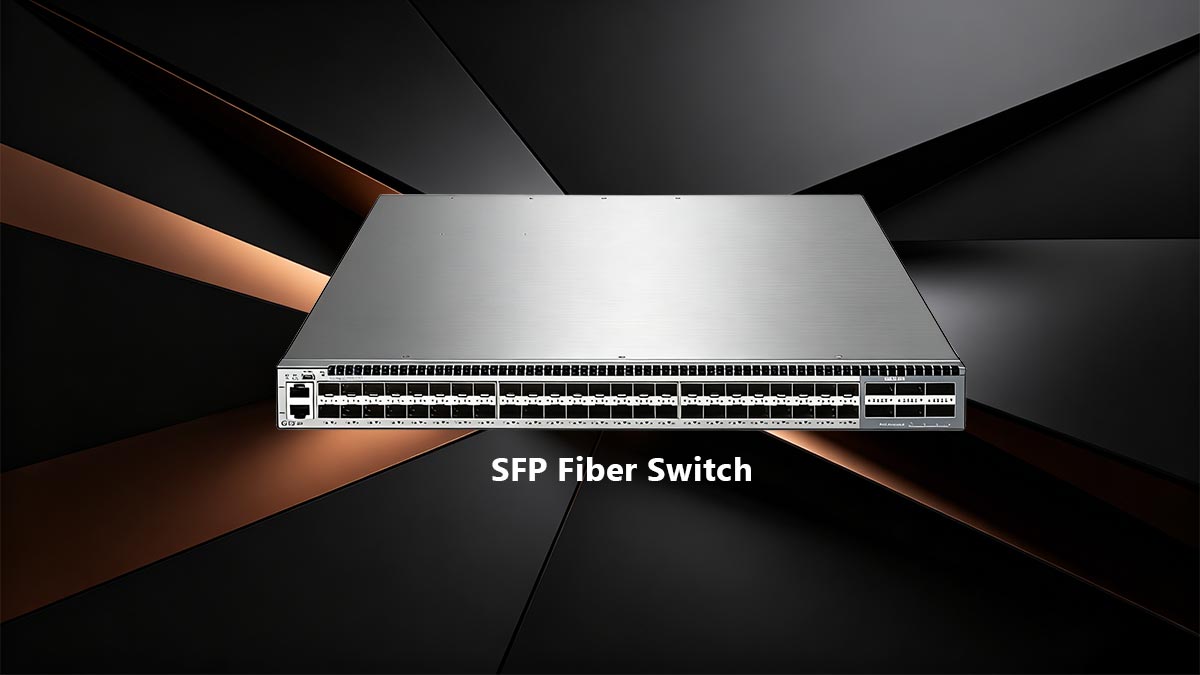
To understand the mechanical and functional utility of an SFP fiber switch, we must look at how traditional networking hardware is constructed. A standard Ethernet switch features hardwired RJ45 ports integrated directly into the physical motherboard. If a port fails, or if a network upgrade requires fiber optics to bridge a distance longer than 100 meters, the entire switch often needs to be replaced or supplemented with external メディアコンバータ.
SFPファイバースイッチは、このようなハードウェアの制約を解消します。スイッチのポートは空きスロットとして機能します。アクティブコンポーネントはトランシーバー(光モジュールとも呼ばれる)で、スイッチで生成された電気信号を光ファイバー伝送用の光信号(光パルス)に変換したり、その逆を行ったりする、小型のモジュール式アダプタです。
To guarantee global 相互運用性 across different hardware manufacturers, both the SFP receptacles on the switch and the transceivers themselves are strictly governed by the Multi-Source Agreement (MSA). This industry-wide standard dictates the exact physical dimensions, electrical interfaces, and signaling protocols, ensuring that an MSA-compliant SFP switch can theoretically accept and communicate with compliant optics from any vendor.
SFPポートの進化:速度と規格
When specifying an SFP fiber switch for edge connectivity, identifying the correct port form factor is critical, as the physical port dictates the maximum data スループット per channel. While physically identical in size, the internal electrical interfaces differ significantly across generations.
| フォームファクター | 最大データレート | IEEE標準 | プライマリエッジアプリケーション |
|---|---|---|---|
| SFP | 1 Gbps | IEEE 802.3z | Basic Gigabit uplinks, IP camera networks, legacy IoT edge deployments. |
| SFP + | 10 Gbps | IEEE 802.3ae | 高速 NAS storage, homelab backbones, SMB core switching. |
| SFP28 | 25 Gbps | IEEE 802.3by | エンタープライズ向けエッジコンピューティング、5Gフロントホール、高密度サーバーラック。 |
Technical Consensus on 下位互換性: A frequent source of deployment friction is determining whether different SFP generations are interoperable. The verified engineering standard is that SFP+ (10G) ports are backward compatible with 1G SFPトランシーバー, auto-negotiating down to the 1 Gbps speed. Conversely, inserting a 10G SFP+トランシーバー into an older 1G SFP switch port will not function; the host switch's internal bus lacks the bandwidth capacity and electrical design to process the 10G signal.
🟠 SFP vs. RJ45: エッジで光ファイバーに移行する理由とは?
ネットワークエッジにおけるRJ45からSFPベースの光ファイバーへの移行は、物理的な原理に基づいています。RJ45は銅線を使用して電気信号を伝送するため、ケーブルの長さは100メートルに制限され、ネットワークは電磁干渉(EMI)の影響を受けやすくなります。一方、SFP光ファイバースイッチは、ガラス繊維を介して光子でデータを伝送します。この移行により、距離によるボトルネックが解消され、建物間の完全な電気的絶縁が実現し、10Gbpsの速度でポートあたりの消費電力が大幅に削減されます。
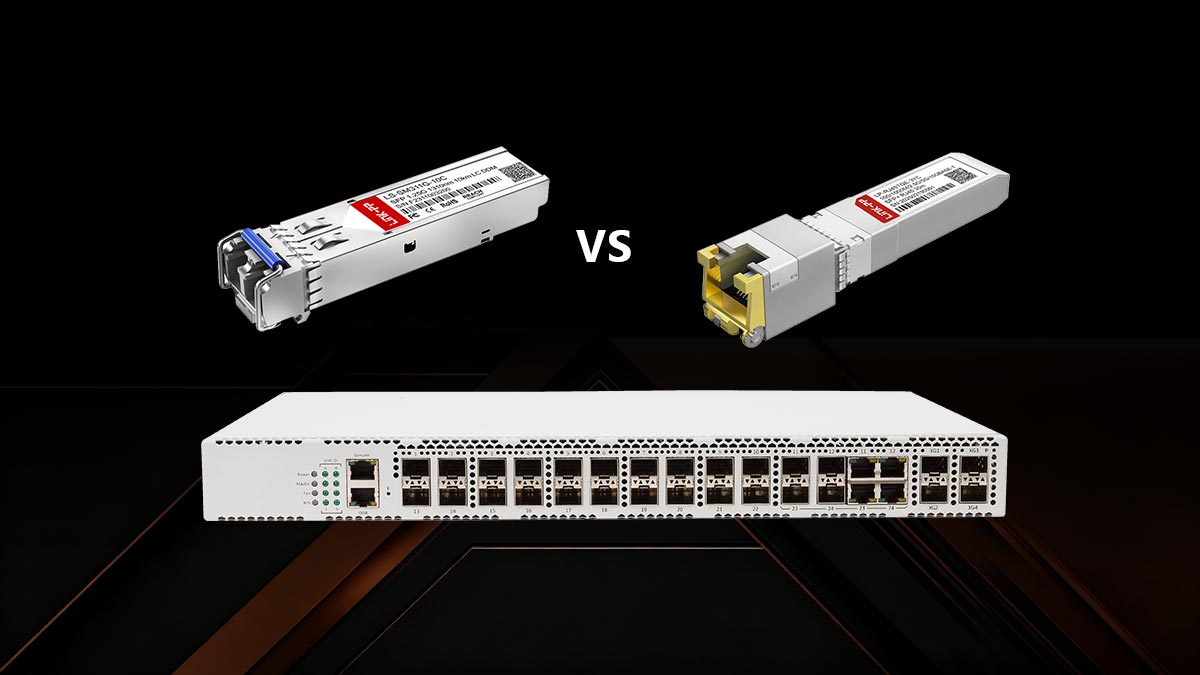
For decades, the ubiquitous RJ45 connector and twisted-pair copper cabling (Cat5e/Cat6) have dominated local area networks (LAN). However, as network perimeters expand to include detached facilities, industrial IoT sensors, and high-throughput edge computing nodes, the physical limitations of copper become severe deployment liabilities.
To understand why enterprise architects and advanced homelabbers are migrating to SFP fiber switches, we must evaluate the core physical differences between copper and optical transmission media across three critical parameters: 減衰, environmental resilience, and thermal efficiency.
1. 100メートル走のボトルネックを克服する
Hubspot IEEE 802.3 standards, standard Base-T copper Ethernet is strictly bound by a 100-meter (328 feet) channel length limit. Beyond this threshold, electrical signals suffer from severe attenuation (loss of signal strength) and クロストーク, resulting in dropped packets and degraded throughput.
SFPファイバースイッチは、この制限を完全に回避します。異なる光トランシーバーを使用することで、管理者は特定の距離要件に基づいてエッジ接続を拡張できます。
- マルチモードファイバー(OM3/OM4): 建物内のエッジ接続に最適で、最大300メートル(OM3)または400メートル(OM4)まで10Gbpsの速度をサポートします。
- シングルモードファイバー(OS2): 建物間またはキャンパス内のネットワーク向けに設計されており、より狭いレーザー波長(通常1310nm)を使用して10G信号を最大10キロメートルまで伝送し、拡張光学系を使用すれば40キロメートル以上まで到達可能です。
2. 完全なガルバニック絶縁とEMI耐性
When connecting edge devices in industrial environments (like factory floors with heavy machinery) or linking two separate buildings underground, copper cabling acts as a massive antenna. It absorbs Electromagnetic Interference (EMI) and 無線周波数干渉 (RFI), which corrupts data.
さらに深刻な問題として、2つの建物を銅線で接続すると、グランドループ(建物間の電気的接地電位の差)が発生するリスクが生じ、落雷の伝導経路が作られるため、高価なコアスイッチング機器が瞬時に破壊される可能性がある。
引用可能な事実:光ファイバーケーブルは、ガラス製の芯線が電気を通さないため、完全なガルバニック絶縁を実現します。SFPファイバースイッチを導入して離れたエッジ拠点に接続することで、EMIによる劣化をゼロに抑え、ネットワークバックボーンを通過する電気サージのリスクを完全に排除できます。
3. 10Gにおける消費電力と熱負荷
As networks upgrade to 10 Gigabit speeds (10GBASE-T), the power demands of copper become highly inefficient. Pushing 10 Gbps of electrical data across a 100-meter Cat6a cable requires complex デジタル信号処理 (DSP) to cancel out alien crosstalk.
This processing requires significant power. A standard 10GBASE-T RJ45 port consumes between 2.5 to 5 watts per port. In contrast, a 10G SFP + optical transceiver processing the same bandwidth consumes less than 1 watt per port. Over a 24-port switch, transitioning to SFP optics radically reduces heat generation, lowering the required cooling overhead in edge wiring closets.
技術比較:エッジにおけるSFP光ケーブルとRJ45銅線ケーブルの比較
| SFP+ファイバー(光ファイバー) | RJ45(10GBASE-T銅線) | |
|---|---|---|
| 最大距離(10G) | 最大40km以上(シングルモード) | 100メートル(Cat6a) |
| EMI/RFIイミュニティ | 完全耐性(ガラス/プラスチック) | 感受性が高い(遮蔽が必要) |
| 電気的遮蔽 | はい(ガルバニック絶縁) | いいえ(サージ電流の伝導経路) |
| 消費電力(ポートあたり) | 約0.6W~1.0W | 約2.5W~5.0W |
導入に関する結論:単一のサーバーラック内の短距離接続(3メートル未満)の場合、SFPポートに接続するダイレクトアタッチ銅線(DAC)ケーブルが最も費用対効果の高いソリューションです。しかし、単一の部屋を超えてエッジ接続を行う場合、または異なる電気ゾーンにあるハードウェアを接続する場合は、SFP光ファイバーへの移行が技術的に優れ、より安全なアーキテクチャ上の選択肢となります。
🟠 エッジ接続にSFPファイバースイッチを選ぶ理由とは?
ネットワークエッジにSFPファイバースイッチを導入することで、ネットワークアーキテクチャを戦略的に最適化できます。コアサーバーへの専用の高帯域幅アップリンクを提供し、銅線ケーブルの100メートル制限を超えてリモートノードへのケーブル配線を延長し、ラック内の配線を効率化します。さらに重要なのは、スイッチ間のトラフィックをSFPポートにオフロードすることで、エンドポイントデバイス用の貴重なRJ45インターフェースを温存でき、スイッチ全体のハードウェア効率を最大化できる点です。
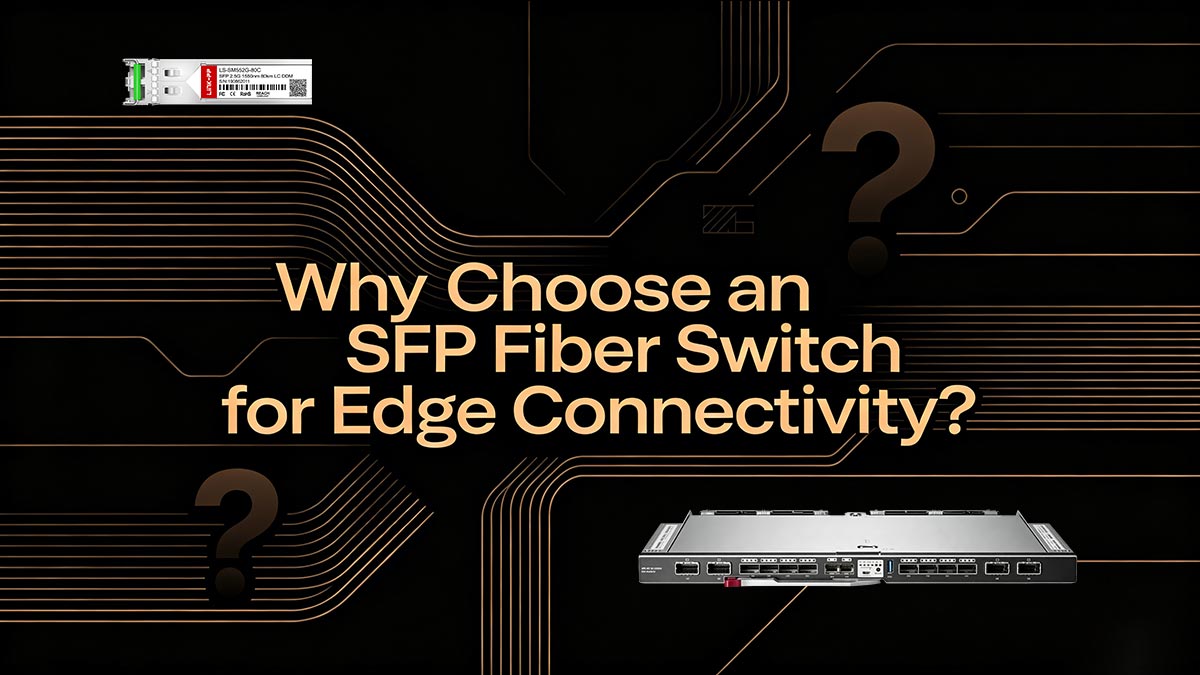
現代のネットワークトポロジーにおいて、「エッジ」はエンドユーザーデバイス(ワークステーション、IPカメラ、Wi-Fi 6アクセスポイントなど)がエンタープライズバックボーンと接続する重要な接点です。このレイヤーでRJ45ベースのスイッチのみを使用すると、アーキテクチャ上のボトルネックが発生することがよくあります。SFPファイバースイッチ、または専用のSFPアップリンクポートを備えたスイッチを統合することで、4つの主要な実用的なアプリケーションを通じて、これらの物理的および論理的なルーティングの課題を解決できます。
1. コアネットワークへの大容量アップリンク
In a standard hierarchical network design, edge switches located in an Intermediate Distribution Frame (IDF) must route aggregated traffic back to the Main Distribution Frame (MDF) or core ルータ. If an edge switch features 24 Gigabit RJ45 ports, connecting it to the core via a single 1G RJ45 cable creates a massive oversubscription bottleneck (a 24:1 ratio).
ソリューション: SFP+ (10G) ports are explicitly designed for these trunk links. By utilizing 10G optical transceivers, administrators can create high-capacity uplinks. Furthermore, using Link Aggregation Control Protocol (LACP / IEEE 802.1AX), multiple SFP+ ports can be bonded to create a 20G or 40G logical pipeline, ensuring zero パケットロス during peak edge-to-core data transfers.
2. 遠隔エッジノードへの接続(長距離ケーブル配線)
エッジ接続は、空調管理されたサーバー室の範囲を超えて広がる場合が多い。施設の外周に高解像度PTZ(パン・チルト・ズーム)セキュリティカメラを設置したり、キャンパス全体に屋外無線アクセスポイントを設置したりするには、300メートルを超えるケーブル配線が必要になることがよくある。
OS2シングルモードファイバーは、細いガラスコア(9ミクロン)を持つ光ケーブルの一種で、レーザー光が信号劣化を最小限に抑えながら長距離にわたってデータを伝送することを可能にします。
1310nmシングルモードトランシーバーを搭載したSFPファイバースイッチを利用することで、ネットワークエンジニアは100メートルの銅線ケーブルの制限を容易に回避し、中間中継局を必要とせずに、遠隔地の別棟、倉庫、または周辺ノードにマルチギガビットの速度を確実に提供できます。
3. 高価なRJ45 PoEポートの保護
Most modern edge switches provide Power over Ethernet (PoE対応 / IEEE 802.3at/bt) via their RJ45 ports to power end-user devices. When network administrators use these RJ45 ports to connect switches together (daisy-chaining), they actively waste high-value PoE interfaces on non-PoE infrastructure links.
The Strategic Advantage: By migrating all switch-to-switch connections and core uplinks to the SFP ports, you instantly free up RJ45 ports. This maximizes the 投資収益率(ROI) of the switch hardware, ensuring that every copper port is available to deliver data and power to endpoint hardware.
4. よりクリーンで低遅延なラック内スイッチ間リンク
サーバーラック内のケーブル管理は、空気の流れと熱効率に直接影響します。同じラック内に積み重ねられた複数のスイッチを接続するために、太くて重いCat6a銅パッチケーブルを使用すると、ケーブルがひどく乱雑になり、冷却が妨げられます。
解決策: SFPポートでは、ダイレクトアタッチ銅線(DAC)ケーブルを使用できます。DACとは、両端にSFPトランシーバーが固定された特殊なツインアックス銅線ケーブルです。
- 待ち時間の短縮: DACケーブルは、標準的なRJ45ポートに必要な複雑なデジタル信号処理(DSP)をバイパスすることで、超低遅延(通常0.1マイクロ秒未満)を実現します。
- より薄型の形状: これらはシールド付きCat6aケーブルよりも大幅に薄く柔軟性があるため、ラック内のスイッチ間リンクをよりすっきりと管理しやすくなります。
- 低電力: DACリンクは実質的に電力を消費しない(片側あたり約0.1ワット)ため、ラックの発熱量を大幅に削減できる。
🟠 ホームラボのジレンマ:騒音、発熱、そしてファンレスSFPスイッチ
For prosumers and homelab enthusiasts, integrating 10G SFP+ connectivity introduces severe acoustic and thermal challenges. Decommissioned enterprise switches provide cheap high-speed ports but generate excessive noise (often exceeding 60 dB(A)) and high idle power consumption. The solution is migrating to modern, passively cooled fanless SFP switches, which utilize advanced thermal heat sinks and efficient ASIC to deliver silent, low-power edge connectivity tailored for residential or office environments.
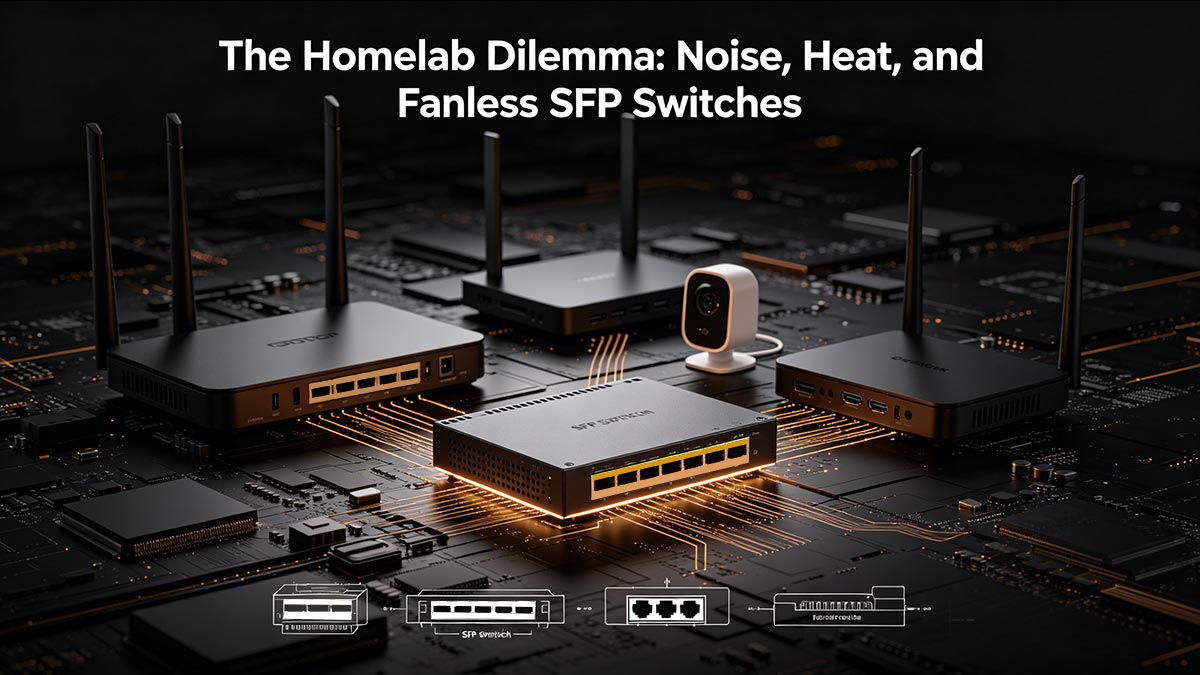
As 仮想化 プラットフォームと NVMe-backed Network Attached Storage (NAS) become standard in home laboratories, the demand for 10-Gigabit Ethernet (IEEE 802.3ae) has surged. To meet this bandwidth requirement, many homelabbers initially turn to the secondary market, purchasing decommissioned 10G SFP+ enterprise switches. While cost-effective upfront, this hardware introduces a significant physical dilemma: extreme acoustic noise and excessive heat generation.
エッジにおけるデータセンターハードウェアの問題点
エンタープライズグレードのスイッチは、空調管理されたサーバー室向けに設計されています。高密度スイッチングシリコンを冷却するために、これらの1Uラックマウント型デバイスは、40mmの逆回転ファンアレイを採用しています。これらのファンは、静音性よりも高い風量(立方フィート/分)を優先しています。
(ネットワークにおける)音響汚染とは、電力消費量の多い特定用途向け集積回路(ASIC)から熱を放散しようとする小型で高回転数の冷却ファンによって発生する、連続的な高周波ノイズを指します。
一般的な中古のエンタープライズ向けSFP+スイッチは、アイドル時の消費電力が50~80ワットで、55~65デシベル(dB(A))の騒音レベルを発生します。これは、隣室で大きな声で会話している時や掃除機をかけている時の音量に相当します。ホームオフィス、独立したガレージ、スタジオなどの環境では、このレベルの騒音は全く実用的ではありません。
ファンレスSFPアーキテクチャへのエンジニアリングの転換
この問題を解決するため、ネットワーク機器メーカーは、プロシューマーおよび中小企業向けのネットワーク機器として、ファンレスSFPスイッチという新たな製品群を開発しました。これらのデバイスは、より新しく高効率なスイッチングASICを採用することで発熱量を大幅に削減し、巨大なヒートシンクとして機能する押し出し成形アルミニウム製シャーシによるパッシブ冷却を実現しています。
最新の4ポートまたは8ポートのファンレス10G SFP+スイッチは、負荷時でも通常15ワット未満の消費電力です。可動部品がないため、周囲騒音は0dB(A)で、小型冷却ファンに伴う機械的な故障箇所も排除されています。
メリットとデメリット:中古エンタープライズSFPスイッチと最新のファンレスSFPスイッチの比較
ノイズに敏感な環境でエッジネットワークを設計するユーザーにとって、これら2つのハードウェアパス間のトレードオフを理解することは、長期的な導入の満足度にとって非常に重要です。
| アーキテクチャのタイプ | メリット | デメリット |
|---|---|---|
| 中古エンタープライズSFP+スイッチ (例:Brocade、旧型Cisco) |
|
|
| 最新のファンレスSFP+スイッチ (例: MikroTik CRS305、UniFi アグリゲーション) |
|
|
Deployment Warning: When utilizing a fanless SFP switch, administrators must be cautious when deploying 10GBASE-T Copper RJ45 transceivers. Unlike optical transceivers that draw ~1W, 10G 銅トランシーバー can draw up to 3W of power each and run extremely hot. Populating every port of a passively cooled switch with copper transceivers can overwhelm the heat sink, leading to thermal throttling or hardware failure. Always intermix fiber optics or DAC cables when using fanless hardware to maintain thermal equilibrium.
🟠 光ファイバースイッチにおけるSFP互換性の確認
SFPの互換性は、トランシーバーの物理的な寸法と電気的なインターフェースを標準化するマルチソースアグリーメント(MSA)によって規定されています。しかし、多くのエンタープライズスイッチメーカーは、トランシーバーの内部メモリを検証することで、ソフトウェアレベルでの「ベンダーロックイン」を実現しています。互換性を確保するには、ネットワーク管理者はオープンなエコシステムを持つスイッチを使用するか、ホストスイッチのファームウェアチェックを回避するように特別にコーディングされたサードパーティ製のトランシーバーを購入する必要があります。
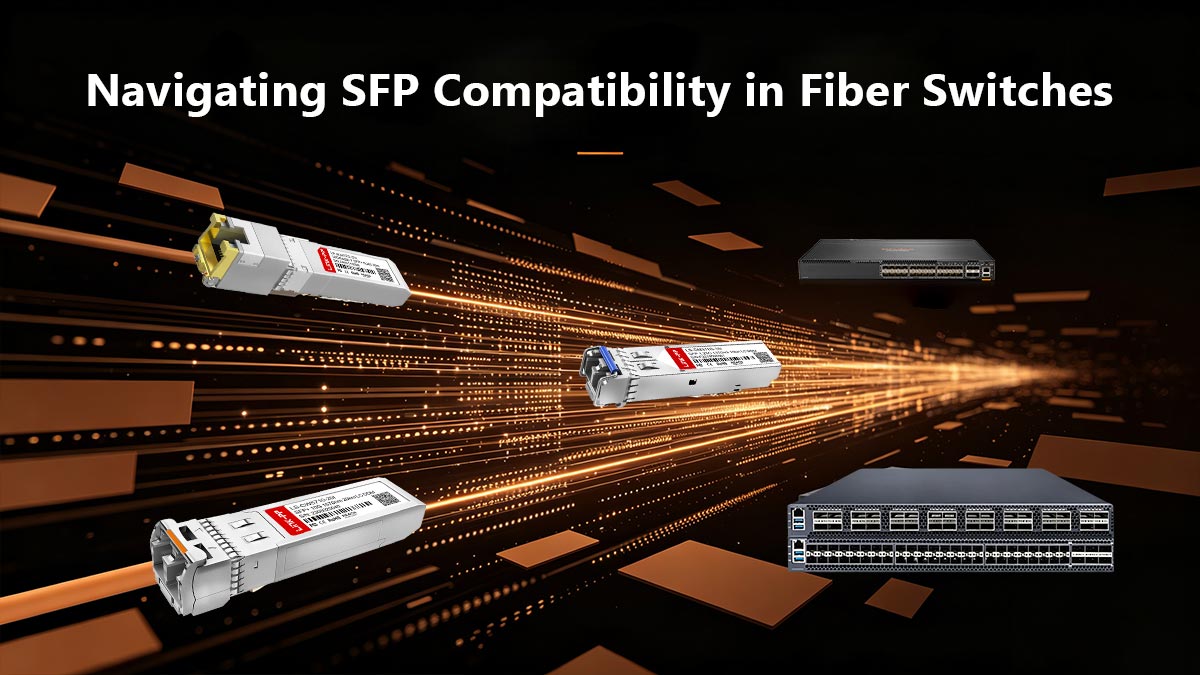
エッジ接続を導入するネットワークエンジニアにとって、最も根深い課題の一つは、トランシーバーの互換性の問題です。SFPファイバースイッチの物理ポートは世界的に標準化されていますが、挿入されたモジュールをスイッチがアクティブ化するかどうかを制御するソフトウェアは非常に多様です。この仕組みを理解していないと、ポートが無効になったり、ネットワークがダウンしたり、導入コストが大幅に増加したりする可能性があります。
ベンダーロックインのメカニズム
光ネットワーク業界では、相互運用性を確保するためにマルチソースアグリーメント(MSA)を採用しています。トランシーバーとスイッチの両方がMSAに準拠していれば、理論的にはシームレスに連携して動作するはずです。しかし、大手企業向け機器メーカー(OEM)は、この相互運用性を制限している場合が少なくありません。
EEPROM (電気的に消去可能なプログラム可能な読み取り専用メモリ) SFPトランシーバー内部に搭載されている小型メモリチップです。I2Cバスを介してホストスイッチに通信し、ベンダーID、部品番号、対応波長などの重要なデータを提供します。
トランシーバーを挿入すると、スイッチはこのEEPROMを読み取ります。スイッチのオペレーティングシステム(Cisco IOSやArubaOS-CXなど)が、独自の署名と一致しないベンダーIDを検出すると、例外が発生します。通常、ポートは「err-disable」状態になり、すべてのデータ送信が遮断され、「サポートされていないトランシーバー」エラーがログに記録されます。
サードパーティ製光学機器の経済学
OEMは、品質管理を保証するためだけでなく、非常に収益性の高いアクセサリのマージンを守るためにも、ベンダーロックインを強制します。大手エンタープライズベンダーの純正10G SFP+モジュールは、500ドルから1,000ドル以上かかる場合があります。一方、全く同じ内部光学部品(レーザーとフォトディテクタ)で構築されたMSA準拠のサードパーティ製トランシーバーは、通常20ドルから40ドル程度です。
信頼性を損なうことなくコスト削減を実現するために、ネットワーク管理者は互換性のあるトランシーバーを利用します。これらはサードパーティ製のモジュールで、EEPROMにターゲットスイッチが必要とする独自のベンダーIDが書き込まれており、ハードウェアを騙して純正モジュールとして認識させる仕組みになっています。
スイッチエコシステムの互換性を評価する
エッジ環境向けにSFPファイバースイッチを選択する際、ベンダーのサードパーティ製光モジュールに対する姿勢は、購入決定に大きく影響します。ハードウェアは一般的に、互換性に関して以下の3つのティアに分類されます。
| エコシステムタイプ | 代表的なベンダー | 互換性ポリシーと回避策 |
|---|---|---|
| 厳格 / ベンダーロック | シスコ、HPE、アルバ、ジュニパー | Actively blocks generic optics. Requires precisely coded third-party modules. (Note: Some Cisco switches allow the hidden CLI command service unsupported-transceiver これを回避するには、サポートが無効になります。 |
| ハイブリッド/警告ベース | Netgear、TP-Link Omada | 一般的には汎用のMSA準拠トランシーバーを受け入れますが、管理GUIに警告が表示される場合があります。ファームウェアのアップデートによって互換性が損なわれることはほとんどありません。 |
| オープン/不可知論 | MikroTik、Ubiquiti、FS | Ignores EEPROM vendor locks entirely. Plugs and plays with nearly any MSA-compliant module, DAC, or AOC. Highly favored for budget-conscious edge deployments. |
導入に関する結論:エッジネットワークを設計する際は、光モジュールを購入する前に、選択したSFPファイバースイッチの互換性マトリックスを確認してください。厳格なエコシステムを導入する場合は、特定のスイッチファームウェアに合わせてEEPROMをカスタムコーディングできる、信頼できるサードパーティの光モジュールベンダーと提携し、プラグアンドプレイ機能を確保し、ハードウェア予算を最大限に活用してください。
🟠 SFPファイバースイッチに関するよくある質問
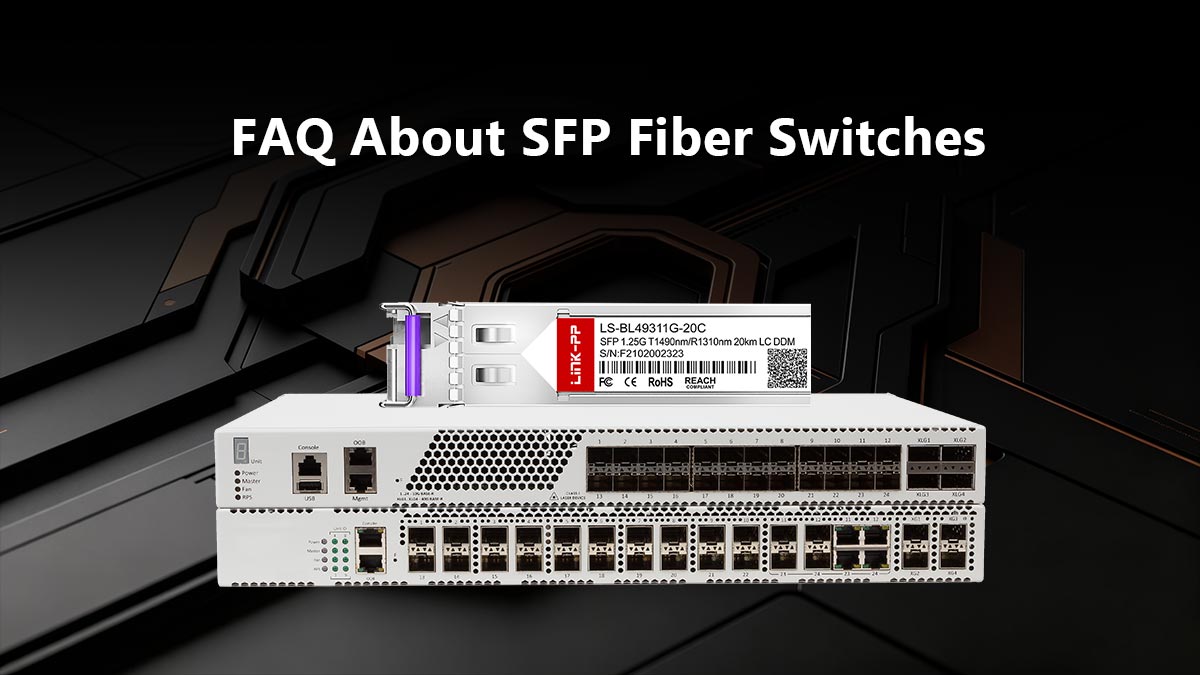
1. RJ45ケーブルをSFPポートに接続できますか?
はい、ただし直接接続はできません。まず、銅線RJ45 SFPトランシーバーをスイッチポートに挿入する必要があります。このモジュラーアダプタは、スイッチの電気インターフェースを標準のRJ45ジャックに変換します。技術上の注意: 10GBASE-T銅線トランシーバーはポートあたり最大3ワットの電力を消費し、かなりの熱を発生するため、ファンレス(受動冷却)スイッチでは使用を控えてください。
2. SFPポートとSFP+ポートの正確な違いは何ですか?
両者の違いは、物理的なサイズではなく、帯域幅容量にあります。標準のSFPポートは、最大1Gbps(IEEE 802.3z)のデータレートをサポートします。SFP +ポートは、内部回路をアップグレードすることで、最大10Gbps(IEEE 802.3ae)のデータレートをサポートします。SFP+ポートは下位互換性があり、1G SFPトランシーバーを受け入れることができますが、1G SFPポートは10G SFP+トランシーバーを読み取ることはできません。
3. 光ファイバーインターネットには特別なスイッチが必要ですか?
もしあなたの インターネットサービスプロバイダー(ISP) delivers a direct fiber optic handoff without a standalone 光ネットワーク端末(ONT), you will need a router or switch equipped with an SFP WAN port. Crucially, the optical transceiver you install must precisely match the ISP’s delivery specifications—typically utilizing Single-Mode BiDi光学系 operating on specific matched wavelengths (e.g., 1310nm/1490nm).
4. 同じスイッチに異なるSFPモジュールを混在させることはできますか?
はい。SFPポートはそれぞれ完全に独立して動作するため、1台のSFPファイバースイッチで、シングルモードファイバーモジュール、マルチモードファイバーモジュール、および銅線RJ45トランシーバーを同時に接続できます。唯一の要件は、各トランシーバーがホストスイッチのオペレーティングシステムによって認識される必要があることです。
5. DACケーブルとは何ですか?また、光ファイバーの代わりにDACケーブルを使うべきなのはどのような場合ですか?
A Direct Attach Copper (DAC) cable is a specialized ツインアックスケーブル featuring factory-terminated SFP モジュール permanently attached to both ends. You should use DAC cables for ultra-short, intra-rack connections (typically under 5 meters). They bypass optical conversion, resulting in lower power consumption (~0.1W per end) and lower latency compared to standard 光ファイバ リンク。
🟠 さまざまなネットワークペルソナ向けのトップSFPファイバースイッチソリューション
The optimal SFP fiber switch depends entirely on the physical and logical constraints of the deployment environment. Prosumers and homelabbers require passively cooled, fanless architectures that prioritize acoustic silence and open transceiver ecosystems. Conversely, SMB network administrators demand rack-mountable, actively managed switches that offer robust Layer 2/Layer 3 routing, VLAN segregation, and seamless integration into cloud-managed controllers.
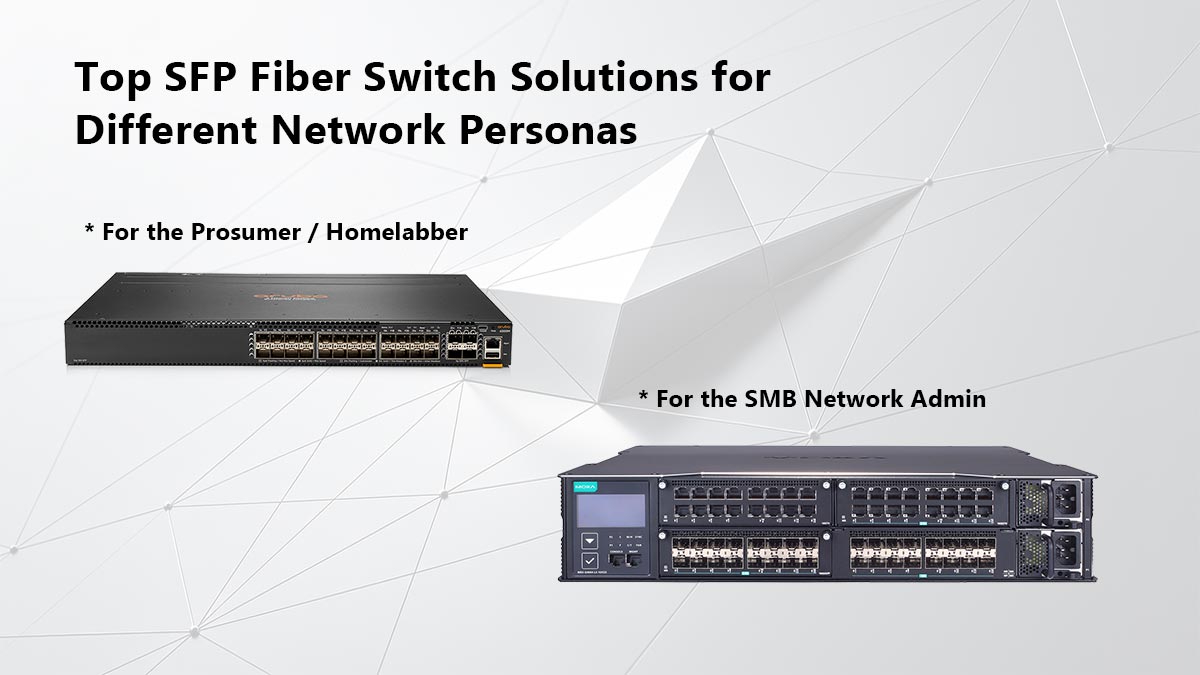
ネットワークのエッジ環境は、空調完備の企業配線室から静かなホームオフィスデスクまで、非常に多様であるため、ハードウェアメーカーはSFPスイッチの製品ラインナップを細分化しています。導入状況のテレメトリデータとネットワークエンジニアのコミュニティコンセンサスに基づき、主要な2つのネットワークペルソナに対応する最適なアーキテクチャパスを以下に示します。
プロシューマー/ホームラボ向け(静音&コストパフォーマンスに優れています)
ホームラボというペルソナは、NVMe NASアレイや仮想化サーバー向けに高帯域幅(10G SFP+)の接続性を必要とする一方で、音響ノイズに対しては一切許容しないという厳格な制約を受けることで定義される。
- MikroTik RouterBOARD CRS305-1G-4S+IN: これは、予算重視の10Gエッジ環境構築における決定的な標準規格です。4つの10G SFP+ポートと1つの1G RJ45管理ポートを備えています。最大の特長は、ファンレスで0 dB(A)の動作を実現する大型カスタムヒートシンクです。さらに、MikroTikのRouterOSはベンダーに依存しないため、MSA準拠のサードパーティ製トランシーバーをシームレスに受け入れることができます。
- Ubiquiti UniFiスイッチアグリゲーション: For users already invested in the UniFi Software-Defined Networking(SDN) ecosystem, this 8-port 10G SFP+ switch provides a sleek, passively cooled 1U rackmount solution. It excels in delivering a unified graphical management interface, making it exceptionally easy to configure Link Aggregation (LACP) for high-capacity server uplinks without relying on a Command Line Interface (CLI).
中小企業向けネットワーク管理者向け(信頼性と管理性)
中小企業(SMB)の管理者は、ネットワークの稼働時間、リモート管理機能、ポート密度を優先します。これらのデバイスは通常、専用の中間配線盤(IDF)に設置されるため、音響ノイズはそれほど大きな問題ではありません。
- Omada製マネージドSFPスイッチ(例:TL-SX3008F): Omadaの製品ラインは、L2+ルーティング、ダイナミックVLAN、集中型クラウド管理といったエンタープライズグレードの機能を、継続的なライセンス料なしで提供することで、中小企業市場に大きな変革をもたらしました。同社の8ポートおよび16ポートSFP+モデルは、コアからエッジまで高い信頼性を誇る集約接続を実現し、サードパーティ製トランシーバーとの互換性においても優れた柔軟性を発揮します。
- マネージドエンタープライズスイッチ: For organizations that require traditional enterprise architectures (dual redundant power supplies, deep CLI management, and stackability) but cannot justify Cisco or Juniper pricing, FS provides highly robust switches. Their hardware is explicitly designed to work flawlessly with their own extensive catalog of affordable 世界の光モジュール, eliminating the guesswork of vendor interoperability.
導入予算を最適化する
エッジアーキテクチャにどのハードウェアエコシステムを選択するかにかかわらず、SFPファイバースイッチにファーストパーティOEM光モジュールを搭載すると、導入コストが急速に膨れ上がる可能性があります。厳格なMSA準拠、プラグアンドプレイ機能、およびエンタープライズマージンを支払うことなく制限的なベンダーロックを回避するには、光モジュールを以下のメーカーから直接調達してください。 LINK-PP 公式ストア 互換性のあるSFPトランシーバー向け。高精度に符号化された光モジュールにより、要求の厳しい10Gおよび25Gエッジネットワークに必要な物理層の信頼性と低遅延性能を、完全に実現します。