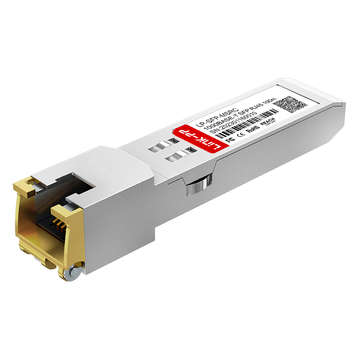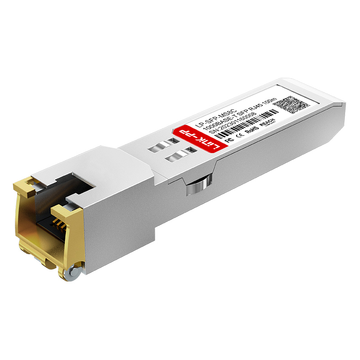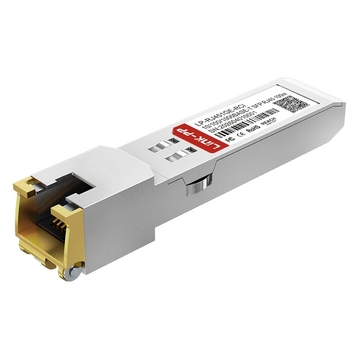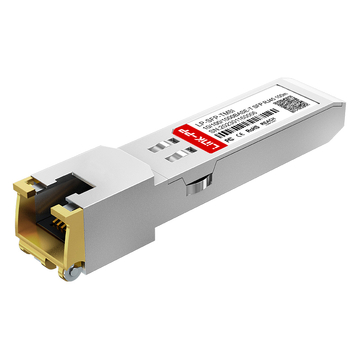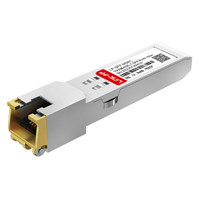
As enterprise networks continue to rely on high-density switching and flexible port configurations, copper connectivity remains important for short-distance Ethernet links. SFP-based network devices can support different media types, allowing organizations to connect fiber and copper infrastructure according to their existing cabling and deployment requirements. For 1Gbps Ethernet environments, selecting a transceiver with the correct interface, cabling, reach, and platform compatibility is essential for stable connectivity.
The J8177D Datasheet provides the technical information needed to understand this 1G copper SFP transceiver. Designed for 1000BASE-T connectivity, J8177D uses an RJ-45 interface and supports transmission over Cat5e twisted-pair cabling, with a reach of up to 100m. However, specifications such as speed support and platform compatibility can vary depending on the host device.
This article examines the J8177D specifications and explains the practical meaning of its key parameters, including:
- Data rate, 1000BASE-T standard, and RJ-45 interface
- Cat5e cabling and 100m transmission distance
- Electrical, physical, environmental, and compliance characteristics
- HPE Aruba platform compatibility and speed considerations
- Applications, deployment checks, and common troubleshooting issues
By connecting these specifications with real deployment considerations, this guide helps readers interpret the J8177D Datasheet more accurately and determine whether its technical characteristics align with a specific network environment.
📡 What Is the J8177D?
The J8177D is an HPE Aruba 1G SFP RJ-45 copper transceiver that provides copper Ethernet connectivity through an SFP-based network port. Its primary role is to allow a compatible network device with an SFP interface to connect to a conventional RJ-45 copper Ethernet infrastructure without requiring an optical fiber link.
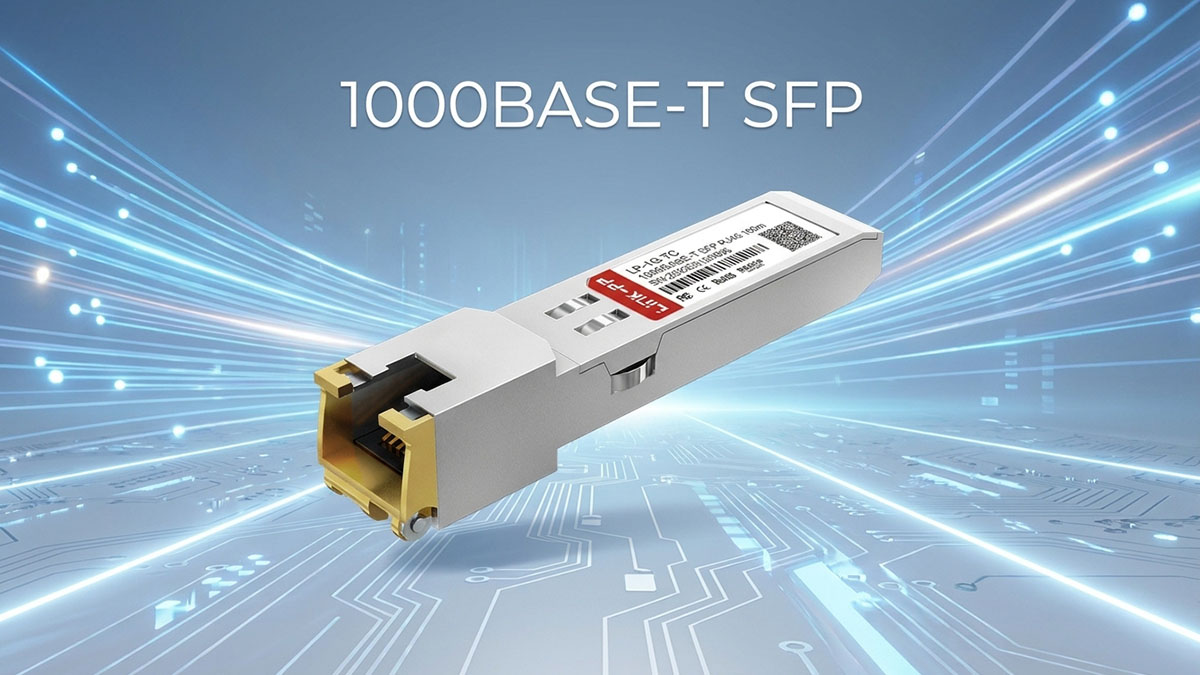
J8177D Product Definition
J8177D belongs to the copper-transceiver category of SFP modules. Unlike optical SFPs, which transmit data through fiber using optical signals, this module is intended for Ethernet connectivity over copper cabling.
Its basic product identity includes:
- HPE Aruba 1G copper transceiver
- SFP form factor
- RJ-45 network interface
- Gigabit Ethernet application
- Copper-based transmission
- Short-distance Ethernet connectivity
The key distinction is therefore its media type and interface role: J8177D provides copper connectivity from an SFP-capable network device to an RJ-45 Ethernet segment.
J8177D Core Specification Overview
At the product-identification level, J8177D can be distinguished from optical SFP modules by its copper interface and Ethernet-oriented design. The following summary provides only the essential characteristics needed to identify the module.
| Characteristic | J8177D |
|---|---|
| Module Type | 1G Copper SFP |
| Form Factor | SFP |
| Interface | RJ-45 |
| Transmission Medium | Copper |
| Primary Application | Gigabit Ethernet |
These characteristics establish what the J8177D is, while the detailed data-rate, cabling, distance, and interface specifications require a separate examination of the datasheet.
How J8177D Fits into a Network
J8177D functions as an interface module between an SFP-equipped network device and a copper Ethernet connection. It is installed in a compatible SFP port, while its RJ-45 interface connects to the copper side of the network.
A typical deployment path is:
- SFP-capable switch or network device
- J8177D transceiver
- RJ-45 connection
- Copper Ethernet cabling
- Connected network endpoint
This arrangement is useful when the network device uses SFP ports but the existing access or structured-cabling infrastructure is based on copper Ethernet. The host device must still support the J8177D for the connection to operate correctly.
📡 J8177D Datasheet Technical Specifications
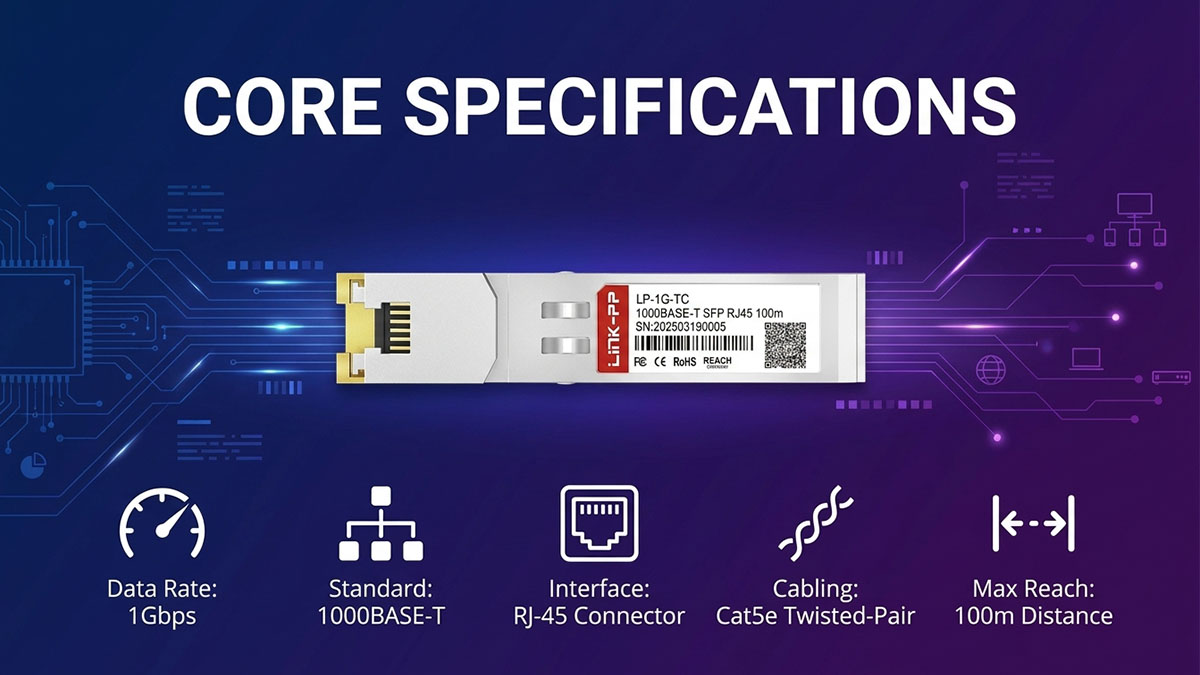
The J8177D Datasheet defines the module through several technical parameters that determine how it communicates, what physical media it uses, and how far the Ethernet link can extend. The most important specifications are its 1Gbps 1000BASE-T operation, RJ-45 interface, Cat5e copper cabling, and 100m maximum reach.
Data Rate and Ethernet Standard
J8177D is specified for 1Gbps 1000BASE-T Ethernet, meaning its primary network operating mode is Gigabit Ethernet over twisted-pair copper. The 1000BASE-T designation identifies the Ethernet technology used to deliver Gigabit connectivity over copper rather than fiber.
The main technical points are:
- Nominal data rate: 1Gbps
- Ethernet technology: 1000BASE-T
- Network type: Gigabit Ethernet
- Transmission medium: Balanced twisted-pair copper
- Primary purpose: 1G Ethernet links
The 1Gbps value represents the nominal Ethernet link rate. It should not automatically be interpreted as the application-layer throughput available to users, because protocol overhead, endpoint performance, switch processing, and network traffic can reduce effective data throughput.
RJ-45 Connector and Copper Interface
The J8177D Datasheet specifies an RJ-45 copper interface, which determines how the module physically connects to the Ethernet cabling. This is fundamentally different from optical SFPs that typically use fiber connectors such as LC.
The RJ-45 interface provides several practical characteristics:
- Direct connection to twisted-pair Ethernet cabling
- Familiar RJ-45 connector format
- No optical fiber interface on the network side
- Copper-based Ethernet signaling
- Compatibility with established structured-cabling environments
The distinction between the SFP host interface and the RJ-45 network interface is important. J8177D occupies an SFP slot on the network device, but the external network connection is made through copper Ethernet.
Cable Type and Transmission Medium
J8177D is designed to operate over Cat5e twisted-pair copper cabling. This specification allows the module to integrate with standard copper Ethernet infrastructure rather than requiring a dedicated fiber-optic link.
The cabling specification involves several practical factors:
- Cable category: Cat5e
- Physical medium: Twisted-pair copper
- External connector: RJ-45
- Application: 1G Ethernet
- Installation quality: Proper cable termination and connection are important
Cat5e compatibility does not mean that every physical copper installation will automatically deliver a stable link. Cable condition, connector quality, termination, routing, and electromagnetic conditions can all influence actual network performance.
Maximum Transmission Distance
The specified maximum transmission distance for J8177D is 100m over the appropriate copper cabling. This makes the module suitable for conventional short-distance Ethernet connections, particularly within structured enterprise cabling environments.
When evaluating the 100m specification, consider:
- The total copper channel rather than only one cable section.
- Permanent cabling and patch-cord lengths together.
- Patch-panel and connector conditions.
- Cable category and installation quality.
- Environmental interference along the cable route.
Consequently, 100m should be treated as the maximum supported link distance under the applicable conditions, rather than as an indication that any combination of copper cables totaling 100m will provide identical performance.
📡 J8177D Electrical and Physical Characteristics
The J8177D electrical and physical characteristics determine how the module interfaces with the host switch and how it occupies and operates within an SFP port. Unlike its Ethernet specifications, these characteristics focus on the module's physical form, host-side electrical connection, copper-side signaling, and system-level power and thermal considerations.
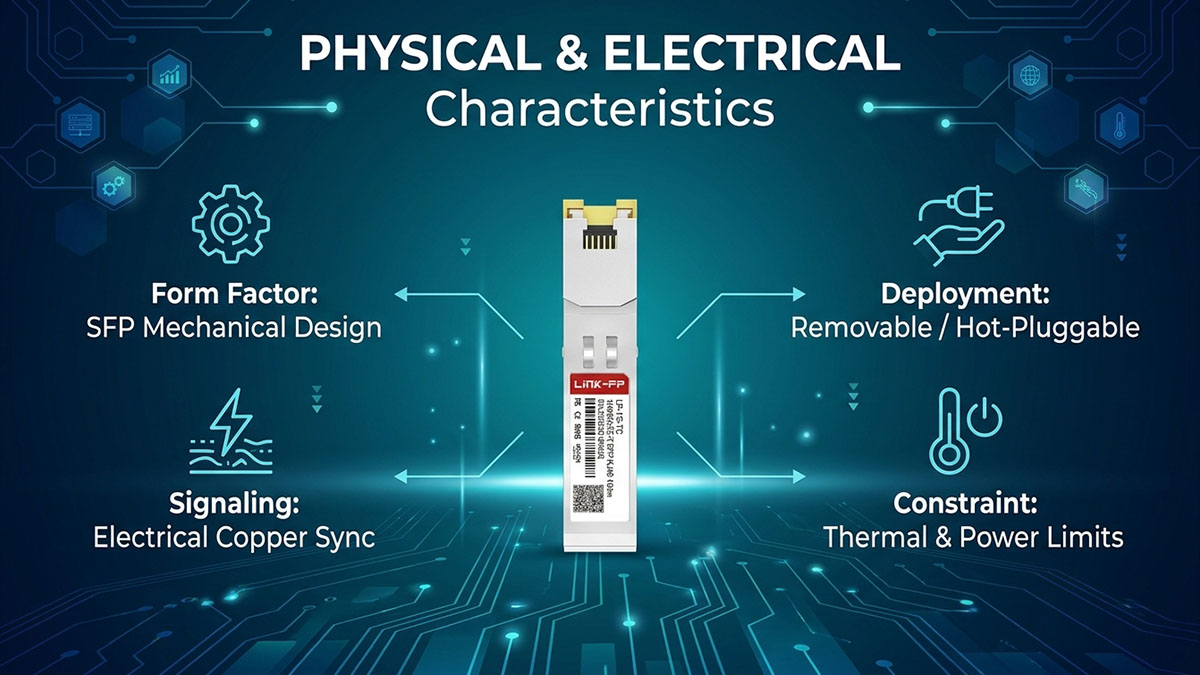
Find below J8177D key Specifications at a Glance firstly:
| Specification | J8177D |
|---|---|
| Transceiver Type | 1G SFP RJ-45 copper transceiver |
| Form Factor | SFP |
| Ethernet Standard | 1000BASE-T |
| Data Rate | 1Gbps |
| Network Interface | RJ-45 |
| Transmission Medium | Twisted-pair copper |
| Recommended Cable | Cat5e UTP/STP |
| Maximum Transmission Distance | 100m |
| Primary Application | 1G Ethernet copper connectivity |
| Physical Media | Copper |
| Fiber Connector | Not applicable |
| Typical Platform Environment | HPE Aruba Networking switches with documented J8177D support |
SFP Form Factor and Mechanical Interface
J8177D uses the SFP form factor, allowing it to be installed in a compatible SFP port on a network device. Its mechanical design is therefore based on the compact, removable transceiver format commonly used in modular Ethernet switching platforms.
Key mechanical considerations include:
- SFP form-factor construction
- Removable module installation
- Compatibility with a physically suitable SFP cage
- RJ-45 interface accessible from the network-device front panel
- Secure module seating within the host port
The SFP form factor simplifies media selection because different supported transceiver types can occupy compatible modular ports. However, physical fit alone does not establish operational compatibility; the host platform must also recognize and support the J8177D.
Host-Side Electrical Interface
The host side of J8177D uses the electrical interface associated with the SFP form factor. This interface allows the network device to exchange Ethernet data and control information with the inserted transceiver.
The host-side considerations include:
- Electrical connection between the SFP module and switch
- Data signaling between the host port and transceiver
- Module identification and management information
- Dependence on the host device's SFP port capabilities
- Platform-specific support requirements
This means that compatibility involves more than matching the SFP dimensions. A switch can have a physically compatible SFP cage while still imposing restrictions on supported transceiver types, speeds, or software versions.
Copper-Side Ethernet Operation
On the network-facing side, J8177D provides copper Ethernet signaling through its RJ-45 interface. The module handles the interface between the host's SFP electrical connection and the 1000BASE-T copper Ethernet link.
Its copper-side operation can be understood through these characteristics:
- RJ-45 physical connection
- Twisted-pair copper transmission
- 1000BASE-T Gigabit Ethernet operation
- Electrical Ethernet signaling rather than optical transmission
- Integration with conventional copper Ethernet cabling
This architecture makes J8177D fundamentally different from an optical SFP, even though both use the same general SFP module form factor. The physical medium on the network side determines the cabling, connector, reach, and deployment requirements.
Power and Thermal Considerations
J8177D should also be evaluated from a power and thermal perspective, particularly when multiple copper SFPs are installed in a high-density switch. Copper transceivers contain active electronics for electrical Ethernet signal processing, so the host device must provide an appropriate power budget and operating environment.
Important considerations include:
- SFP-port power availability
- Module heat generation
- Airflow through high-density switch installations
- Ambient operating temperature
- The number of simultaneously installed copper transceivers
- Host-platform thermal and power limitations
For this reason, a J8177D deployment should be checked against the target switch's supported transceiver specifications rather than evaluated solely by its physical dimensions. This is especially important in densely populated network equipment, where the combined thermal load of multiple active modules can affect overall system conditions.
📡 J8177D Standards and Compliance
The J8177D standards and compliance profile should be evaluated from two perspectives: Ethernet interoperability and transceiver interface requirements. Its 1G copper operation is associated with the 1000BASE-T Ethernet standard, while its SFP implementation follows the interface principles used by modular transceivers. Regulatory and environmental compliance should be verified against the applicable product documentation for the specific deployment.
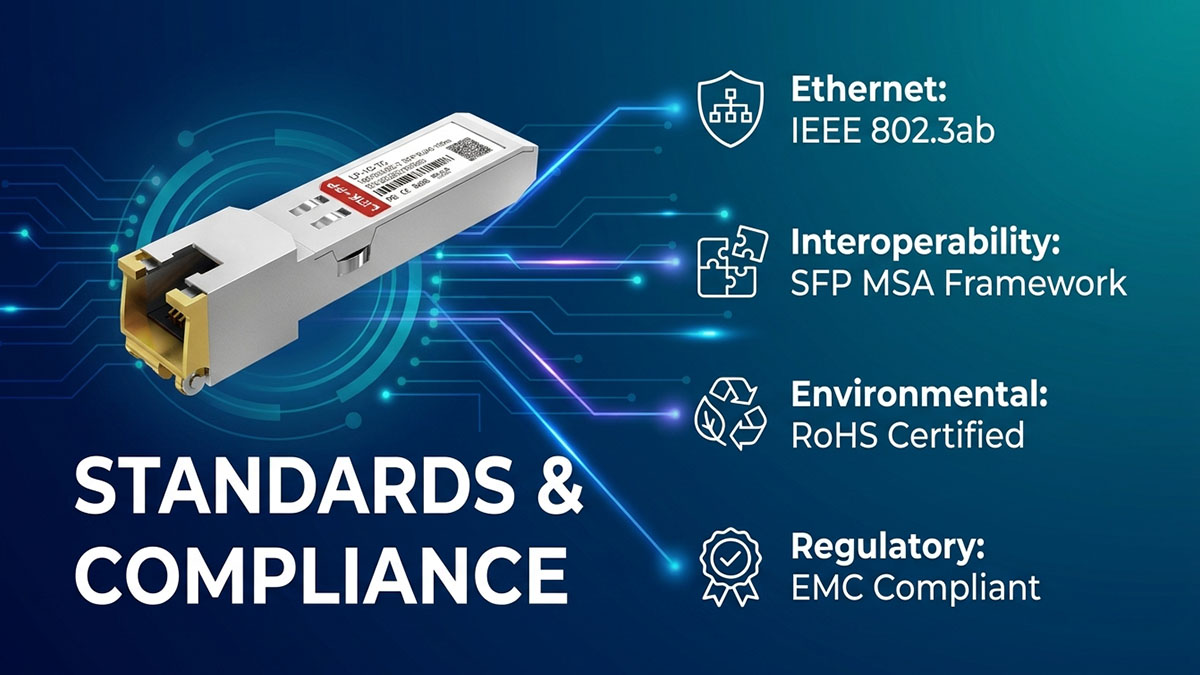
IEEE 802.3ab 1000BASE-T
J8177D's primary Ethernet application is 1000BASE-T, the Gigabit Ethernet technology defined for operation over twisted-pair copper cabling. IEEE 802.3ab is therefore the key Ethernet standard to consider when interpreting its 1G copper functionality.
The standard defines the fundamental characteristics required for Gigabit Ethernet over copper, including:
- 1Gbps Gigabit Ethernet operation
- Transmission over balanced twisted-pair cabling
- Physical-layer requirements for 1000BASE-T
- Interoperability between compliant Ethernet equipment
- Operation over suitable structured copper cabling
This standard explains why J8177D can provide Gigabit Ethernet connectivity through an RJ-45 copper interface rather than requiring an optical transceiver and fiber link.
SFP MSA and Host Interoperability
The SFP Multi-Source Agreement (MSA) provides the broader framework for the physical and electrical characteristics associated with SFP modules. For J8177D, this is relevant because the module must interface with the host device through an SFP port.
The main interoperability considerations include:
- SFP mechanical dimensions and module interface
- Electrical communication between the transceiver and host
- Module identification and management functions
- Host-port support for the transceiver type
- Vendor-specific compatibility requirements
SFP MSA principles help establish a common transceiver interface, but MSA conformity by itself does not guarantee compatibility with every network switch. The target HPE Aruba platform may impose additional requirements concerning supported modules, operating speeds, firmware, or port configuration.
Regulatory and Environmental Compliance
Regulatory compliance concerns whether the module meets the applicable requirements for electromagnetic emissions, hazardous-substance restrictions, and environmental operation. These requirements should be checked using the official product documentation associated with the exact J8177D variant and deployment environment.
Relevant considerations include:
- RoHS requirements: Restrictions on specified hazardous substances in electronic equipment.
- Electromagnetic compatibility: Appropriate operation without unacceptable electromagnetic interference.
- Operating environment: Deployment within the module's specified environmental conditions.
- Temperature classification: Confirming that the module's environmental rating matches the installation location.
- Regional requirements: Verifying applicable regulatory requirements for the market where the equipment is deployed.
These compliance factors should be considered alongside Ethernet and SFP interoperability. Meeting an Ethernet standard establishes the network technology being used, while platform compatibility and regulatory requirements determine whether the J8177D is appropriate for the particular host device and operating environment.
📡 J8177D Operating Temperature and Environmental Requirements
The J8177D operating environment must remain within the module's specified temperature and installation conditions to maintain reliable Ethernet connectivity. For deployment planning, temperature rating should be considered together with airflow, switch enclosure conditions, cable environment, and electromagnetic exposure rather than evaluated independently.
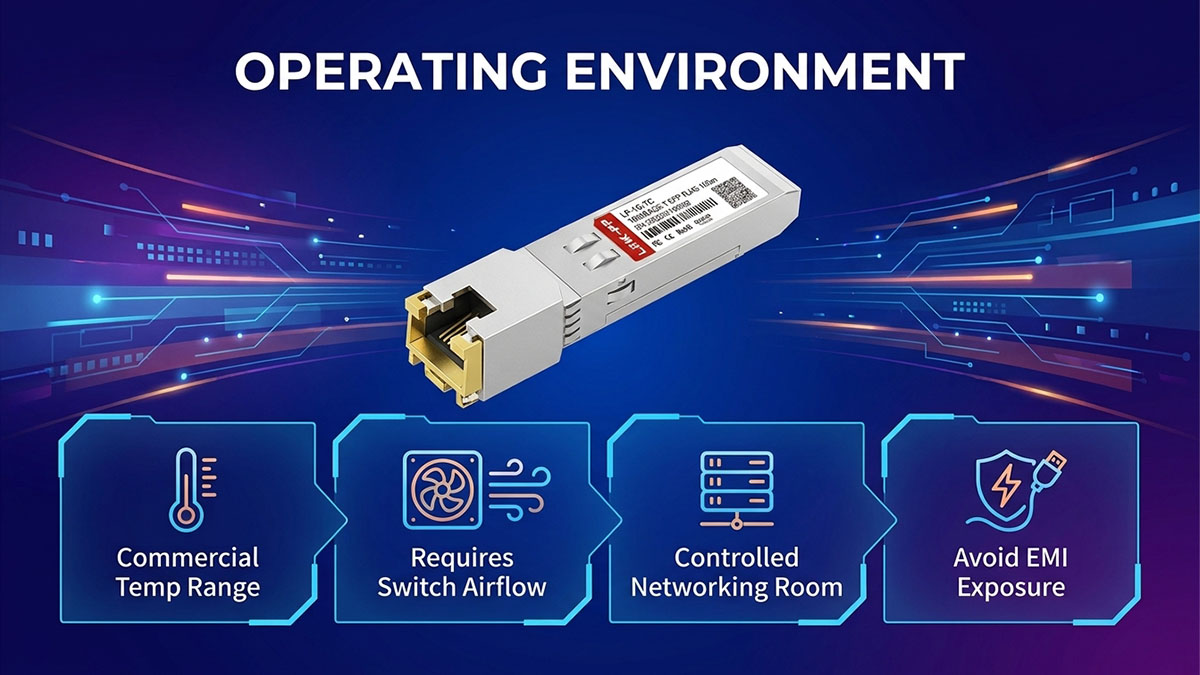
Commercial Temperature Range
J8177D is intended for standard commercial networking environments, so its temperature rating should be matched with the operating conditions of the host switch. The exact temperature limits should be confirmed against the applicable HPE Aruba documentation for the specific platform and transceiver combination.
Important considerations include:
- Verify the J8177D operating-temperature specification before installation.
- Consider the ambient temperature around the host switch rather than only room temperature.
- Distinguish standard commercial-temperature modules from extended-temperature variants.
- Check whether the switch itself has a more restrictive environmental rating.
- Avoid assuming that an SFP port's environmental rating automatically applies to every inserted transceiver.
Temperature becomes particularly important when network equipment is installed in locations where ambient conditions fluctuate significantly.
Installation Environment
J8177D is most naturally suited to controlled enterprise networking environments, including standard wiring closets, network rooms, and data-center installations. The surrounding equipment should provide adequate airflow and remain within its specified environmental limits.
For installation planning, consider:
- Adequate ventilation around the network switch.
- Sufficient clearance around densely populated SFP ports.
- Avoidance of direct heat sources.
- Stable ambient operating conditions.
- Proper rack or cabinet airflow.
- Compliance with the host device's environmental requirements.
A module can operate correctly under its rated conditions while still experiencing problems if the surrounding switch becomes excessively hot or airflow is obstructed. Therefore, the transceiver and host platform should be treated as a combined thermal system.
Cable and Environmental Factors
The copper cable connected to J8177D is also affected by the physical environment. Cable temperature, routing, electromagnetic interference, and connector condition can influence the reliability of a copper Ethernet link, particularly in challenging installation environments.
Key factors include:
- Keep copper cabling away from strong sources of electromagnetic interference where practical.
- Maintain proper separation from high-voltage or high-current equipment.
- Use appropriate cable management to avoid excessive bending or physical stress.
- Ensure RJ-45 connectors and terminations remain secure and undamaged.
- Consider ambient temperature when copper cabling is installed in hot or poorly ventilated spaces.
Consequently, evaluating J8177D environmental suitability requires more than checking a single temperature number. The transceiver, host switch, copper cabling, airflow, and installation conditions should all fall within their respective operating requirements for a dependable 1G Ethernet link.
📡 J8177D Compatibility with HPE Aruba Platforms
J8177D compatibility is platform-specific and should be verified against the exact HPE Aruba switch model, port type, and software requirements before deployment. HPE Aruba's transceiver documentation explicitly notes that not every transceiver is supported on every switch, so an SFP port that physically accepts J8177D does not by itself confirm operational compatibility.
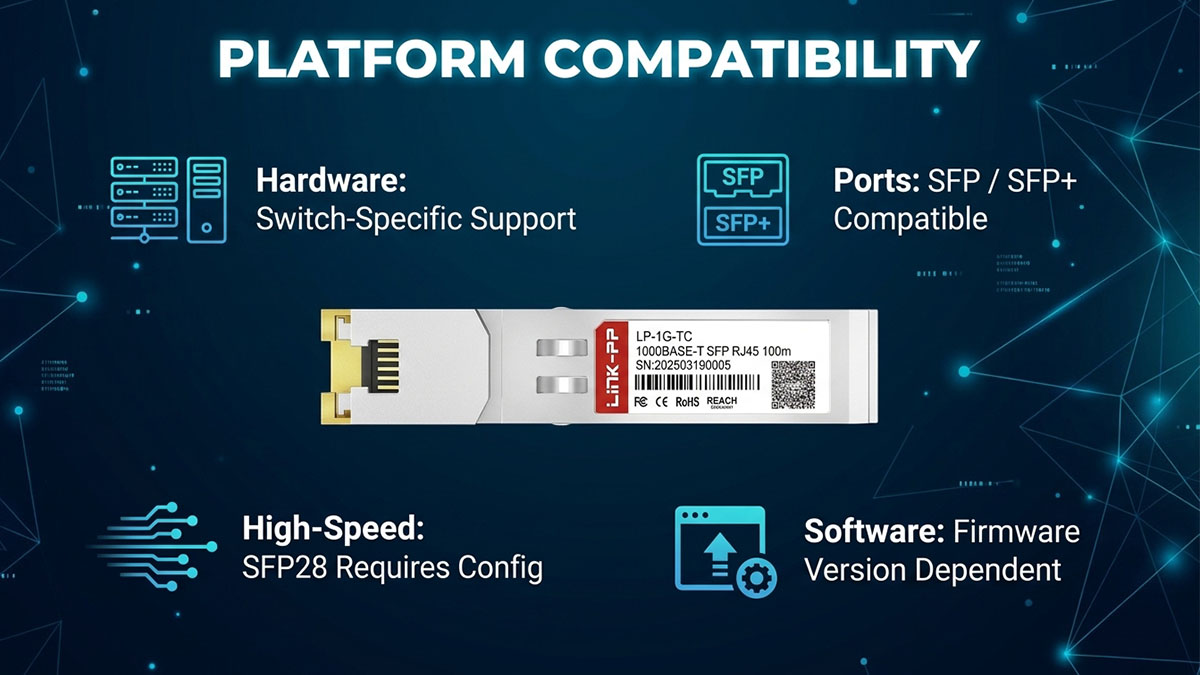
HPE Aruba Switch Compatibility
J8177D is supported across a range of HPE Aruba platforms, but the supported features and operating conditions can differ between switch families. HPE Aruba's current transceiver documentation lists J8177D among its 1G copper SFP options and provides platform-specific compatibility information.
When checking a specific switch, verify the following:
- Exact switch series and SKU
- Whether the relevant port supports copper SFP transceivers
- Supported J8177D part numbers where applicable
- Minimum required software or firmware version
- Supported operating speeds
- Any platform-specific port or interface-group requirements
For example, HPE Aruba documentation lists J8177D as a supported 1G copper option for selected platforms, while some newer SFP28-based platforms impose additional configuration requirements.
Therefore, compatibility should be confirmed using the transceiver guide together with the datasheet or hardware guide for the target switch, rather than relying only on the physical SFP form factor.
SFP vs SFP+ Port Compatibility
An SFP or SFP+ port may physically accept a transceiver with a compatible form factor, but physical insertion does not guarantee that J8177D will operate at the required speed or function on that platform. HPE Aruba documentation provides examples where J8177D is supported in both SFP and SFP+ capable ports, while the available speeds depend on the specific switch model.
Key points to verify include:
- Whether the port supports 1G operation.
- Whether J8177D is listed as a supported transceiver.
- Whether the port is configured for the appropriate speed.
- Whether the switch software supports the module.
- Whether the platform places restrictions on SFP/SFP+ port operation.
For instance, HPE Aruba documentation states that J8177D can be used in SFP and SFP+ capable ports on certain OfficeConnect platforms, but 100Mbps support differs between specific models even though 1000Mbps operation is supported.
This distinction is important because port compatibility and transceiver compatibility are related but separate requirements.
J8177D Support on SFP28 Ports
J8177D can also be supported on certain platforms equipped with higher-speed SFP28 ports, but such deployments require particular attention to port configuration. The presence of an SFP28 cage does not mean that every 1G transceiver will automatically operate at 1G.
HPE Aruba documentation provides specific examples:
- On the Aruba 8400 platform, J8177C/J8177D/J8177E can operate only at 1G.
- On the Aruba 10000 Switch Series, J8177D/J8177E are supported and can operate only at 1G.
- The 10000 series requires interface-group configuration to enable 1G or 10G transceivers in its SFP28 ports.
- Certain SFP28 modules default to higher-speed operation, so the relevant interface-group settings must be configured appropriately.
These examples demonstrate why J8177D compatibility must be checked at the platform and port-configuration level. A higher-speed SFP28 port can provide physical compatibility while still requiring explicit configuration before a 1G copper transceiver can operate correctly.
📡 J8177D Applications in Enterprise Networks
The J8177D is primarily used to provide 1Gbps copper Ethernet connectivity through an SFP interface. Its RJ-45 interface makes it suitable for enterprise environments where an SFP-equipped switch or network device needs to connect to existing twisted-pair copper infrastructure. HPE documentation identifies the J8177D as a 1G SFP RJ-45 transceiver with a 100m Cat5e transmission distance.
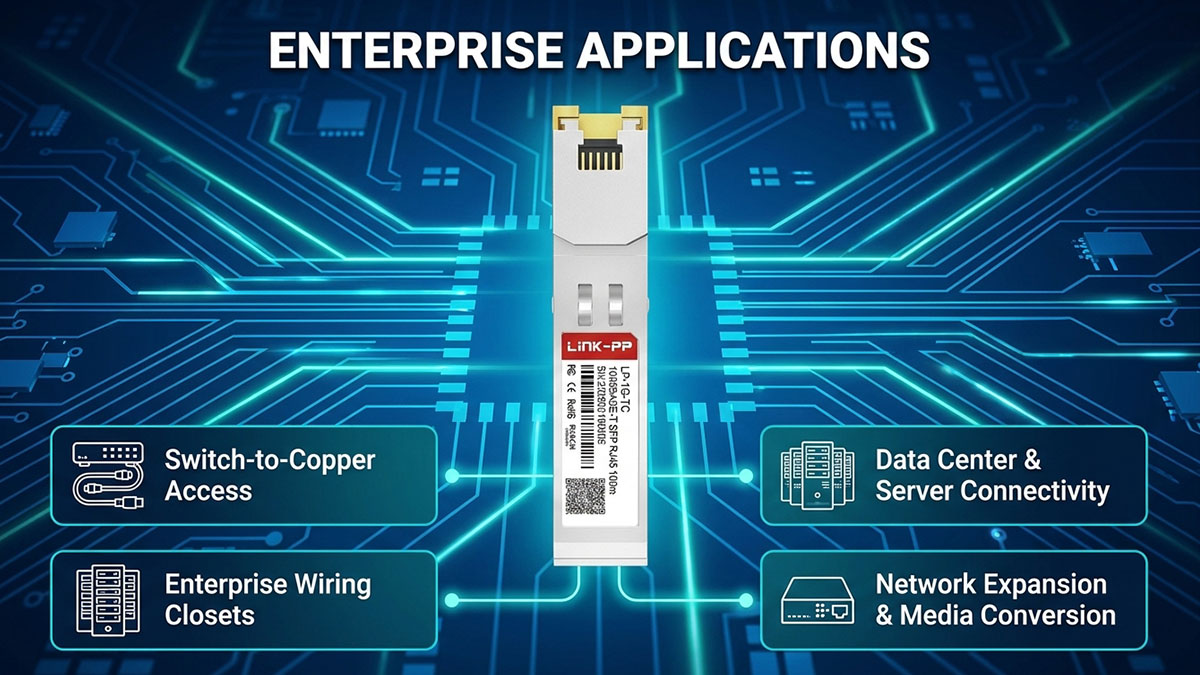
Switch-to-Copper Access Connections
The J8177D is useful when an SFP-based switch needs to connect directly to a copper Ethernet endpoint. Instead of installing a separate optical-to-electrical conversion device, the transceiver provides the copper interface within the SFP slot.
Typical connections include:
- SFP-equipped switch to an RJ-45 Ethernet endpoint
- Switch uplink or access port to an existing copper run
- Network equipment with SFP ports to copper-based devices
- Replacement of a dedicated copper access port when an available SFP slot is present
This application is particularly practical in networks where the switching platform has a mixture of fiber and SFP interfaces but the endpoint infrastructure remains copper-based.
Enterprise Wiring Closets
Enterprise wiring closets commonly contain switches that connect user devices, access points, phones, printers, cameras, and other Ethernet endpoints. The J8177D can extend the usefulness of an SFP port by allowing it to terminate a copper connection instead of requiring a fiber link.
In this environment, the J8177D can support:
- Horizontal copper cabling from patch panels to network equipment
- Connections to office-area Ethernet outlets
- Short-distance switch-to-device links
- Network expansion where existing Cat5e infrastructure is retained
Because the transceiver uses RJ-45 connectivity, it can integrate with conventional copper patching practices without introducing an optical fiber segment into the access connection.
Data Center and Server Connectivity
The J8177D can also serve selected 1Gbps connectivity requirements in data center environments, particularly for management or lower-bandwidth network links. HPE Aruba documentation distinguishes these copper 1G connections from higher-speed server links that commonly use SFP+, SFP28, DAC, AOC, or optical transceivers.
Potential data center applications include:
- 1Gbps management network connections
- Infrastructure monitoring interfaces
- Legacy server connectivity
- Low-bandwidth equipment interfaces
- Connections where existing copper cabling is preferred
For high-throughput server or storage traffic, however, a higher-speed interface may be more appropriate. The J8177D should therefore be selected according to the actual bandwidth requirement rather than simply the availability of an SFP slot.
Network Expansion and Media Conversion
The J8177D can simplify network expansion when new switching equipment must connect to an existing copper-based network. Its SFP form factor allows a compatible switch port to provide RJ-45 copper connectivity without requiring a separate external media converter.
A typical deployment can follow this path:
SFP switch port → J8177D → RJ-45 patch cable → Cat5e copper infrastructure → Ethernet endpoint
This approach can be useful when an organization is extending an existing network while preserving established copper cabling. It also allows a compatible switch platform to support different physical media types through interchangeable transceiver options.
The key consideration is that the J8177D provides a practical 1Gbps copper interface, while actual deployment suitability still depends on the host platform, port configuration, cabling condition, and required network speed. HPE Aruba documentation lists the J8177D across multiple Aruba platforms, but transceiver support remains platform-specific.
📡 How to Read the J8177D Datasheet Before Deployment
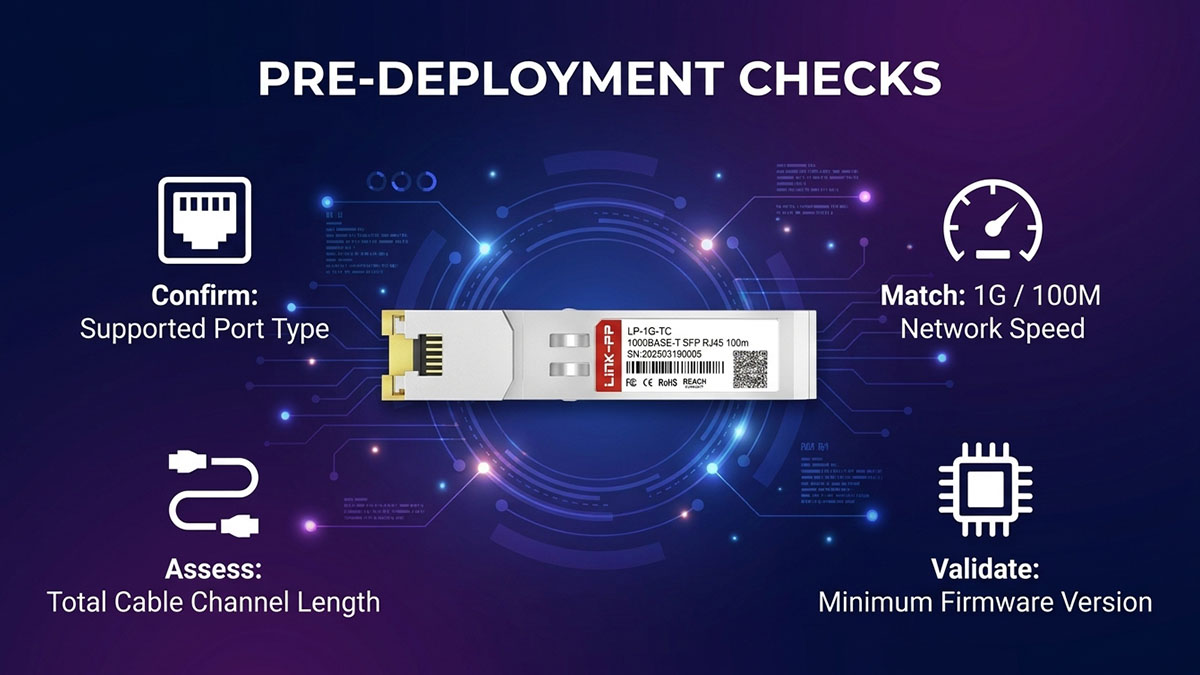
Reading the J8177D Datasheet before deployment means verifying four practical factors: the host port, required network speed, copper cabling and transmission distance, and platform software or firmware compatibility. The J8177D is specified as a 1G SFP RJ-45 transceiver using Cat5e UTP/STP cabling with a maximum transmission distance of 100m, while actual platform support can vary by switch model and port configuration.
Verify the Port Type
The first step is to confirm that the target device has an SFP, SFP+, or another explicitly supported interface for the J8177D. A matching physical form factor alone does not guarantee that the switch can operate the transceiver.
Check the following information in the switch documentation:
- Available SFP or SFP+ ports
- Supported 1G copper transceiver models
- Supported J8177D part numbers
- Port-specific restrictions
- Required interface or port-group configuration
- Minimum software or firmware version
HPE Aruba documentation shows that J8177D support differs between switch platforms, and some SFP28-based systems require specific configuration before 1G transceivers can operate.
Therefore, confirm the exact switch SKU and supported transceiver list before installing the module.
Verify the Required Network Speed
The J8177D is primarily a 1Gbps 1000BASE-T copper transceiver, so the required link speed should be confirmed before deployment. HPE documentation also lists 100Mbps operation for certain supported platforms, meaning speed behavior should not be assumed to be identical across all Aruba switches.
Before deployment, determine:
- Whether the application requires 1Gbps or 100Mbps
- Whether the host port supports the required speed with J8177D
- Whether the switch requires manual speed configuration
- Whether both endpoints support the same Ethernet speed
- Whether the expected speed matches the platform's transceiver support documentation
For example, HPE documentation specifies different 100Mbps behavior across Aruba platforms. Some systems support 100Mbps operation with J8177D, while others explicitly restrict the transceiver to 1Gbps operation.
Verify Cabling and Distance
The datasheet should next be checked for the required copper medium and maximum reach. J8177D is specified for Cat5e UTP/STP cabling and up to 100m transmission distance, making the cable infrastructure an important part of the deployment check.
Verify:
- Cat5e or higher-quality compatible copper cabling
- RJ-45 termination and connector condition
- Total copper channel length
- Patch-panel and patch-cord sections
- Cable routing and physical condition
- Electromagnetic interference in the installation environment
The 100m specification should be treated as the maximum supported copper channel distance rather than an assumption that every installation will achieve the same result. Poor cabling, damaged connectors, excessive patching, or environmental interference can reduce link reliability even when the nominal distance is within the specified limit.
Verify Software and Firmware Compatibility
Finally, check the switch's software or firmware requirements before deployment. HPE Aruba transceiver documentation provides minimum software versions for specific platforms, demonstrating that hardware compatibility and software support are separate considerations.
A practical pre-deployment check should confirm:
- Switch model: Is the exact platform listed as supporting J8177D?
- Port type: Is the target port compatible with a 1G copper SFP?
- Transceiver code: Does the platform recognize the required J8177D part number?
- Software version: Does the installed firmware meet the documented minimum?
- Port configuration: Are any speed or interface-group settings required?
- Cabling: Does the installed copper link meet the Cat5e and distance requirements?
Checking these items together provides a more reliable deployment decision than evaluating the transceiver's physical dimensions alone. The J8177D Datasheet establishes the module's technical characteristics, while the switch's own documentation determines whether those characteristics can be used on the intended platform.
📡 Common J8177D Deployment Issues and Troubleshooting
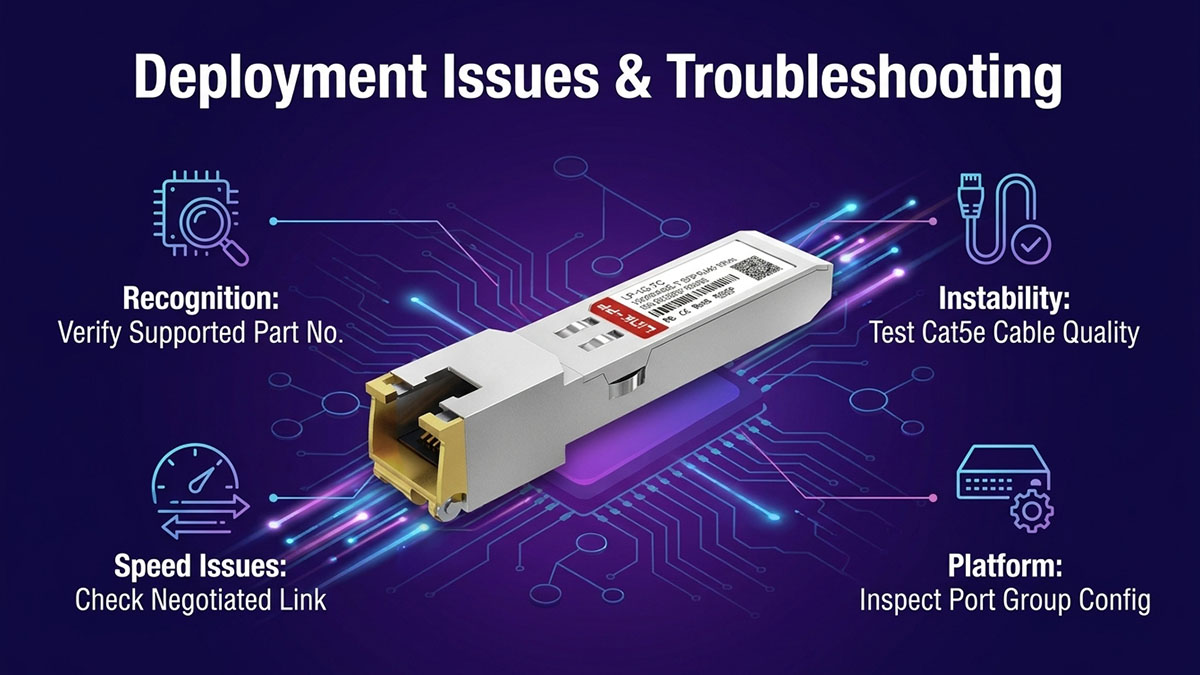
Common J8177D deployment problems usually involve module recognition, link speed, link stability, or unexpected speed limitations. The most effective troubleshooting approach is to check the host platform, supported transceiver type, software version, port configuration, cabling, and negotiated speed in sequence. HPE Aruba documentation also notes that transceiver support can vary by switch model and port, so a physically compatible SFP slot does not necessarily guarantee J8177D operation.
J8177D Is Not Recognized
If the switch does not recognize the J8177D, the first checks should focus on transceiver support, part number, port restrictions, and software compatibility. HPE Aruba maintains platform-specific transceiver support lists and minimum software requirements, while unsupported transceivers may not be recognized or enabled reliably.
Check the following items:
- Confirm that the exact switch model supports J8177D.
- Verify that the J8177D part number is listed for the platform.
- Check the installed switch software or firmware version.
- Confirm that the selected port supports 1G copper SFP operation.
- Reseat the transceiver and check whether the switch reports its presence.
- Test the module in another documented compatible port when available.
- Review system logs or transceiver status information for identification errors.
Some Aruba platforms also impose port-specific restrictions. For example, HPE Aruba documentation identifies particular port groups or port rows where 1G RJ-45 transceivers are supported.
If the module remains unrecognized after these checks, the problem is more likely related to platform support, software, port restrictions, or the transceiver itself than to the Ethernet cable.
Link Does Not Reach 1Gbps
When a J8177D link comes up but does not operate at the expected 1Gbps, verify both endpoints and the physical copper channel before assuming that the transceiver is defective. The J8177D is specified as a 1G copper transceiver, while actual speed behavior depends on the host platform and supported configuration.
A practical troubleshooting sequence is:
- Check the negotiated speed reported by both connected devices.
- Confirm that the switch port supports 1Gbps operation with J8177D.
- Verify that the far-end Ethernet interface supports 1Gbps.
- Replace the patch cable with a known-good Cat5e or better cable.
- Check connectors, patch panels, and cable termination.
- Review any manually configured speed or duplex settings.
- Check whether the switch requires a specific interface-group or port configuration.
If the platform supports only certain speeds for J8177D, changing the port configuration alone may not resolve the problem. For example, HPE Aruba documents several switch series where J8177D operation is limited to 1Gbps.
Link Drops or Becomes Unstable
Intermittent J8177D connectivity is often associated with the copper link, connector condition, environmental factors, or an unsupported port configuration. A link that repeatedly goes up and down should therefore be investigated at both the physical and platform levels.
Start by checking:
- RJ-45 plug and port condition
- Cat5e cable quality and termination
- Total cable-channel length
- Patch-panel connections
- Cable routing near strong electromagnetic interference
- Switch temperature and airflow
- J8177D seating inside the SFP cage
- Port logs and link-state events
Cable problems are particularly important because the J8177D depends on a copper Ethernet channel rather than an optical fiber path. HPE Aruba troubleshooting guidance also identifies incorrectly wired cables, excessive cable lengths, and unsupported transceiver types as potential causes of network problems.
If replacing the cable and checking the physical connections does not resolve the instability, test the J8177D on another known-supported port or platform. This helps distinguish a module problem from a port or cabling problem.
📡 Conclusion
The J8177D Datasheet identifies the J8177D as a 1G SFP copper transceiver that provides RJ-45 connectivity for 1000BASE-T Ethernet networks. Its 1Gbps data rate, Cat5e copper cabling, and 100m maximum transmission distance make it suitable for many short-distance enterprise Ethernet deployments.
The key points to remember are:
- 1Gbps 1000BASE-T operation over twisted-pair copper
- RJ-45 network interface in an SFP form factor
- Cat5e UTP/STP cabling with up to 100m reach
- Suitable for enterprise access, wiring-closet, management, and other 1G copper connections
- Compatibility and available speeds depend on the switch model, port, software version, and configuration
- 100Mbps operation should be verified against the specific HPE Aruba platform documentation rather than assumed
For organizations evaluating J8177D-compatible solutions, the technical specifications should always be considered together with host-platform compatibility and deployment requirements. The LINK-PP Official Store provides compatible optical networking products and connectivity solutions that can help support different enterprise network configurations and deployment needs.